

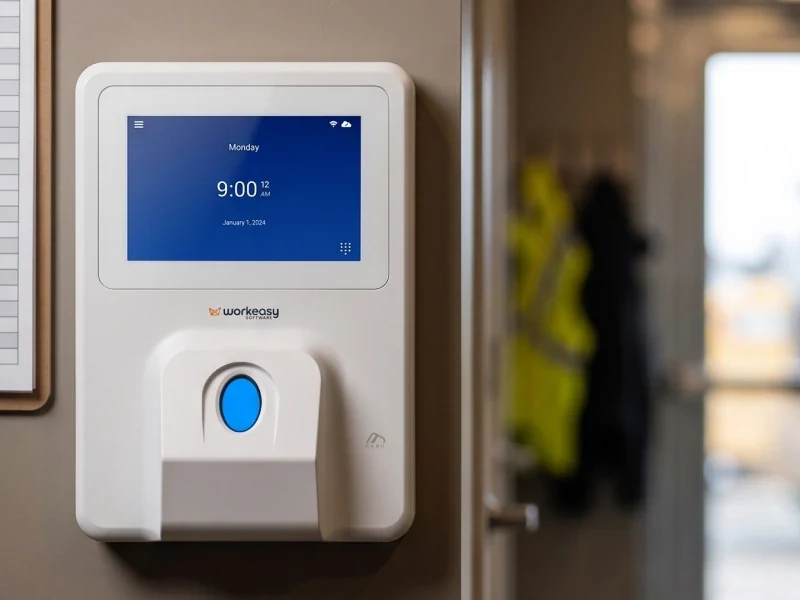


FOX
WorkEasy Software recognized as a Top 25 Global Work Tech Vendor. Work Tech Awards honor best-in-class vendors.
What the Xenio P3000 portable time clock is, how a punch works on an open jobsite, four ways to clock in, power planning, and how it compares with the Xenio M2000.

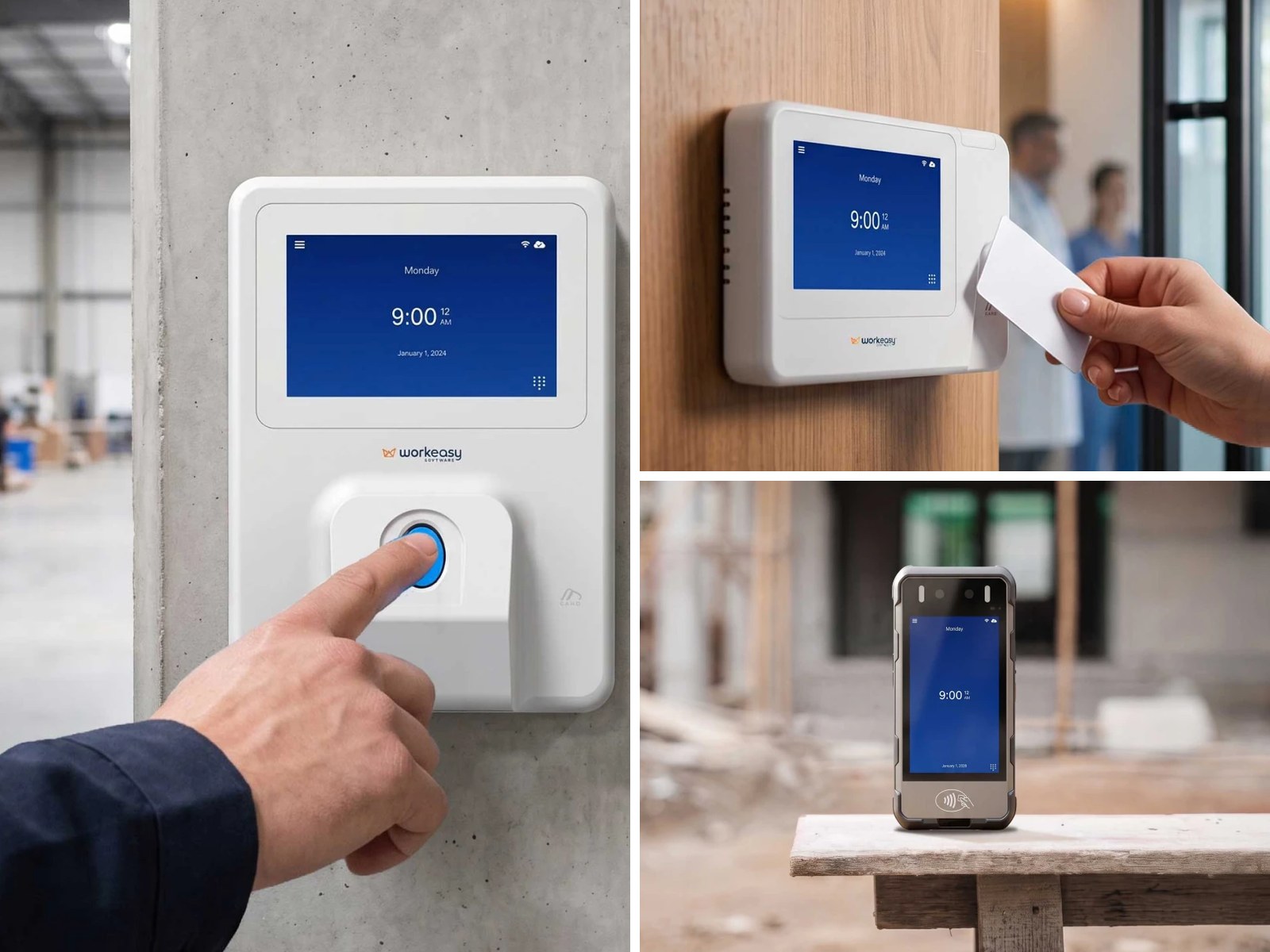
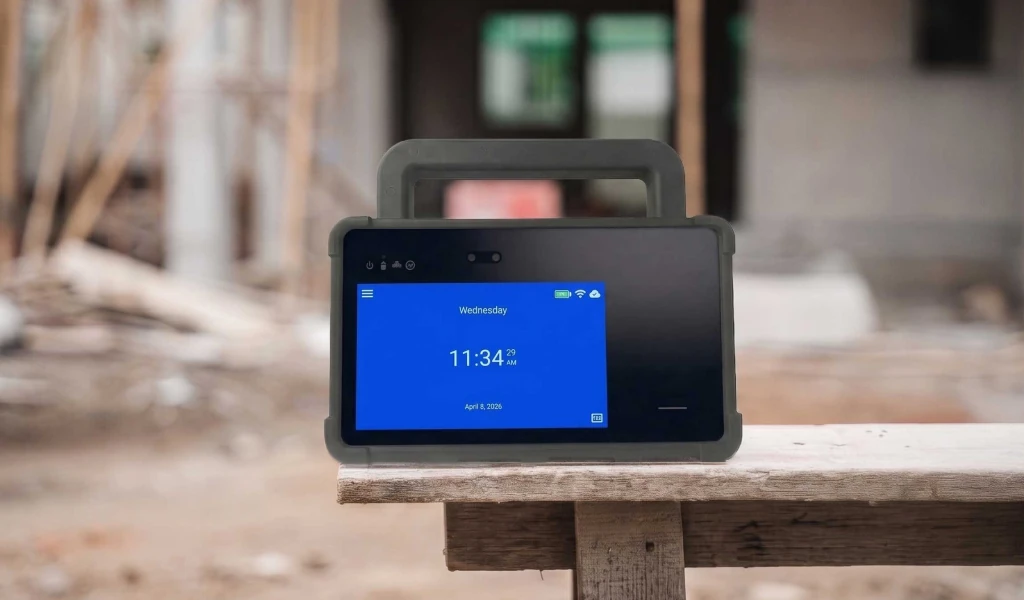
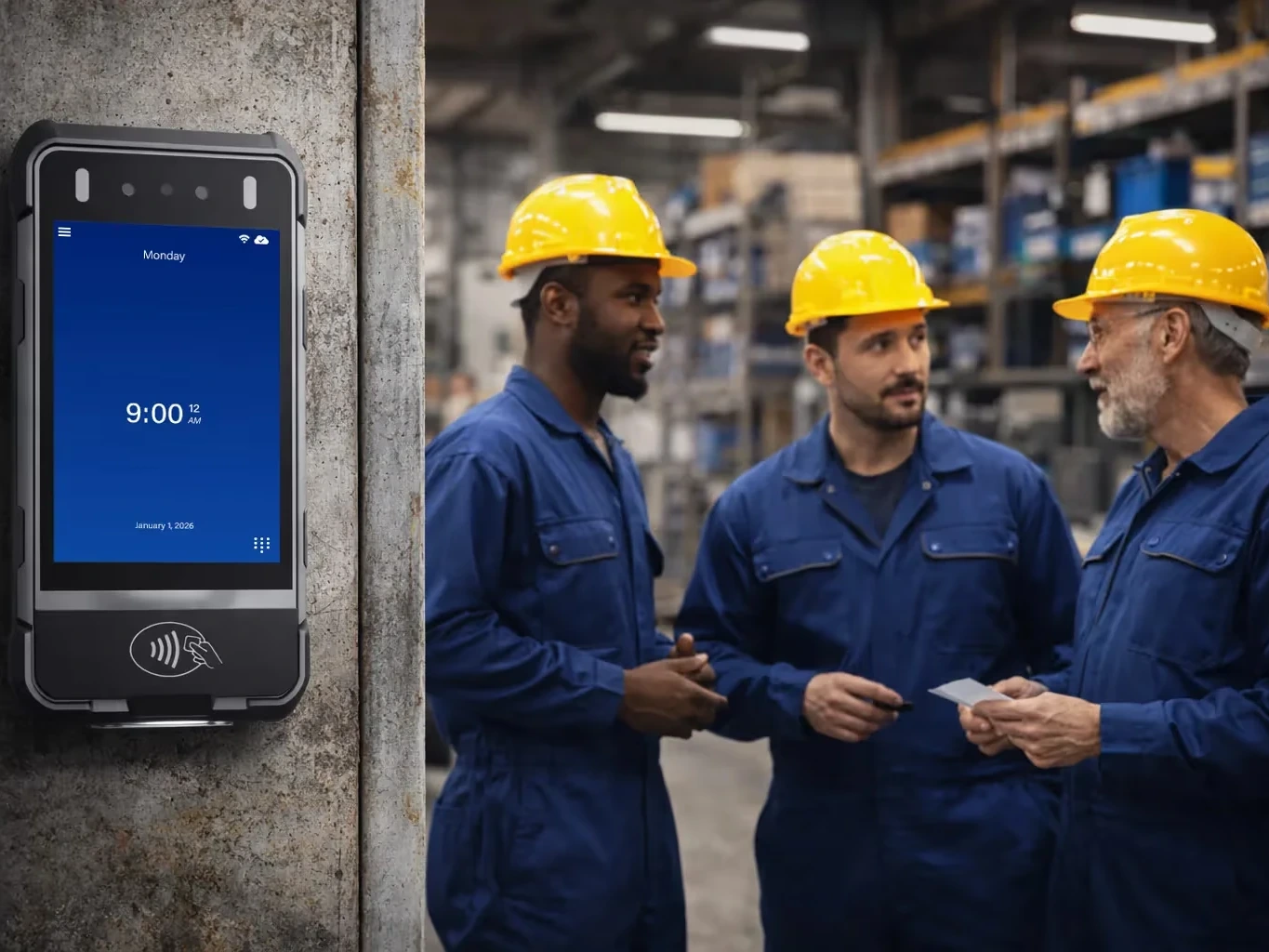
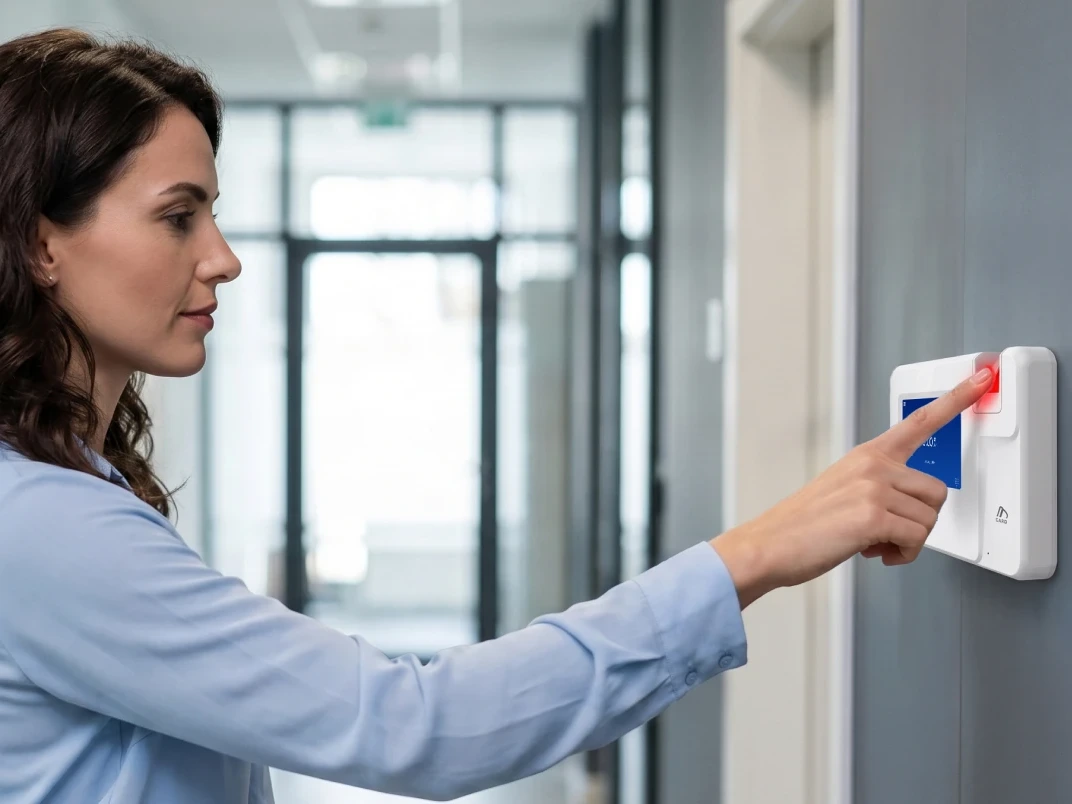
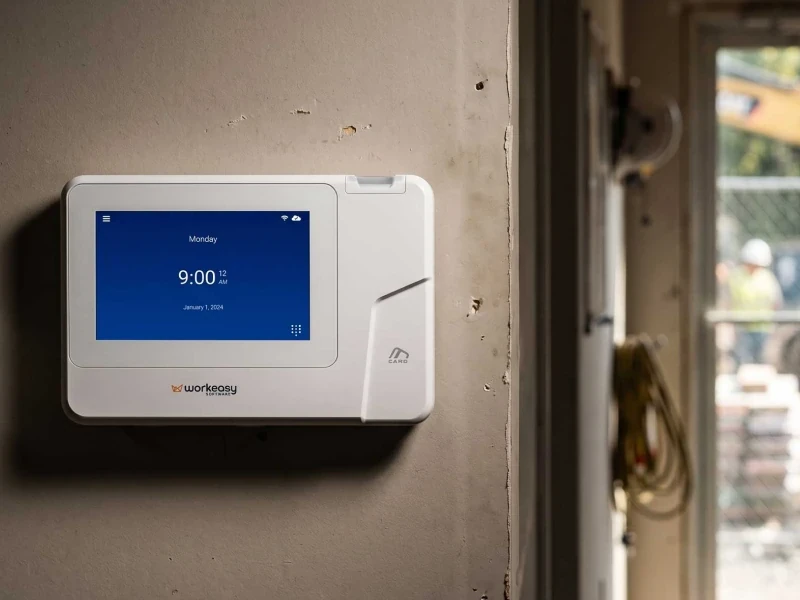
WorkEasy launched the Xenio P3000 on September 25, 2026. The Xenio P3000 is a portable biometric time clock for crews who work where there's no wall to mount a clock, no mains power and no Wi-Fi. Workers clock in with their palm, face, fingerprint, card or PIN. The clock runs on its own battery, connects over 4G LTE, and records the location of every punch. It's IP66-rated, dustproof and water resistant, and shock-resistant, so it can hang in a site trailer or travel with the crew from one jobsite to the next.
WorkEasy's launch announcement put the purpose in one line from CEO Sino Jos: "The Xenio P3000 was built for the field." You can read the full launch announcement for the Xenio P3000. This page is the practical reference. It covers what the Xenio P3000 does, which sites it fits, how a punch works on an open jobsite, and how it compares with the Xenio M2000 and with wall-mounted clocks.
Already know the Xenio P3000 fits your crews? Tell us about your sites and a WorkEasy specialist will put together a quote. Get a quote for the Xenio P3000.
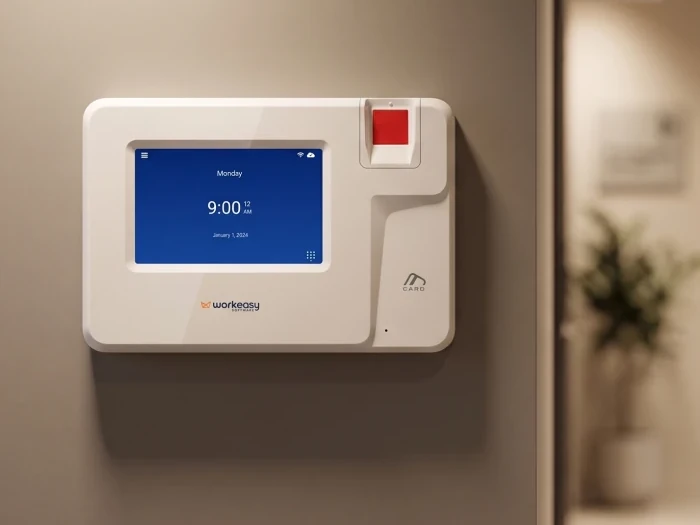
The Xenio P3000 is a time clock that goes where the work goes. It verifies who is clocking in, records where and when, and sends the punch to WorkEasy's Time and Attendance for approval. Here are the specifications that matter on a jobsite.
The Xenio P3000 product page says palm recognition verifies a worker in less than one second. For photos, the full specifications and a look at the clock in action, visit the Xenio P3000 product page. For a one-page summary to share with your team, download the Xenio P3000 overview (PDF).
Pick a time clock by the conditions where people clock in, not by the trade you're in. The Xenio P3000 is the right clock when one or more of these is true at the punch point.
Construction, field service, utilities, landscaping and manufacturers with crews moving between plants can all run into these conditions. Two crews in the same trade can still need different clocks. A crew working out of a permanent shop with a wall, power and a network can use a wall-mounted clock. The same company's crew on an open site can't.
Here's what happens between a worker walking up to the Xenio P3000 and the hours reaching payroll.
The location check is a setting in WorkEasy, not a job for the foreman. Set an allowed area around each site, and the clock does the checking at every punch. To see how the location side works across WorkEasy, read how GPS and geofencing work on a time clock.
A verified punch helps the crew too. When someone asks about a timesheet, the record shows who clocked in, where, when and how. WorkEasy clocks, the Xenio family, are made for WorkEasy Software, so a punch goes from the clock to the timesheet without anyone typing it in.
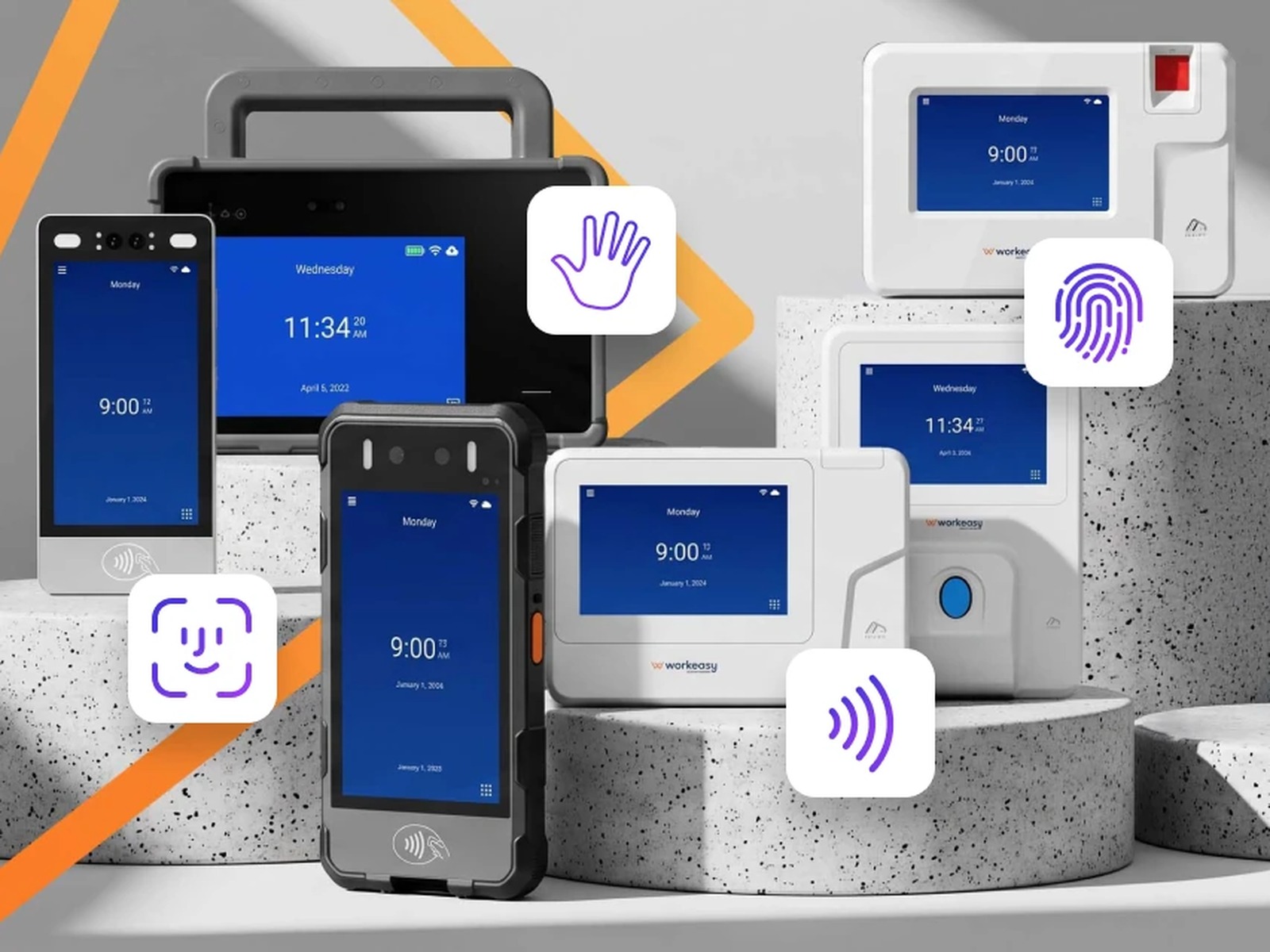
The Xenio P3000 carries four ways to clock in on one clock. Each one fits a different moment on a jobsite.
Because all four are on the same clock, a bad read has a fallback. The worker tries again, taps a card or enters a PIN.
Before a Xenio P3000 ships, decide how it gets power and how it connects at each site. Three setups to plan for.
If the connection drops in the middle of a shift, the Xenio P3000 keeps recording punches and uploads them automatically when the connection is back. Nobody has to re-enter hours by hand.
WorkEasy makes two field clocks and a line of wall-mounted clocks. Every one of them is available to any business. The table shows which conditions each one is built for.
| Xenio P3000 | Xenio M2000 | Wall-mounted Xenio clocks | |
|---|---|---|---|
| Built for | Open jobsites, weather, no mains power, crews moving between sites | Crews moving between sites, face-first clock-in | A fixed site with a wall, power and a network at the punch point |
| Ways to clock in | Palm, face, fingerprint, card, PIN | Face, card, PIN | Fingerprint, face or card, depending on the model, plus PIN |
| Weather | IP66-rated, dustproof and water resistant, shock-resistant | IP65-rated, dustproof and water resistant | For indoor or sheltered spots |
| Power | Battery for full shifts, AC or PoE+ | Battery | Wall power or PoE, depending on the model |
| Connection | Wi-Fi, Ethernet, 4G LTE | Wi-Fi, 4G LTE, no Ethernet | Wi-Fi and Ethernet |
| Location on every punch | Yes, GPS and geofencing | Yes, GPS and geofencing | Not needed, the clock stays at one site |
| Mounting | On a wall or with the crew | On a wall or with the crew | On a wall |
Choose the Xenio P3000 when the site is open to the weather, has no mains power or network, or when you want palm, face, fingerprint and card on one clock. It's also the safe pick when you can't yet say what conditions a site will have.
Choose the Xenio M2000 when crews move between sites and face recognition is how you want them to clock in. It's the simpler choice when you don't need palm or fingerprint and don't need an Ethernet connection. On the Xenio M2000 too, punches outside the allowed area are stopped at the clock, and every punch carries its location.
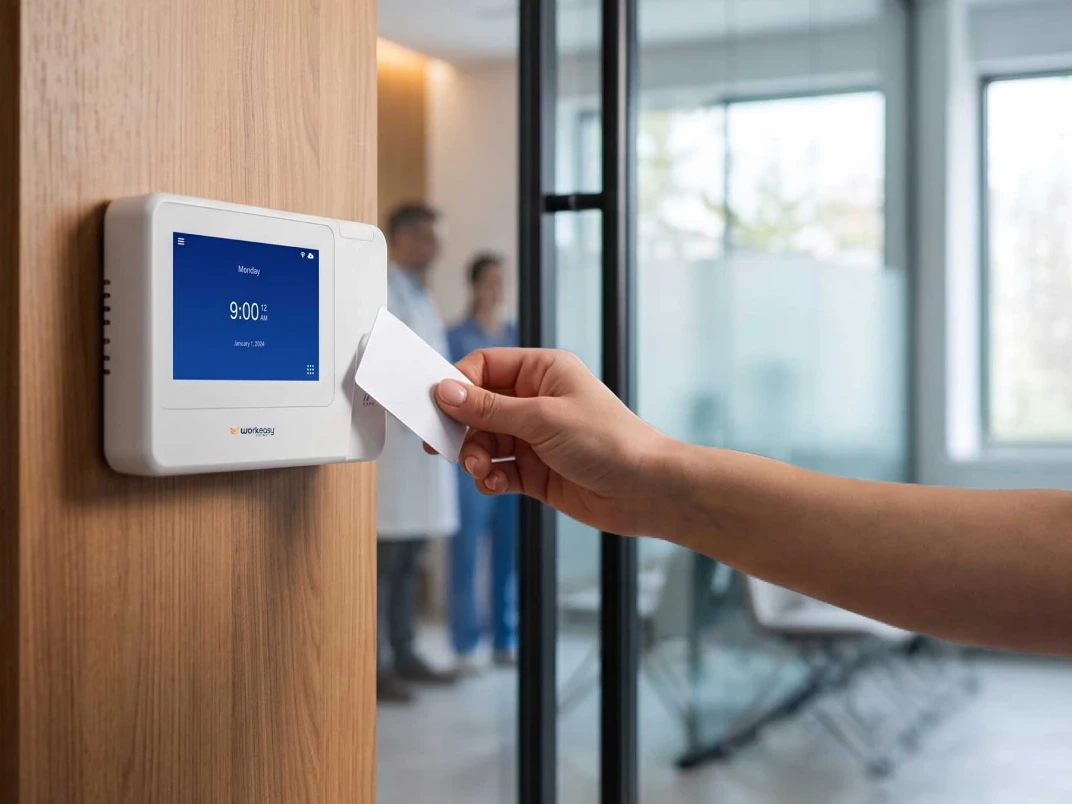
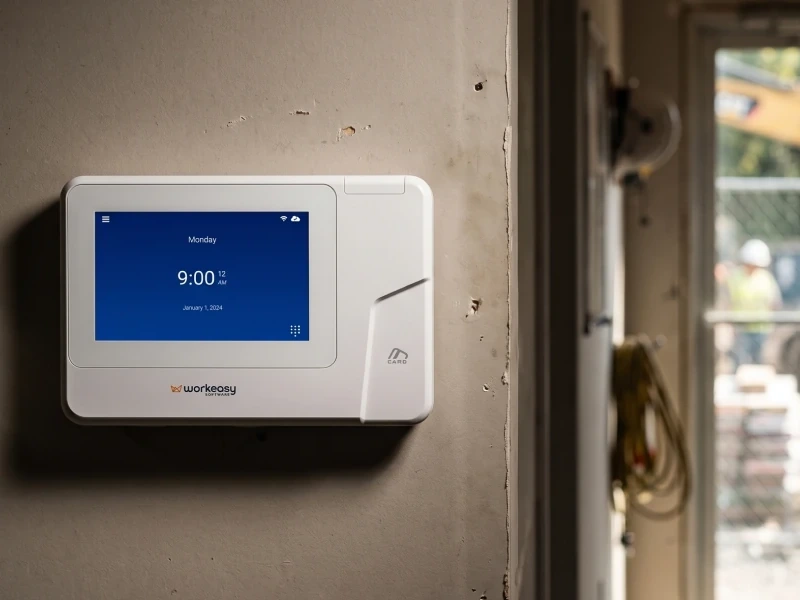
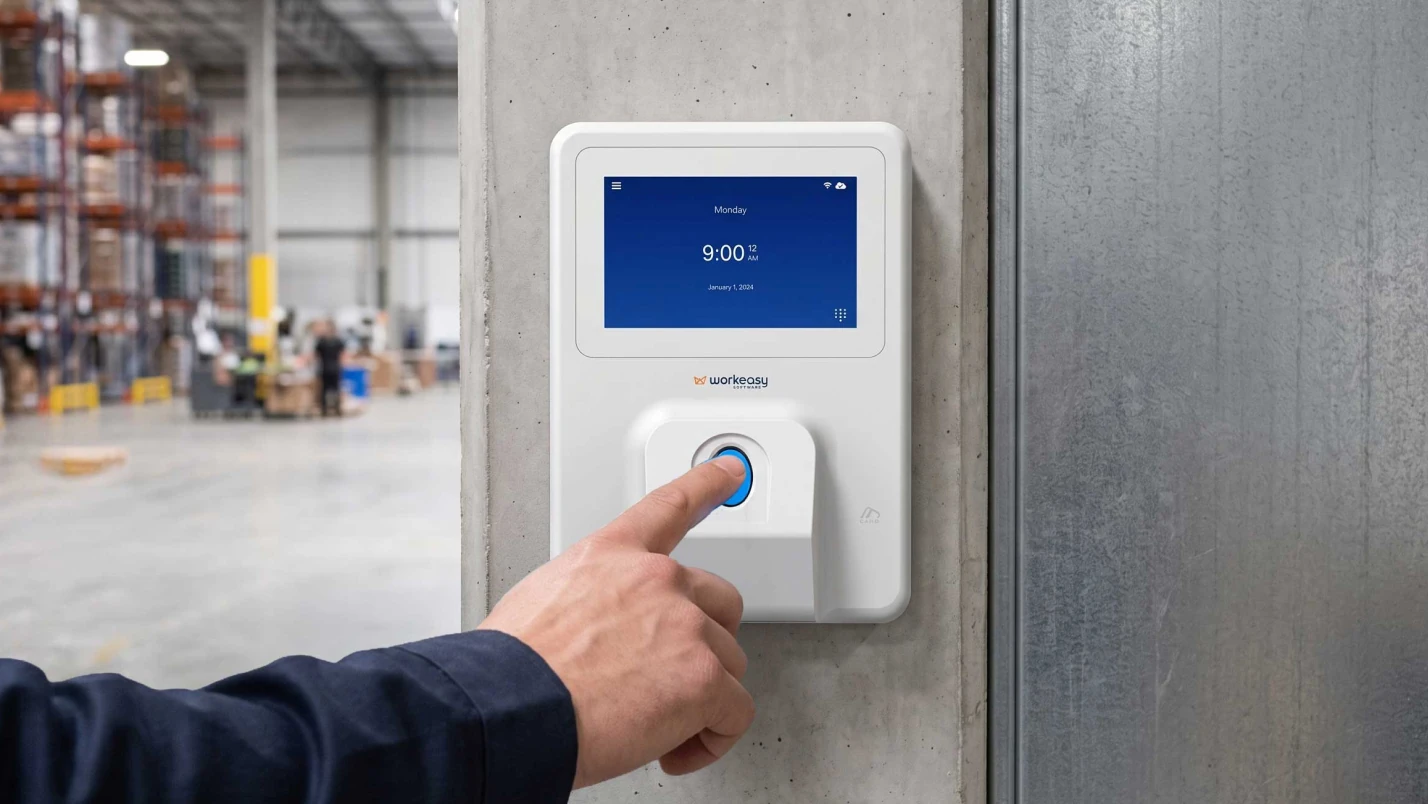
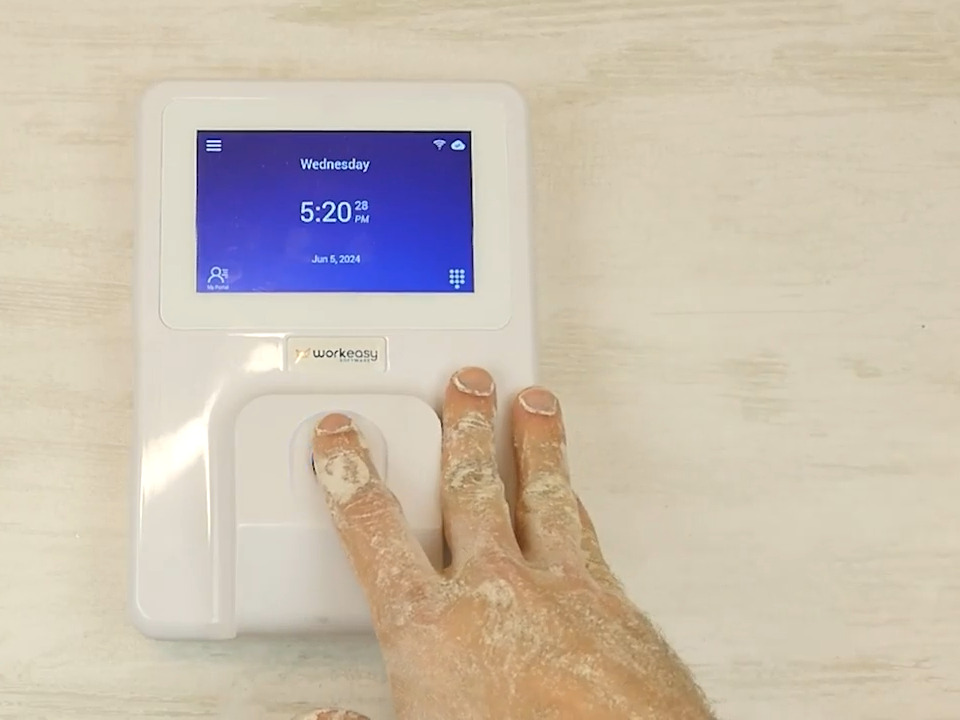
Choose a wall-mounted clock when you have a wall and power. A shop, a plant or a permanent site office with a network at the door is a fixed location, and a wall-mounted clock fits it. See the full range on the Xenio time clocks page.
You don't have to pick one kind for the whole company. You can put a wall-mounted clock in the shop and a Xenio P3000 with each crew in the field, all feeding the same timesheets. For a site-by-site way to decide, read how to pick the right time clock.
Ready to price the Xenio P3000 for your crews? Get a quote for the Xenio P3000.
The Xenio P3000 is available now. More than 9,000 companies use WorkEasy. A WorkEasy specialist can walk through your sites with you, from how many clocks you need to how each one gets power and a connection, and put it all in a quote.
Short answers to the questions that come up most often.
The Xenio P3000 is a portable biometric time clock from WorkEasy Software, launched September 25, 2026. Workers clock in with palm, face, fingerprint, card or PIN. The clock runs on a rechargeable battery, connects over Wi-Fi, Ethernet or 4G LTE, and records the location of every punch with GPS. It's IP66-rated, dustproof and water resistant, and shock-resistant, and it mounts on a wall or travels with the crew.
Yes. The Xenio P3000 connects over 4G LTE where a site has no Wi-Fi, and it also takes Ethernet and PoE+. If there's no connection at all when someone clocks in, the clock keeps recording punches and uploads them automatically when the connection is back.
The Xenio P3000 has a 7,600 mAh rechargeable battery built for full shifts. WorkEasy doesn't publish an hours figure, so plan where the clock charges between shifts. In a site trailer or container, the clock can run on AC power or PoE+ instead.
Yes. The Xenio P3000 is IP66-rated, dustproof and water resistant, and shock-resistant, so it can work on an open jobsite. Wall-mounted Xenio clocks are for indoor or sheltered spots.
Yes. On the Xenio P3000, punches outside the allowed area are stopped at the clock, and every punch carries its location. Set an allowed area around each site, and the clock checks it at every punch.
Both are WorkEasy field clocks with a battery, 4G LTE, GPS and geofencing. The Xenio P3000 adds palm and fingerprint to face, card and PIN, adds Ethernet and PoE+, and is IP66-rated and shock-resistant. The Xenio M2000 is IP65-rated and has no Ethernet. It's the simpler choice when crews move between sites and face recognition is how you want them to clock in.
No phone needed. A manager enrolls workers at the clock, by palm, face or fingerprint, so nobody has to download an app or send a selfie.
Pricing depends on how many clocks you need and how many employees use WorkEasy. Clock hardware is bought outright or on a hardware subscription. Request a quote and a WorkEasy specialist will price it for your crews and sites.
WorkEasy Software in the news
Learn what the news media is saying about WorkEasy Software products and service.
WorkEasy Software recognized as a Top 25 Global Work Tech Vendor. Work Tech Awards honor best-in-class vendors.
WorkEasy Software powers game-changing teams with surprisingly easy technology in mission-critical areas.

Work Tech Awards honor top vendors worldwide whose efforts exemplify what Inspiring Workplaces calls “real impact.”

WorkEasy Software recognized as a Top 25 Global Work Tech Vendor. Work Tech Awards honor best-in-class vendors.

Work Tech Awards honor top vendors worldwide whose efforts exemplify what Inspiring Workplaces calls “real impact.”

WorkEasy Software powers game-changing teams with surprisingly easy technology in mission-critical areas.

WorkEasy Software powers game-changing teams with surprisingly easy technology in mission-critical areas.


