
FOX
WorkEasy Software recognized as a Top 25 Global Work Tech Vendor. Work Tech Awards honor best-in-class vendors.
Phone apps, badge clocks and biometric clocks side by side, matched to the conditions where your hourly team clocks in, with a clock for each work environment.
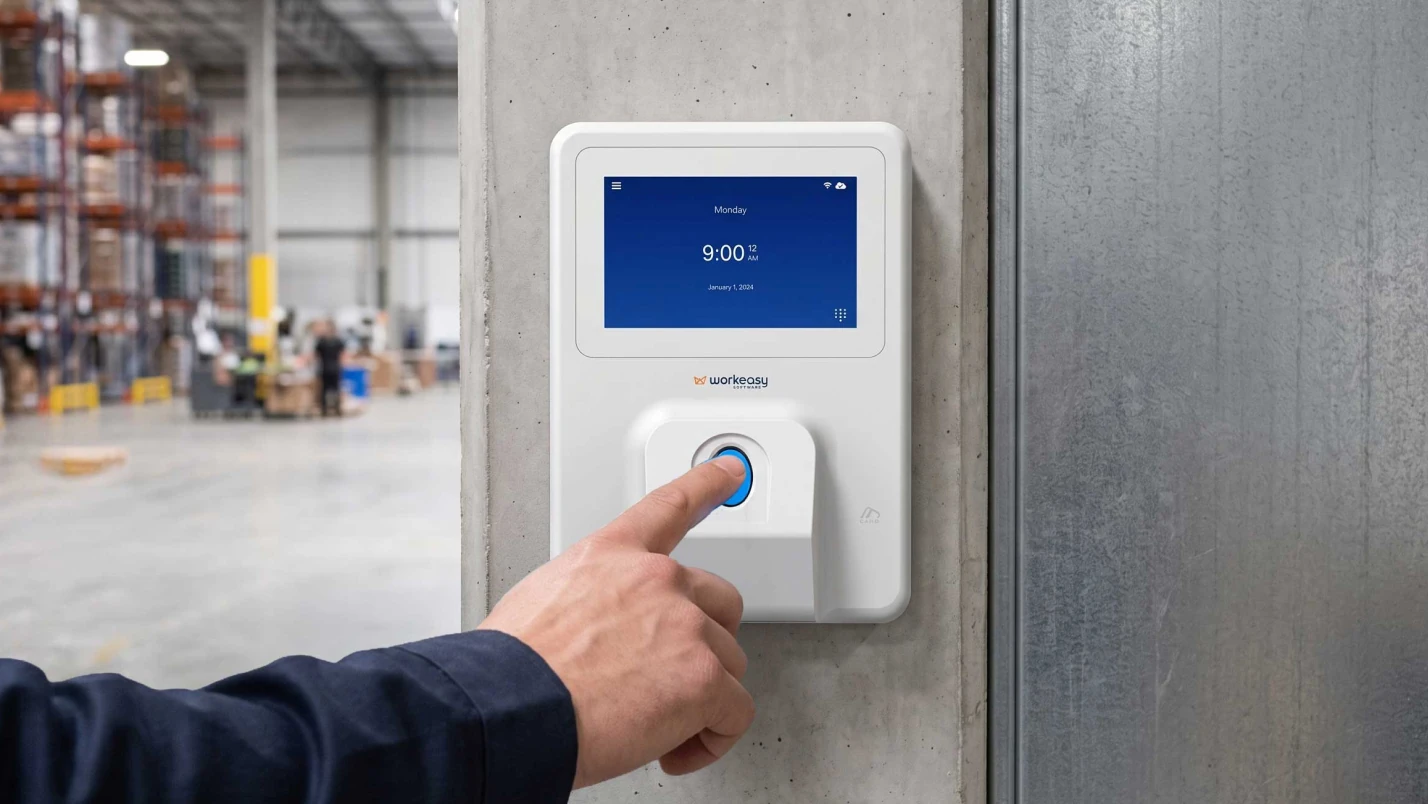
A clock that works in the office can fail on the dock. Phones stay in lockers, a badge records whoever taps it, and the wrong fingerprint reader struggles with greasy hands.
A biometric time clock confirms who is clocking in by face, fingerprint or palm. A badge clock records whoever taps the card. A phone app on its own records whoever holds the phone. For hourly teams on shared sites, biometric clocks tie each punch to the real worker, and the right sensor depends on the conditions. Start with where your people work, because the clock that fits a clean office may not fit a loading dock or an open yard.
The three types of time clock are phone apps, badge clocks and biometric clocks, and they differ on one question, which is what the punch proves. On its own, a phone app or a badge records whoever holds it. A biometric clock matches the worker. The table splits biometric clocks into fingerprint and facial, because their conditions differ.
| Phone app | Badge clock | Fingerprint clock | Facial recognition clock | |
|---|---|---|---|---|
| How it confirms the punch | Records whoever holds the phone | Records whoever taps the card | Matches the worker's fingerprint | Matches the worker's face |
| Ties the punch to the real worker | Not on its own. A login, photo or location check helps, but it is not a biometric match | No | Yes | Yes |
| Conditions it handles | Anywhere phones are allowed | Any hands, mounted indoors or sheltered | Indoor or sheltered. Industrial-grade sensors read dirty, oily or wet fingers | Touchless, so gloves stay on. Outdoor use only on rated portable or mobile clocks |
| Best for | Office staff and roles with company phones | Fast tap and go, or as a backup clock | Plant floors, warehouses, site offices | Healthcare, food production, high traffic, mobile crews |
| One system, one place for pay rules | When the app and your clocks share a system | When the clock reports into that system. A standalone clock does not | When the clock reports into that system. A standalone clock does not | When the clock reports into that system. A standalone clock does not |
| What drives cost | Per-user software, runs on workers' phones | A lower-cost device, plus cards to replace | Device cost rises with sensor grade | Device and environment rating |
| WorkEasy clock to see | For crews, the mobile time clock for job sites, a device rather than a phone | Proximity smart card | Industrial-grade fingerprint | Touchless facial recognition |
The one-system row is easy to skip, and it starts to matter the moment you run more than one clock or more than one site.
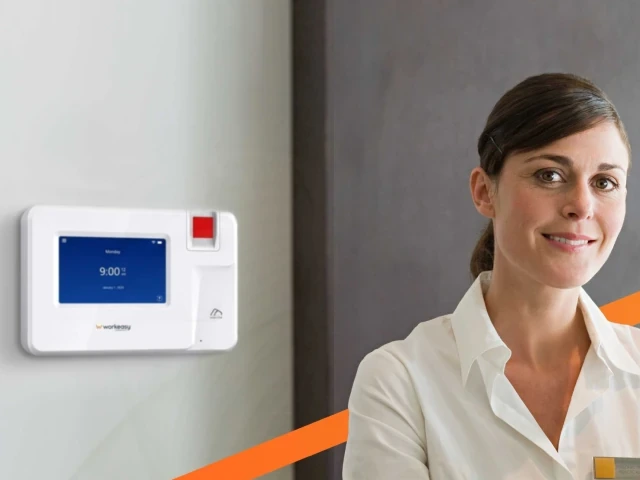
A biometric time clock confirms who is clocking in by matching the worker's face, fingerprint or palm, so the punch is tied to the person and not to a card or a phone. The three methods suit different conditions, so the sensor decides how well the clock works on your site.
Section 9 of WorkEasy's Terms & Conditions covers biometric data, so read it before you choose a biometric clock.
A badge clock makes sense when speed comes first, when hands would get in the way of a sensor, or when you want a backup beside a biometric clock. A badge clock is not biometric, so it confirms the card, not the person. Decide up front whether confirming the card is enough for that site.
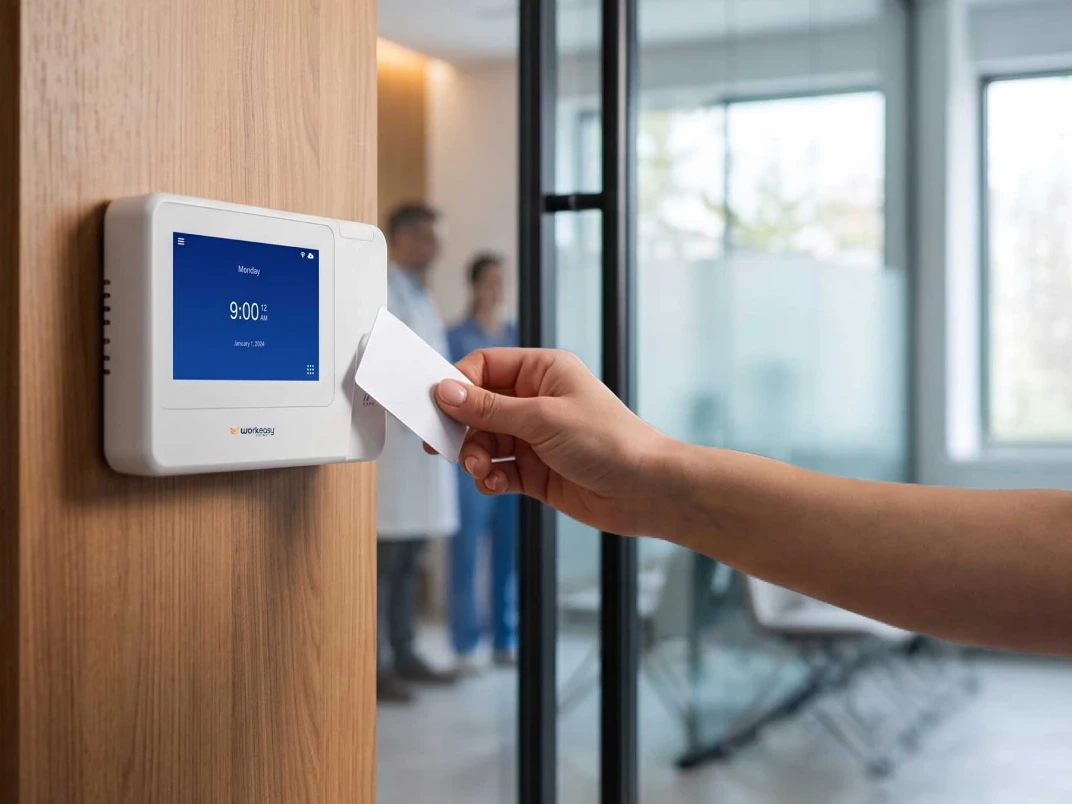
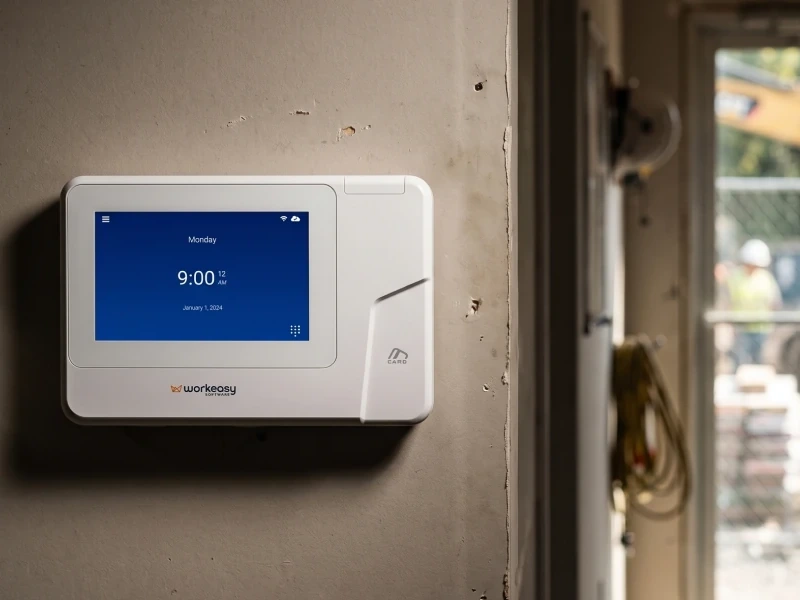
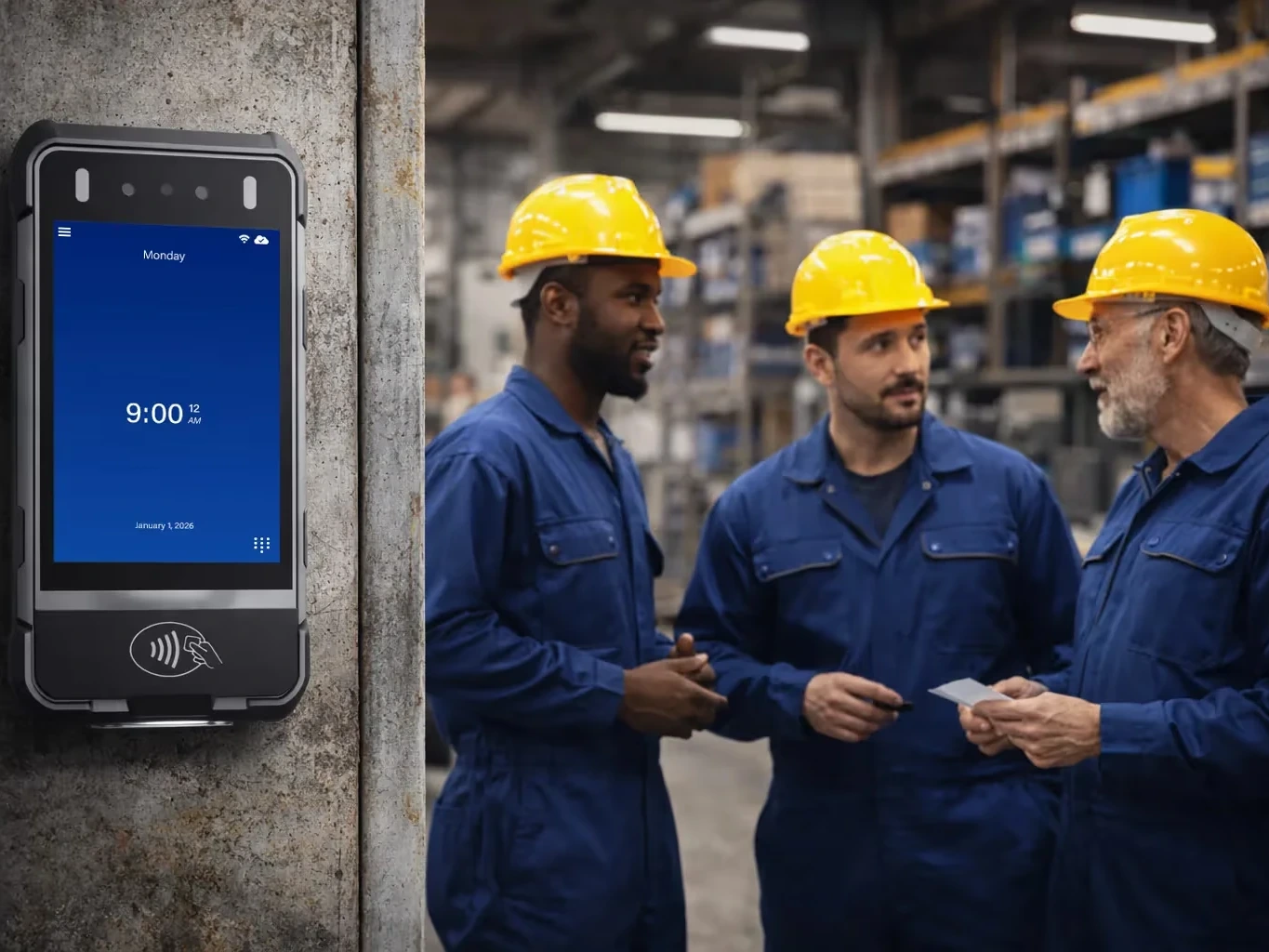
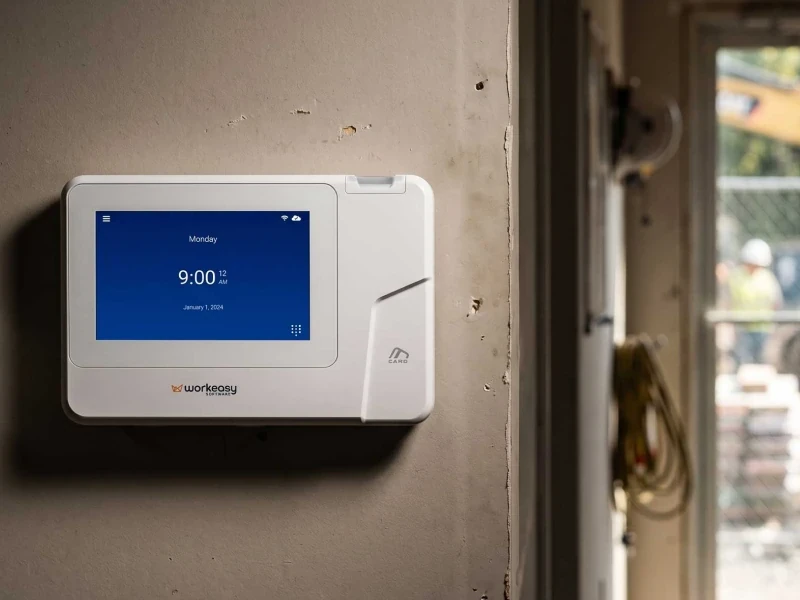
A badge clock, also called a proximity card clock, has no sensor to read hands, so dirty or wet hands make no difference. The proximity smart card time clock is made for the fastest tap and go. It is a fixed clock, mounted indoors or sheltered. As a backup, it gives a site a second way to clock in that does not depend on a sensor. Card reading is also available on the fingerprint clocks and the portable clock.
A card can be tapped by whoever is holding it. Buddy punching, one person tapping for another, creates inaccurate records, and a card clock on its own leaves that gap open. The gap sits in the process, not with your people.
A phone app is enough when your people work in an office, or are spread out with no shared punch point, and phones are allowed where they work. A phone app falls short where phones aren't allowed, where devices are shared, or where you need each punch matched to the person.
A phone app is a fair choice for office staff, for roles with company phones and for some field roles. There is no clock to install, and people punch wherever the work is.
A phone app confirms a login and a location. A biometric clock confirms the person in front of it. Every punch also depends on that phone being charged, on hand and signed in.
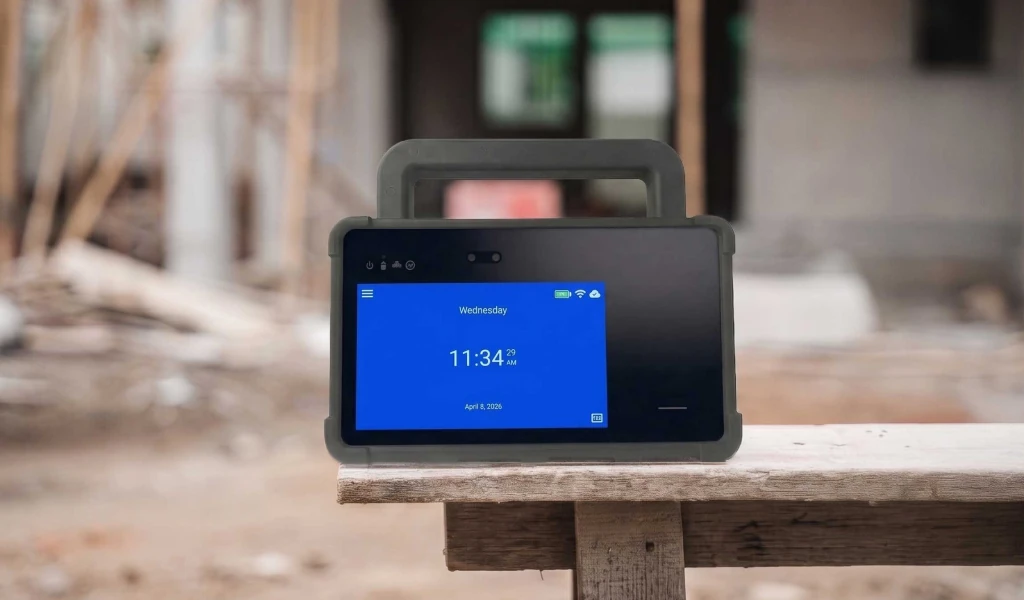
Crews on job sites have another option. The mobile time clock for job sites is a device rather than a phone app, with no wall mount needed, so it goes where the crew goes and matches the worker's face.
WorkEasy has a phone punch too, for fully distributed staff, with GPS geofencing and real-time sync, and it runs in the same system as the clocks. If you use any phone app alongside clocks, check that both report into one system.
The clock that fits depends on four conditions at the punch point, which are the hands, the traffic, the installation and the connectivity. Match those first and the type of clock follows. The table shows which clock fits each kind of site best.
| Where your people work | Clock | What it offers |
|---|---|---|
| Job sites, outdoor and weather-exposed mounts | Portable biometric time clock | Rugged, 4G LTE, battery, GPS, dustproof and water resistant, shock-resistant, palm recognition |
| Mobile crews, rotating sites, trailers | Mobile time clock for job sites | No wall mount needed, 4G LTE, GPS, dustproof and water resistant, reads through hard hats and PPE |
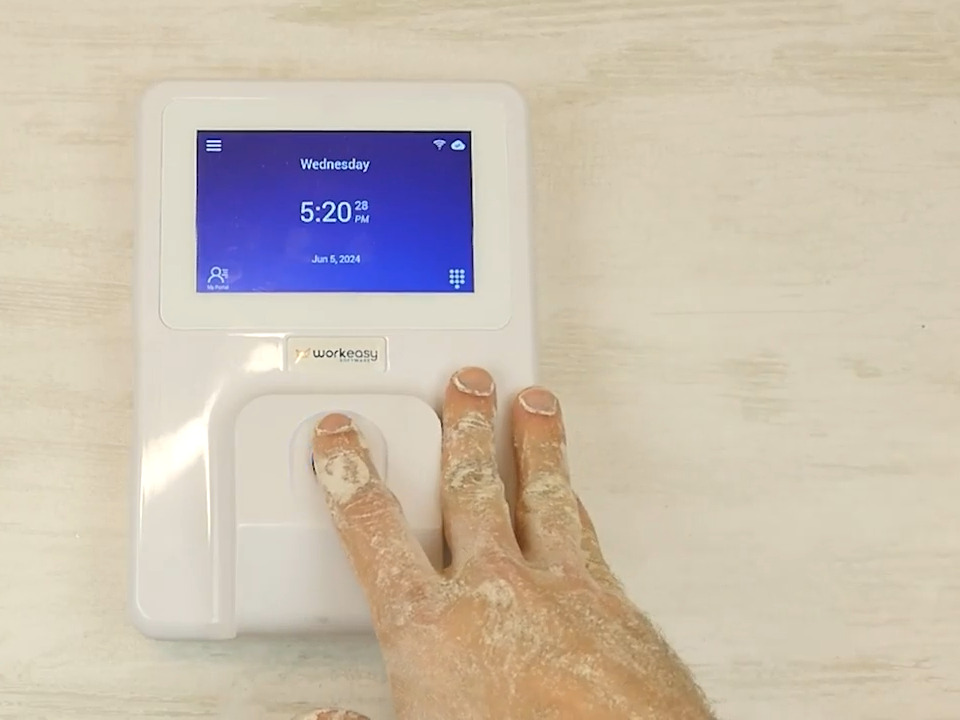
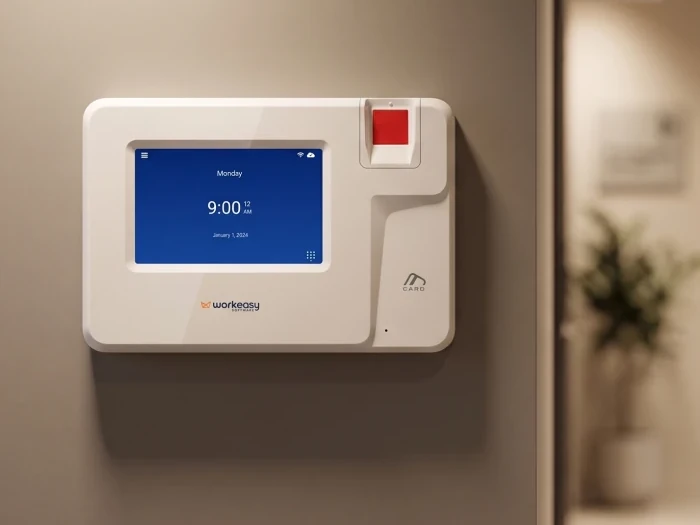
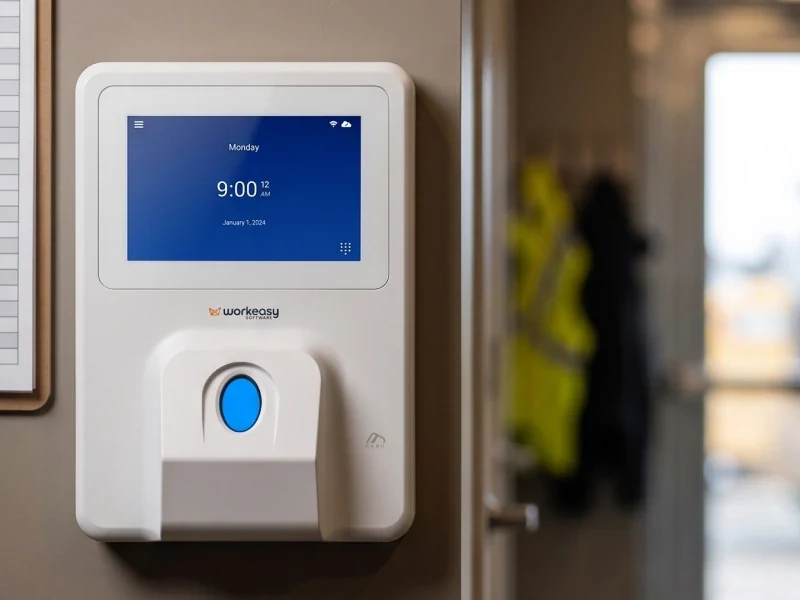
| Plant floors, warehouses, site offices | Industrial-grade fingerprint time clock | Reads dirty, oily, wet or damaged fingers, for harsh indoor or sheltered spaces |
| Healthcare, food production, high traffic | Touchless facial recognition time clock | Touchless, 99.9% recognition accuracy, self-enrollment by selfie |
| Hospitality and busy mixed sites | Advanced fingerprint time clock | Handles dusty or oily hands at high volume |
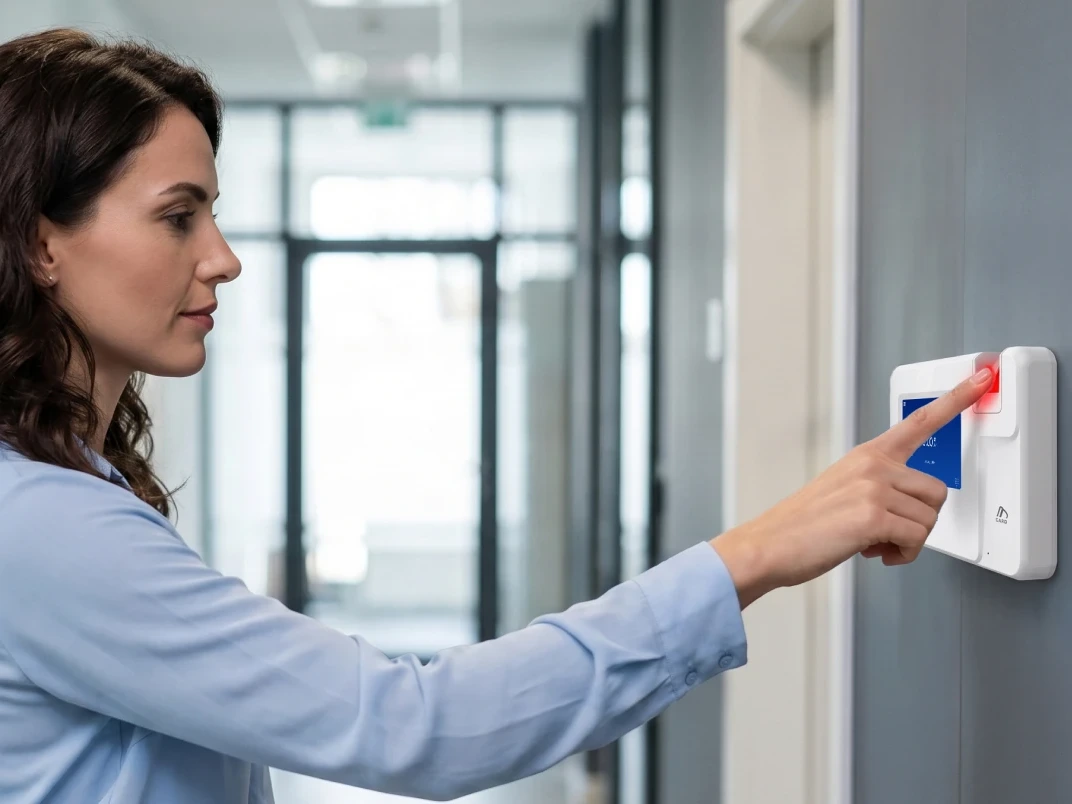
| Clean offices and clinics | Smart fingerprint time clock | A cost-effective clock for clean, dry hands |
| Any fixed site, or as a backup | Proximity smart card time clock | Fastest tap and go. Not biometric |
A clean, low-traffic office does not need an industrial sensor, which also keeps the cost down. Every clock is on the WorkEasy time clock catalog, and the time clock lineup sheet (PDF) puts the lineup on one sheet.
If your team still runs on a punch clock and paper cards, start with the same question, where your people work, and match the clock to those conditions.
A company with a plant floor, a yard and a site office has different conditions at each punch point, so it is looking at more than one type of clock. The clocks can differ while the system stays the same. Every WorkEasy clock reports into one system, with one place for your pay rules.
Here is an example, written to show the idea and not drawn from a specific customer.
A punch on the plant floor and a punch in the yard land in the same place, so nothing has to be rebuilt before payroll. Your people's hours come out right wherever they clock in, and approved hours sync to the payroll provider you already run. For a company with several locations, that makes one standard practical, with the same clock for the same conditions and your pay rules in one place.
Start with the clock and Time and Attendance. For the software side, read what a time and attendance system does, and how to choose one. Scheduling, Time Off and HR Data Management are on the same platform when you need them. Clocks are available on a flexible subscription as well as purchase, and the WorkEasy pricing page is the place to start on cost.
More than 10,000 companies use WorkEasy, and 750,000 workers clock in every day. Once you know which clocks fit your conditions, the next step is a number for your own operation. Get a quote for your sites. Tell us how many sites you run, so the quote fits your whole operation.
Short answers to the questions that come up most often.
Biometric time clocks confirm who is clocking in by matching the worker's face, fingerprint or palm, so each punch is tied to the person and not to a card or a phone. Six of the seven clocks in the WorkEasy lineup are biometric, across those three methods. The seventh, the proximity card clock, is not biometric.
The cost of a biometric time clock depends on the sensor grade, the environment rating and the software behind it. Device cost rises with sensor grade. WorkEasy clocks are available on a flexible subscription as well as purchase. For figures on your own sites, see the pricing page or request a quote at workeasysoftware.com.
The best fingerprint time clock depends on the hands and the conditions. The industrial-grade clock suits dirty, oily, wet or damaged fingers in harsh indoor or sheltered spaces. The advanced clock handles dusty or oily hands at high volume. The smart fingerprint clock is a cost-effective choice for clean, dry hands at low traffic.
It depends on the glove and the clock. Thin gloves such as latex or nitrile read best on the industrial-grade fingerprint clock, and to a lesser degree on the advanced clock. No WorkEasy clock reads a fingerprint through heavy work gloves. With heavy gloves or PPE, a facial clock means no gloves come off, and the mobile time clock reads through hard hats and PPE. A card tap also works with gloves on.
The answer depends on where your company operates and on your own policy. Notice and consent are the employer's to handle, with its own counsel, and a time clock vendor can't settle that question for you. For someone who prefers not to use a biometric read, a card is a non-biometric way to clock in on the clocks that take one, including the proximity card clock, the fingerprint clocks and the portable clock.
WorkEasy Software in the news
Learn what the news media is saying about WorkEasy Software products and service.
WorkEasy Software recognized as a Top 25 Global Work Tech Vendor. Work Tech Awards honor best-in-class vendors.
WorkEasy Software powers game-changing teams with surprisingly easy technology in mission-critical areas.

Work Tech Awards honor top vendors worldwide whose efforts exemplify what Inspiring Workplaces calls “real impact.”

WorkEasy Software recognized as a Top 25 Global Work Tech Vendor. Work Tech Awards honor best-in-class vendors.

Work Tech Awards honor top vendors worldwide whose efforts exemplify what Inspiring Workplaces calls “real impact.”

WorkEasy Software powers game-changing teams with surprisingly easy technology in mission-critical areas.

WorkEasy Software powers game-changing teams with surprisingly easy technology in mission-critical areas.


