
FOX
WorkEasy Software recognized as a Top 25 Global Work Tech Vendor. Work Tech Awards honor best-in-class vendors.
Six types of time clock system for companies with 50 to 999 employees, each judged on the same five parts, including where WorkEasy Software falls short.
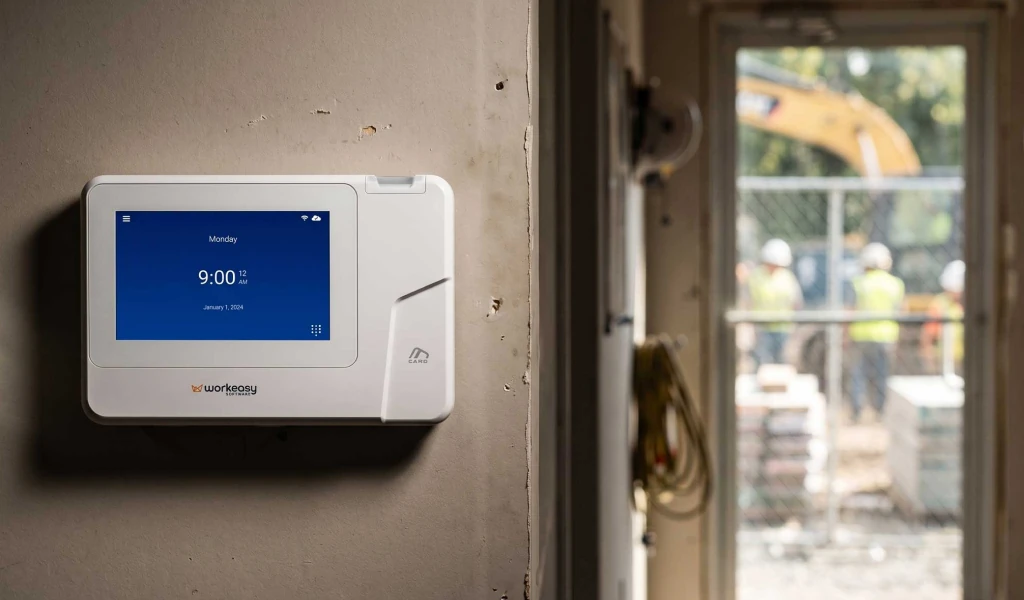
The best employee time tracking system for 50 to 999 hourly employees confirms who is clocking in, works in each site's conditions, keeps one set of rules and one view across sites with the right clock at each, and syncs approved hours to your payroll provider without re-keying. The main types of system at this size are phone apps, tablet kiosk apps, time tracking built into a payroll provider, standalone biometric clocks with separate software, large enterprise workforce suites, and a connected system where the clock and the software work as one.
For hourly, shift-based teams on job sites, plant floors and warehouses, especially across several sites, a connected time clock and software system is the strongest choice. WorkEasy Software offers biometric time clocks and the time and attendance software behind them, and syncs approved hours to the payroll provider you already use. More than 10,000 companies use WorkEasy, and 750,000+ workers clock in every day.
WorkEasy sells one of the six options below, so every entry answers the same five questions and says where it falls short at this size, ours included. The page compares types rather than named products. Paper timesheets and punch cards aren't on the list, because they are what a rollout like this replaces. If you have fewer than 50 employees, read the best time clocks for small businesses instead.
A time tracking system for 50 to 999 employees has to pass six tests you can check on a vendor call and defend to the people who sign off.
It confirms the right person is clocking in. A phone app confirms a login and a location. A biometric clock confirms the person in front of it. A card confirms the card. Each of those can fit a site, so ask every vendor what a punch proves at each of yours. When the record ties to the right person, hours come out right and people get paid for the time they worked.
It works in each site's conditions. Write down what each punch point deals with, such as dirt, oil, wet hands, hygiene rules, weather and the line at shift change. Then ask how the clock performs in those conditions, and what happens to the clocks you have now. Ask about gloves too, because a card tap works with any gloves and no fingerprint clock reads through heavy work gloves. Where a site has no Wi-Fi, ask for a clear answer per clock on what happens to a punch until it syncs.
Approved hours sync to your payroll provider without re-keying. Name your provider and ask to see the path the hours take. A real-time sync and a file someone moves each pay period are different amounts of work. If you're switching, ask what pay-code or cost-center cleanup the sync needs first.
One set of rules and one view across sites, with the right clock at each. Ask whether a manager can see every site in one place and how a new site gets added. Ask whether a worker who clocks at more than one site is enrolled once or per site. If pay rules differ by site or state, ask the vendor to show you how that is set up. Ask what records the system produces for an audit of overtime, breaks or prevailing wage, and how older records stay available after a switch.
Security holds up to IT review. Your IT team will want written answers on how data, including biometric data, is stored and protected, so ask each vendor for security documentation and its published terms. On customer data in general, the WorkEasy security page says there is one customer per database. The database is encrypted at rest on the server, and data is encrypted over potentially insecure networks. Penetration testing runs at least annually. You can download a SOC 3 report. Customers can request a copy of the SOC 2 certificate. Notice and consent are a separate question from storage. Section 9 of WorkEasy's Terms & Conditions is where the terms set out who carries them.
You know the full cost at your headcount. Build one sum per vendor. Take the per-worker or per-location fee, multiply it by your headcount or sites, and add any base fee. Then add clocks or tablets, setup and anything else that recurs. Ask how headcount is counted, what the contract term and minimums are, and what warranty or replacement covers. Also ask how you get your data back and end the hardware arrangement if it doesn't work out. Every vendor has to pass this test, including WorkEasy.
The connected system from WorkEasy Software comes first because it is our recommendation for hourly, shift-based teams. The other five aren't ranked, because the right one depends on your sites.
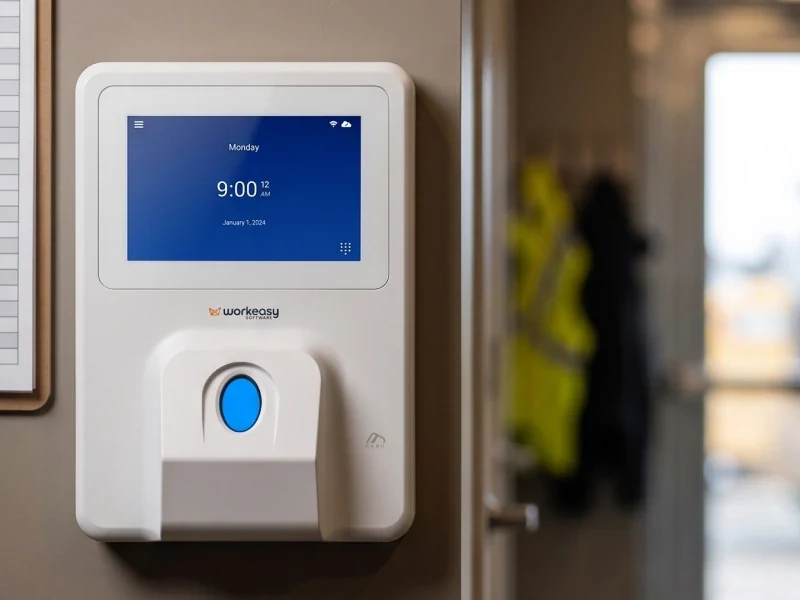
What it is. A connected system pairs WorkEasy's biometric time clocks at each site with the workforce management software behind them, so a punch becomes reviewed hours with nothing to rebuild.
Best for. Construction, manufacturing, warehousing, transportation, facilities, restaurants, healthcare and senior care, especially a company running more than one kind of site.
How it works. The clock captures the punch, and six of the seven WorkEasy clocks also confirm who made it. Hours land in Time and Attendance, where your pay rules apply and supervisors approve them. The system handles overtime calculations, break tracking, prevailing wage records and certified payroll reports. Approved hours then sync to your payroll provider. WorkEasy connects to major payroll providers natively and in real time, and the routes to your payroll provider are native integrations, secure APIs or customized configurations. WorkEasy doesn't run payroll. What happens to a punch with no Wi-Fi is a question for us too, clock by clock.
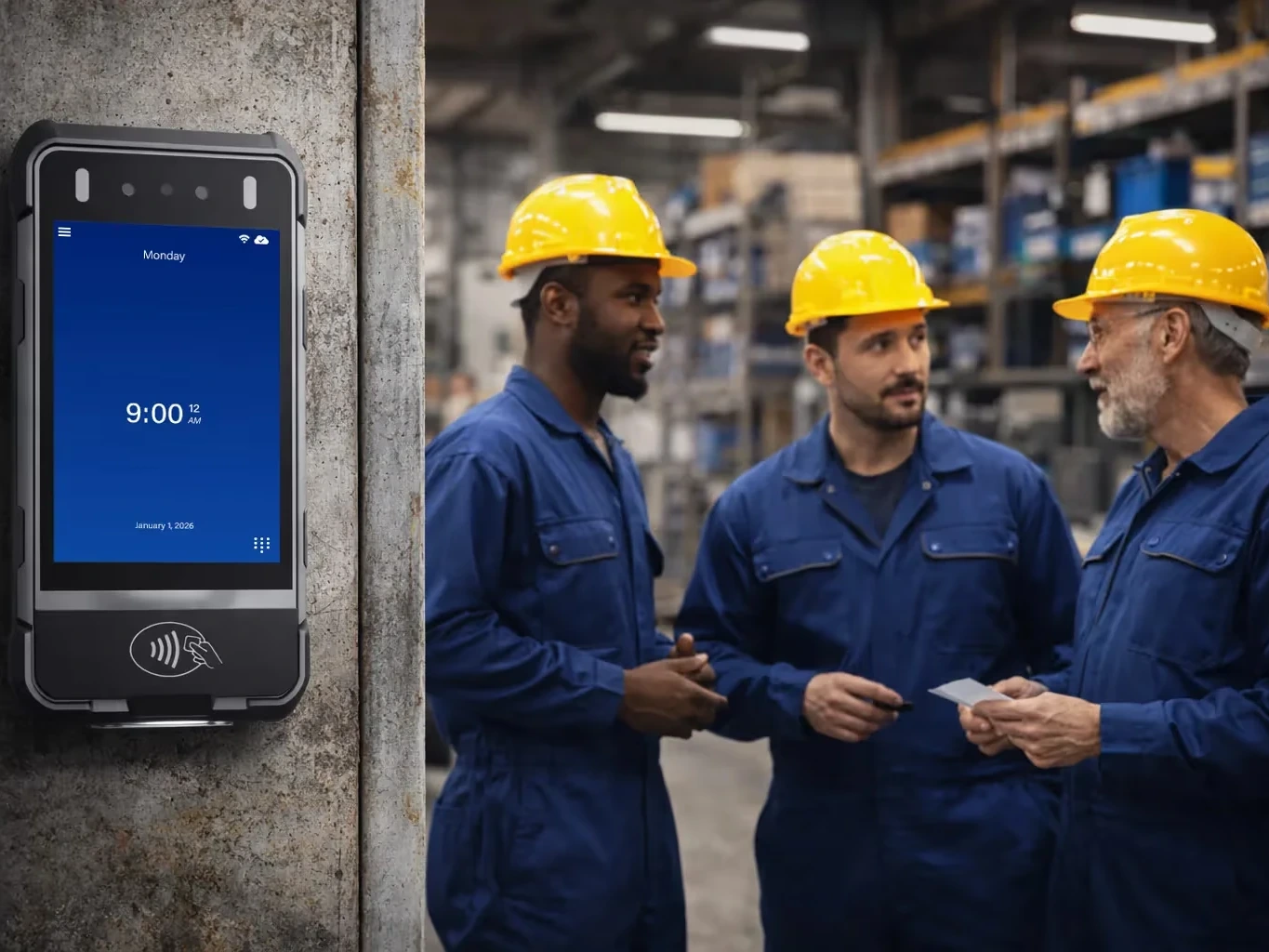
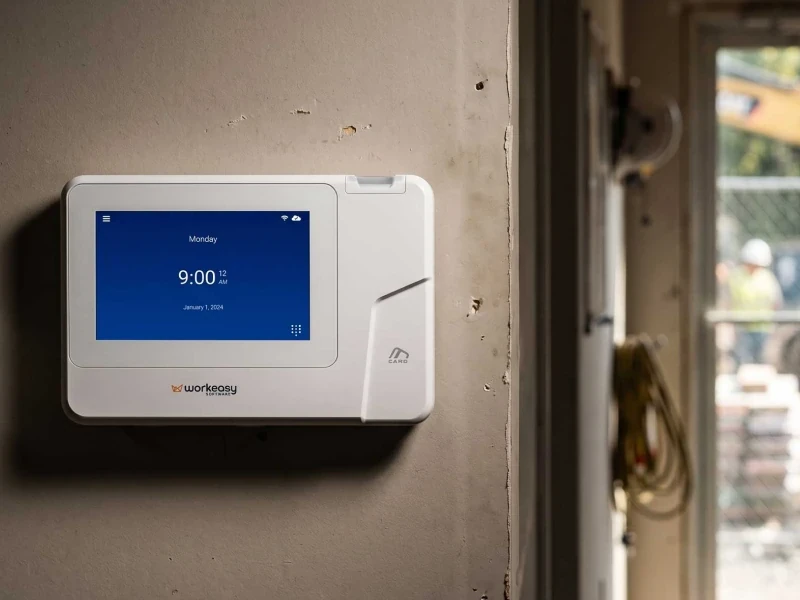
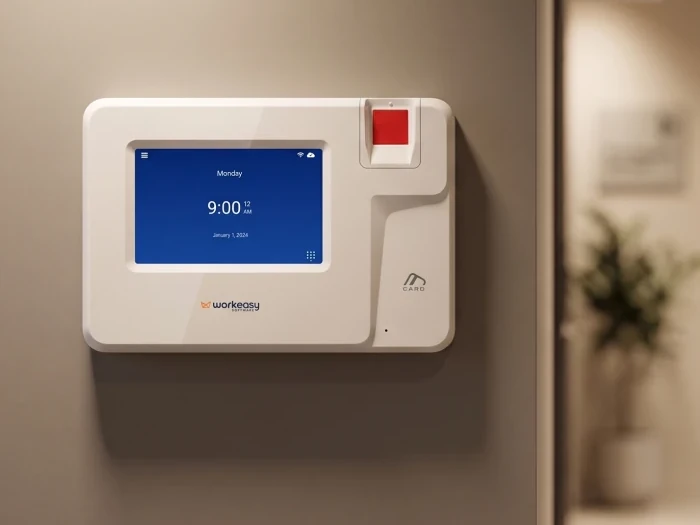
A clock for each site. Seven clocks cover different hands, traffic, mounts and weather, and every one reports into the same system. See them all in the WorkEasy time clock catalog.
Room to grow. Start with clocks and Time and Attendance, then add Scheduling, Time Off and HR Data Management on the same platform when you need them.
Where it falls short at 50 to 999 employees. Three limits are worth testing.
A connected system also isn't for a salaried, desk-based business where nobody clocks in, or a very small team happy with paper.
How it's priced. WorkEasy prices per employee per month, plus clock hardware, which you can buy or take on a flexible subscription. Ask about setup and term, and run the same headcount sum on WorkEasy as on every other vendor.
Rollout effort. The WorkEasy onboarding team configures the system with you in four guided stages, which are understanding your onboarding needs, understanding your entire business, customizing to your needs, and walking you through everything. Read how WorkEasy's teams support you. Every customer gets support when and as they need it. Site preparation stays with your team, meaning a wall, power and a network drop for each fixed clock, plus enrollment, and preparing a site for time clocks covers the site work. Notice and consent for biometric clocks are also your work to own, with your own counsel. The proximity smart card time clock runs on the same system as a non-biometric route. Ask whether the rollout plan covers your first site and your later sites.
Who stands behind it. More than 10,000 companies use WorkEasy, with 750,000+ workers clocking in every day and more than 360 million punches a year. WorkEasy is SOC 2 compliant, with more than a decade in market. Request a quote.
What it is. An app on each worker's phone, with a dashboard where managers review hours. WorkEasy has a phone punch too, with GPS geofencing and real-time sync, for fully distributed staff, and the limits below apply to it as well.
Best for. Fully distributed staff with no shared place to clock in, and roles with company phones. A phone app is quick to start.
Where it falls short at 50 to 999 employees. On its own, a phone app confirms a login and a location, so ask whether any face match is included, on which plan, and what it proves. Every punch also depends on a phone that is charged and signed in, on a site that allows phones on the floor. To see who an app would leave out, go through your roster name by name.
How it's priced. Of the five app price lists we checked in November 2026, two charge per user a month and one charges per user plus a monthly base fee. One charges per location, and one charges a flat fee for the first 30 users plus a fee for each additional user. One list's own pricing answer puts multi-location teams at twice its single-location entry price, which matters across several sites.
Rollout effort. There's no hardware to install. You still add every worker, set your pay rules and get people signed in on their phones, site by site. Ask who helps with that.
What it is. A shared tablet at each entrance, running a time clock app. WorkEasy has a Time Kiosk App for this setup, and what follows applies to it as well.
Best for. A site with a protected spot for the tablet, clean hands and a steady connection.
Where it falls short at 50 to 999 employees. A shared touchscreen is a harder fit for dirty, wet or busy spots, such as a dock or a plant floor at shift change. A PIN shows someone knew the PIN, and a photo is something to review later. Neither is a biometric match. A face match on a tablet is a separate question, because one price list we checked describes a kiosk with face-unlock on a higher plan. Ask which plan carries any face match and how a tablet holds up in that spot.
How it's priced. Some of the five app price lists we checked include clock-in on a shared tablet or kiosk on every plan, and at least one limits the shared kiosk to higher plans.
Rollout effort. Buy a tablet for each entrance, mount it, keep it powered and connected, then set up the app and get people enrolled at each site.
What it is. A time tracking module from the company that already runs your payroll.
Best for. Companies that already run payroll there and want time tracking and pay with one vendor.
Where it falls short at 50 to 999 employees. Ask what clock comes with it, because an option with no clock built for your floor leaves the punch question open. Time tracking is also tied to that payroll provider, so changing payroll later can mean changing time tracking too.
How it's priced. The research behind this guide found this option priced per user a month plus a base fee. The five app price lists don't cover it, so ask for a current number at your headcount.
Rollout effort. Pay rules, clocks and each site still need setting up, even if payroll already holds your employee list, so ask who does that with you.
What it is. Clocks bought from a reseller, running with another vendor's software.
Best for. Teams that want hardware and are happy with the software they already have.
Where it falls short at 50 to 999 employees. Two vendors sit between the punch and your payroll provider. If the export to payroll breaks, someone has to work out which vendor owns the fix. Get the answer from both vendors in writing.
How it's priced. Clock hardware bought upfront, plus a software plan. Get both numbers in writing, because your total is the sum of two vendors.
Rollout effort. Install clocks at each site, set up the software, then build and test the path to payroll. Ask who tests that path and who supports it afterward.
What it is. Broad workforce suites built for companies with thousands of employees and an IT team to run them.
Best for. Companies at that scale, and buyers who need demand forecasting or labor optimization modeling.
Where it falls short at 50 to 999 employees. A suite built for thousands can bring more cost, more implementation work and more complexity than a company this size needs. Ask what clock comes with it.
How it's priced. Custom quotes and implementation fees. Ask for both in writing.
Rollout effort. Ask who staffs the project on your side, what it asks of IT, and when the first site goes live.
The six options split on two things, who gets confirmed at the punch and how many parties sit between that punch and your payroll provider.
| Option | Best for | Where it falls short at this size | How it's priced |
|---|---|---|---|
| Connected clock and software (WorkEasy) | Hourly, shift-based teams on sites, floors and warehouses | Pay rules across many states may need configuration. Two parties at the payroll sync | Per employee per month, plus clock hardware |
| Phone time clock apps | Fully distributed staff and roles with company phones | On its own, confirms a login and a location. Depends on each phone | Per user, per location or a flat fee, by list |
| Tablet kiosk apps | A site with a protected spot and clean hands | Dirty, wet or busy spots. A PIN or photo is not a biometric match | Depends on the plan, plus the tablets |
| Time tracking built into a payroll provider | Companies already running payroll there | Ask what clock comes with it. Tied to that payroll provider | Per user a month plus a base fee, in the research behind this guide. Ask for a current number |
| Standalone biometric clocks with separate software | Teams happy with the software they have | Two vendors between the punch and payroll | Clocks bought upfront plus a software plan |
| Large enterprise workforce suites | Companies with thousands of employees | More cost, implementation and complexity than this size may need | Custom quotes and implementation fees |
The option that fits depends on where your people clock in, so decide it site by site. If people share entrances, work shifts or work in tough conditions, start with a connected system and match a clock to each site. If people are fully distributed, a phone punch may be all that group needs.
| Where people work | Clock | How it confirms who is punching |
|---|---|---|
| Job sites, field teams, outdoor mounts | Portable biometric time clock | Face, palm, fingerprint, PIN or card |
| Mobile crews, rotating sites, trailers with no wired power or network | Mobile time clock for job sites | Face, including through hard hats and PPE |
| Plant floors, warehouses, site offices | Industrial-grade fingerprint time clock | Fingerprint, including dirty, oily, wet or damaged fingers |
| Healthcare, food production, hygiene-sensitive sites | Touchless facial recognition time clock | Face, touchless |
| Restaurants, hospitality, busy mixed sites | Advanced fingerprint time clock | Fingerprint, handles dusty or oily hands at high volume |
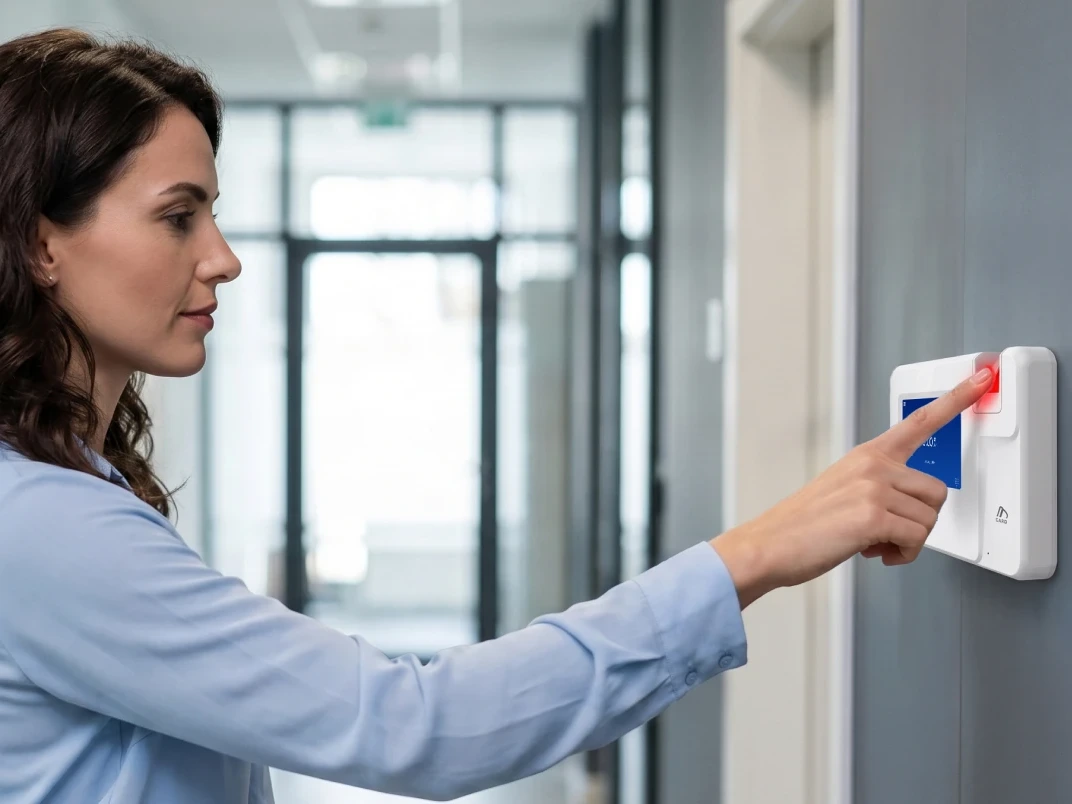
| Clean offices and clinics | Smart fingerprint time clock | Fingerprint, for clean, dry hands |
| Any fixed site, or as a backup clock | Proximity smart card time clock | Card. Not biometric, so it confirms the card, not the person |
Every clock is available for any site, so the table shows where each one fits, not where it's allowed. Two details decide the close calls.
You can mix clocks across sites on one system, because the clocks can change while the rules and the view stay the same. As an illustration, not a customer, picture a company with a warehouse, a food production line and a crew that moves between job sites. The warehouse could run the industrial-grade fingerprint clock, the food line the touchless facial recognition clock and the crew the mobile time clock. Every punch lands in the same Time and Attendance.
For the fixed or portable call at each punch point, read fixed vs portable time clocks across multiple sites.
One connected system gives each person who signs off something to check.
Get a quote for your sites. Tell us how many sites you run, so the quote covers all of them. The WorkEasy pricing page shows how pricing is structured.
Short answers to the questions that come up most often.
The best time clock system for 100 to 250 hourly employees confirms who is clocking in, works in each site's conditions and syncs approved hours to your payroll provider. A connected system, where the clocks and the software work as one, gives you one set of rules and one view across sites, with the right clock at each. WorkEasy Software sells this kind of system and recommends it for hourly, shift-based teams.
Ask how each clock handles your sites' conditions, such as dirt, wet hands, gloves or no Wi-Fi. Ask how approved hours reach your payroll provider, how pay rules are set up if they differ by site or state, and who supports the rollout. Ask for security documentation, such as a SOC 2 or SOC 3 report.
Use one system for every location, with one set of rules and one view across sites, and pick the clock that suits each site's conditions. A warehouse and a job site can use different clocks on the same system. If pay rules differ by site or state, ask the vendor to show you how that is set up.
Add up what each vendor charges at your headcount, plus clock hardware, setup and support. Run the same sum for every vendor, including WorkEasy Software. Ask each vendor for a quote at your actual headcount and number of sites.
Security depends on the vendor, so ask each one for written answers. On customer data in general, the WorkEasy security page says there is one customer per database, with encryption at rest and over potentially insecure networks. WorkEasy Software is SOC 2 compliant. Notice and consent are a separate question, and the employer's to handle. Section 9 of WorkEasy's Terms & Conditions sets out who carries them, so check with your own counsel.
WorkEasy Software in the news
Learn what the news media is saying about WorkEasy Software products and service.
WorkEasy Software recognized as a Top 25 Global Work Tech Vendor. Work Tech Awards honor best-in-class vendors.
WorkEasy Software powers game-changing teams with surprisingly easy technology in mission-critical areas.

Work Tech Awards honor top vendors worldwide whose efforts exemplify what Inspiring Workplaces calls “real impact.”

WorkEasy Software recognized as a Top 25 Global Work Tech Vendor. Work Tech Awards honor best-in-class vendors.

Work Tech Awards honor top vendors worldwide whose efforts exemplify what Inspiring Workplaces calls “real impact.”

WorkEasy Software powers game-changing teams with surprisingly easy technology in mission-critical areas.

WorkEasy Software powers game-changing teams with surprisingly easy technology in mission-critical areas.


