





FOX
WorkEasy Software recognized as a Top 25 Global Work Tech Vendor. Work Tech Awards honor best-in-class vendors.
A 66-line time and attendance requirements checklist with suggested priorities, a vendor demo script, shortlist scoring, reference questions and contract terms.

Every time and attendance demo looks perfect. The employees are called Jane Doe, everyone clocks in on time, and the overtime is a neat 2.5 hours. Then you go live, and the first payroll has a night-shift supervisor in California paid straight time for a 13-hour shift, because nobody asked whether the system handles double time after 12. This checklist is the list of things to ask before that happens: 66 requirements, a demo script built from real situations, and the questions to ask references and put in the contract.
Already know your must haves? Send them to us and we'll tell you which WorkEasy covers.
A time system touches more people than whoever signs the contract. Put these people on the evaluation, even if some only join one meeting:
Vendors can only answer the questions you ask. Before the first call, write a one-page profile and send it to every vendor.
| What to write down | Example |
|---|---|
| Sites and time zones | 6 sites in 3 states, two in Pacific time |
| Headcount by site and shift | Plant 2: 140 on first shift, 90 on second, 40 on nights |
| Where people clock in | Main entrance, break rooms, two job-site trailers, a few people from home |
| Pay rules | Weekly overtime everywhere, daily overtime and double time in California, $1.50 night differential, 7-minute rounding |
| Pay schedules | Hourly weekly, salaried biweekly |
| Payroll provider | The provider and plan you're on, and who sends hours today |
| What goes wrong now | 20 to 30 missed punches a week, overtime found after payroll, agency invoices you can't check |
| What else you might add | Scheduling next year, time off and accruals |
Mark each line must have, nice to have or not needed for your business. The suggested priority is a starting point for a company with 50 to 999 hourly employees. Ask each vendor to answer every line yes, partly or no, and to show anything marked must have in the demo. The same list works as the requirements section of a time and attendance or workforce management RFP. For why each area matters in the first place, see what a time and attendance system does, and how to choose one.
| Requirement | What to ask or check | Suggested priority |
|---|---|---|
| Confirms who is punching | Ask what a punch proves at each place people clock in: a fingerprint, a face, a card or a login. | Must have |
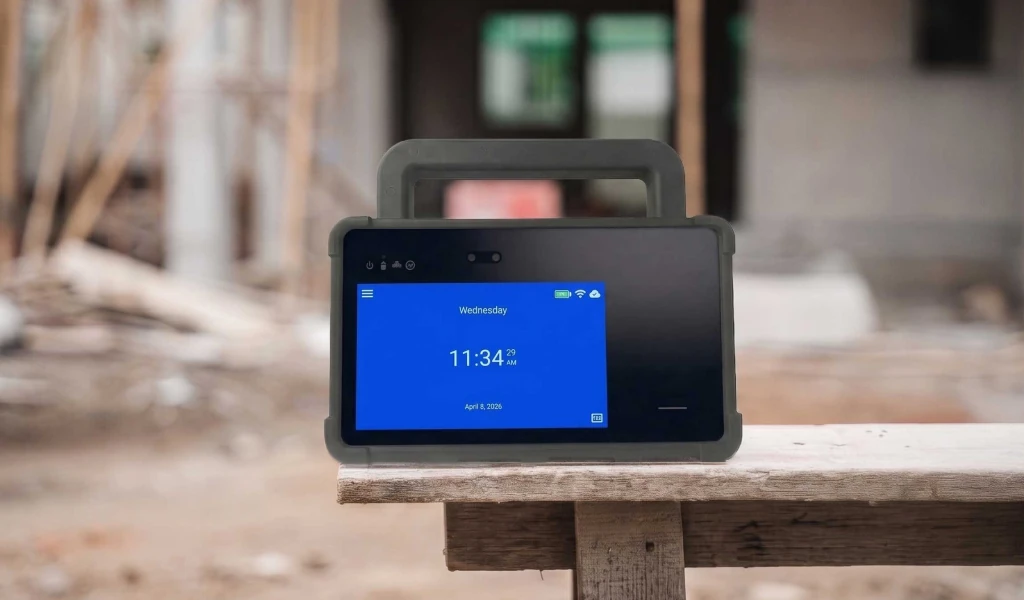
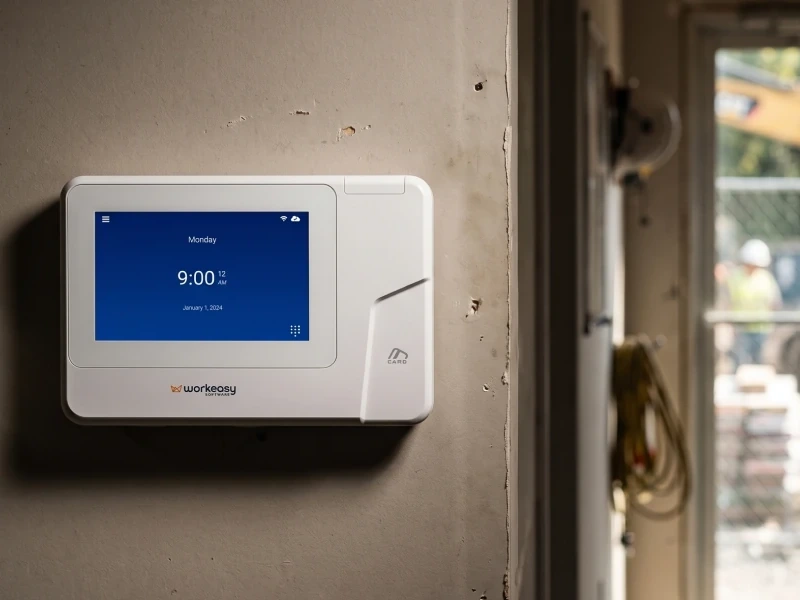
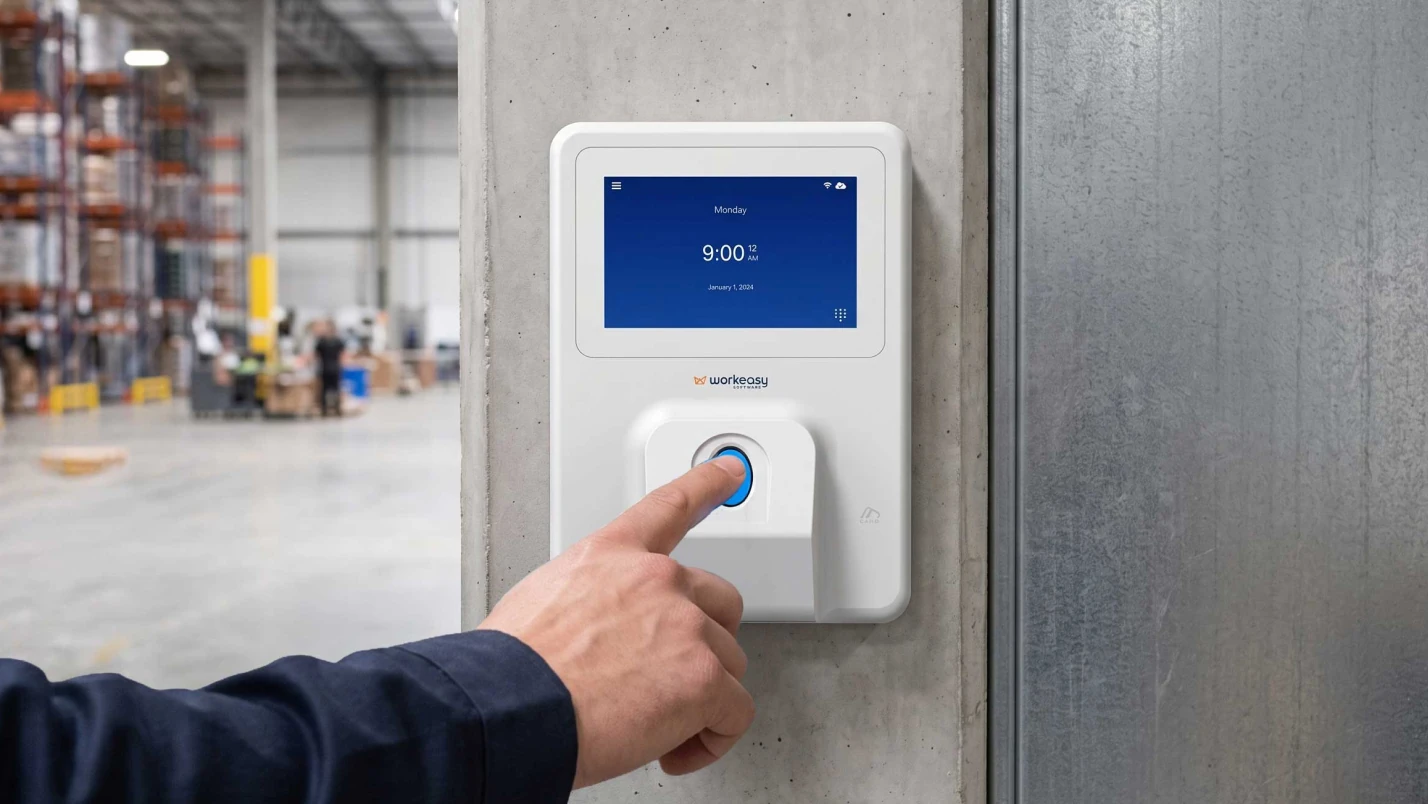
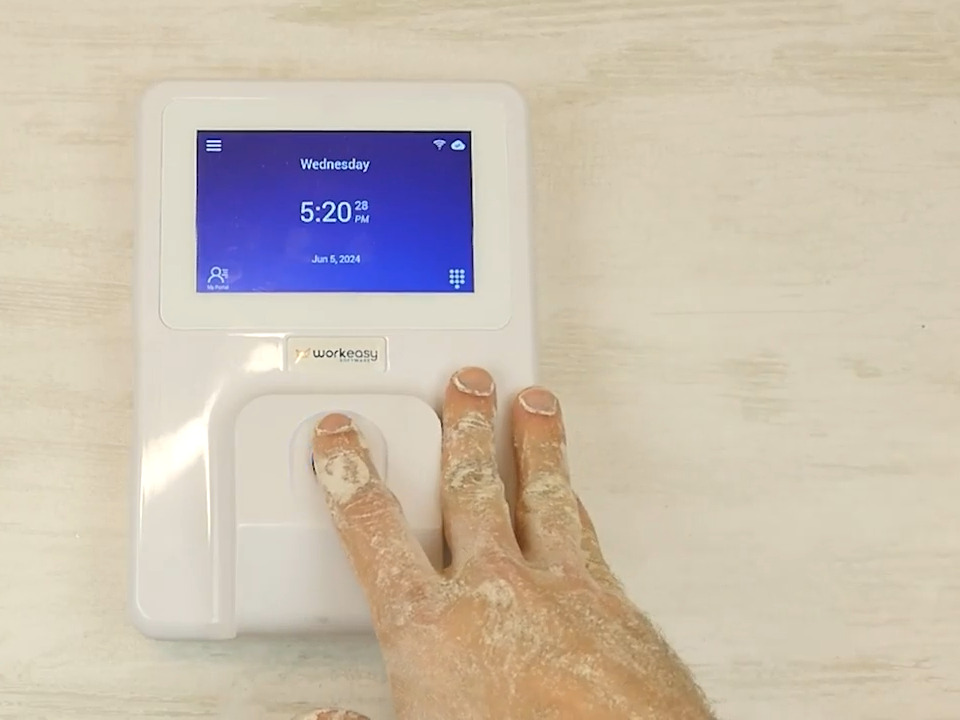
| Works in your conditions | Name your worst spot (dirty hands, gloves, cold, outdoors) and ask which clock reads people there. | Must have |
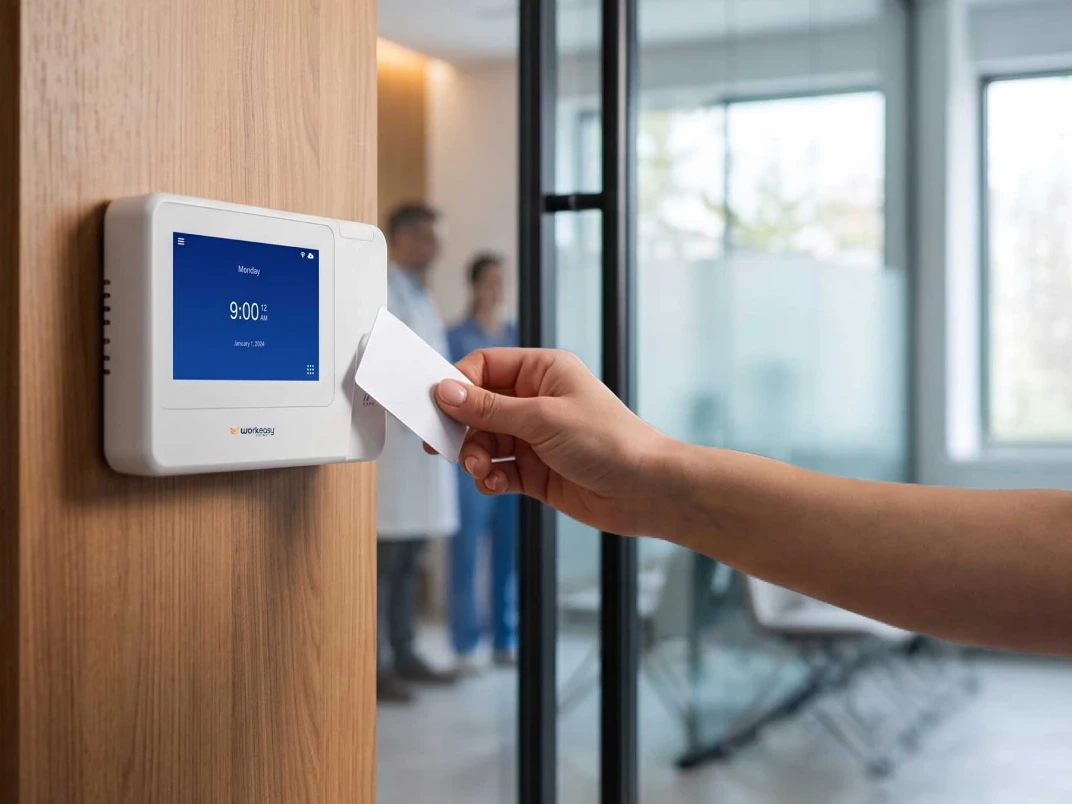
| More than one clock-in method | Card or PIN for people who can't or won't enroll a fingerprint or face. | Must have |
| Keeps punches when there's no internet | Ask what happens to a punch at the clock and in the app while the site has no internet, and how it syncs when the connection is back. | Must have |
| Mobile and field punches | Phone or portable clock punches with a location or geofence for crews off site. | Depends on your setup |
| Job, department or task at clock-in | Workers pick a job or task at the clock, or it defaults by clock. | Depends on your setup |
| Enough clocks for your busiest shift change | Count people arriving in the busiest 10 to 15 minutes per entrance. | Must have |
| Clock hardware, buy, subscribe or both | Ask for both options and who replaces a broken clock. | Nice to have |
| Requirement | What to ask or check | Suggested priority |
|---|---|---|
| Weekly and daily overtime | Give them your rules, including any state with daily overtime, and ask them to set one up in the demo. | Must have |
| Double time and consecutive-day rules | California-style 7th-day and over-12-hour rules, if you have them. | Depends on your setup |
| Rules by location, department or group | Different overtime, break and holiday rules for different sites or groups in one system. | Must have |
| Shift differentials | Nights, weekends, or a rate tied to a department or job. | Depends on your setup |
| Rounding and grace periods | How punches round, and whether rounding is shown next to the actual punch. | Must have |
| Meal and rest breaks | Automatic deductions, required breaks and alerts for missed ones. | Must have |
| Holidays and holiday pay | Different holiday calendars by group or site. | Nice to have |
| Multiple pay schedules | Weekly for some, biweekly for others, in one system. | Depends on your setup |
| Rules can start on a future date | So a policy or law change can be set up before it takes effect. | Nice to have |
| Requirement | What to ask or check | Suggested priority |
|---|---|---|
| Missed punches flagged the same day | Ask where a supervisor sees them and how fast. | Must have |
| Early and late punches controlled by the schedule | Block or flag clock-ins outside the scheduled shift. | Depends on your setup |
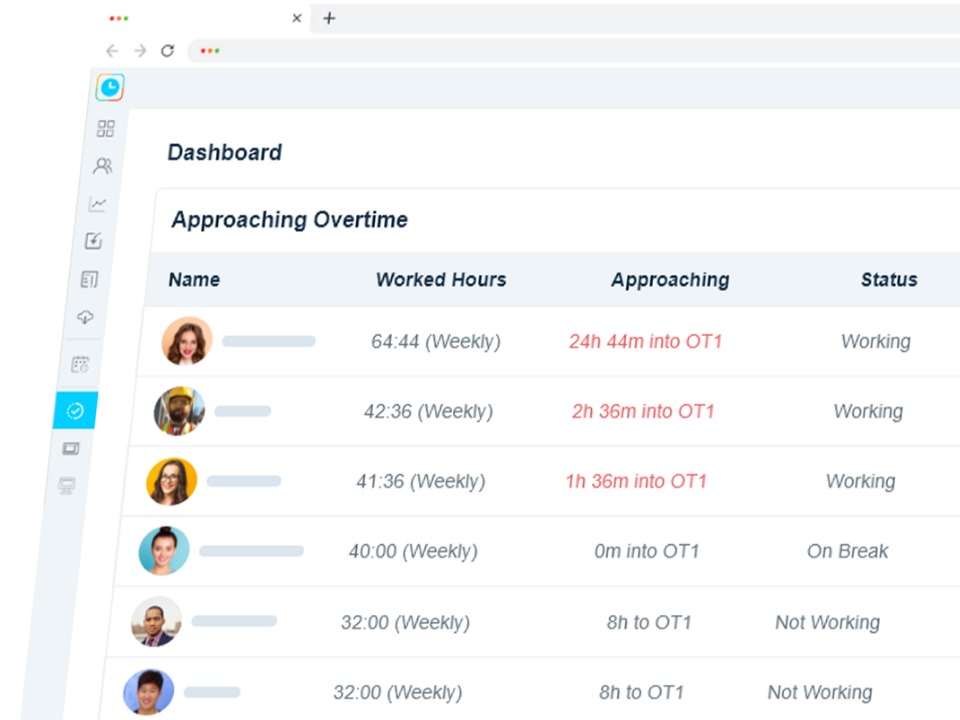
| Overtime alerts before it happens | An alert while there's still time to change the schedule. | Must have |
| Approval levels | Supervisor, then manager, then payroll, if that's how you work. | Depends on your setup |
| Audit trail on every edit | Who changed a punch, when, and what it was before. | Must have |
| Lock a pay period after payroll | So nobody edits hours that have already been paid. | Must have |
| Requirement | What to ask or check | Suggested priority |
|---|---|---|
| Schedules and punches in one system | Scheduled vs actual hours on the same screen. | Depends on your setup |
| Open shifts and shift swaps | Workers pick up or swap shifts from their phone, with approval. | Nice to have |
| Time off requests and balances | Workers request time off and see balances. Approved time off lands on the timesheet. | Depends on your setup |
| Accruals by group or tenure | Different accrual rules for different groups. | Depends on your setup |
| Add scheduling or time off later | Ask whether they share the same clocks, data and payroll sync, or are a separate product. | Nice to have |
| Requirement | What to ask or check | Suggested priority |
|---|---|---|
| Works with your payroll provider | Name your provider. Ask whether it's a live connection or a file, and see it. | Must have |
| Hours arrive in the right pay codes | Regular, overtime, double time, each type of time off. | Must have |
| Employee records stay matched | What happens when someone is hired, transferred or terminated. | Must have |
| Only approved hours are sent | What happens to hours nobody approved by the cutoff. | Must have |
| Re-sending after a correction | What happens in payroll if hours are sent twice. | Must have |
| Who fixes a broken sync | The time vendor, the payroll provider, or you. | Must have |
| Exports for an accountant or another system | CSV or custom exports, and whether they can be scheduled. | Nice to have |
| Requirement | What to ask or check | Suggested priority |
|---|---|---|
| Every site in one view | Hours and labor cost across locations on one screen. | Depends on your setup |
| Each site in its own time zone | Clocks and timesheets in local time. | Depends on your setup |
| Managers see only their own people | Access limited by location, department or position. | Must have |
| Adding a new site | Ask them to show it: location, clocks, managers and rules. | Depends on your setup |
| Employees who work at two sites | One timesheet, hours tagged by site. | Depends on your setup |
| Bulk changes | Import employees and change groups in bulk. | Nice to have |
| Requirement | What to ask or check | Suggested priority |
|---|---|---|
| Who's on the clock right now | Live view by site. | Nice to have |
| Labor cost by site, department or job | While the pay period is still open. | Depends on your setup |
| Scheduled vs actual hours | By site and department. | Nice to have |
| Reports you can build and schedule | Without asking the vendor. | Nice to have |
| Job costing | Hours split across jobs, tasks or clients. | Depends on your setup |
| Requirement | What to ask or check | Suggested priority |
|---|---|---|
| Easy on day one | Ask how long it takes to enroll and train one crew. | Must have |
| Languages your crews use | On the clock and in the app. | Depends on your setup |
| Workers see their own hours | Timesheets, schedules and balances on their phone. | Nice to have |
| Workers can flag a missed punch | And see when it's fixed. | Nice to have |
| Accessibility | For workers who can't use a particular clock-in method. | Must have |
| Requirement | What to ask or check | Suggested priority |
|---|---|---|
| Security report | A current SOC 2 report or equivalent, and who can see it. | Must have |
| Where data is stored and how it's encrypted | In transit and at rest. | Must have |
| Biometric data terms | What's stored (a template or an image), where, and when it's deleted. | Must have |
| Biometric consent | How the vendor helps you collect and keep consent. Your counsel owns the policy. | Must have |
| Single sign-on and two-factor login | For managers and admins. | Depends on your setup |
| Roles and permissions | What each role can see and change. | Must have |
| Your data when you leave | Export format and deletion, in writing. | Must have |
| Requirement | What to ask or check | Suggested priority |
|---|---|---|
| Who configures the system | What the vendor does and what your team does. | Must have |
| A pilot or parallel pay period | Run one site alongside the old process before the rest go live. | Must have |
| Support hours and channels | Phone, email, tickets, and who answers on a payroll day. | Must have |
| Pricing at your headcount | Per employee, per site or flat, minimums, seasonal staff. | Must have |
| Setup and hardware costs | One-time fees, clock prices or subscription, shipping. | Must have |
| Term and renewal | Contract length, price increases at renewal, notice period. | Must have |
| References like you | Same size, same payroll provider, similar industry. | Must have |
| Product roadmap for what's missing | Anything they don't do today, with a date, in writing. | Nice to have |
Want to see these hand-offs with your own pay rules? Book a demo set up for your week.
Most systems tick most boxes. Where they differ is at the hand-offs, so test each one:
A system with fewer features and clean hand-offs will cost you less time than one with every feature and a spreadsheet in the middle. For how the options compare, see the best time and attendance software for hourly teams.
Send every finalist the same scenarios a week before the demo and ask them to show each one in their system, with your rules set up. Change the names, keep the situations.
| Scenario | What you should see |
|---|---|
| Maria clocks in at 5:48 for a 6:00 shift. | The early punch blocked, rounded or flagged, by your rule |
| Dev forgets to clock out on Friday. | A missed punch flagged to their supervisor that day, and the fix recorded with who made it |
| Ana works a 13-hour shift in California. | Regular, daily overtime and double time split correctly |
| Sam works 10 p.m. to 6 a.m. across midnight. | The shift on the right day, with the night differential applied |
| Lee moves from Line 2 to Shipping at 11:00. | Hours split by department or job on one timesheet |
| A new agency temp starts Monday. | How they clock in on day one, and how their hours are tagged to the agency |
| A supervisor edits an approved timesheet. | The audit trail, and whether payroll is warned |
| You open a new site next month. | Adding the location, its clocks, managers and rules |
| Payroll closes with one timesheet unapproved. | What gets sent, what doesn't, and who's told |
Score the demo against the checklist the same day, before memories blur.
Ask each finalist for a reference your size and on your payroll provider. Ask how long until the first clean payroll, what they still fix by hand, what happened the first time the sync failed, and what they'd set up differently.
Filled in the checklist? Send it over and we'll answer every line for WorkEasy on a call.
Short answers to the questions that come up most often.
A time and attendance RFP should describe how you work today, then list your requirements with a priority on each. Include your sites, headcount per site and shift, your pay rules (overtime, breaks, differentials, rounding), your payroll provider, and where people clock in. Then ask vendors to answer each requirement as yes, partly or no, and to show the key ones in a demo using your own rules. Add security, rollout, support and pricing questions so answers can be compared side by side. WorkEasy's free requirements checklist covers 66 of these questions and can be copied into your own RFP.
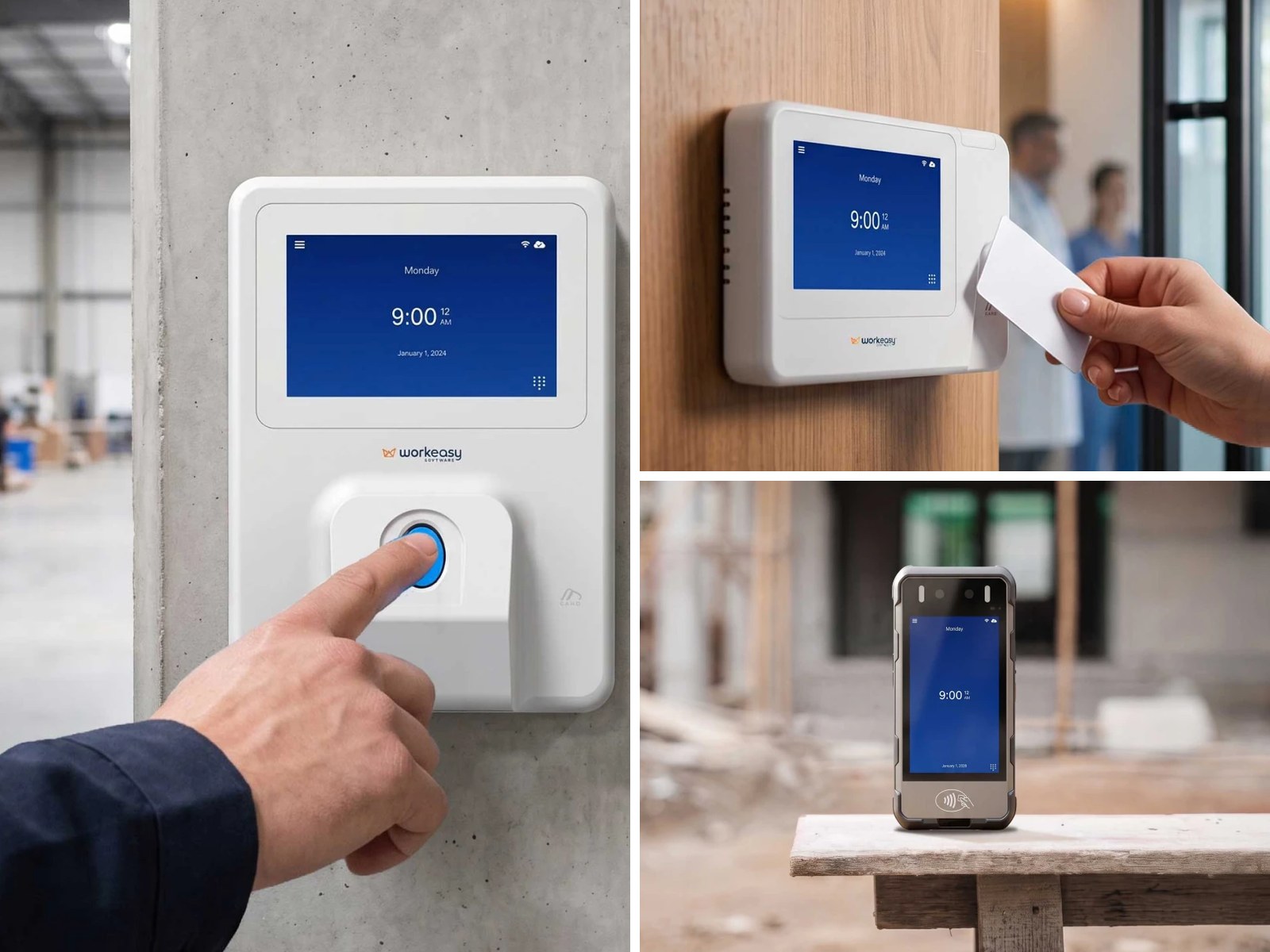
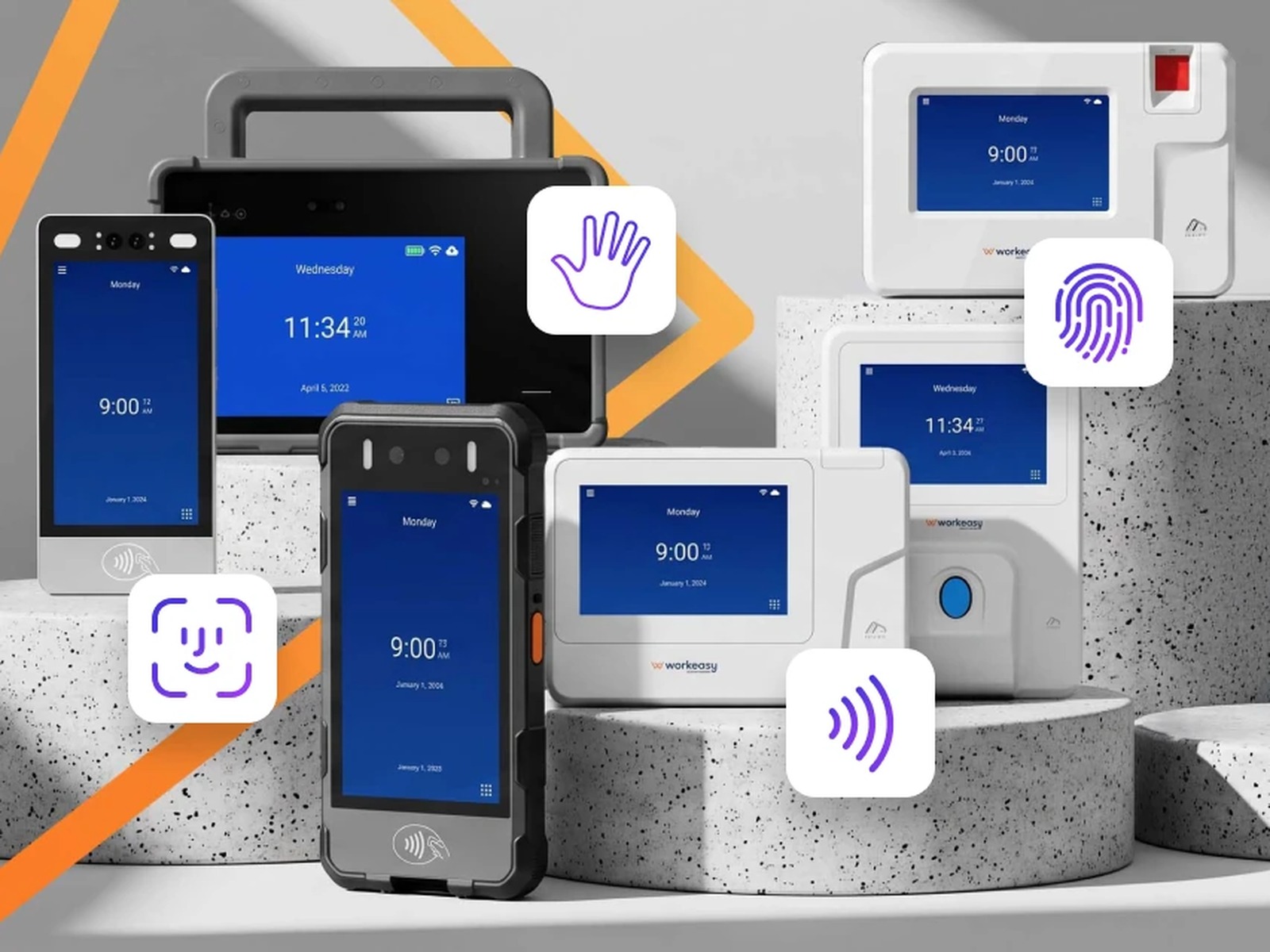
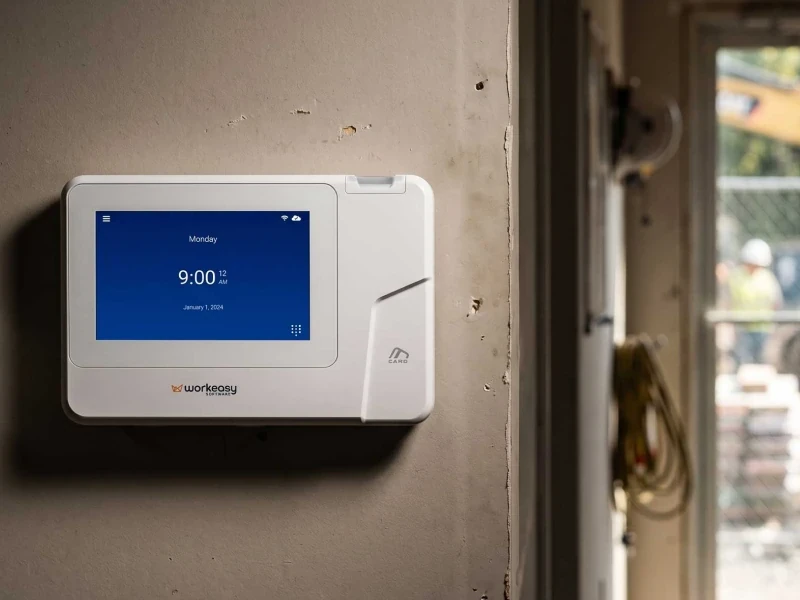
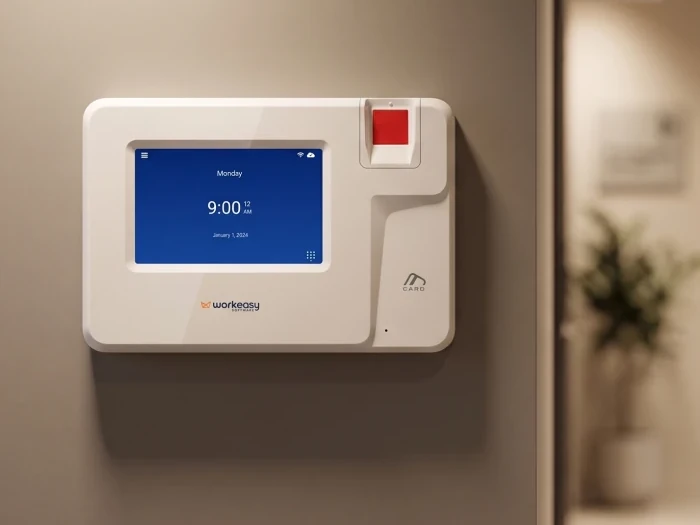
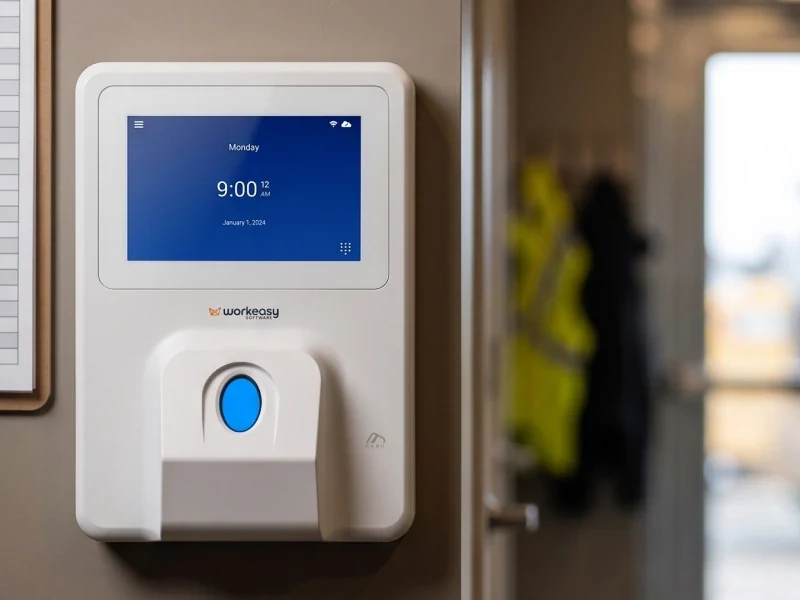
Yes, if you need physical clocks. The clock decides what a punch proves and whether people can clock in at all in your conditions, and a clock that doesn't talk to the software adds a file transfer or a manual step. Ask each vendor which clocks they support, who makes them, who replaces a broken one, and whether you can buy or subscribe. Price clocks and software together so the totals are comparable. WorkEasy's Xenio clocks are made for WorkEasy Software, so clocks and software are on one quote.
Usually three or four. Fewer and you have nothing to compare. More and the demos blur together and your team stops paying attention. Use your must-have requirements to cut the long list, because any vendor that can't meet a must-have is out regardless of price. Then run the same demo script with each finalist, in the same order, with the same people in the room.
Ask to see your own rules configured in the vendor's system, not a standard demo account, and walk through a real week: early punches, a missed punch, overtime, a shift that crosses midnight and the payroll send. If you can, agree a paid pilot at one site and run it alongside your current process for a full pay period, comparing totals line by line. Check the contract terms for the pilot before it starts. WorkEasy can set up a demo with your own pay rules as part of a quote.
Ask for a reference your size, on your payroll provider and, ideally, in your industry. Then ask what you can't learn from the vendor: how long it took to run the first clean payroll, what they still fix by hand, what happened the first time the payroll sync failed and who fixed it, how support responds on a payroll day, and what they would set up differently. Ask what surprised them on the first invoice. A vendor should be able to provide references that match on at least two of the three.
WorkEasy Software in the news
Learn what the news media is saying about WorkEasy Software products and service.
WorkEasy Software recognized as a Top 25 Global Work Tech Vendor. Work Tech Awards honor best-in-class vendors.
WorkEasy Software powers game-changing teams with surprisingly easy technology in mission-critical areas.

Work Tech Awards honor top vendors worldwide whose efforts exemplify what Inspiring Workplaces calls “real impact.”

WorkEasy Software recognized as a Top 25 Global Work Tech Vendor. Work Tech Awards honor best-in-class vendors.

Work Tech Awards honor top vendors worldwide whose efforts exemplify what Inspiring Workplaces calls “real impact.”

WorkEasy Software powers game-changing teams with surprisingly easy technology in mission-critical areas.

WorkEasy Software powers game-changing teams with surprisingly easy technology in mission-critical areas.


