




FOX
WorkEasy Software recognized as a Top 25 Global Work Tech Vendor. Work Tech Awards honor best-in-class vendors.
How to run time and attendance across many sites on one system: rules by location or group, local time zones, site managers, a clock per site and a safe rollout.
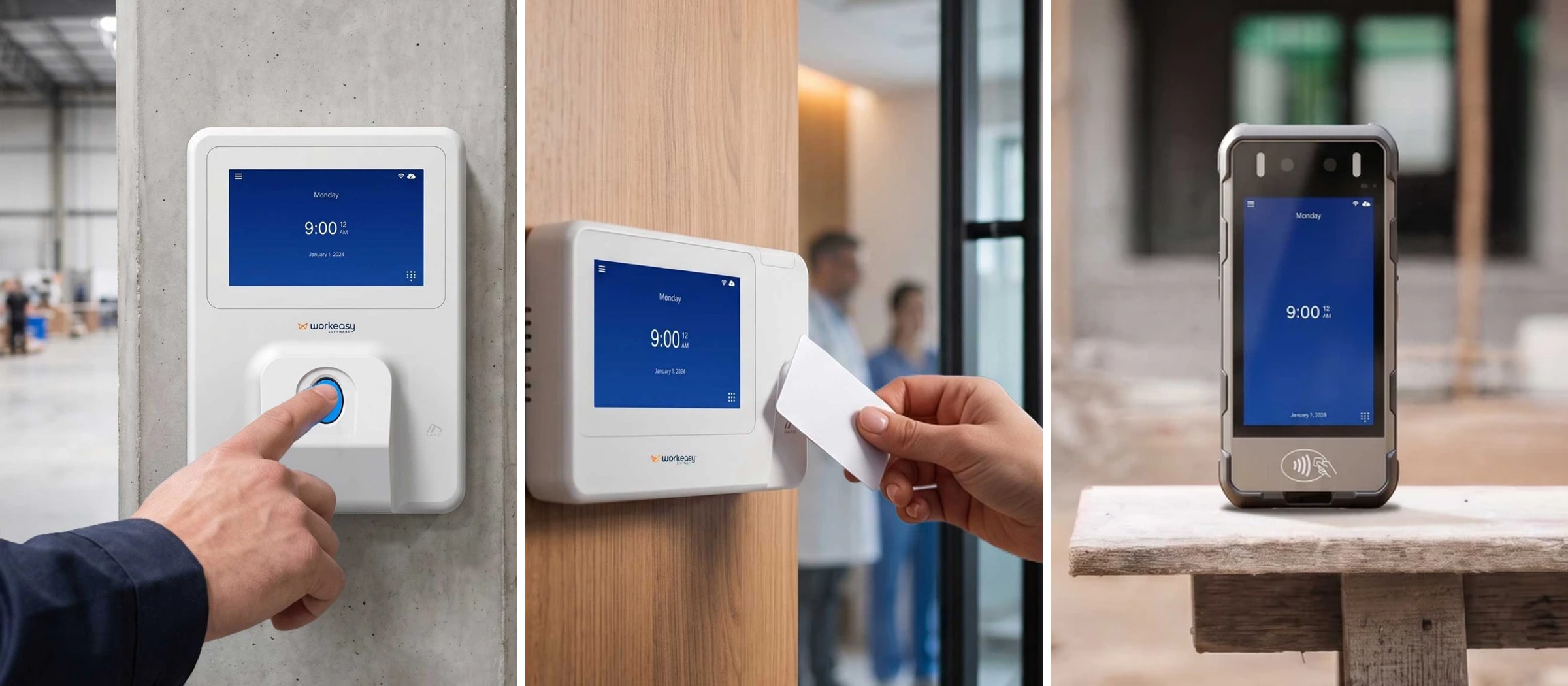
The plant in the Midwest uses the old badge clocks. The stores in the West use a tablet app somebody picked in 2019. The new distribution center in Dallas is still on paper while it waits for its clocks. Every pay period, someone at head office pulls three exports, fixes the time zones, works out daily overtime by hand for the state that requires it and hopes nobody at the Dallas site rounded to the nearest quarter hour on their own. Multi-location time and attendance puts every site on one system without forcing every site into the same rules.
Already have a list of sites and the rules each one runs on? Send it to us and we'll scope a multi-site quote.
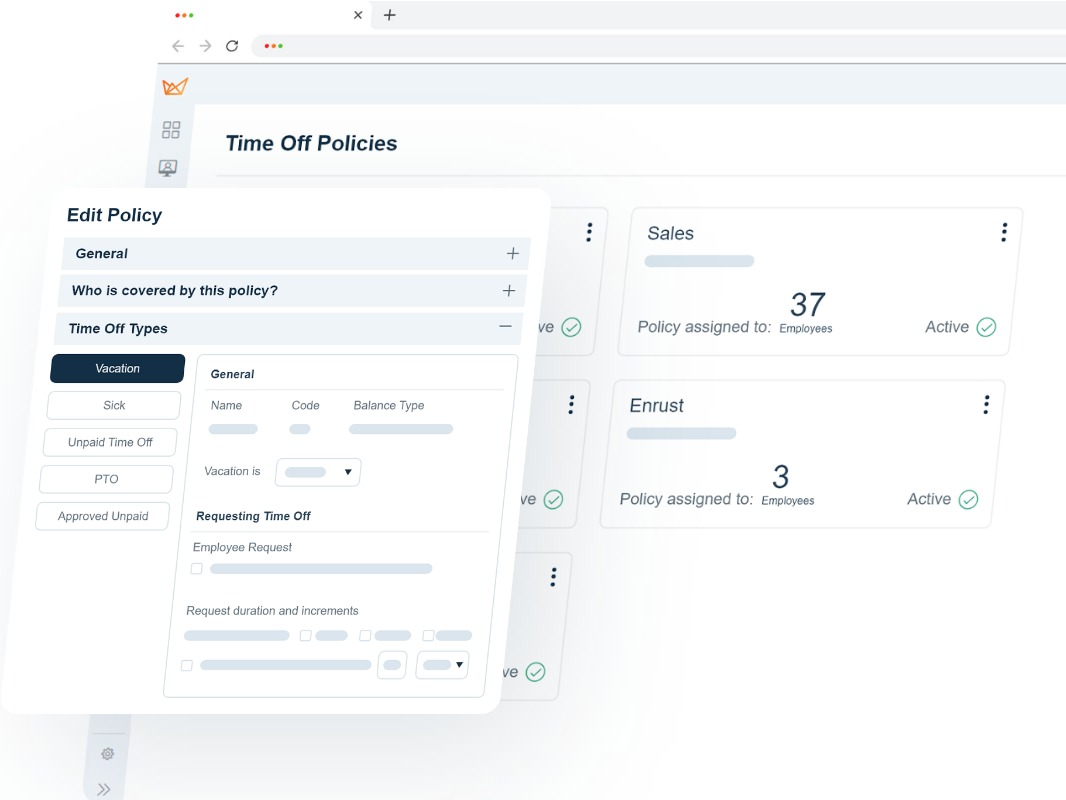
Look for software that assigns each rule to an audience: the whole company, a group such as a location, department or position, or a single employee. That lets stores in a state with daily overtime pay daily overtime and double time while a warehouse elsewhere pays weekly overtime only, all in one system and one payroll export or connection. Check that overtime, breaks, rounding, shift differentials, holidays and time off policies can each be set this way, that rules can start on a future date, and that new hires pick up the right rules from their location automatically. WorkEasy works this way: overtime, break, rounding, shift differential and holiday rules each have an Everyone, Specific group or Specific employee audience, and time off policies are assigned by group. Location is a built-in group, so each site can run its own rules while reporting and payroll hours stay in one place.
| Rule | Set it for | Example |
|---|---|---|
| Overtime | Everyone, a group or one employee | Weekly overtime after 40 for most sites. Locations in a state with daily overtime add a daily rule, double time and a seventh-day rule |
| Breaks | Everyone, a group or one employee | A meal break rule for one state's stores. A different break rule for the plant's 10-hour shifts |
| Rounding | Everyone, a group or one employee | 15-minute rounding at the warehouse. No rounding for the office team |
| Shift differentials | Everyone, a group or one employee | Night-shift premium at the distribution centers only |
| Holidays | Everyone, a group or one employee | Canadian holidays for the Ontario sites. U.S. holidays everywhere else |
| Time off policies | Groups of employees (one policy per person) | Different sick leave accruals for locations in states with paid sick leave laws |
| Pay schedules | Separate schedules and pay periods | Weekly pay for hourly store teams, biweekly for the plants |
| Clock-in limits | By location and reporting hours | Geofence around each job site. No early clock-ins before scheduled shifts |
Every employee and every clock belongs to a location, and the location decides their time zone. On top of that you add the groups you already use (department, division, position, business unit) and, where it helps, dynamic groups that update themselves, such as "all hourly regular employees in one state." When someone transfers from Store 12 to Store 31, change their location and the right overtime, break and holiday rules follow them. See how employee groups work.
Assign managers to the locations, departments or positions they run, with more than one manager per site if you need it. Access is set separately: a store manager can approve timesheets and time off for their own store and nobody else's, while a regional manager covers the eight stores in their region. Missed punches and exceptions go to the manager who knows the people involved.
Add the location with its time zone and, if you use one, its geofence. Assign its clocks and managers, import or move its employees, and the rules already set for that group apply from the first shift. No new system, no new login and no separate payroll file.
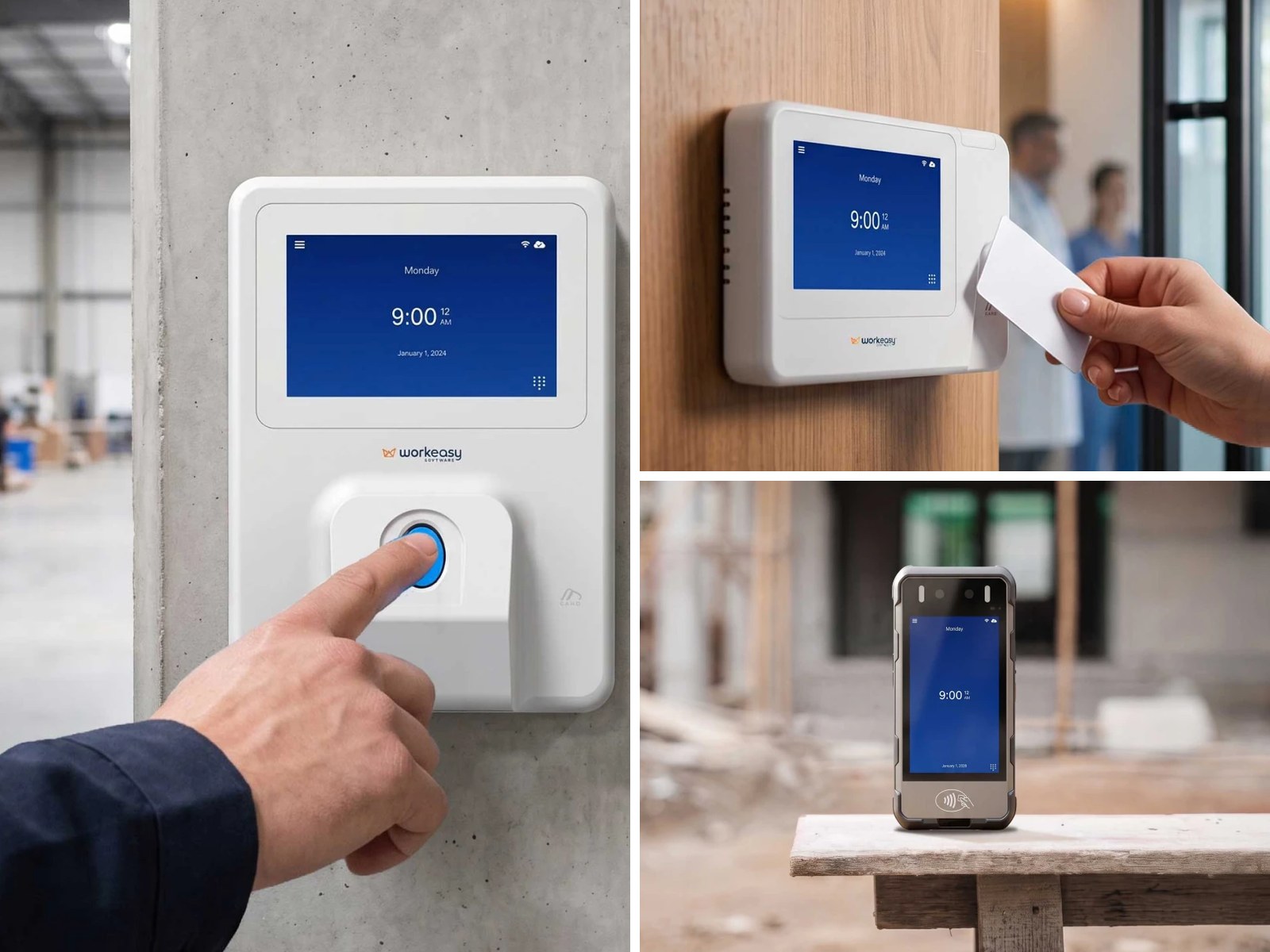
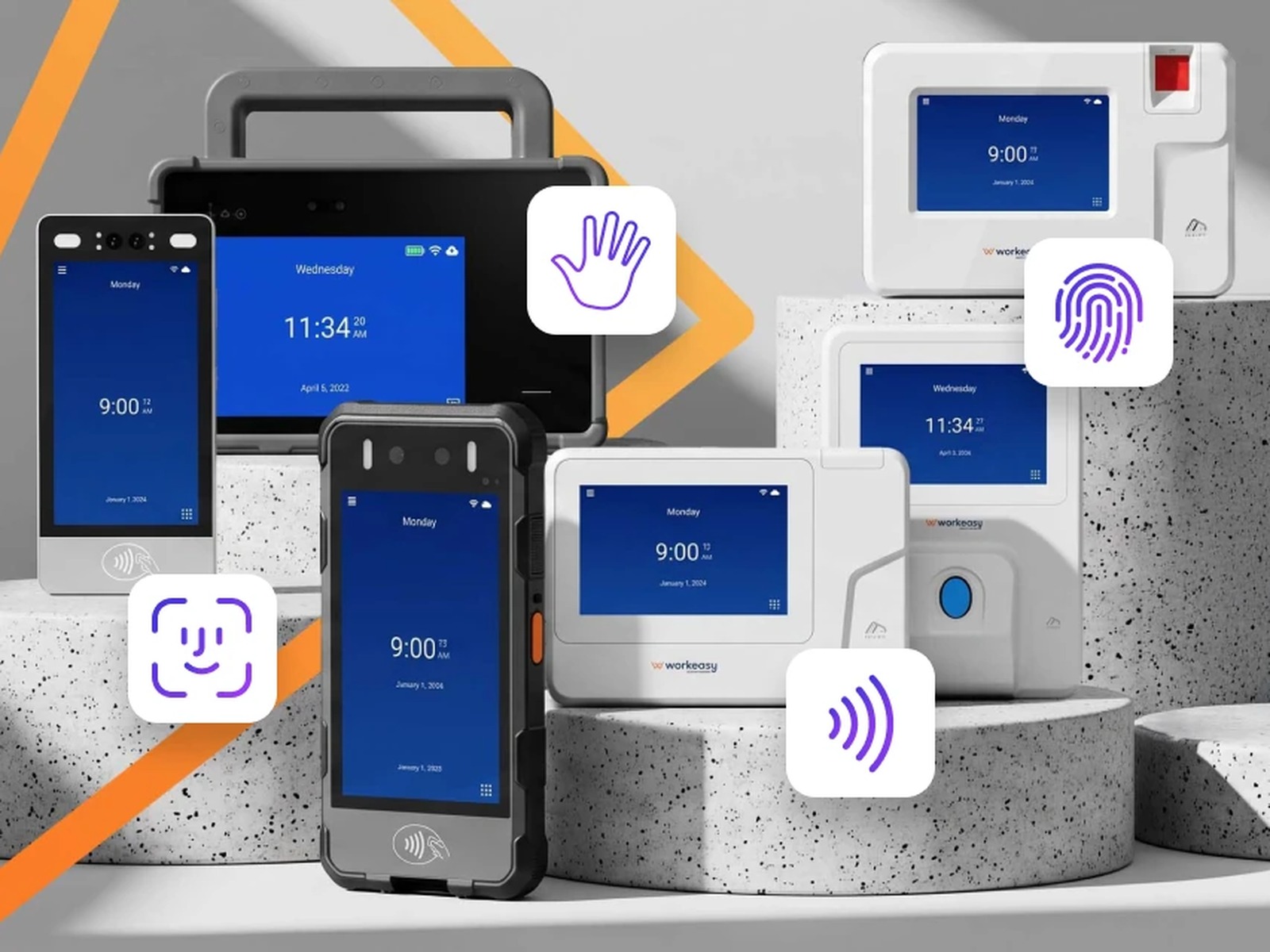
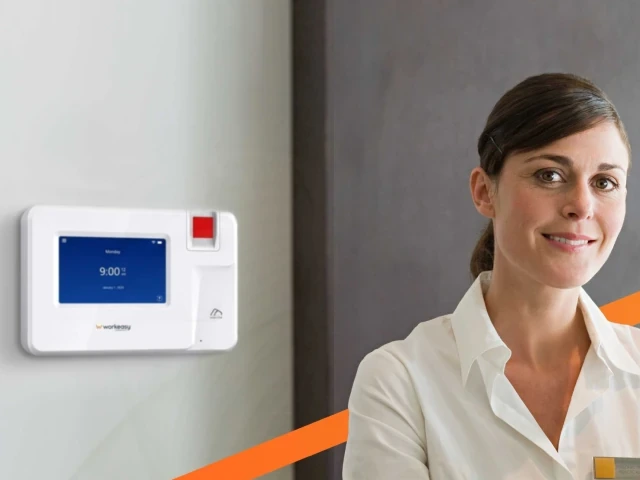
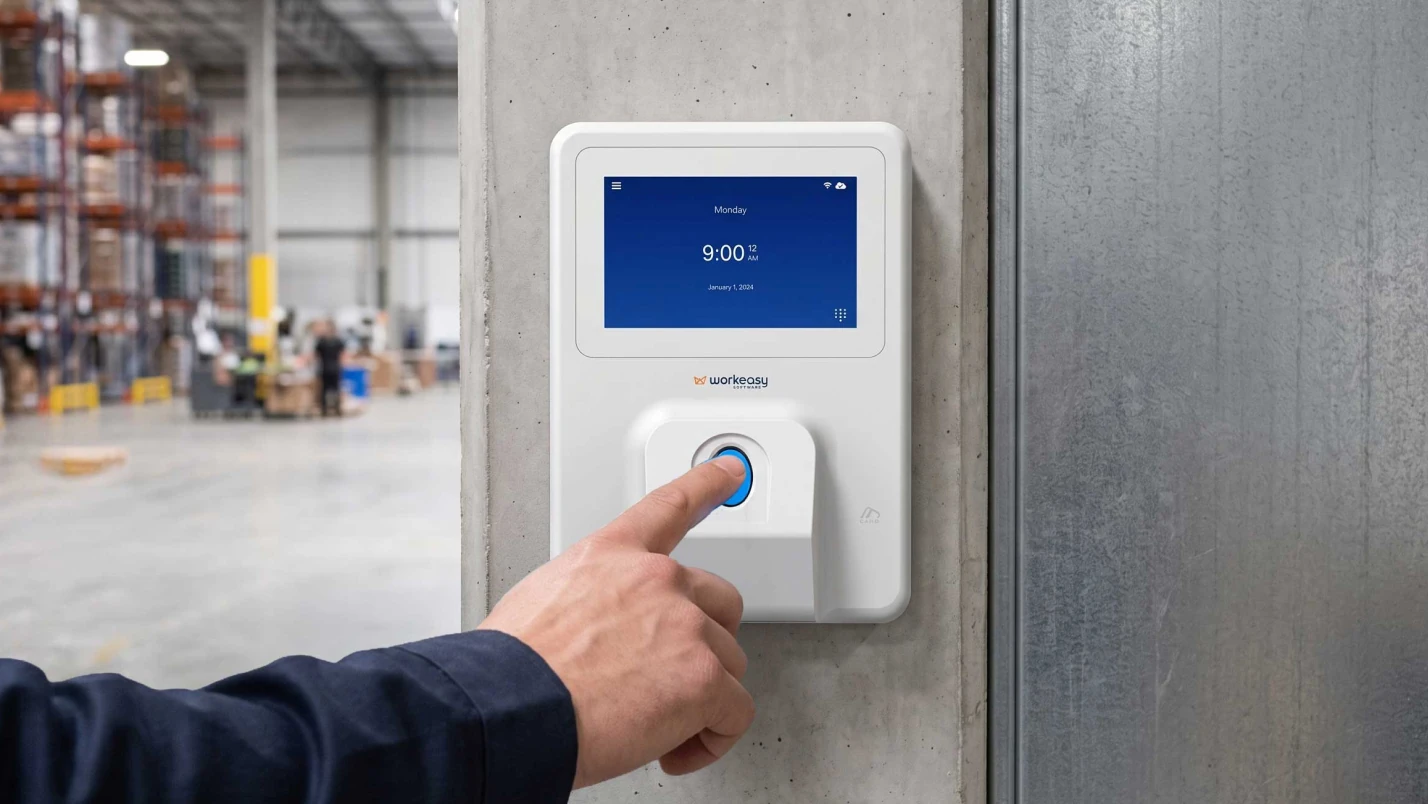
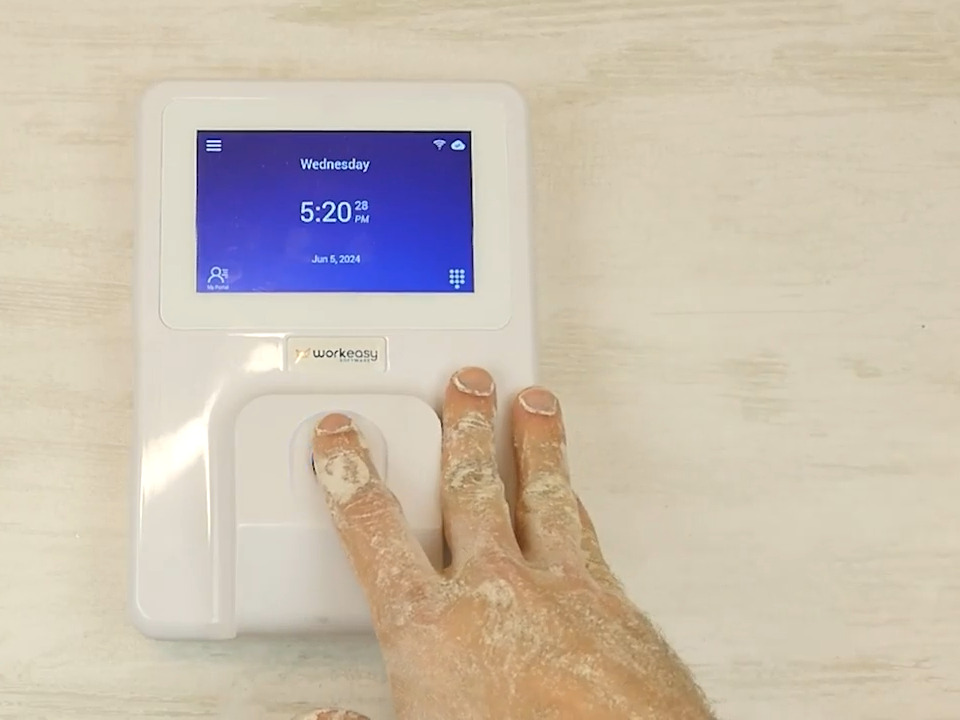
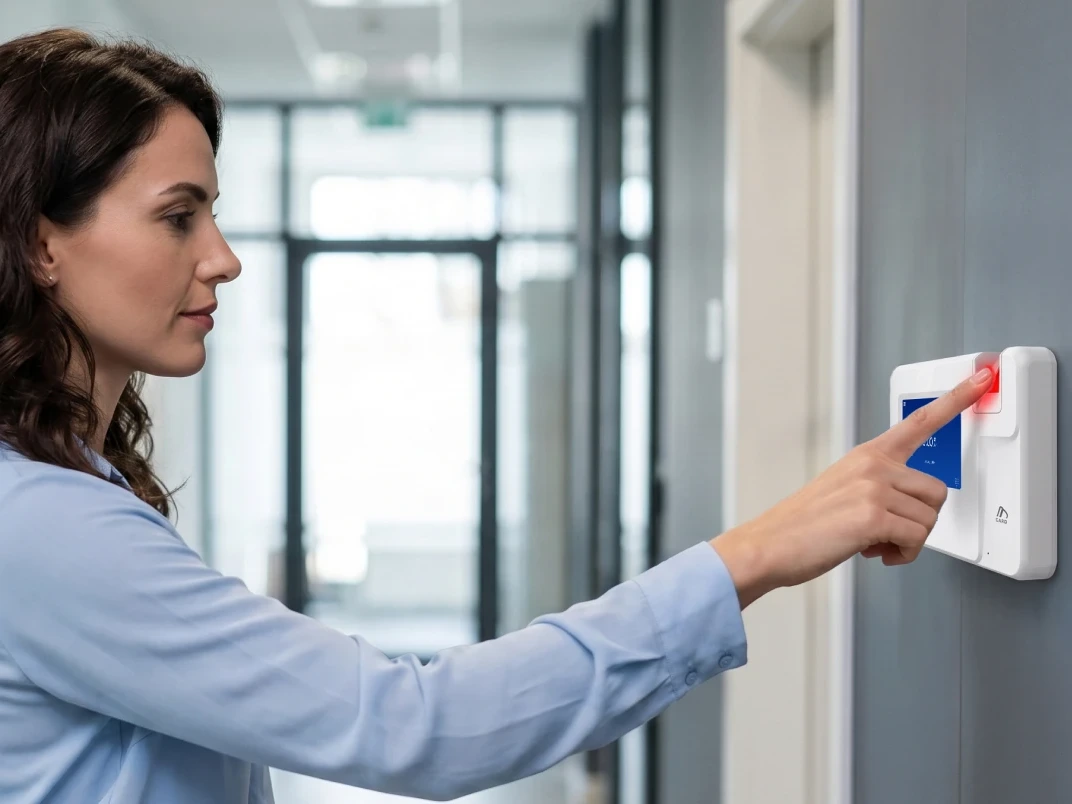
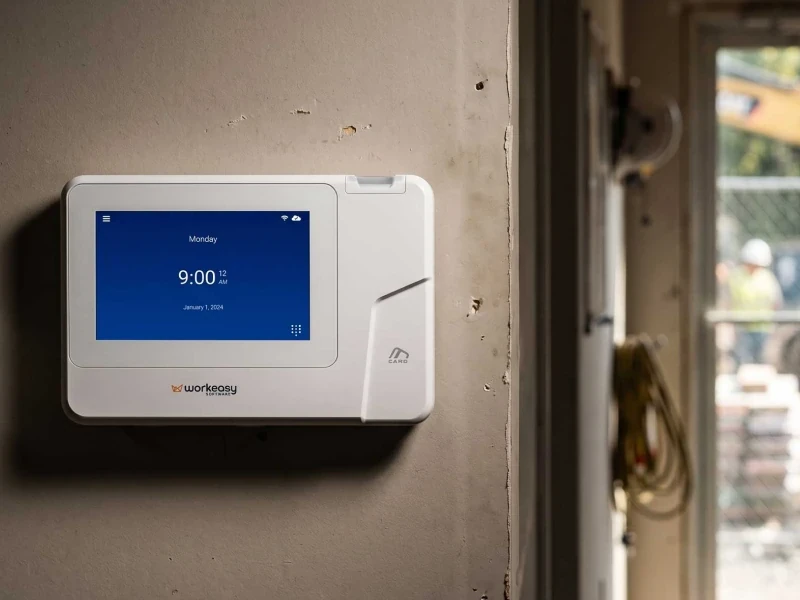
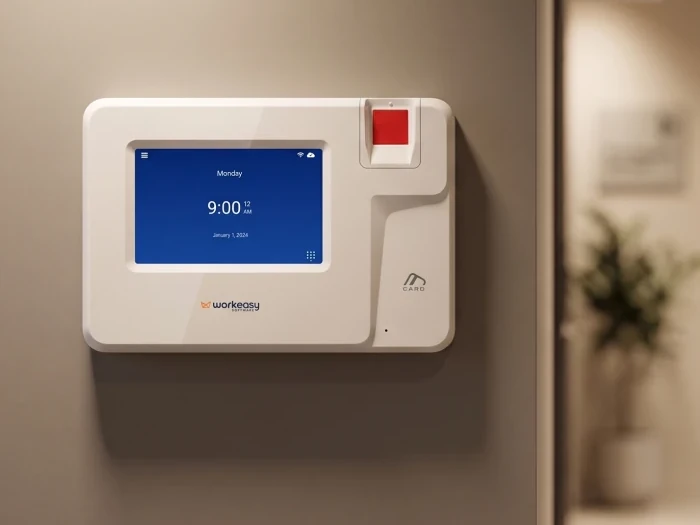
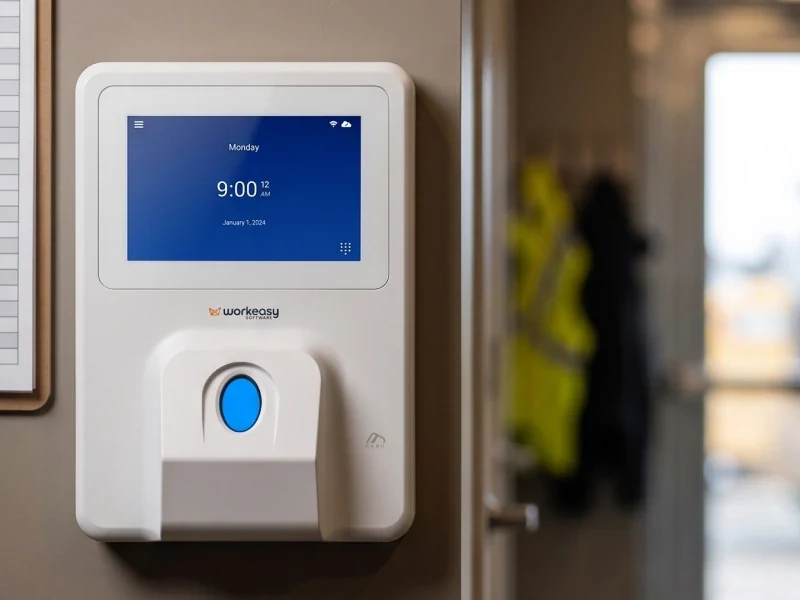
Standardize on one time and attendance platform, not one clock model. A plant floor, a retail store and a job site need different hardware, but every punch should land on the same timesheets, under the same rules, in the same payroll export or connection. Choose per site by headcount at shift change, gloves or dirty hands, Wi-Fi and power, and whether workers rotate in from agencies. Make sure each clock is assigned to a location so it uses that site's time zone, and handle biometric notice and consent with your own counsel before you enroll fingerprints or faces. WorkEasy's Xenio clocks (fingerprint, face, palm and badge), the Time Kiosk App and the mobile app all report into one system.
| Site type | What fits | Why |
|---|---|---|
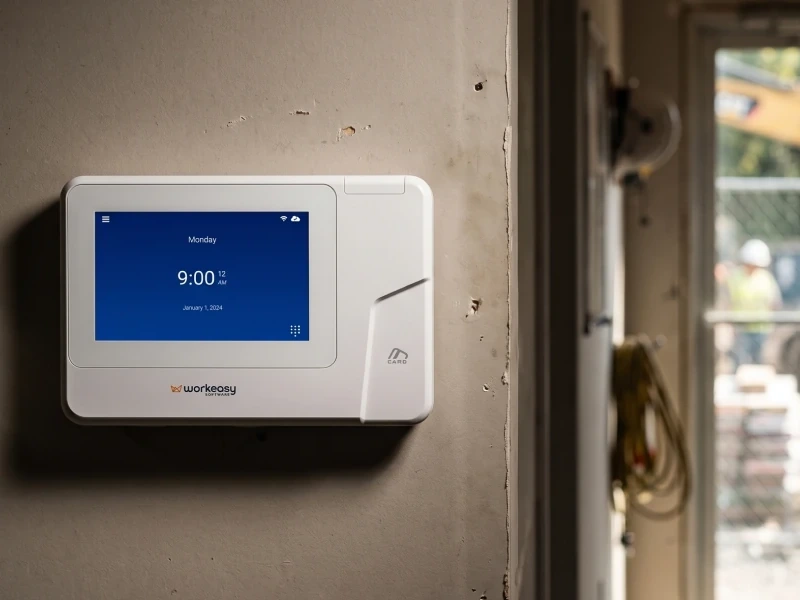
| Plants and warehouses with steady crews | Industrial-grade fingerprint clock | Reads dirty and worn fingers. Power over Ethernet (PoE), so one cable does power and network |
| High-traffic entrances, gloves, food handling | Touchless face recognition clock | Touchless and fast at shift change, and gloves stay on. Needs a sheltered spot with even lighting |
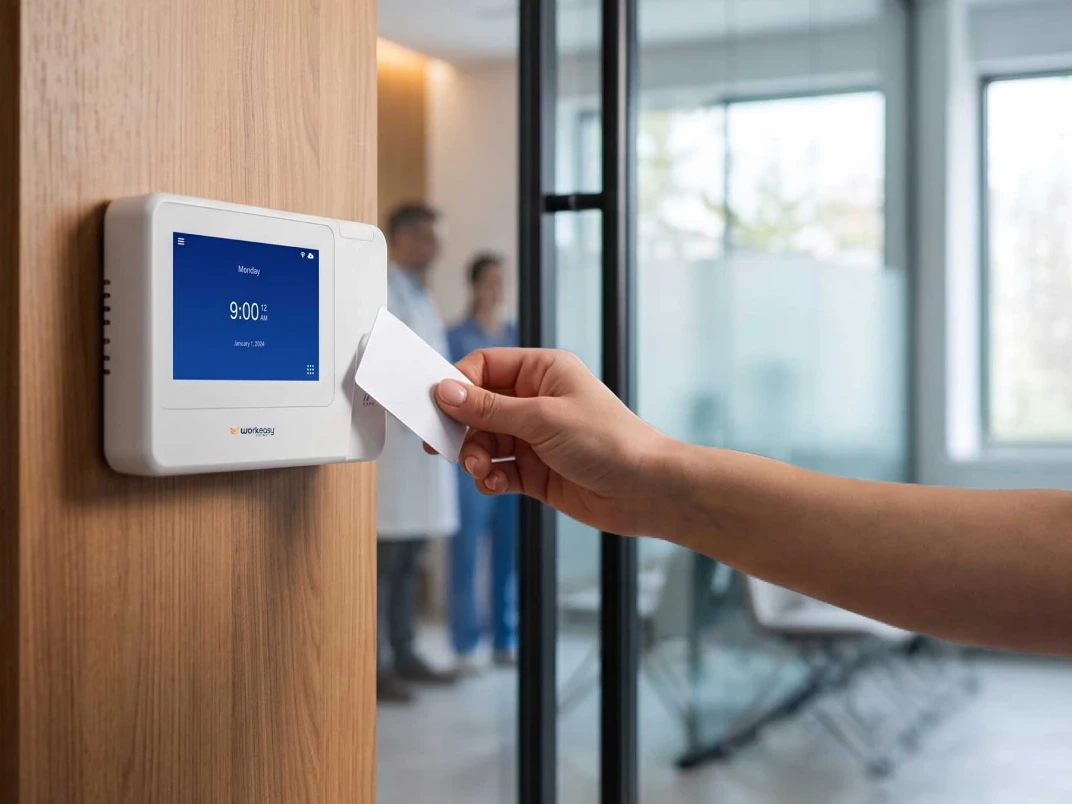
| Sites with rotating temps or agency labor | Proximity smart card clock | Card or PIN, no fingerprint or face to enroll, so temps can punch on their first day |
| Small stores and offices | WorkEasy Time Kiosk App on a tablet | Runs on a tablet, no clock to install. Can ask for a photo at the punch for a manager to check. Needs an internet connection |
| Field crews and job sites | WorkEasy mobile app with geofences | Clock in at the job site. Employers choose whether a punch outside the geofence is blocked or allowed and flagged for review |
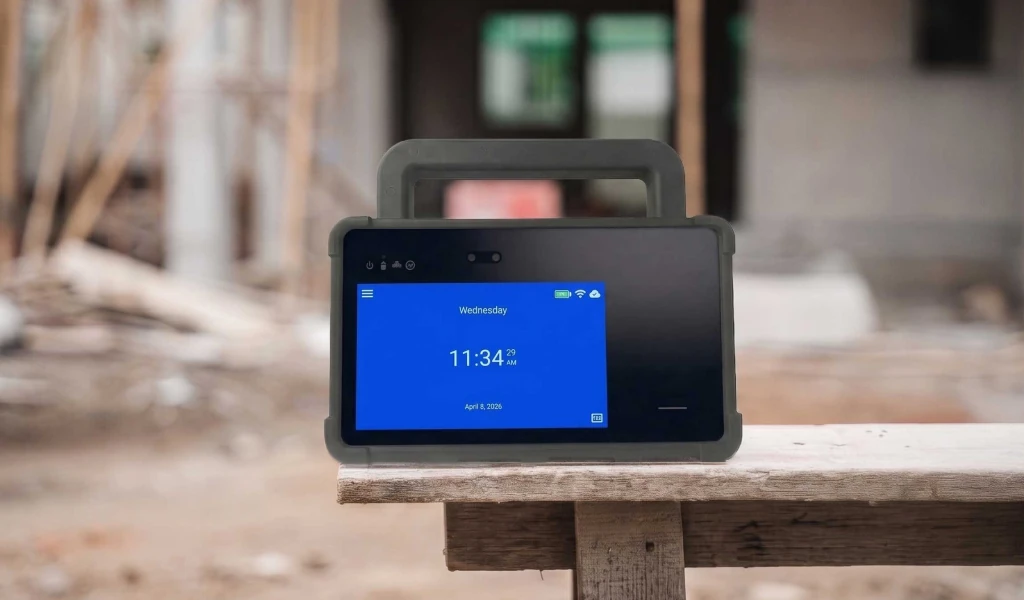
| Sites with no power or Wi-Fi | Mobile jobsite clock or field-ready portable clock | Battery and 4G LTE, IP65 / IP66. GPS and geofencing, so punches outside the allowed area are stopped at the clock |
Fingerprint and face clocks collect biometric data, and the rules differ by state. Notice and consent are yours to handle with your own counsel. WorkEasy clocks ask each employee to accept a biometric consent before a fingerprint or face is enrolled.
Not sure which clock suits each site? We'll match a clock to every location on a call.
The rollout is where multi-site projects go wrong: clocks arrive before anyone is set up, the first payroll from the new system doesn't match the old one, and nobody trusts it again. The order below avoids that.
Comparing vendors before a rollout? Use the time and attendance requirements checklist to score them on the same questions.
With a multi-site quote, we'll talk through the order of sites and the right clock for each one with you on a call.
Retail chains have their own version of the problem: 30 stores, 30 store managers, and holiday hours that change every November. Put each store on its own location and build each store's schedule with employee scheduling. Store managers approve their own store. District managers see the district. See time and attendance for retail.
Approved hours from every site are sent to your payroll system together, already split into regular, overtime, double time and time off by each location's rules. Connect to ADP Workforce Now, RUN Powered by ADP or QuickBooks Online, or export to Paychex Flex and other providers. WorkEasy prepares payroll-ready hours and sends them to your payroll system. It doesn't process paychecks, taxes, deductions, or direct deposit. Still choosing a system? Read what a time and attendance system does, and how to choose one.
Opening a new site or pulling several systems into one? Get a rollout quote and we'll talk through the plan with you.
Short answers to the questions that come up most often.
Put every site on one time and attendance system and set it up around your locations rather than around one head office. Each location gets its own time zone, managers and clocks. Rules for overtime, breaks and time off are set once and assigned to the locations or groups they apply to, and approved hours from every site are sent to your payroll system in one export or connection. Regional and corporate managers see all their sites, while each site manager sees only their own people. WorkEasy is built this way, with Location as the core group for scheduling, approvals, reporting and time clocks.
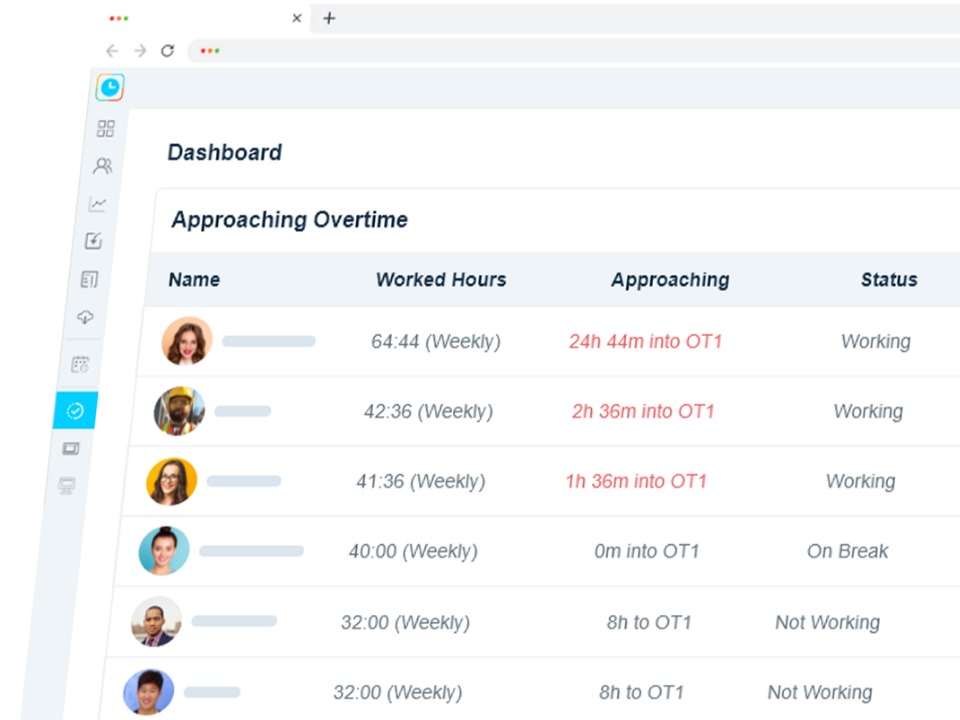
Yes, if your time and attendance software lets you assign overtime rules by group. A multi-state setup can have one rule with weekly overtime for most locations, and a second rule for locations in a state with daily overtime that adds daily overtime, double time and seventh-day overtime. Each employee is calculated under the rule for their group, and overtime hours go to their own pay codes. In WorkEasy, each overtime rule has an audience of everyone, a specific group or a specific employee, and a start date, so you can add a location's rule ahead of a law change.
For multiple sites, the best setup is one platform with different clocks per site, not the same clock everywhere. An industrial-grade fingerprint clock suits plants and warehouses with steady crews. A touchless face recognition clock helps where people wear gloves or shift changes are busy. A proximity smart card clock suits sites with rotating temps. The Time Kiosk App on a tablet can be enough for a small store or office, and the mobile app with a geofence covers field crews. What matters most is that every clock sends punches to the same timesheets. WorkEasy offers all of these, and each clock takes its time zone from the location it's assigned to.
In a well-set-up system, each location has its own time zone, and every clock and employee assigned to that location records punches in local time. That keeps a 7 a.m. start in Denver from showing as 9 a.m. on a timesheet reviewed in New York, and keeps overnight shifts from splitting across the wrong days. Changing a site's time zone should be planned for when nobody is on the clock. In WorkEasy, time clocks, employees, departments and positions take their time zone from their location.
It depends mostly on how many different pay rules you have and how many clocks need installing, not on headcount. A workable order is to map locations, departments and pay schedules, write the rules once, and import employees. Then run one site in parallel with the old process for a full pay period, roll out the remaining sites in waves and connect your payroll system. Plan the pilot so a full payroll cycle can be checked before the second wave. With a multi-site quote, we'll talk through the order of sites and the right clock for each one with you on a call.
WorkEasy Software in the news
Learn what the news media is saying about WorkEasy Software products and service.
WorkEasy Software recognized as a Top 25 Global Work Tech Vendor. Work Tech Awards honor best-in-class vendors.

WorkEasy Software powers game-changing teams with surprisingly easy technology in mission-critical areas.

Work Tech Awards honor top vendors worldwide whose efforts exemplify what Inspiring Workplaces calls “real impact.”

WorkEasy Software recognized as a Top 25 Global Work Tech Vendor. Work Tech Awards honor best-in-class vendors.

Work Tech Awards honor top vendors worldwide whose efforts exemplify what Inspiring Workplaces calls “real impact.”

WorkEasy Software powers game-changing teams with surprisingly easy technology in mission-critical areas.

WorkEasy Software powers game-changing teams with surprisingly easy technology in mission-critical areas.


