
FOX
WorkEasy Software recognized as a Top 25 Global Work Tech Vendor. Work Tech Awards honor best-in-class vendors.
What a cloud-based time clock is, how it compares with standalone and free online clocks, what it needs from your network, and how approved hours reach payroll.
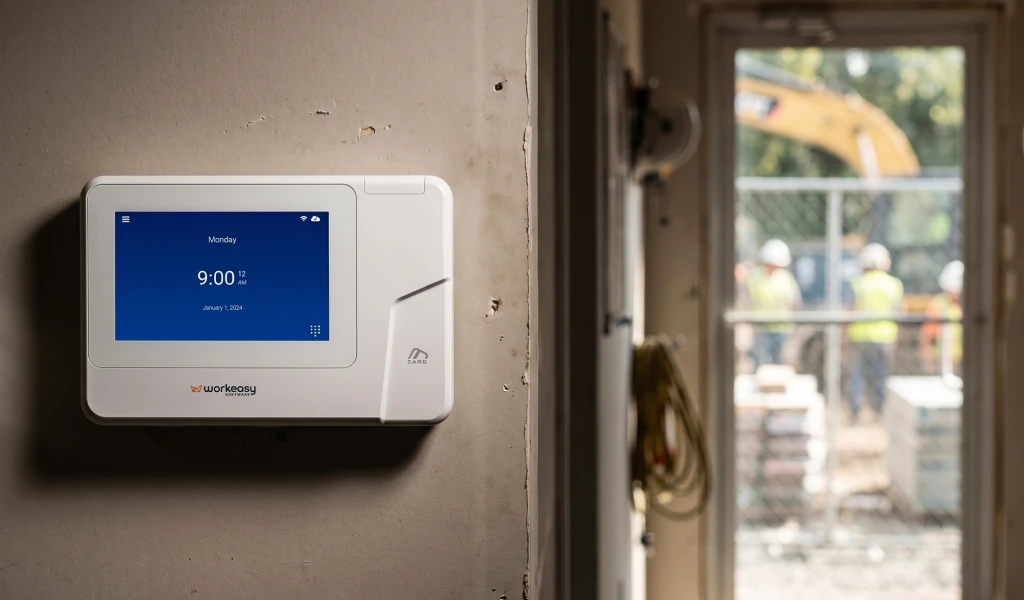
A cloud-based time clock sends every punch to your online timesheets as it happens. You can see who's working at every site and send approved hours to your payroll provider without downloading a thing. Here's how cloud time clocks work, what they need from your network, how they compare with standalone clocks and free online time clocks, and how the hours get into payroll.
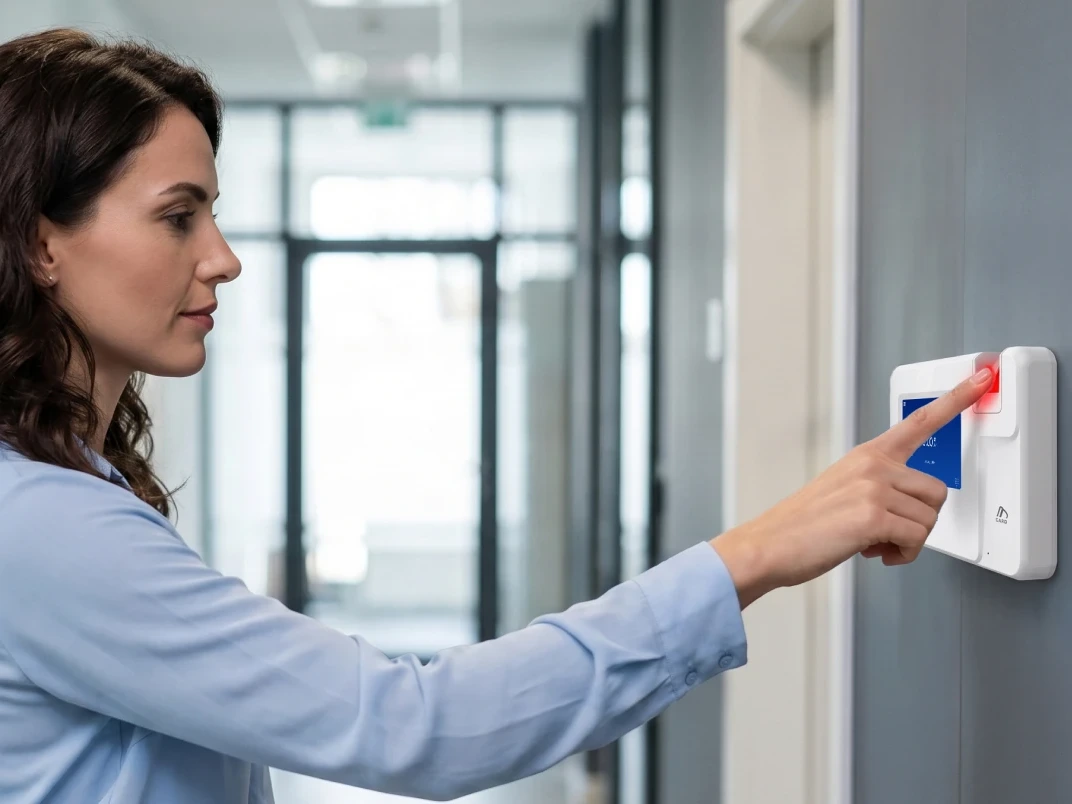
A cloud-based time clock is a time clock that uploads each punch over the internet to online time and attendance software. Punches don't wait on the device or on one office PC for someone to collect them, so timesheets are current wherever you check them.
The clock is the front end. It confirms who is clocking in, by fingerprint, face, palm, badge or PIN depending on the model, and records the time. The software behind it holds the timesheets, applies your overtime and break rules, and is where managers approve hours. Together, the clock, the software and the connection between them make up a cloud-based time clock system. For more on the software half, see our guide to choosing a time and attendance system.
A standalone clock works differently. It keeps punches on the device until someone collects them by USB drive or desktop software, then totals them and keys them in. A smart time clock connected to the cloud skips that trip, because the punch is already in the software when the employee walks away. If your team still punches paper time cards, start with punch clocks vs electronic time clocks.
Replacing a standalone or free online clock? See the Xenio time clock range, every clock connected to WorkEasy, or request a quote for your sites.
Two different things move at two different times. Punches reach WorkEasy as they happen. Hours reach your payroll provider when a manager sends approved timesheets. That gap is deliberate, because it is where someone checks the week before anyone gets paid.
The three kinds of clock differ on where the punch goes, how it is confirmed and how hours get to payroll.
| Standalone time clock | Free online time clock | Cloud-based time clock | |
|---|---|---|---|
| Where punches go | Stored on the device or one PC | A website | Online time and attendance software |
| How the punch is confirmed | Depends on the clock | Login only, no identity check | Fingerprint, face or palm, or a badge or PIN, depending on the clock |
| Getting hours to payroll | Download, total and re-enter | Export or re-enter, depending on the tool | A manager sends approved hours to your payroll provider |
| Multiple sites | Each clock collected on its own | Yes | Yes, in one account |
| With no internet on site | Not affected | Employees can't clock in | Keeps recording punches, then uploads them when the connection is back |
An online time clock that employees open in a browser is cheap and quick to start, and for a small team in one office it can be enough. An online time clock for employees confirms a login, though, not the person at the screen, and a browser clock needs the internet at the moment of the punch. A standalone clock doesn't need the internet at all, but every pay period starts with someone collecting its punches. A cloud-based clock sits between the two. It confirms the person at the clock, gets the punch online as soon as it can, and leaves no file to carry back to the office.
Time clocks don't send hours to payroll on their own. The clock sends punches to time and attendance software, and that software sends approved hours to your payroll provider. So the question to ask is not whether a clock works with your payroll. Ask whether the software behind the clock connects to your payroll provider, and how.
Five things to check before you buy:
WorkEasy doesn't run payroll. It sends approved hours to the system that pays your team. Punches arrive from the clock as they happen, managers review and approve timesheets, and a manager sends the approved hours on. WorkEasy connects through native integrations, secure APIs or custom configurations, and some systems use an export and import instead of a live connection. Check how WorkEasy connects to your payroll provider before you choose a clock.
A web-based time clock lets office and hybrid staff clock in from a browser. In WorkEasy, web clock-in runs in the same account as your Xenio clocks, so office punches and clock punches land on the same timesheets and go through the same approval.
A browser doesn't confirm who is at the keyboard, so the useful control is where the punch comes from. WorkEasy's help center explains how to restrict web clock-in by IP address, which limits it to approved networks such as your office. Hourly teams on the floor, the dock or the job site use a Xenio clock, and office staff use the browser, with one set of pay rules behind both. Web clock-in is part of WorkEasy Time and Attendance.
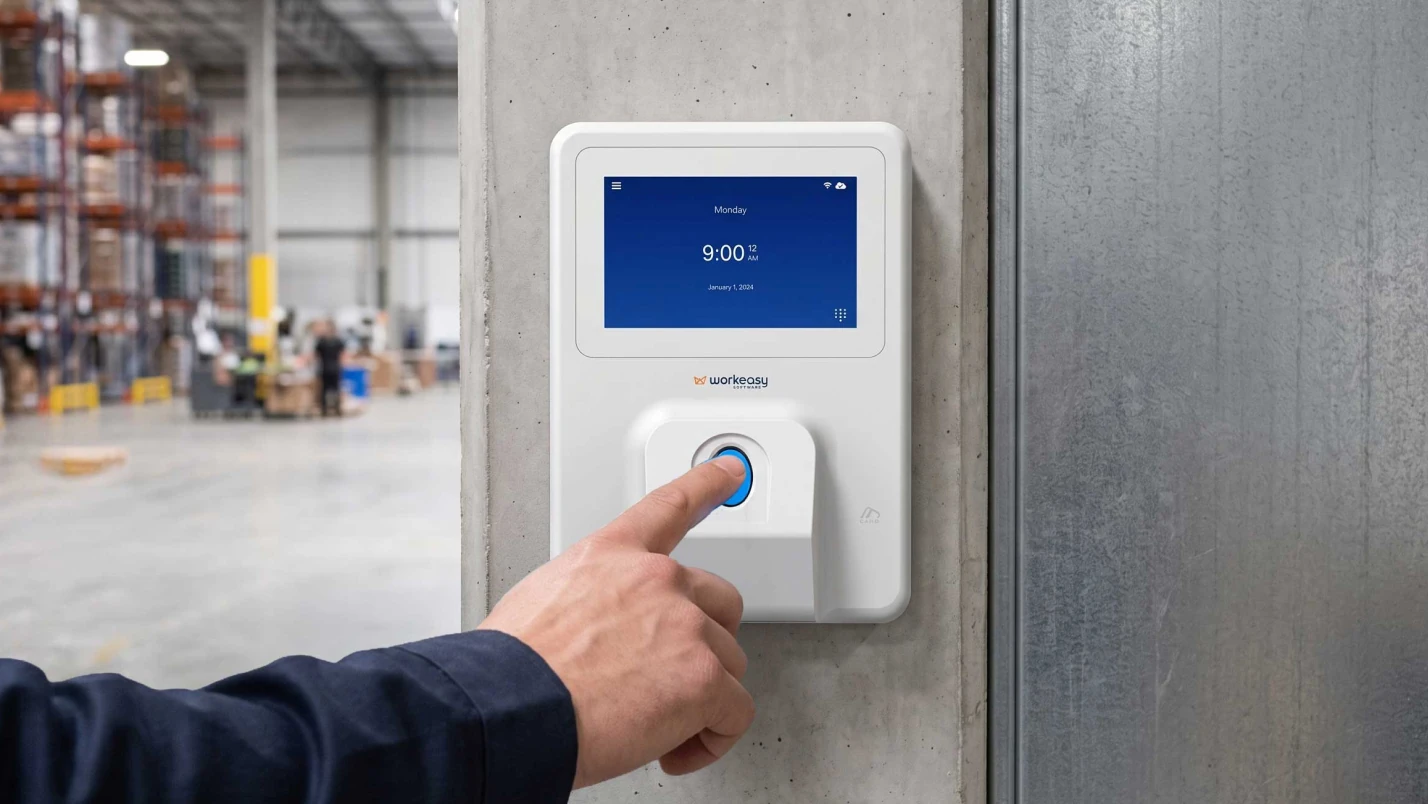
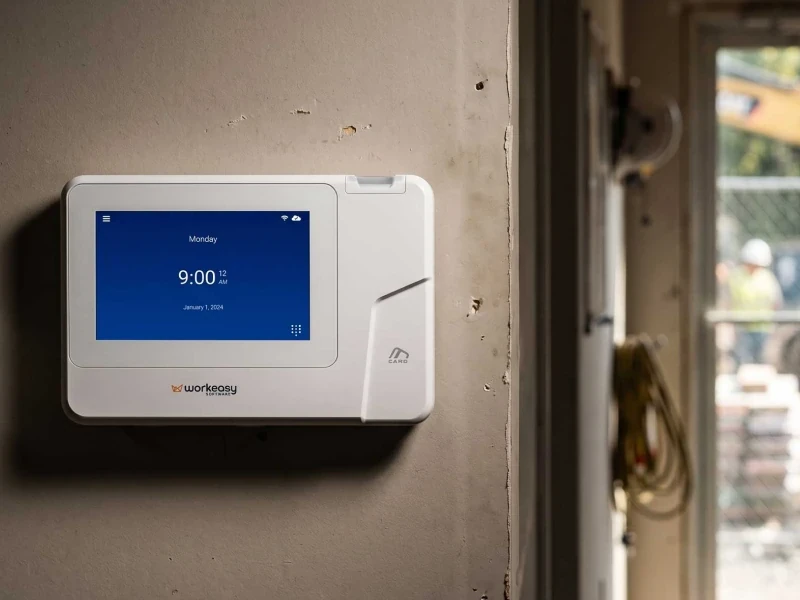
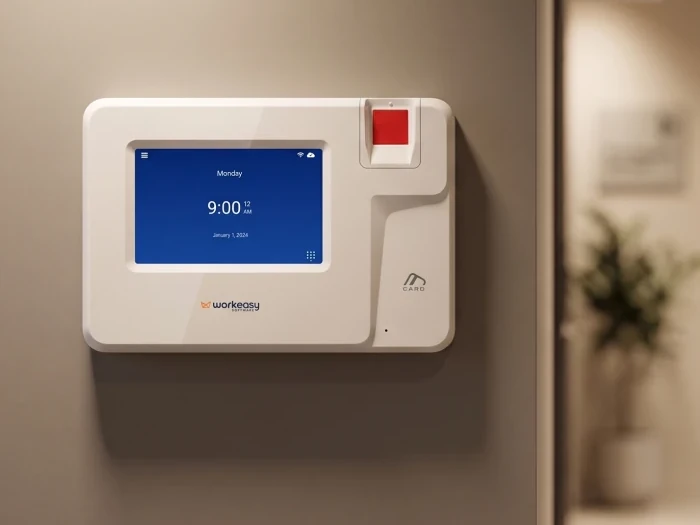
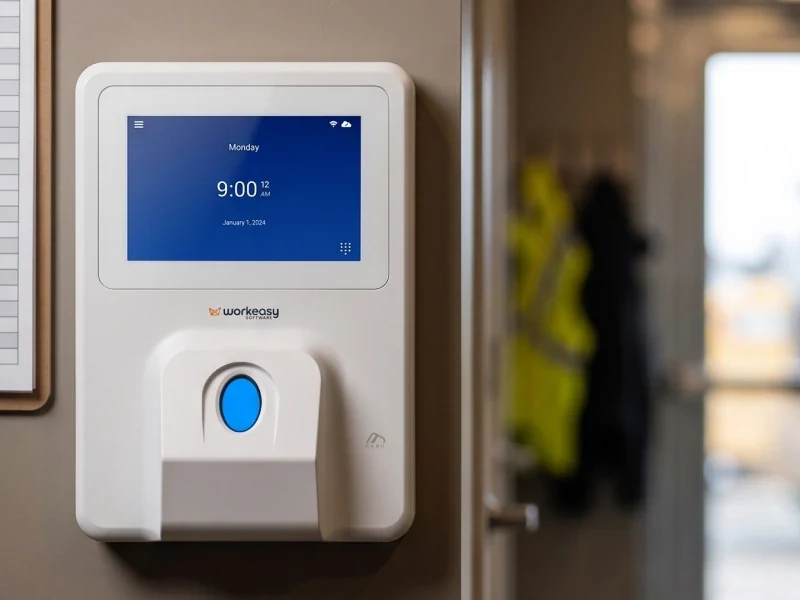
Every Xenio time clock is cloud-connected to WorkEasy. The clocks differ in how employees clock in and how each one connects, so pick on the conditions where your people punch.
| Clock | How employees clock in | Connection |
|---|---|---|
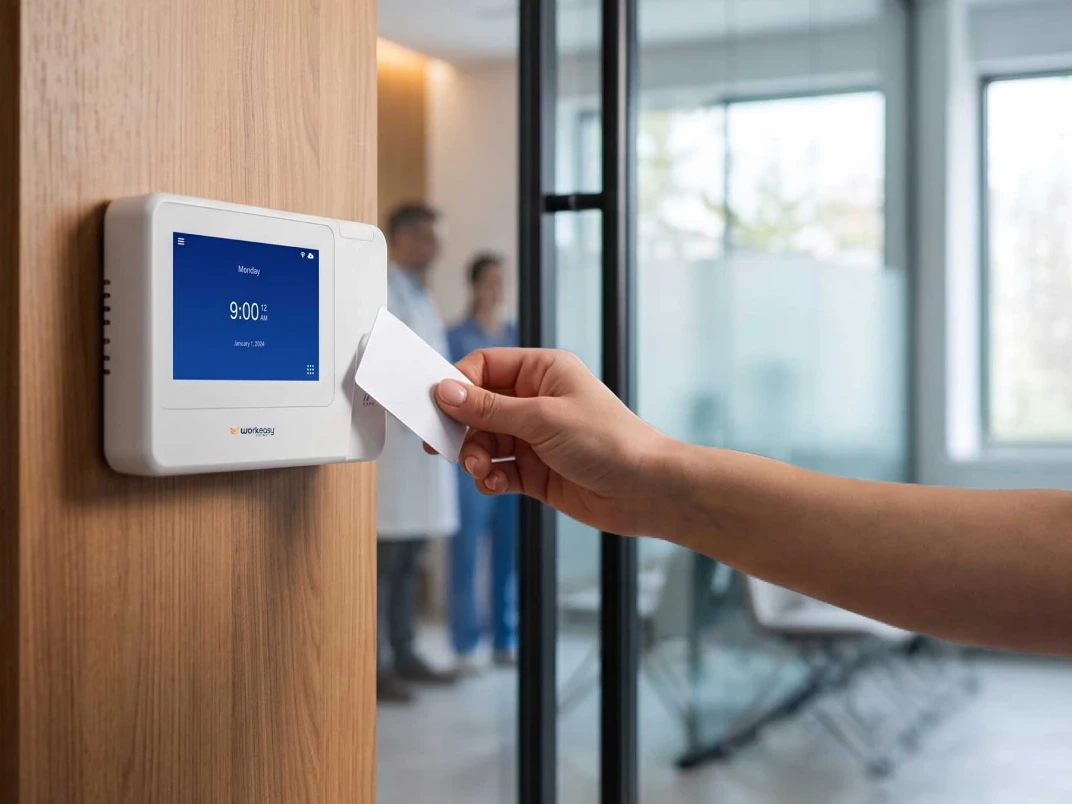
| Proximity smart card clock | RFID badge | Wi-Fi or Ethernet |
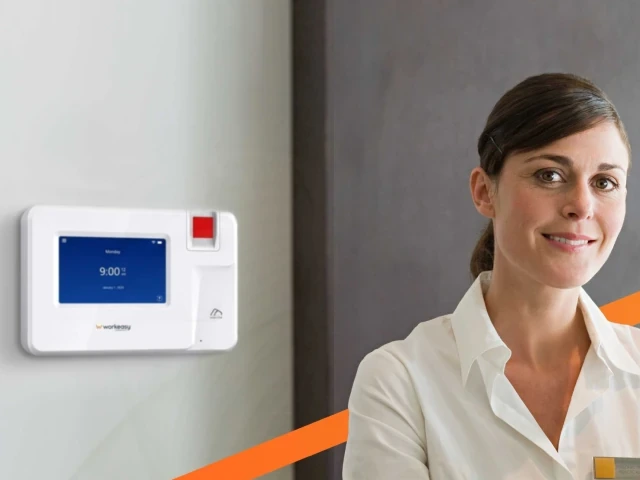
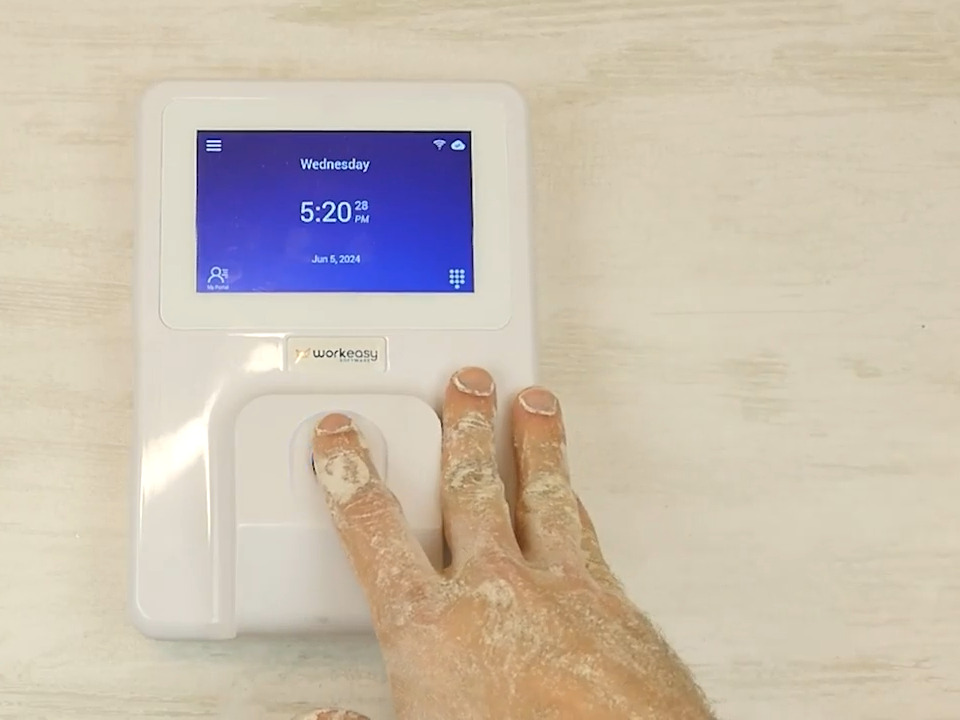
| Smart fingerprint clock | Optical fingerprint | Wi-Fi or Ethernet |
| Advanced fingerprint clock | Multispectral fingerprint | Wi-Fi or Ethernet |
| Industrial-grade fingerprint clock | Multispectral fingerprint | Wi-Fi or Ethernet |
| Touchless face recognition clock | Face recognition | Wi-Fi (2.4 GHz) or Ethernet |
| Mobile jobsite clock | Face recognition | Wi-Fi or 4G LTE |
| Field-ready portable clock | Face, palm, fingerprint, PIN or badge | Wi-Fi, Ethernet or 4G LTE |
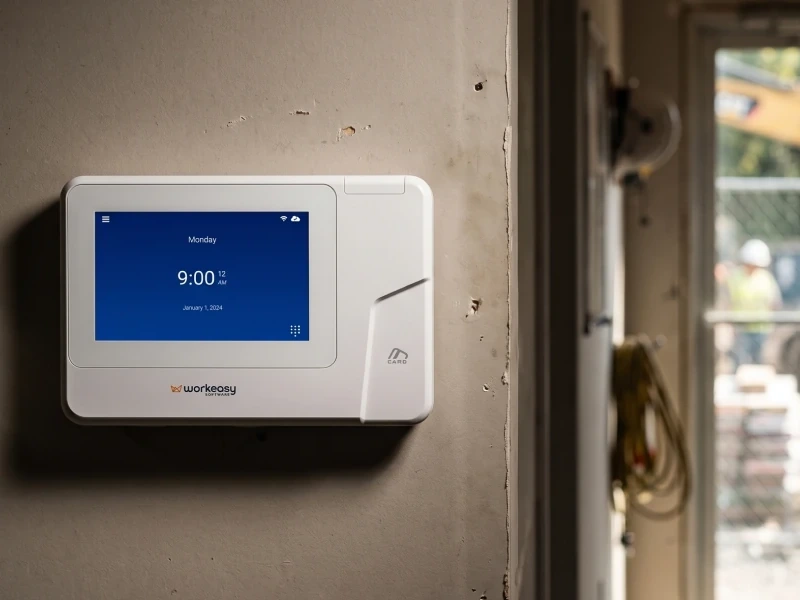
Where the clock goes on a wall with power and a network, any of the five fixed clocks fits. Run an Ethernet cable or join the site's Wi-Fi, then choose among them on hands and traffic. The touchless face recognition clock joins 2.4 GHz Wi-Fi only, so check the band your network uses before you mount it.
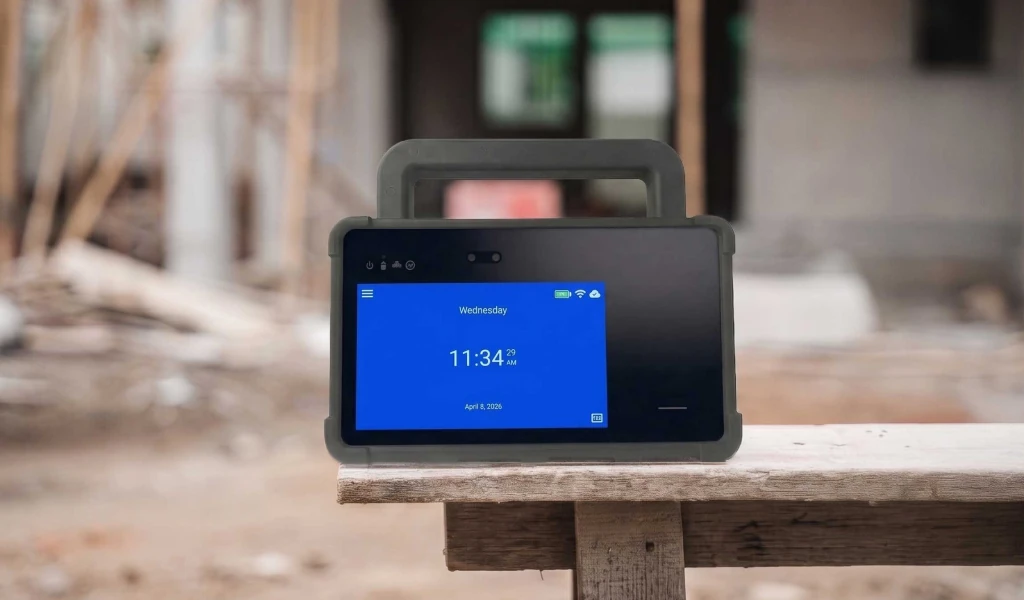
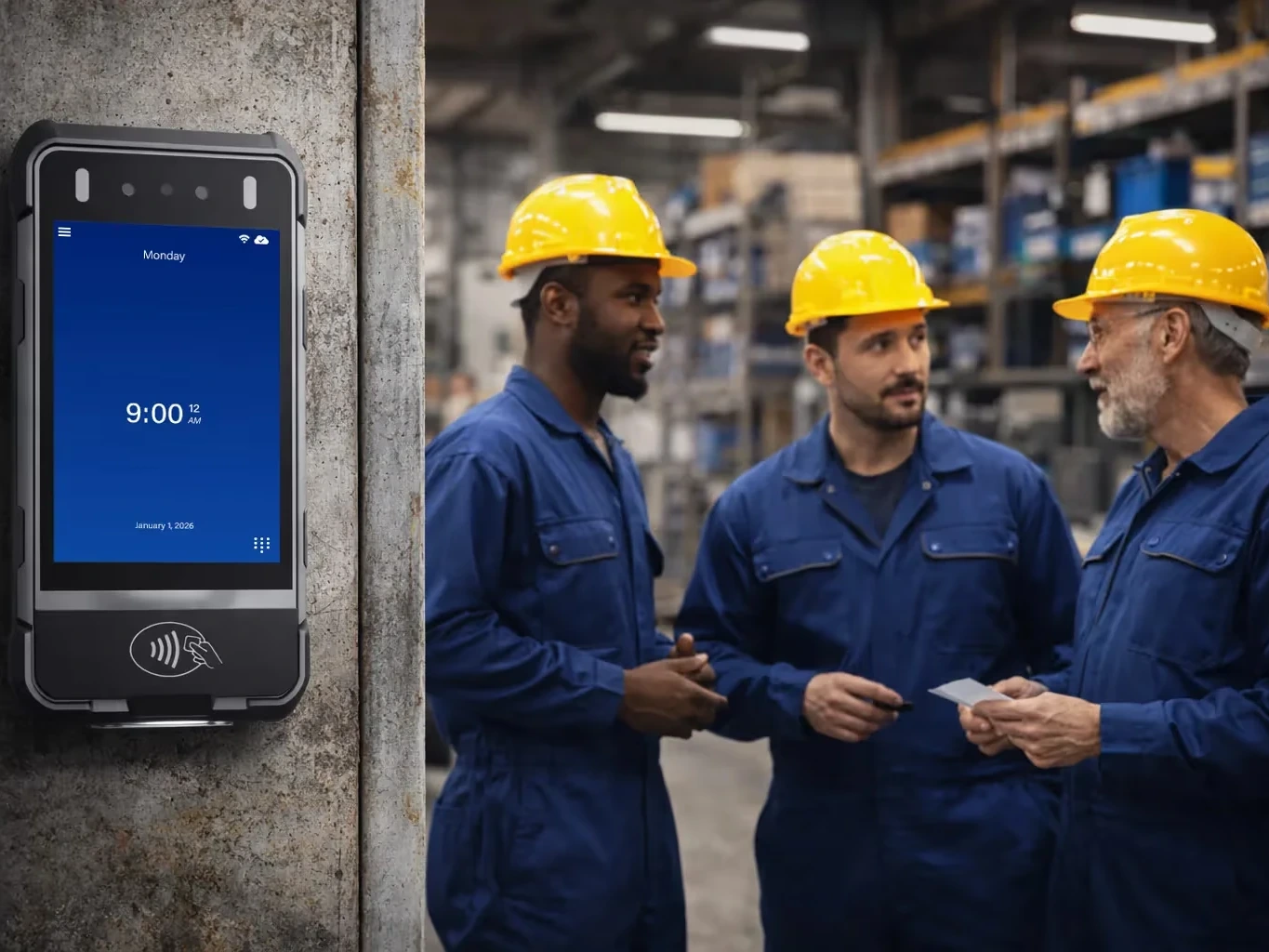
Where there's no network at the punch point, such as an open job site, a yard or a temporary location, look at the two field clocks. The mobile jobsite clock and the field-ready portable clock both connect over 4G LTE and run on battery. The mobile jobsite clock has no Ethernet port, so if you want a cable at some sites and LTE at others, the field-ready portable clock takes both.
Whichever clock you choose, it needs an outbound connection to WorkEasy's cloud service, which IT may need to allow through the firewall. To see every model side by side, compare all Xenio clocks.
If you're replacing a standalone or free online clock, the next step is a number for your own sites. Request a quote and tell us how many sites you run and how each one connects.
Short answers to the questions that come up most often.
A cloud-based time clock is a time clock that sends each punch over the internet to online time and attendance software, instead of storing it on the device or a single office PC. Managers can see who is clocked in and review timesheets from any browser, and approved hours are sent to the payroll provider you already run. Every Xenio time clock from WorkEasy is cloud-connected to WorkEasy Time and Attendance.
A standalone time clock keeps punches on the device, so someone has to download them to a USB drive or a local PC, then total them and enter them. A cloud-based time clock uploads each punch on its own, so timesheets, overtime and exceptions are up to date without anyone visiting the clock. A cloud system also lets you manage several sites from one account. Xenio clocks from WorkEasy upload every punch to the cloud.
For a small team in one office, a free online time clock that employees use in a browser can be enough. The trade-offs show up as you grow. A browser clock confirms a login, not the person, and it can be used from anywhere unless it is restricted. Check too whether a free tool handles your overtime rules and connects to your payroll provider. A hardware time clock with fingerprint or face recognition confirms the person, and you can run both. WorkEasy offers web clock-in, which can be restricted by IP address, alongside Xenio hardware clocks, all in one account.
A cloud time clock connects over Wi-Fi or a wired Ethernet cable, and some portable and mobile clocks also use 4G LTE, so they work on sites with no wired or Wi-Fi network. The clock needs an outbound connection to the vendor's cloud service, which IT may need to allow through the firewall. A good cloud clock keeps recording punches with no internet on site, then uploads them when the connection is back. All seven Xenio clocks connect by Wi-Fi, and six also take Ethernet. The field-ready portable clock adds 4G LTE, and the mobile jobsite clock connects by Wi-Fi or 4G LTE.
WorkEasy Software in the news
Learn what the news media is saying about WorkEasy Software products and service.
WorkEasy Software recognized as a Top 25 Global Work Tech Vendor. Work Tech Awards honor best-in-class vendors.
WorkEasy Software powers game-changing teams with surprisingly easy technology in mission-critical areas.

Work Tech Awards honor top vendors worldwide whose efforts exemplify what Inspiring Workplaces calls “real impact.”

WorkEasy Software recognized as a Top 25 Global Work Tech Vendor. Work Tech Awards honor best-in-class vendors.

Work Tech Awards honor top vendors worldwide whose efforts exemplify what Inspiring Workplaces calls “real impact.”

WorkEasy Software powers game-changing teams with surprisingly easy technology in mission-critical areas.

WorkEasy Software powers game-changing teams with surprisingly easy technology in mission-critical areas.


