
FOX
WorkEasy Software recognized as a Top 25 Global Work Tech Vendor. Work Tech Awards honor best-in-class vendors.
When a shared tablet running a kiosk app is enough as a time clock, when a fingerprint clock is the better buy, and how to set up either one.
A spare tablet by the door looks like the easiest time clock you could set up. For some teams it is. For others, a PIN anyone can type, Wi-Fi that drops and a tablet that keeps wandering off turn it into a payroll problem. Here's how a tablet time clock kiosk compares with a fingerprint time clock, and how to tell which one your team needs.
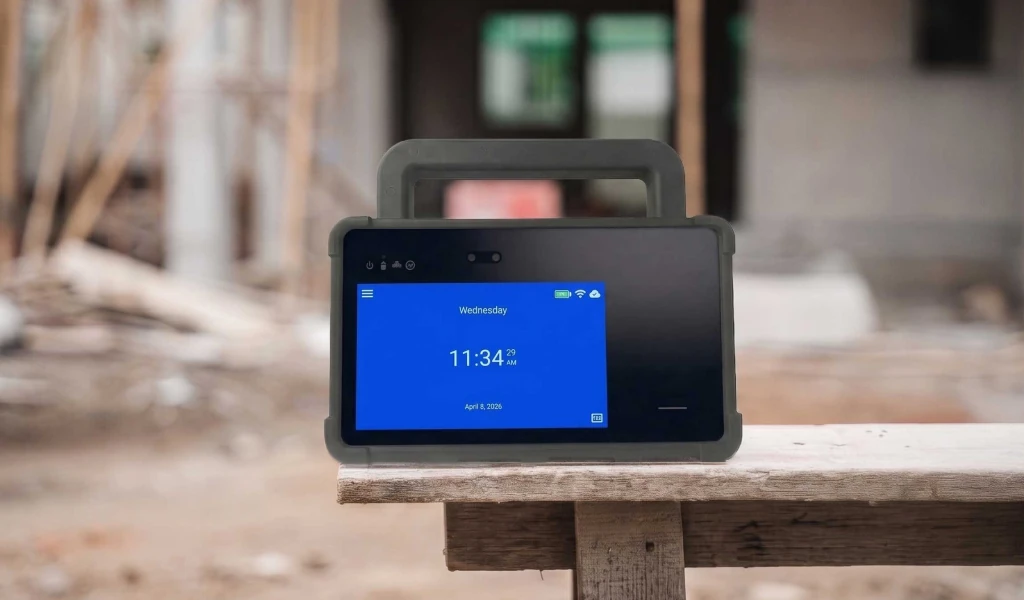
Yes. A shared tablet running a time clock kiosk app works well for a small team in one location, as long as it is mounted, plugged in, locked to the app and always online. The trade-offs are identity and reliability. PINs can be shared, so a PIN record can't prove who punched, and a photo taken at each punch only helps after the fact. WorkEasy's Time Kiosk App can't record punches without an internet connection, so check any kiosk app's offline behavior before you rely on it. If proof of who punched or the connection is a concern, a fingerprint time clock verifies each person at the device and is built to stay on a wall. With no internet on site, it keeps recording punches, then uploads them when the connection is back. WorkEasy offers both: the WorkEasy Time Kiosk App for iPad and Android tablets, and the smart fingerprint time clock for small, indoor teams.
Choosing your first time clock? Compare Xenio time clocks side by side, or request a quote for your site.
A tablet kiosk and a fingerprint clock differ on how a punch is confirmed, what happens when the internet drops, and how much work it takes to keep each one in place.
| Tablet time clock kiosk | Smart fingerprint time clock | |
|---|---|---|
| Proof of who punched | An employee ID or PIN, which can be shared | A fingerprint, checked at the device |
| If the internet drops | WorkEasy's Time Kiosk App can't record punches | Keeps recording punches, then uploads them when the connection is back. More in cloud-based time clocks |
| Where it lives | On a stand or mount, easy to move or borrow | Fixed to a wall, built for one job |
| Power | Must stay plugged in | Power over Ethernet or a 12V adapter |
| Locking it down | Guided Access or app pinning needed | Not needed. The clock is built only for clocking in |
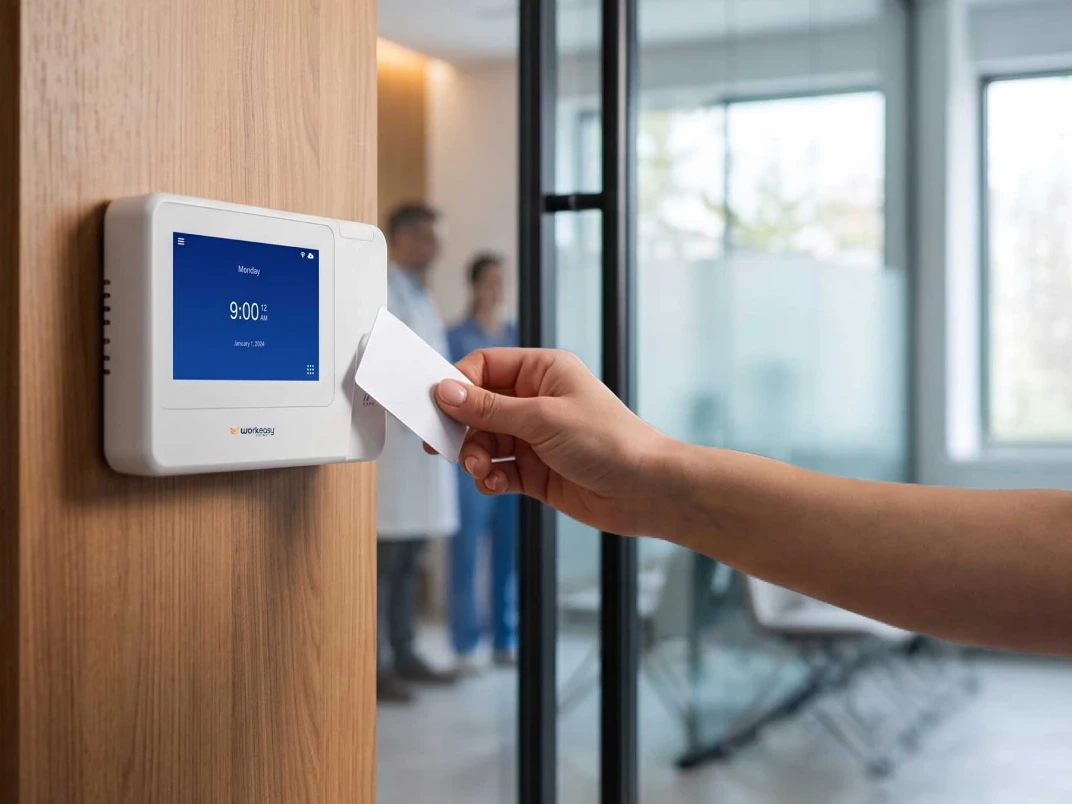
| Other ways to clock in | Employee ID or PIN | A proximity card, as a backup to the fingerprint |
| What you buy | A tablet, a mount, power and the kiosk app | The clock, by purchase or subscription |
Neither column is right for every team. The tablet wins on how fast you can start, especially with a spare tablet already in a drawer. The fingerprint clock wins on proof of who punched and on staying put. The WorkEasy Time Kiosk App and Xenio clocks both work in the same WorkEasy account, so punches land on the same timesheets either way.
A time clock tablet is enough when four things are true. Your team works at one site with reliable Wi-Fi. The team is small enough that a manager knows who is in the building. A PIN or employee ID gives you the record you need. And you have a spare tablet you can give to the job, not one that also runs email or orders.
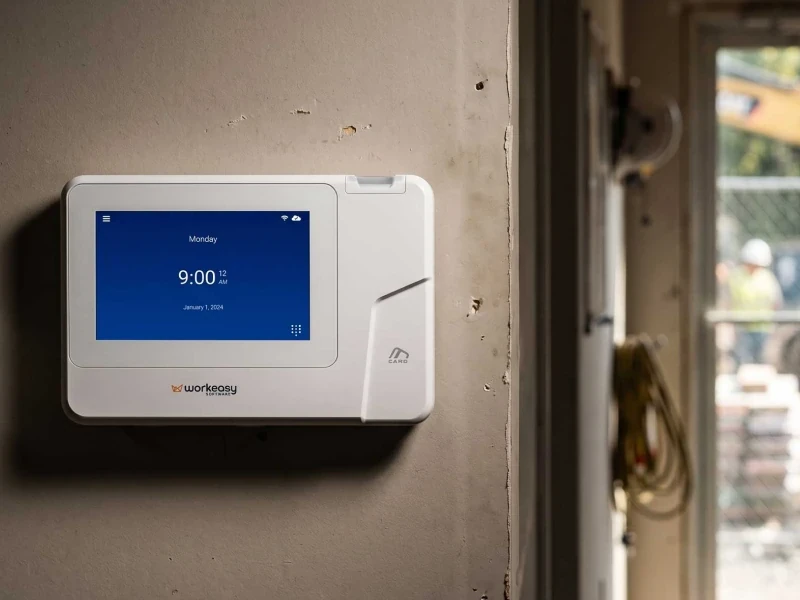
In that setup, a time clock kiosk app on a mounted tablet gets you running quickly. An iPad time clock and an Android time clock work the same way. Employees walk up, enter an employee ID or PIN, and the punch goes to time and attendance software. With the WorkEasy Time Kiosk App, those punches land in the same WorkEasy account as any clock you add later.
Plan around the limits from day one. WorkEasy's help center says the Time Kiosk App can't record punches without an internet connection, so a Wi-Fi outage stops clock-ins until the connection is back. Keep the tablet on the app, on power and on the wall, and the setup holds up.
A fingerprint time clock is the better buy when the tablet's limits start to show. PINs can be shared, so a PIN record can't prove who punched. Wi-Fi that drops at the start of a shift means missed punches to fix later. A tablet that goes missing, or gets used for other things, leaves nowhere to clock in. A growing team makes each of those harder to manage by eye.
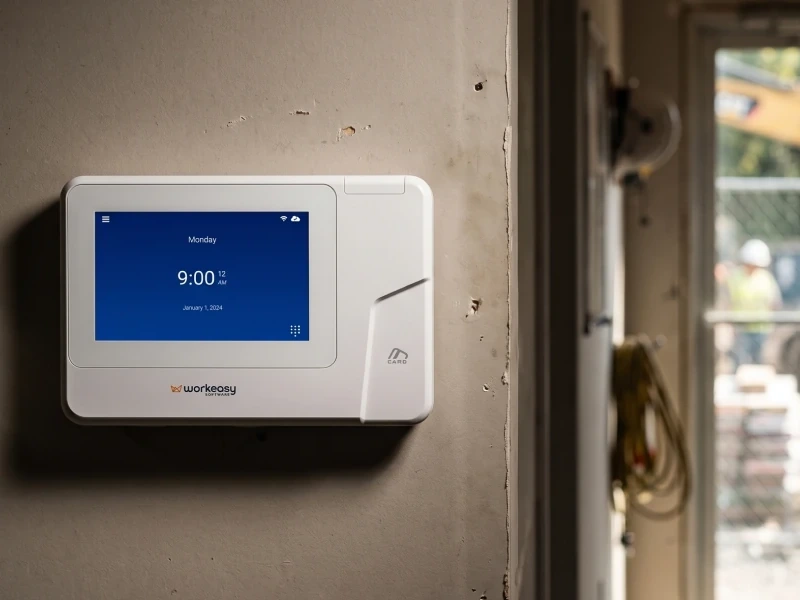
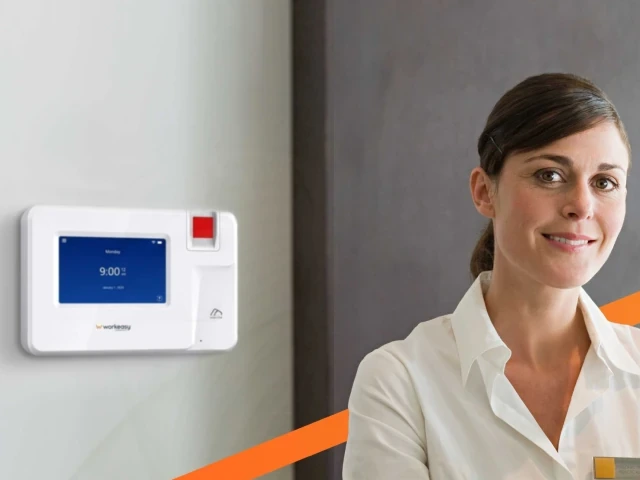
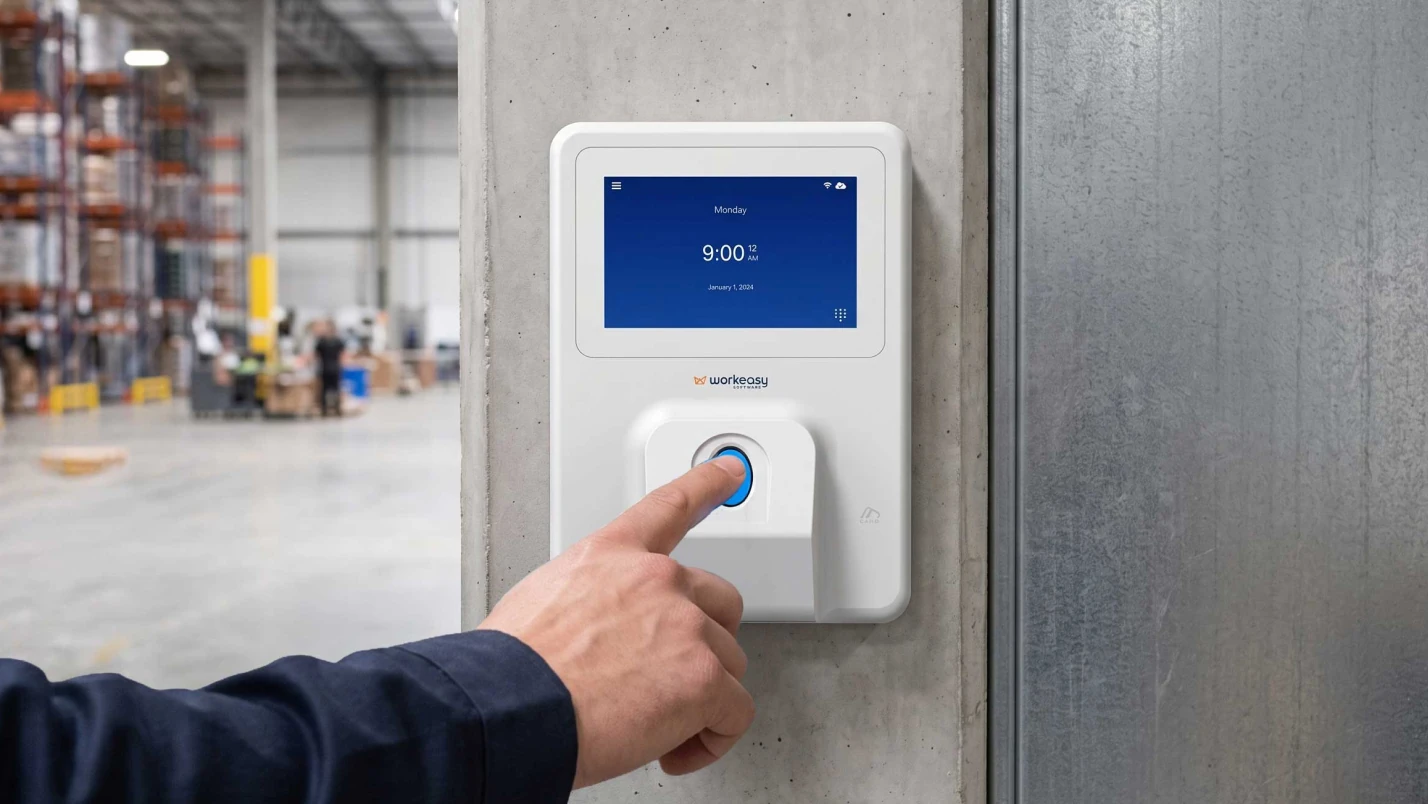
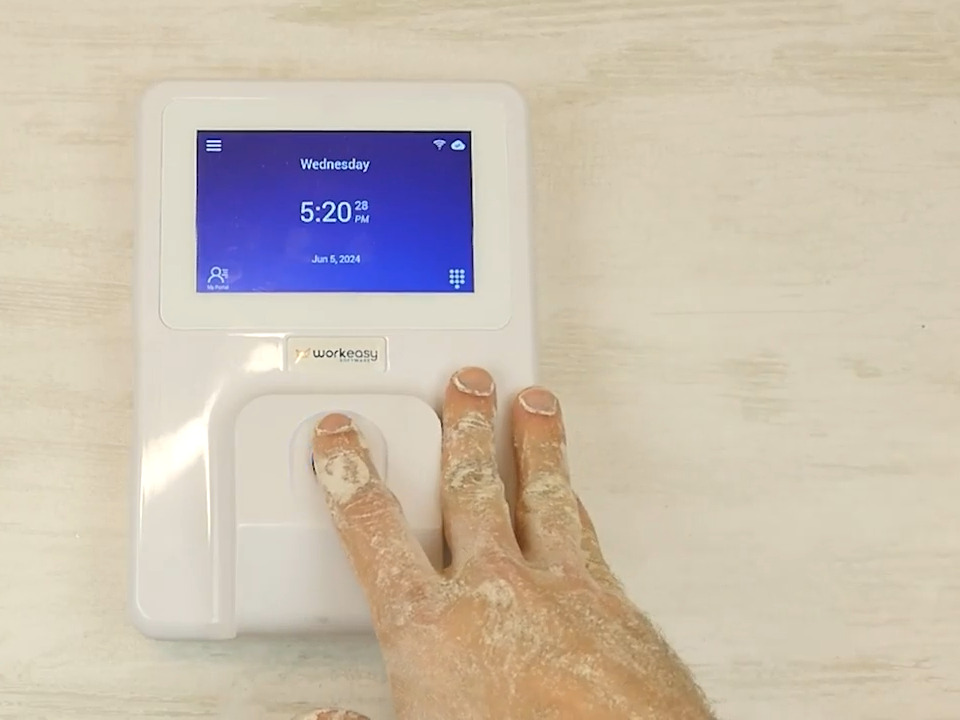
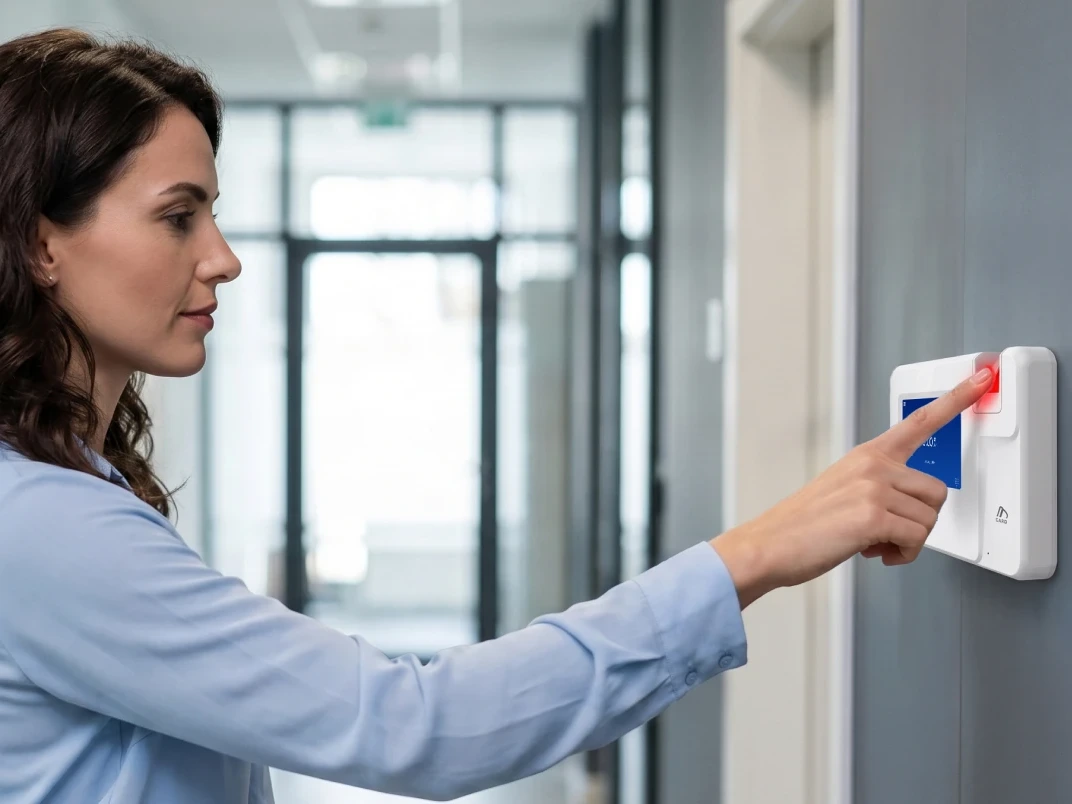
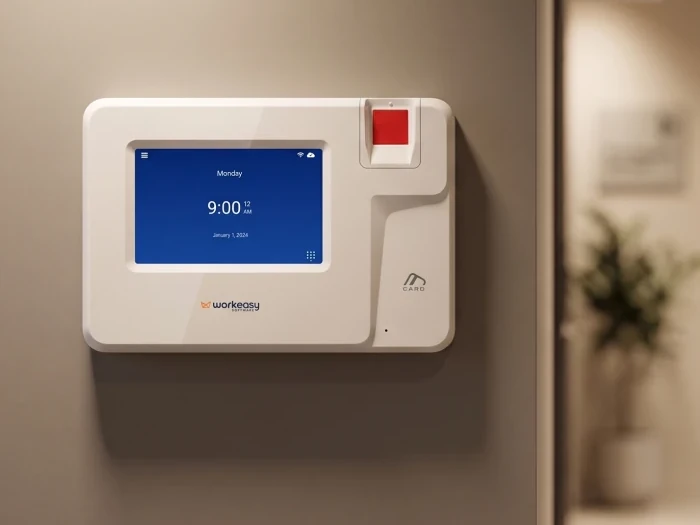
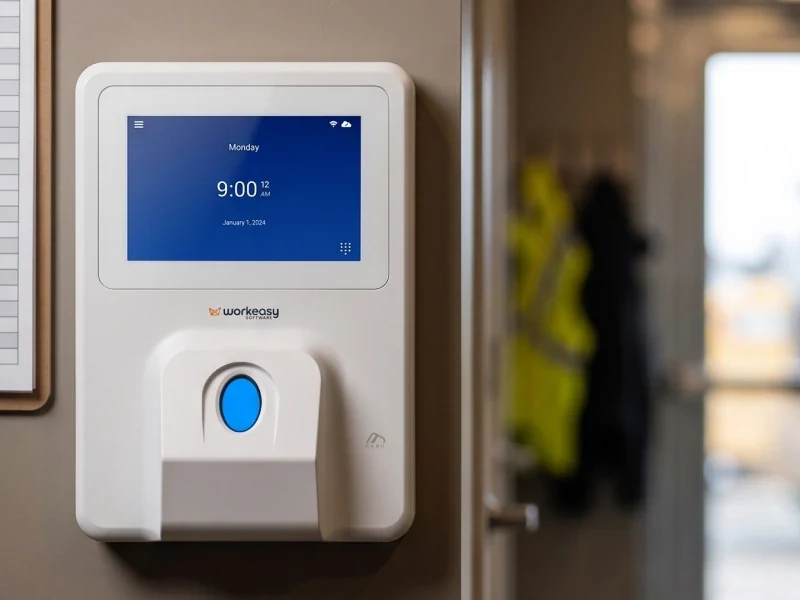
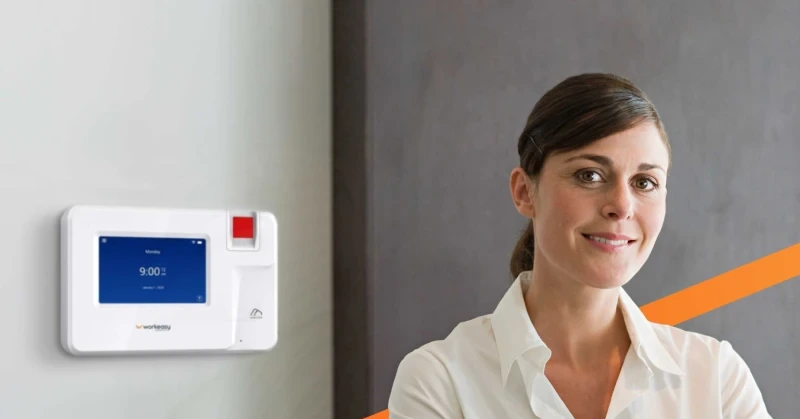
WorkEasy's smart fingerprint time clock is the entry fingerprint clock in the Xenio range, made for clean, indoor, low-traffic workplaces such as offices, clinics and shops. The smart fingerprint time clock reads each employee's fingerprint with an optical sensor, which works best with clean, dry hands. The clock mounts on the wall, connects by Ethernet or Wi-Fi, and runs on Power over Ethernet or a 12V adapter. With no internet on site, it keeps recording punches, then uploads them when the connection is back. You can buy it outright or take it on subscription to spread the cost. See the fingerprint time clock for small business.
The smart fingerprint time clock suits clean hands and light traffic. Other sites need a different sensor or a different way to clock in.
Both setups take four steps. The tablet takes more care to keep running, and the fingerprint clock needs each employee enrolled.
| Step | Tablet time clock kiosk | Smart fingerprint time clock |
|---|---|---|
| Step 1 | Choose a supported tablet (iPadOS 13.4 or later or Android 7.0 or later, ideally with a 9-inch or larger screen) | Mount the clock near the entrance |
| Step 2 | Mount the tablet and keep it plugged in | Connect Ethernet (with Power over Ethernet) or Wi-Fi |
| Step 3 | Install the kiosk app and lock the tablet to it | Link the clock to your WorkEasy account |
| Step 4 | Give each employee an employee ID or PIN | Enroll each employee's fingerprint |
WorkEasy's help center sets out the tablet requirements for the Time Kiosk App. An iPad needs iPadOS 13.4 or later, and an Android tablet needs Android 7.0 or later. A screen of 9 inches or more and at least 2 GB of RAM are recommended, and phones aren't supported. The help center also recommends a dedicated tablet on constant power, locked to the app with Guided Access on iPad or app pinning on Android.
On the fingerprint side, the last step is enrolling each employee's fingerprint. Section 9 of WorkEasy's Terms & Conditions covers biometric data, so read it before you enroll your team.
Weighing a tablet against a clock for your own site? Request a quote and tell us about your team and where they clock in.
Short answers to the questions that come up most often.
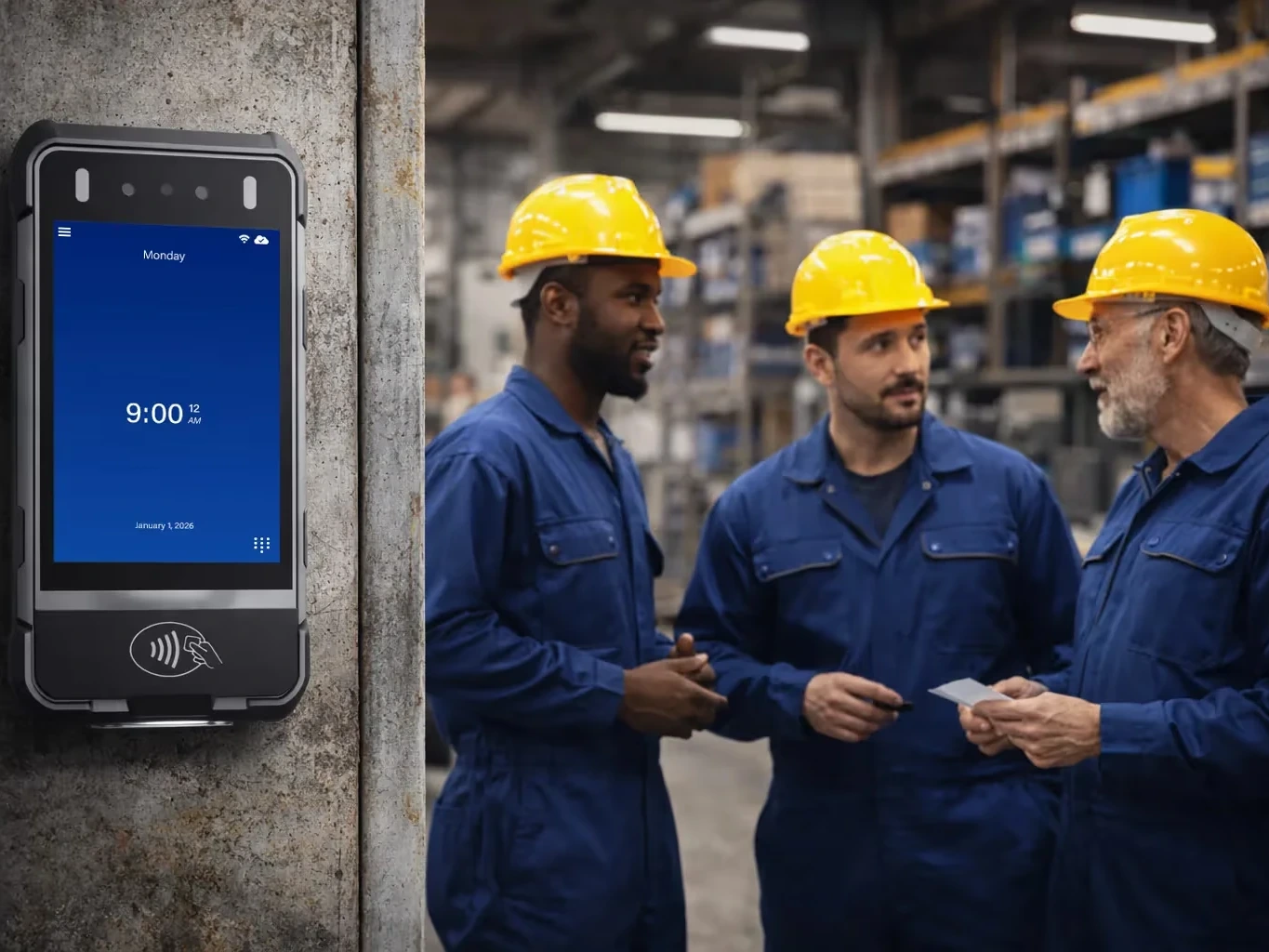
A time clock kiosk is a shared device, such as a tablet or a wall-mounted terminal, where every employee clocks in and out at one spot. Employees identify themselves with a PIN, an employee ID, a badge or a biometric scan, depending on the kiosk, and each punch goes to time and attendance software. A tablet kiosk runs an app on an iPad or Android tablet, and a dedicated kiosk is a purpose-built time clock. WorkEasy offers both, the WorkEasy Time Kiosk App for tablets and Xenio time clocks.
Yes, if the kiosk only asks for a PIN or employee ID, because the code works for whoever enters it. People search for this as buddy punching, and the result is an inaccurate record of who worked. Photo capture at each punch, which some kiosk apps offer, helps a manager spot a mismatch, but only after someone reviews the photos. A fingerprint is checked at the device, before the punch is recorded. The WorkEasy Time Kiosk App verifies by employee ID or PIN, and the WorkEasy smart fingerprint time clock verifies by fingerprint.
You need a supported tablet, a time clock kiosk app, a secure wall or counter mount, constant power and a reliable internet connection. Lock the tablet to the app with Guided Access on iPad or app pinning on Android, and use a dedicated tablet rather than one used for other work. For the WorkEasy Time Kiosk App, that means an iPad on iPadOS 13.4 or later or an Android tablet on Android 7.0 or later, ideally 9 inches or larger with at least 2 GB of RAM. Phones aren't supported.
A tablet kiosk is the quickest start if you already have a spare tablet and a steady internet connection, and an employee ID or PIN gives you the record you need. A biometric time clock is the better fit when you need proof of who punched or want a device built to stay on the wall and do one job. If your Wi-Fi is patchy, Xenio clocks keep recording punches with no internet on site, then upload them when the connection is back. You can start with a tablet and move to a fingerprint clock as the team grows. The WorkEasy Time Kiosk App and Xenio time clocks work in the same WorkEasy account.
WorkEasy Software in the news
Learn what the news media is saying about WorkEasy Software products and service.
WorkEasy Software recognized as a Top 25 Global Work Tech Vendor. Work Tech Awards honor best-in-class vendors.

WorkEasy Software powers game-changing teams with surprisingly easy technology in mission-critical areas.

Work Tech Awards honor top vendors worldwide whose efforts exemplify what Inspiring Workplaces calls “real impact.”

WorkEasy Software recognized as a Top 25 Global Work Tech Vendor. Work Tech Awards honor best-in-class vendors.

Work Tech Awards honor top vendors worldwide whose efforts exemplify what Inspiring Workplaces calls “real impact.”

WorkEasy Software powers game-changing teams with surprisingly easy technology in mission-critical areas.

WorkEasy Software powers game-changing teams with surprisingly easy technology in mission-critical areas.


