



FOX
WorkEasy Software recognized as a Top 25 Global Work Tech Vendor. Work Tech Awards honor best-in-class vendors.
Five questions about each clock-in spot, from gloves and dirty hands to the shift-change rush and power at the wall, that point you to the right time clock for every site.
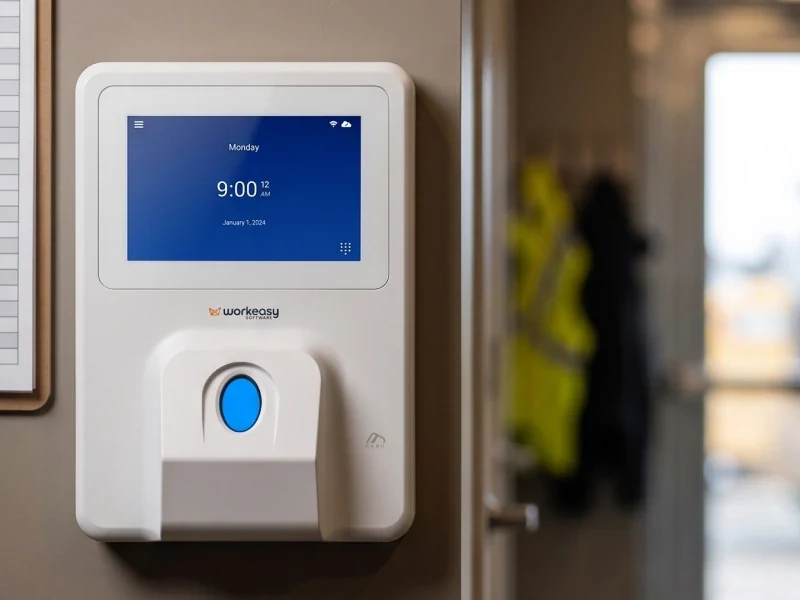
A time clock can go wrong before the box is even opened. A clock that works well at a clean front desk can fall apart in its first week at a loading dock, in a commercial kitchen or on a job site. Gloves stay on, fingerprints won't read, there's no Wi-Fi, and forty people show up at 6:55. The right clock comes from five questions about where and how your people actually clock in. Answer them for each site, and the right clock becomes clear.
There is no single best employee time clock. There is the best clock for each entrance where your people start their day, and five questions will get you there.
Picture the spot at 6:55 on a Monday. Is it the front desk of a clinic, a warehouse door with a forklift going past, a yard with no roof, or a different job site every week? That one answer narrows the field more than any spec sheet.
| Where | What it means for the clock | Clocks that fit |
|---|---|---|
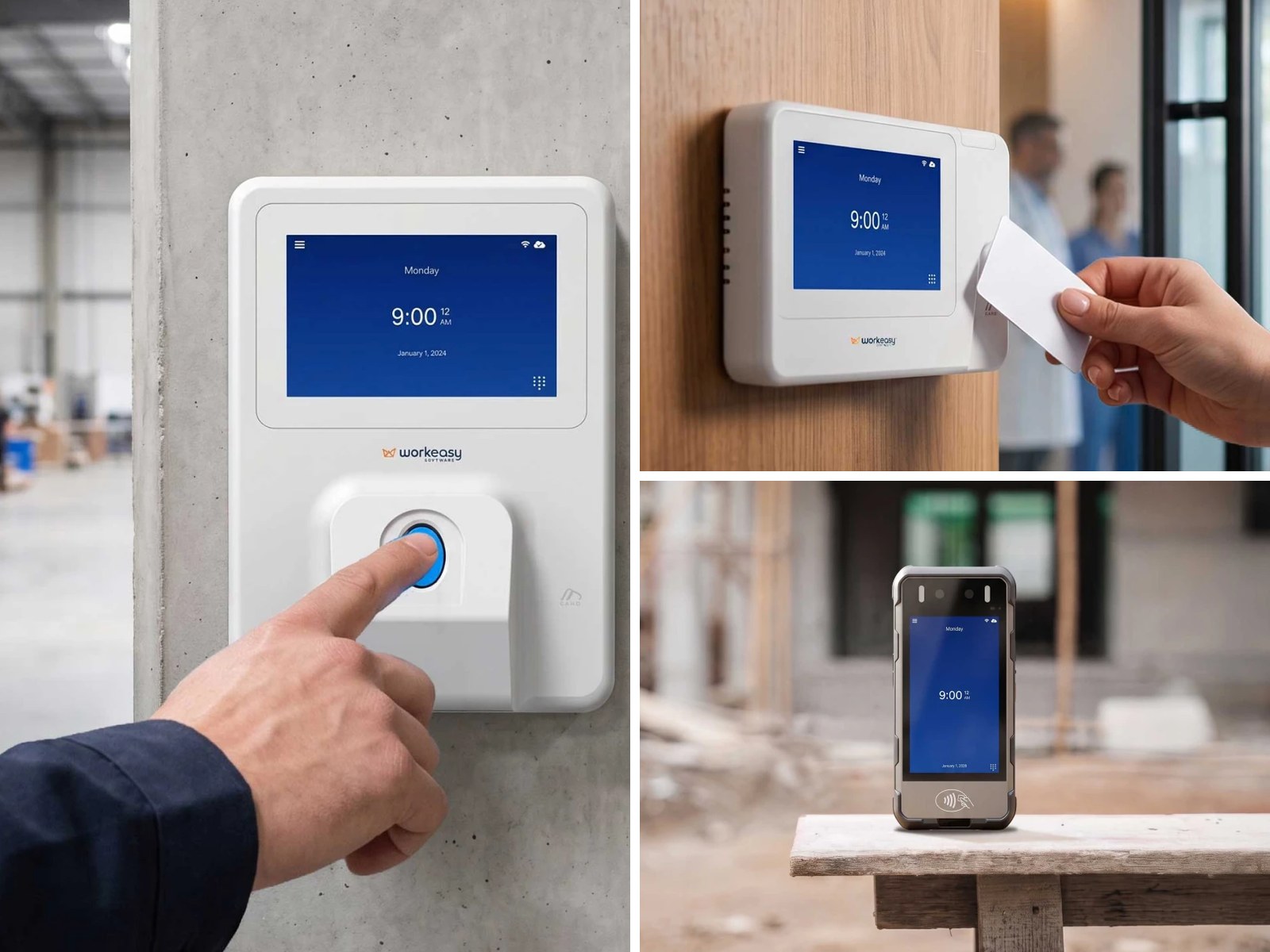
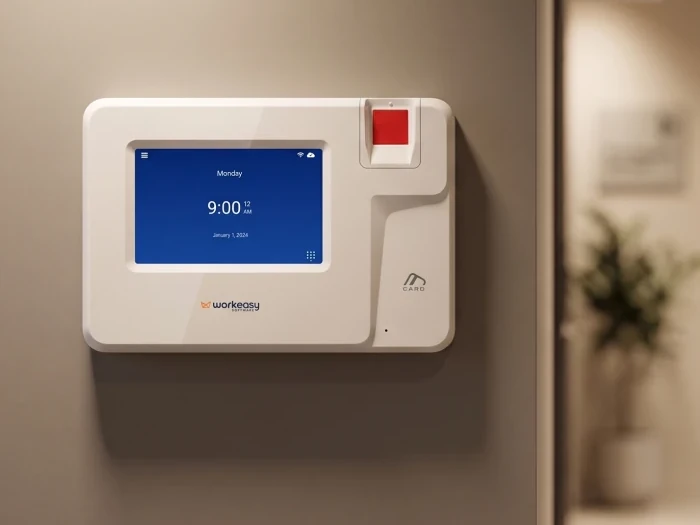
| Office, clinic or clean indoor space | Clean, dry hands and light traffic, so you don't need a heavy-duty sensor | Smart fingerprint (optical), proximity smart card, touchless facial recognition |
| Warehouse, kitchen or factory floor | Dirty or wet hands, more people at once | Touchless facial recognition, industrial-grade fingerprint (multispectral, rated for wet skin), proximity smart card. Advanced fingerprint where hands are dusty or oily but not wet |
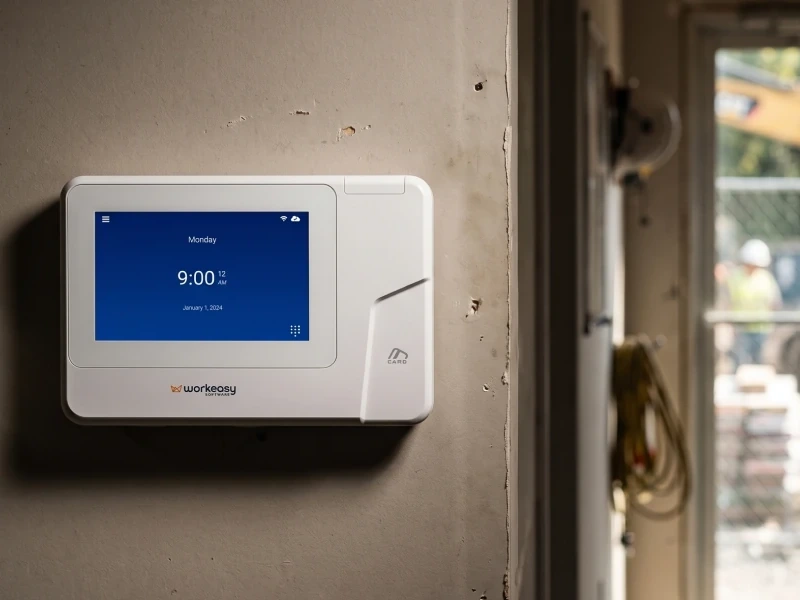
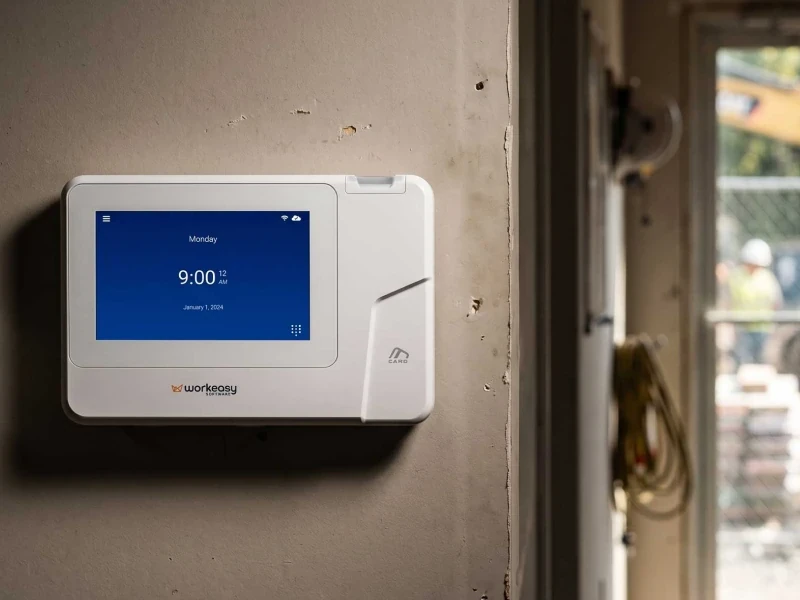
| A fixed but harsh site, such as a plant or dock | Dust, worn hands, rough conditions | Industrial-grade fingerprint (multispectral), mounted under cover |
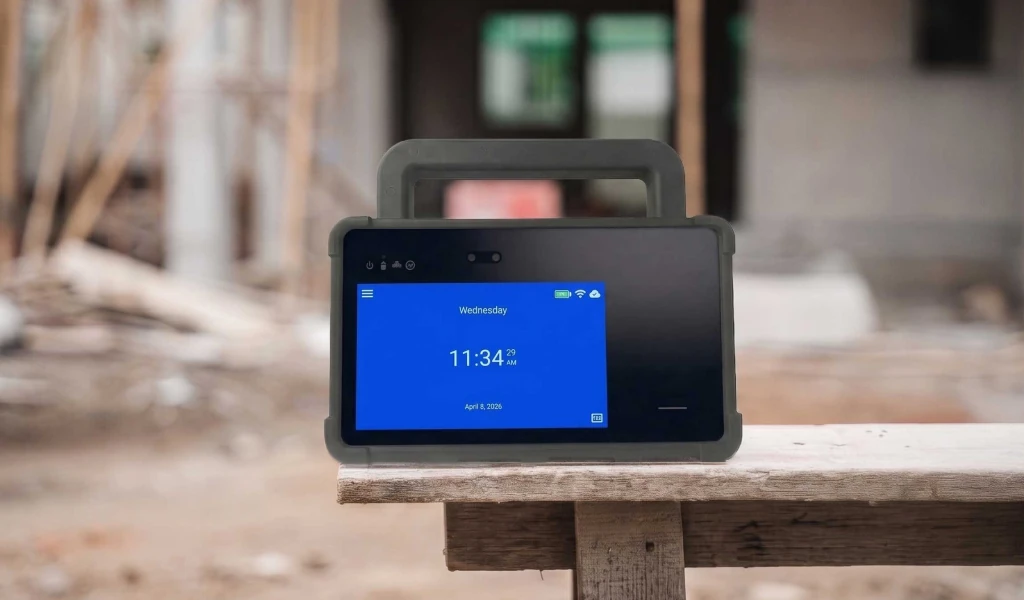
| A yard with no roof, a different site each week, or no fixed spot | Open to the weather, or needs its own battery and cellular data | Field-ready portable clock or mobile jobsite clock |
If you have more than one kind of site, answer the remaining questions for each one. A multi-site business can easily end up with two clock types, not one.
If you've run a shift, you may have seen it. One person arrives and taps two badges, and a coworker walks in twenty minutes later. Nobody has to mean any harm for the record to be wrong. A PIN or badge proves that a PIN or badge was used. A fingerprint or a face proves who was standing at the clock.
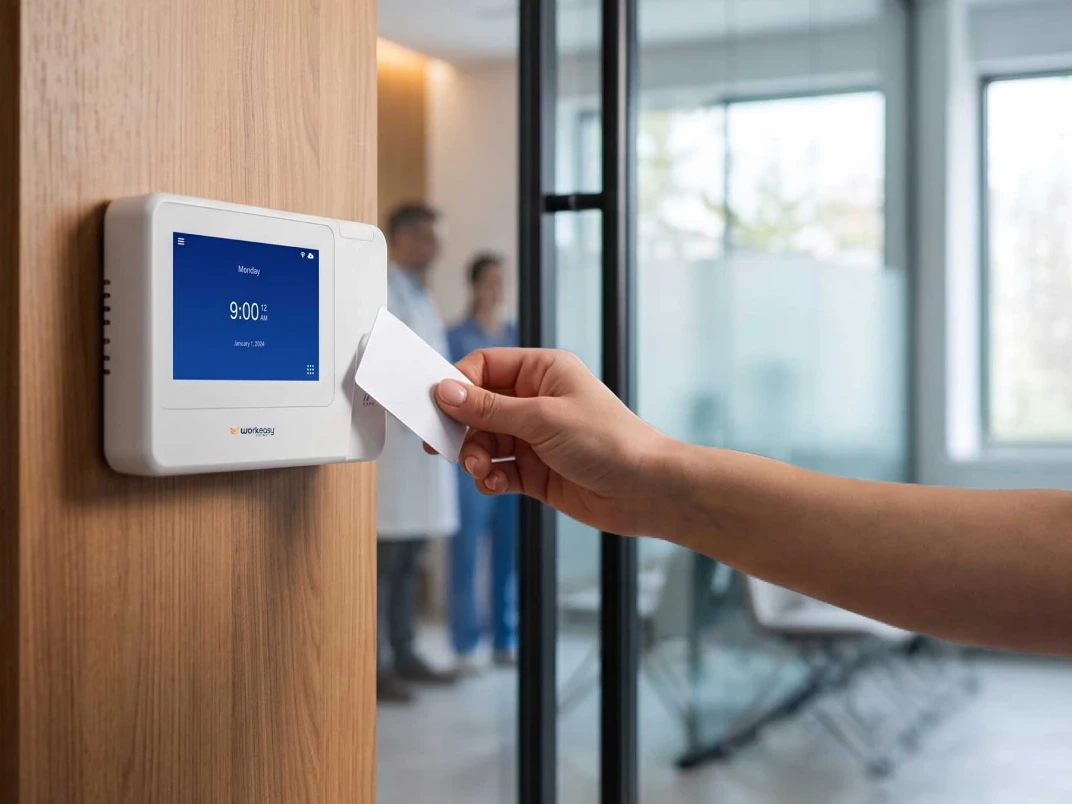
Badge or PIN. A PIN time clock or badge time clock is the fastest and simplest option, and nobody has to enroll anything. The weakness is that a code can be told and a card can be lent. That's fine for a small team where a manager sees everyone come in, and a badge is a useful backup on any clock that takes a card.
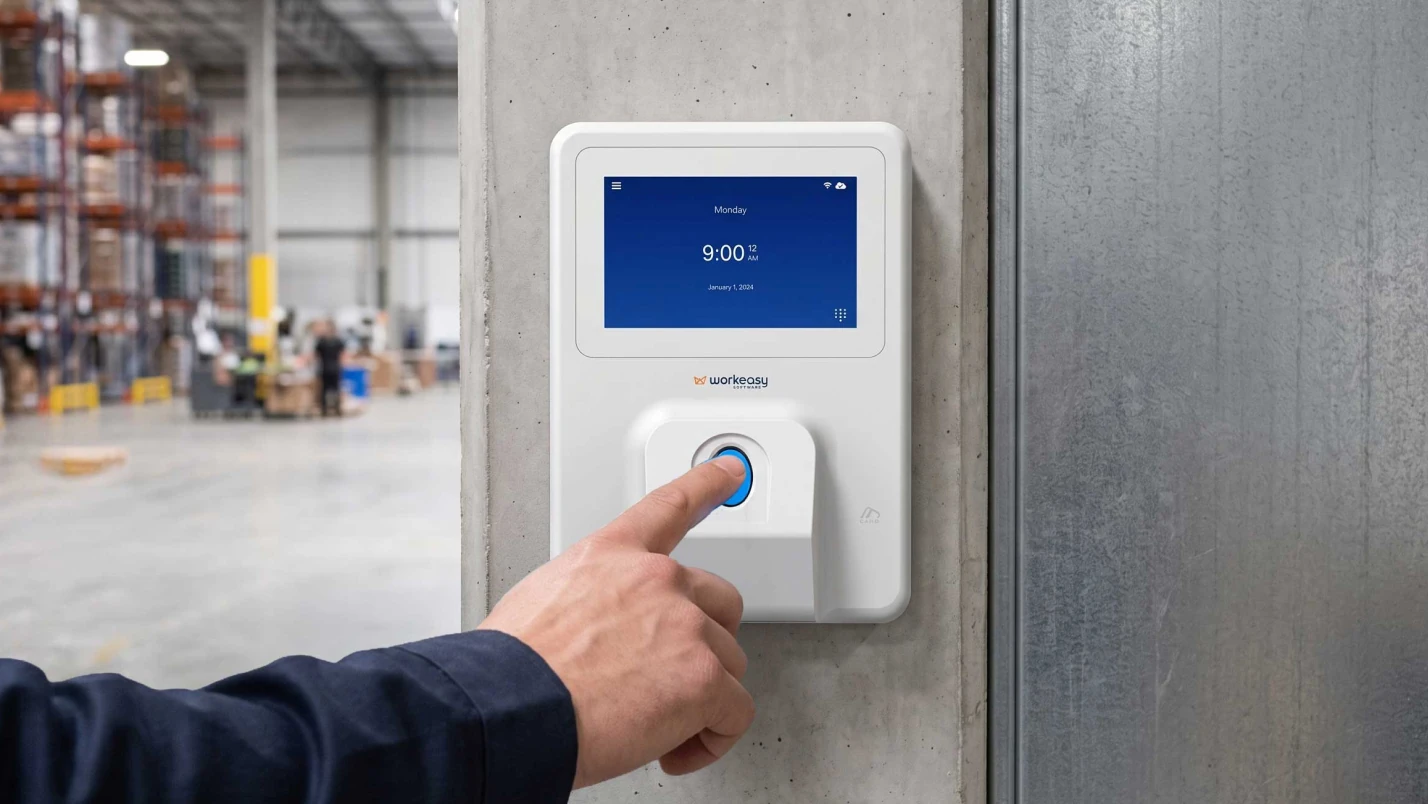
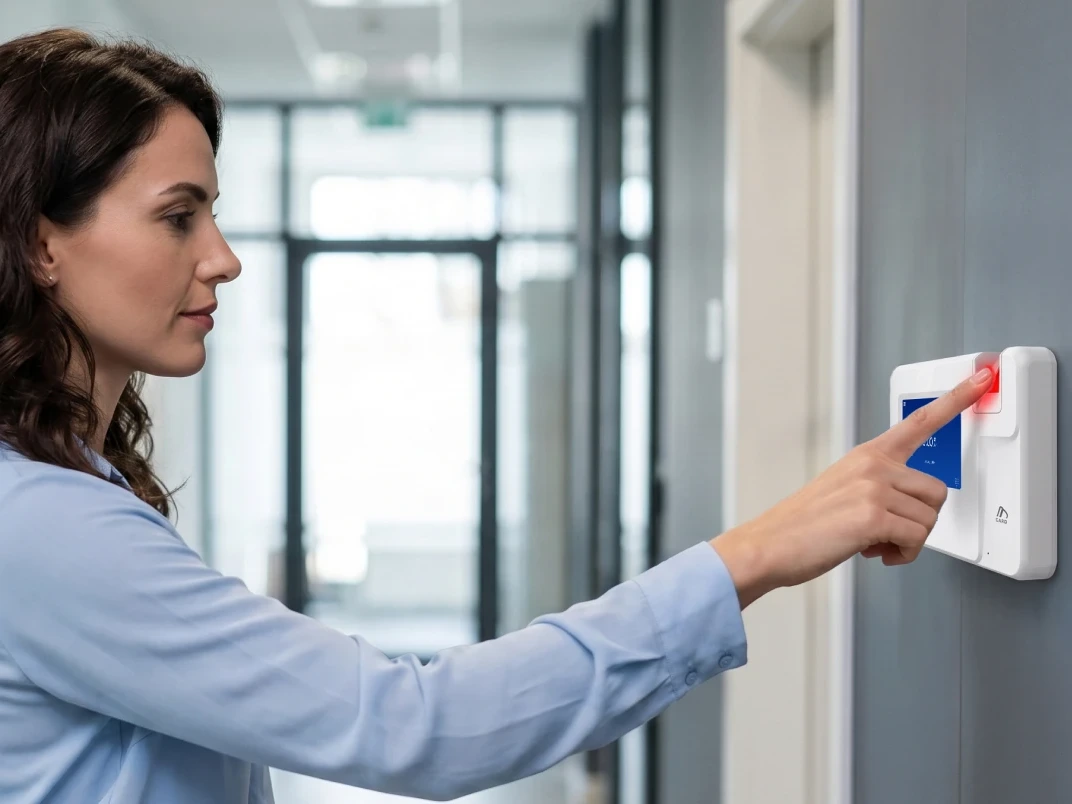
Fingerprint. A fingerprint ties the punch to the person. It needs a bare finger. The best fingerprint time clock for your site depends on the hands in question 3, not on the brochure.
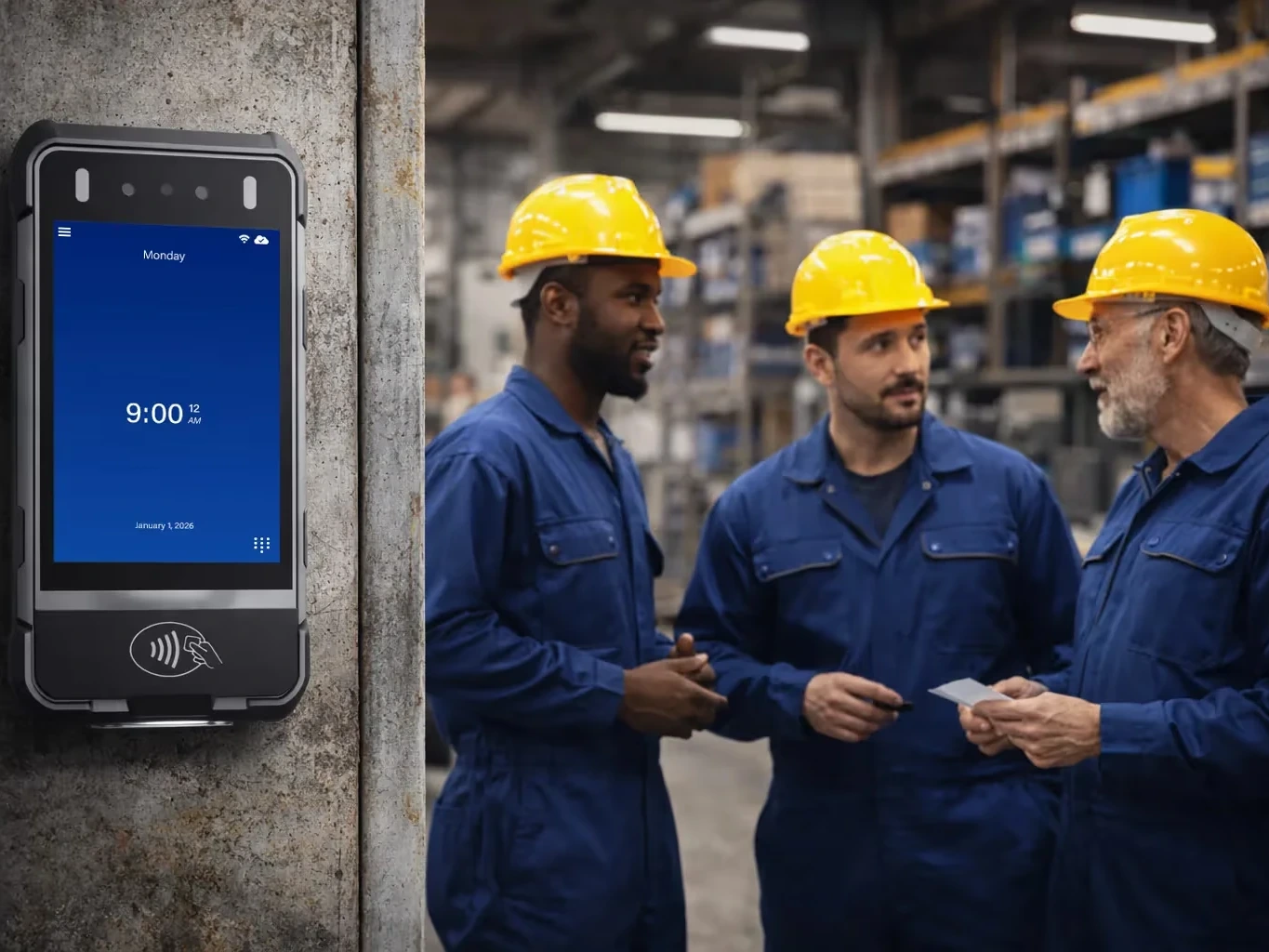
Face recognition. Touchless, and it works with gloves on, because nobody touches a sensor. If you're weighing the best biometric time clock for a crowded entrance, start here.
Mixing methods. You don't have to pick one method for everyone. On a clock that takes both, you might use fingerprint for permanent staff and a badge for temps on their first day, before they're enrolled. For a deeper look at the trade-offs, see fingerprint vs face vs RFID compared.
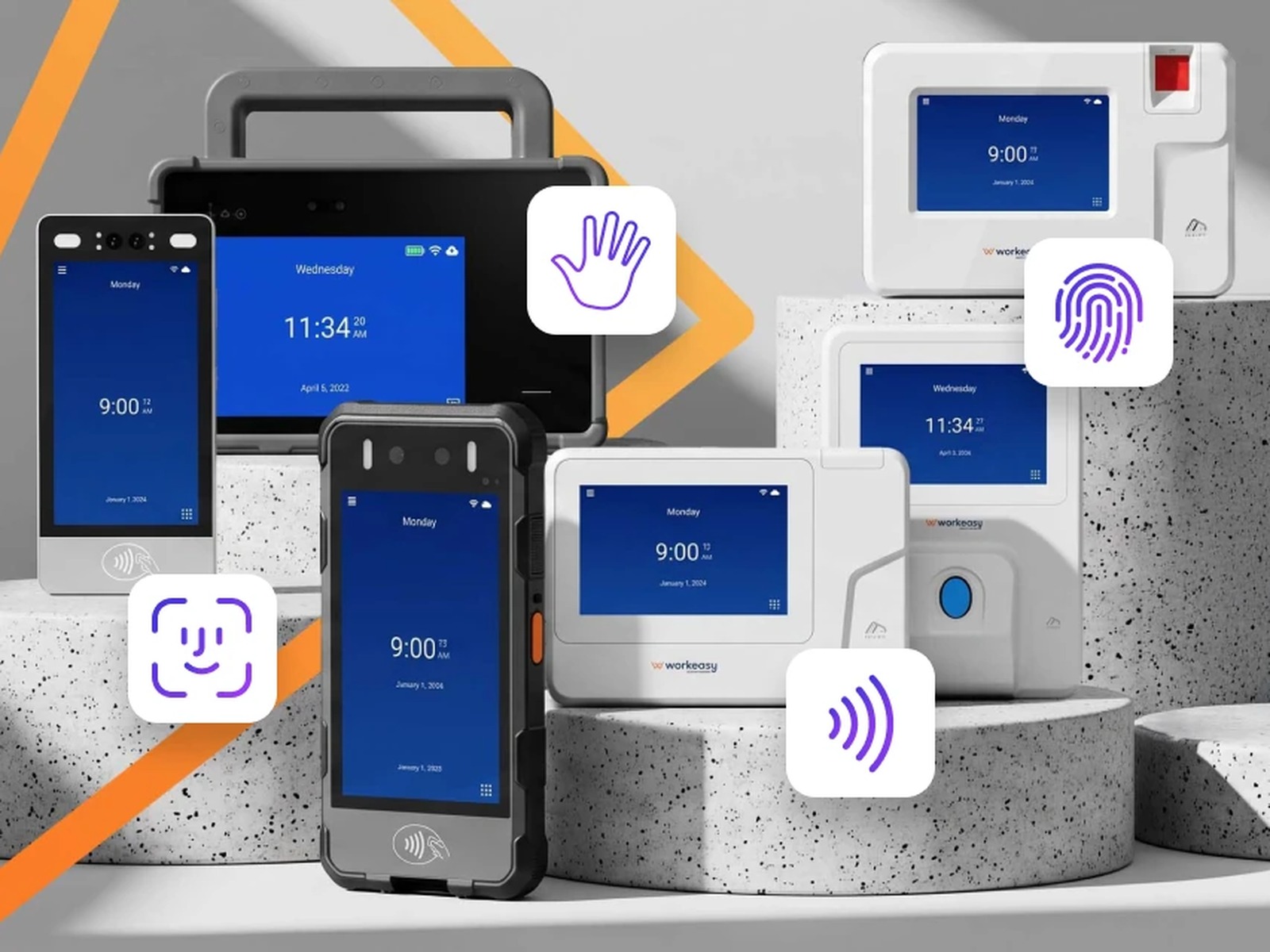
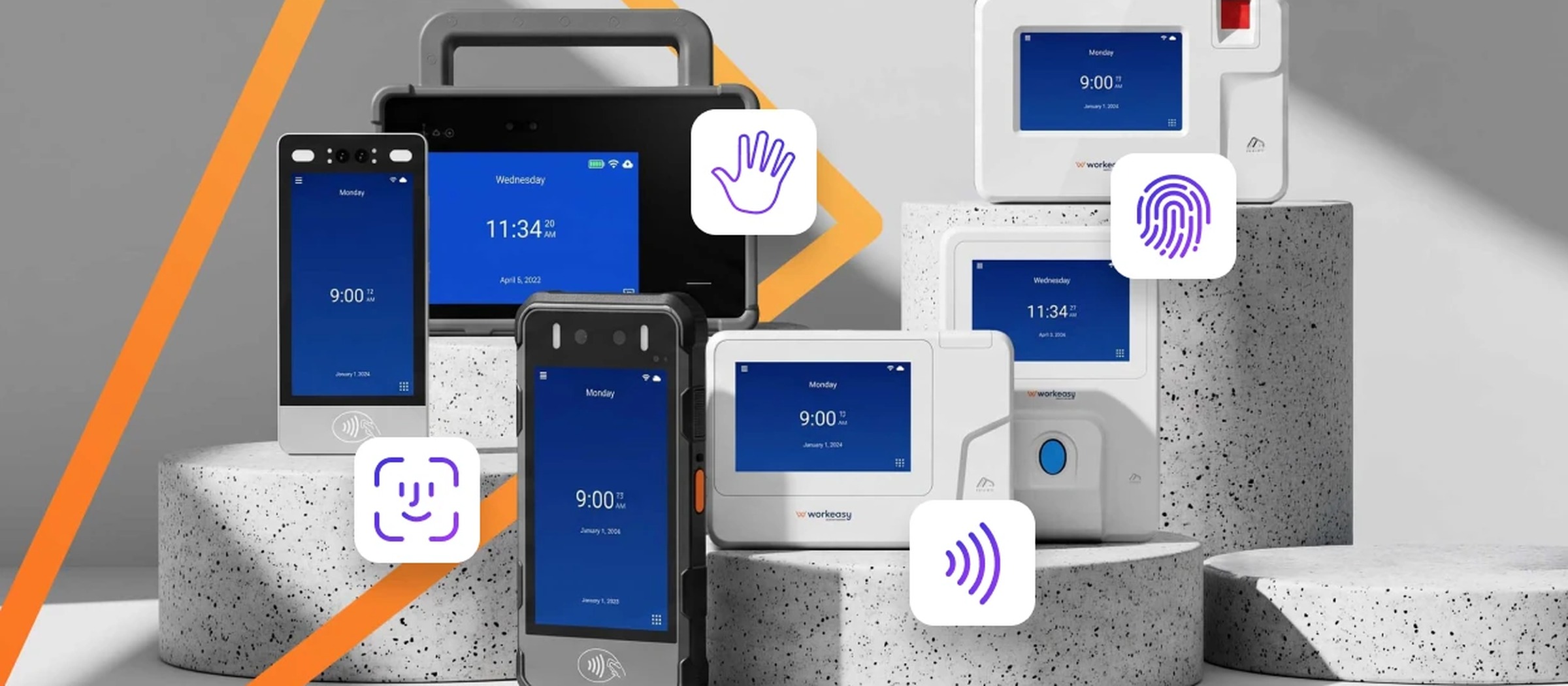
A time and attendance system can support several clock-in methods on the same device, so employees can use a PIN, a badge or card, or a biometric scan depending on the site and role. Look for a fingerprint time clock that also reads RFID or proximity cards and accepts a PIN as a fallback, and software that lets you set the method per employee or location. Multispectral fingerprint sensors suit dirty or worn hands. Optical sensors suit clean, indoor sites. WorkEasy's advanced fingerprint clock supports fingerprint, card and PIN on one device. The smart and industrial-grade fingerprint clocks pair fingerprint with a proximity card, and the field-ready portable clock takes face, palm, fingerprint, card and PIN.
| Clock | Palm | Face | Fingerprint | Card / RFID | PIN | Battery + LTE |
|---|---|---|---|---|---|---|
| Field-ready portable clock | Yes | Yes | Optical | Yes | Yes | Yes |
| Mobile jobsite clock | No | Yes | No | Yes | Yes | Yes |
| Touchless facial recognition clock | No | Yes | No | Yes | Yes | No |
| Industrial-grade fingerprint clock | No | No | Multispectral | Yes | Yes | No |
| Advanced fingerprint clock | No | No | Multispectral | Yes | Yes | No |
| Smart fingerprint clock | No | No | Optical | Yes | Yes | No |
| Proximity smart card clock | No | No | No | Yes | Yes | No |
Full specs for every clock are on the Xenio time clocks page. You can also download the Xenio lineup spec sheet.
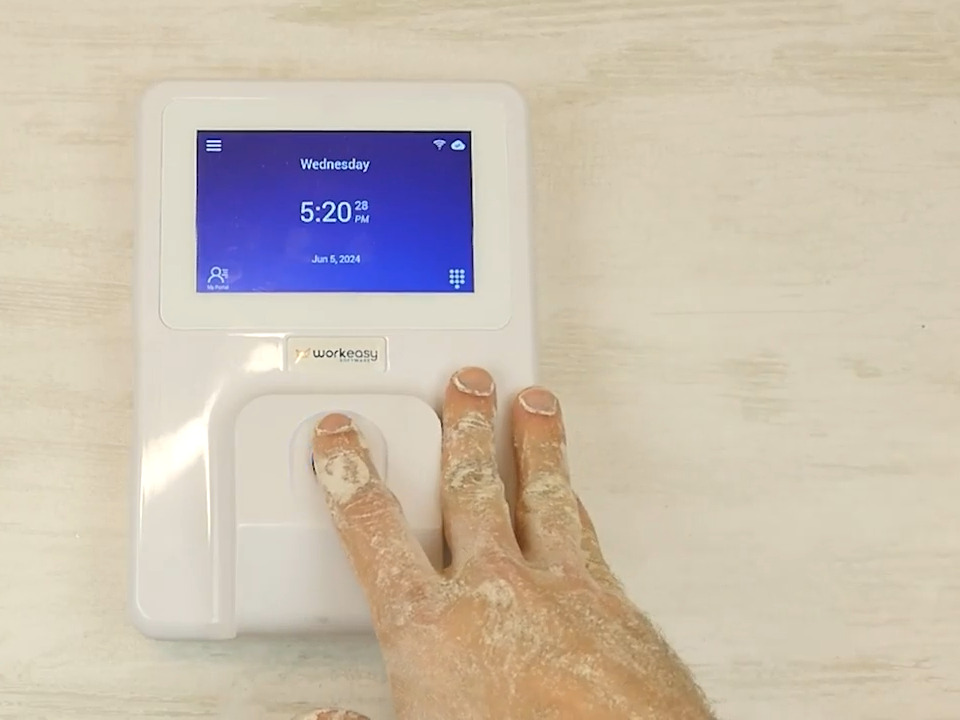
Ask a mason, a line cook or a mechanic to clock in on a fingerprint scanner and you'll find out quickly why this question matters. Worn ridges, flour, grease, cuts and cracked skin from sanitizer all get in the way of a standard optical scanner.
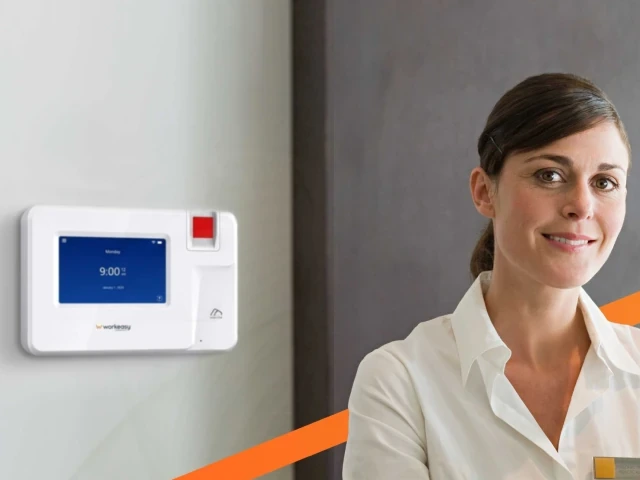
Clean hands. An optical fingerprint sensor, like the one in the smart fingerprint time clock, is fine here, and you don't pay for a heavier-duty sensor you won't use.
Dirty, wet or worn. Multispectral sensors use several wavelengths of light to read the print through grease and dirt, so they keep working when the surface of the skin is a mess. That's why the best fingerprint time clock for a kitchen or a shop floor is a multispectral one, like the industrial-grade fingerprint clock, which is rated for wet skin, or the advanced fingerprint clock for dusty or oily hands that aren't wet. Face recognition works here too.
Gloves on. Use face or badge. A fingerprint clock means gloves off at every punch, and a line that moves at the speed of the slowest glove.
A mix. A multispectral fingerprint clock with a badge backup covers clean, dirty and worn hands, and the badge covers gloves. Face recognition covers all of them without anyone touching the clock. Our biometric time clock buyer's guide goes deeper on each sensor type.
Rule of thumb. If gloves stay on at clock-in, don't buy a fingerprint clock. Choose face recognition, such as the touchless facial recognition clock, or a badge, such as the proximity smart card clock.
Already know your answers? Get a recommendation for each of your sites.
Headcount is the wrong number. What matters is how many people reach the clock in the ten minutes before a shift. Forty people at one clock means a line, and a line means late punches, edited timesheets and a supervisor who starts the day fixing records.
My rule of thumb, by how many people reach one entrance in those ten minutes:
In large buildings, add a clock near the break room so meal breaks aren't spent walking to the front door and back.
Before the clock comes power and a network. A spot with an Ethernet port can run a Power over Ethernet clock on one cable. A spot with only an outlet needs good Wi-Fi. A spot with neither, like a trailer on day one of a job, needs a clock that brings its own battery and cellular connection.
Whatever the connection, WorkEasy's clocks keep recording punches when there's no internet on site, store them on the device, and upload them automatically when the connection is back.
Here's how the five answers play out for a few common businesses. These are illustrations, not customer stories.
| Business | The answers | Clock |
|---|---|---|
| A 12-person dental practice | Clean indoor front desk, small team with a manager on site, under 25 at once, Wi-Fi and outlet | Smart fingerprint clock, or a proximity smart card clock if nobody wants to enroll fingerprints |
| An 80-person commercial kitchen | Wet, floury hands, hard to confirm who punched on weekend shifts, 25 to 100 at once | Touchless facial recognition clock, or an industrial-grade fingerprint clock, which is rated for wet skin |
| A 300-person plant on two shifts | Factory floor, gloves on, over 100 at the main door, wired network at the entrance | Several touchless facial recognition clocks at the main door, proximity smart card clocks for temps |
| A roofing contractor with four crews | Different site each week, no power or Wi-Fi, worn hands | One field-ready portable clock or mobile jobsite clock per crew |
| A machine shop with a fenced yard | Fixed harsh site, oily and worn hands, PoE in the shop | Industrial-grade fingerprint clock at the shop door, under cover |
The time clock features above decide whether punches get captured. Two more checks decide whether those punches turn into a clean payroll and a clean legal file.
Payroll. The clock is only half the job. Check how hours get from the clock to your payroll provider, whether overtime and break rules are applied automatically, and whether your payroll provider is supported. WorkEasy's payroll integrations page lists the providers it connects to.
Biometric consent. Illinois, Texas and Washington regulate biometric data, and Illinois's BIPA requires written notice and a signed release before you collect fingerprints or face scans. If consent is a barrier, a badge or PIN clock avoids biometric data entirely. WorkEasy covers biometric data in Section 9 of its Terms & Conditions, and our comparison of biometric, badge and mobile time clocks goes deeper on each option. This is general information, not legal advice.
Answer the five questions for each site and you'll have something more useful than a list of the best employee time clocks: the right one for every door your people walk through. For a wider view of what's on the market, see our roundup of the best time clock systems.
Tell us about your business and a time clock specialist will go through the five questions with you, then recommend the right clock for each site, with a custom quote the same day. Get your custom quote.
Short answers to the questions that come up most often.
A PIN or badge time clock is enough when the main goal is getting rid of paper and a manager is there at clock-in, for example a small office or a shop where the owner works the floor. It's fast and simple, and nobody has to enroll a fingerprint or face. The catch is that a PIN can be shared and a badge can sit in a coworker's pocket, so neither proves who punched. If you have shift workers, more than one site or a supervisor who isn't there at clock-in, a biometric clock is worth the extra step. WorkEasy's fingerprint clocks and field-ready portable clock take a badge on the same device as the biometric.
A face recognition clock, because nobody has to take their gloves off or touch a sensor. A badge reader is the fallback. It works with gloves on, but badges can be shared. Fingerprint clocks can't read through work gloves, so a line of workers in insulated or cut-resistant gloves has to take them off at every punch. If face coverings are part of the PPE too, test face recognition with your crew before you buy. WorkEasy's touchless facial recognition clock and mobile jobsite clock both use face recognition, and the field-ready portable clock reads face or palm.
Count the people who clock in at each entrance in the 10 to 15 minutes before your busiest shift, not your total headcount. If a line forms, people clock in late and supervisors spend the morning editing punches. Plan at least one clock per entrance people actually use, add another where more than a few dozen arrive at once, and put a clock near the break room if it's a long walk from the front. Plan one portable or mobile clock for each crew that moves between sites. A WorkEasy specialist can size this with you during a quote.
It depends on the system, so ask every vendor this question directly, and ask how long punches are stored. A hardware clock that stores punches keeps recording them on the device and uploads them when the connection comes back, so nobody's hours are lost. WorkEasy's clocks keep recording punches with no internet on site and upload them automatically when the connection is back. WorkEasy's own Time Kiosk App, which runs on a tablet, needs an internet connection to record punches.
Buying for the office instead of the place where people actually clock in. A clock that works well at a clean front desk can fail in its first week at a loading dock, a kitchen or a job site, because of gloves, dirty hands, no Wi-Fi or a shift-change line. Another mistake is buying one model for every location when each site needs something different. Walk each entrance at shift change before you choose. WorkEasy specialists can recommend a clock for each site when you request a quote.
WorkEasy Software in the news
Learn what the news media is saying about WorkEasy Software products and service.
WorkEasy Software recognized as a Top 25 Global Work Tech Vendor. Work Tech Awards honor best-in-class vendors.

WorkEasy Software powers game-changing teams with surprisingly easy technology in mission-critical areas.

Work Tech Awards honor top vendors worldwide whose efforts exemplify what Inspiring Workplaces calls “real impact.”

WorkEasy Software recognized as a Top 25 Global Work Tech Vendor. Work Tech Awards honor best-in-class vendors.

Work Tech Awards honor top vendors worldwide whose efforts exemplify what Inspiring Workplaces calls “real impact.”

WorkEasy Software powers game-changing teams with surprisingly easy technology in mission-critical areas.

WorkEasy Software powers game-changing teams with surprisingly easy technology in mission-critical areas.


