
FOX
WorkEasy Software recognized as a Top 25 Global Work Tech Vendor. Work Tech Awards honor best-in-class vendors.
Punch clocks and electronic time clocks side by side, where paper time cards put payroll at risk, and how to switch to a clock that fits your site.
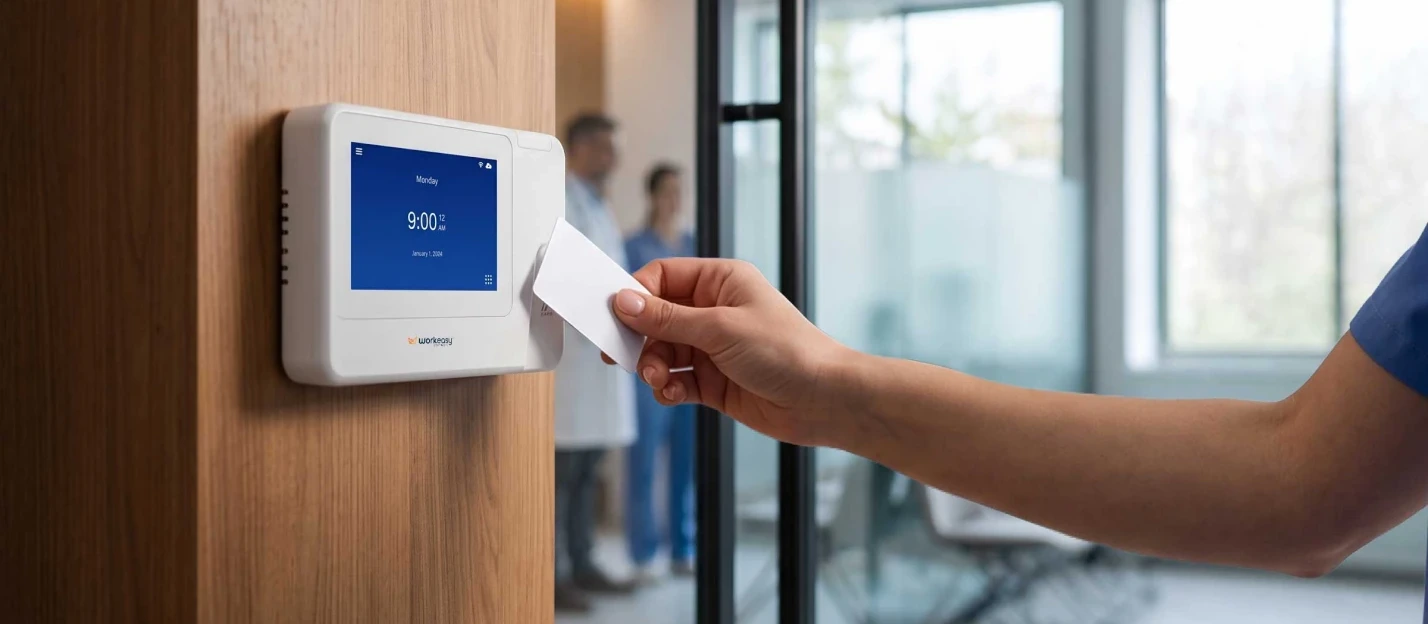
The punch clock was invented in the 1880s, and in a lot of workplaces it still hangs by the door with a rack of paper cards. It stamps a time, and that's all it does. Someone still has to read every card, add up the hours, work out overtime and type it all into payroll, and nothing on the card shows who actually punched it. Here's how punch clocks compare with electronic time clock machines, where paper time cards put your payroll at risk, and how to make the switch.
A punch clock and an electronic time clock both record when people start and stop work. The difference is everything that happens after the punch.
| Punch clock (manual time clock) | Electronic time clock | |
|---|---|---|
| How employees clock in | Insert a paper card, and the clock stamps the time | PIN, badge, fingerprint, face or phone |
| Proof of who punched | None. The card shows the clock was used, not who used it | Biometric clocks match the person. A badge or PIN shows which card or code was used |
| Adding up hours | By hand, card by card | Totaled automatically by the software |
| Overtime | Seen when the cards are totaled, after it's worked | Managers see who's approaching overtime |
| Missed punches | Blank spaces filled in from memory | Flagged for a manager to fix |
| Rounding | Up to whoever totals the cards | Your rounding rule, applied the same way every time |
| Getting hours into payroll | Typed in again | Sent to your payroll system, with no re-keying |
| Record keeping | Boxes of cardstock, kept for two years or more | Kept in the software, with no cards to box up |
| Running costs | Cards, ink ribbons and manager time | Clocks bought outright or on a subscription, with no cards to buy |
The one row an electronic clock doesn't settle on its own is who punched. A badge or a PIN shows which card or code was used. A biometric clock matches the person at the clock, so the type of clock you choose matters as much as the switch itself.
Comparing clocks for your site? Compare Xenio time clocks side by side, or Request a Quote and tell us how many people clock in and where.
Punch cards made sense when payroll was done by hand. Today they add steps, errors and risk to every pay period.
A punch card proves the clock was used, not who used it. The card carries a name, but the clock never checks it, so a card punched for someone else looks exactly like one punched by its owner. That's how buddy punching creates inaccurate records, and a manager reading a rack of cards on Friday has no way to see it. The gap is in the system, not in the people using it. A clock that matches the person makes each record true, including for the employee whose hours it is.
A punch clock stops at the stamp. Someone reads each card, works out each shift, takes off breaks, adds up the week and works out overtime, then types the totals into payroll. That's three chances to get pay wrong: the reading, the math and the re-keying. A misread stamp or a slipped digit doesn't show up until a paycheck is off, and fixing it takes a correction and a conversation.
With paper cards, overtime is visible only when the period is totaled. By then the hours are worked, and you owe them. Nobody saw a long Thursday shift push someone past their weekly hours while there was still time to change Friday's schedule. With an electronic time clock connected to time and attendance software, managers see who's approaching overtime during the week, while there's still time to plan around it.
When someone forgets to punch, the card has a blank. The gap gets filled in later from memory or a best guess, and the guess becomes the record of hours worked. With an electronic time clock, a missing punch is flagged for a manager to fix before payroll runs. See how the software handles missed punches and other timesheet exceptions.
Paper time cards get dropped, bent, left in a pocket or soaked by spilled coffee. Ink ribbons fade until a stamp is hard to read, and a misfiled card might as well be lost. Each one is a gap in the record of hours worked, and according to the Department of Labor, the law requires that record to be accurate.
The Department of Labor says records that wages are worked out from, such as time cards, should be kept for two years, and payroll records for at least three. Check your state's rules as well. With a punch clock, that means boxes of cards to store and search whenever someone questions a paycheck. With an electronic time clock, the record sits in the software instead of a storeroom.
Federal law doesn't ban punch clocks. The Department of Labor says employers may use any timekeeping method they choose, as long as it is complete and accurate. Every covered employer has to keep certain records for each non-exempt worker, including the hours worked each day and the total hours worked each workweek.
When those records are inaccurate or inadequate, the burden can shift to the employer. In Anderson v. Mt. Clemens Pottery Co. (1946), the Supreme Court held that an employee who shows they did work they weren't properly paid for can prove the amount by reasonable inference. The burden then shifts to the employer to show the actual hours, or that the estimate is unreasonable. If the employer can't, the court may award damages even if the result is only approximate.
A federal claim for unpaid minimum wage or overtime under the Fair Labor Standards Act (FLSA) can be brought within two years after the claim arises, or three if the violation was willful (29 U.S.C. 255(a)). Courts can also add an equal amount in liquidated damages on top of unpaid minimum wages or overtime (29 U.S.C. 216(b)).
Electronic time clocks don't remove the obligation, but they make it easier to meet. Each punch is recorded with the time and date, the software totals the hours, and a biometric clock ties each punch to the person who made it.
This is general information, not legal advice.
Manual timesheets and punch cards rely on people to record, read and total hours, so errors can creep in at every step. Employees forget to punch or fill in hours from memory, handwriting and faded ink get misread, totals are added up by hand, and the hours are typed again into payroll. A card or a written timesheet also can't show who recorded the time. Electronic time clocks connected to time and attendance software record each punch automatically and total hours with your pay rules, so there is nothing to copy or add up.
An electronic time clock records each punch digitally and sends it to time and attendance software. The software applies your overtime, break and rounding rules, flags missed punches for a manager to fix, and sends approved hours to your payroll system through payroll integrations. Nobody collects cards, adds up hours or types them in again.
Electronic clocking in machines come in four types, and each one answers the who-punched question differently.
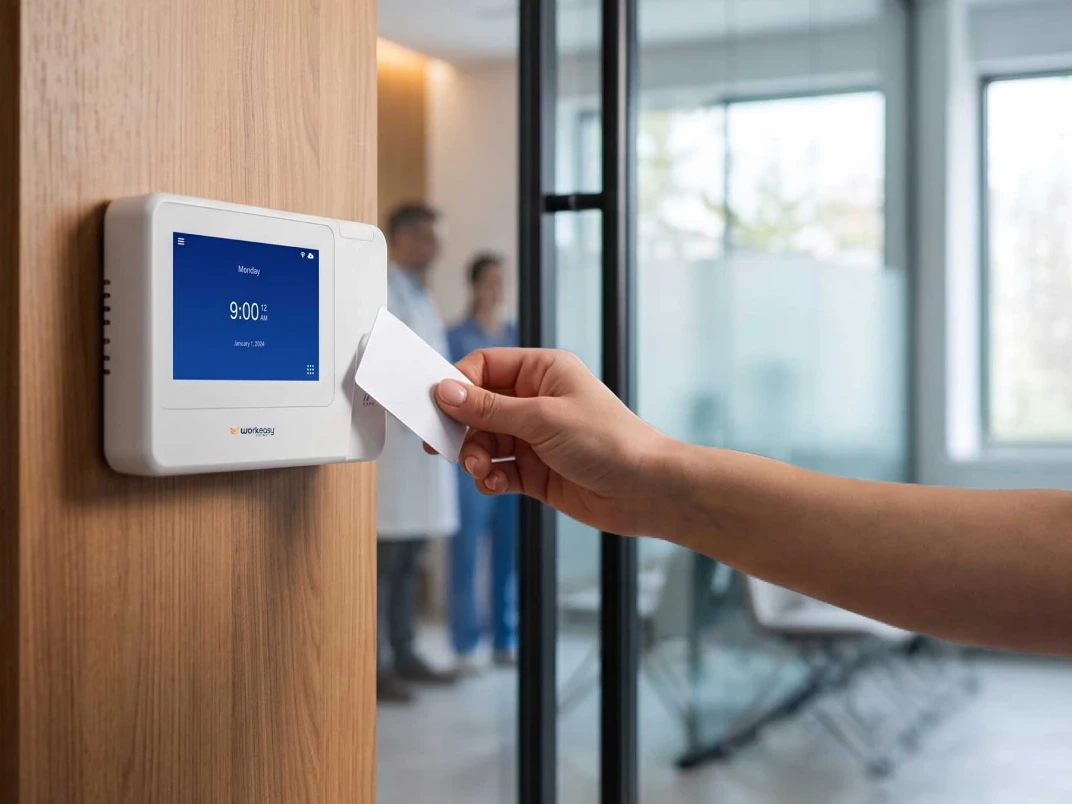
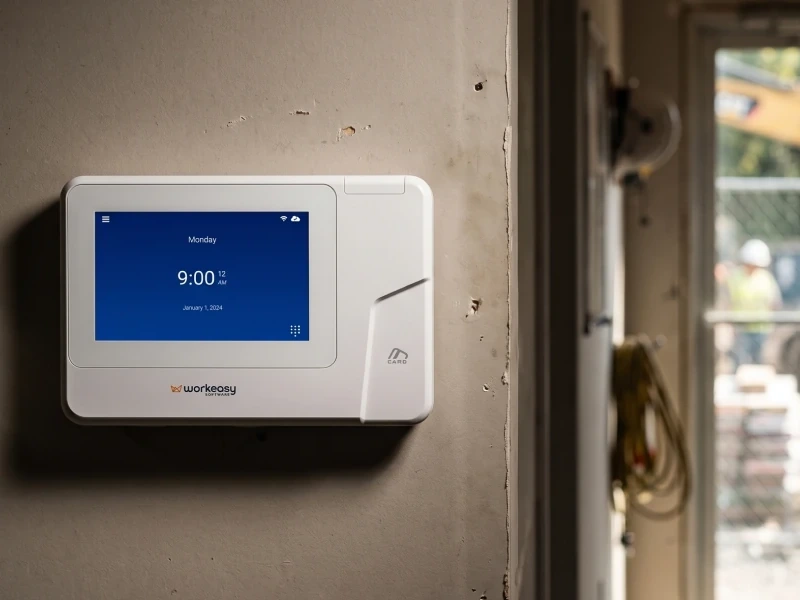
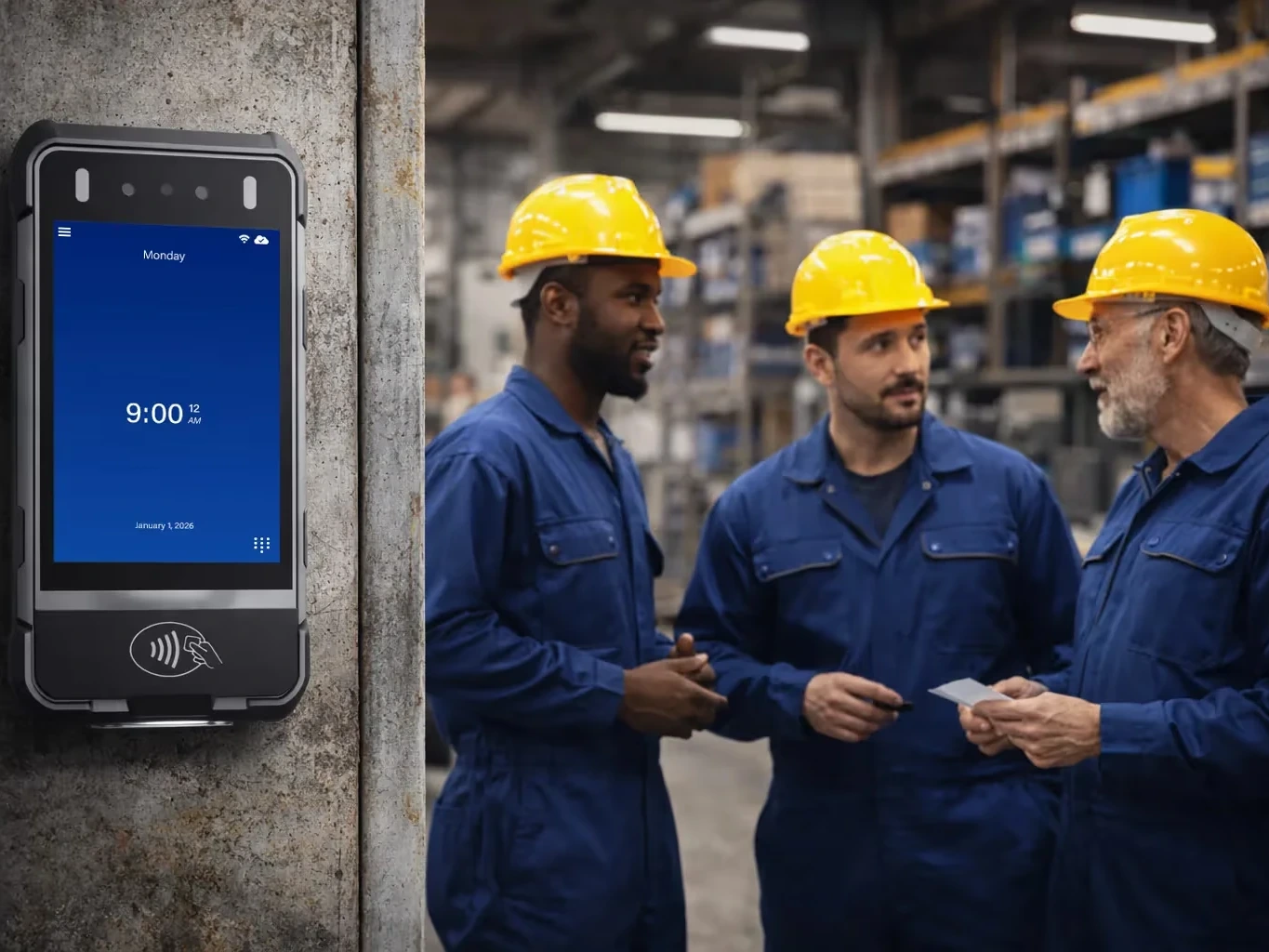
A badge clock reads a card or fob with a tap, so it works like a punch card without the stamping, totaling or re-keying. That makes it the quickest switch from paper cards, and a tap works with any hands. Like a punch card, a badge shows which card was used, not who used it. The proximity smart card time clock is not biometric, and it also works as a backup next to a biometric clock.
A PIN clock asks each person to type a personal code, so there's no card to print, hand out or replace. A PIN shows which code was entered, not who entered it, so it carries the same limit as a badge. Codes also get forgotten, which brings back some of the manager time a switch was meant to save.
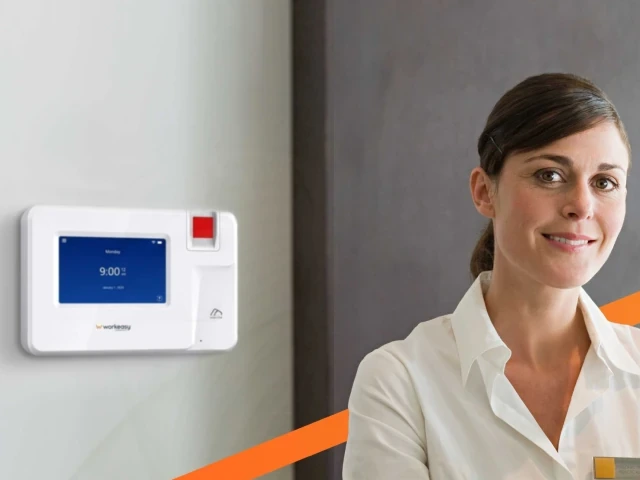
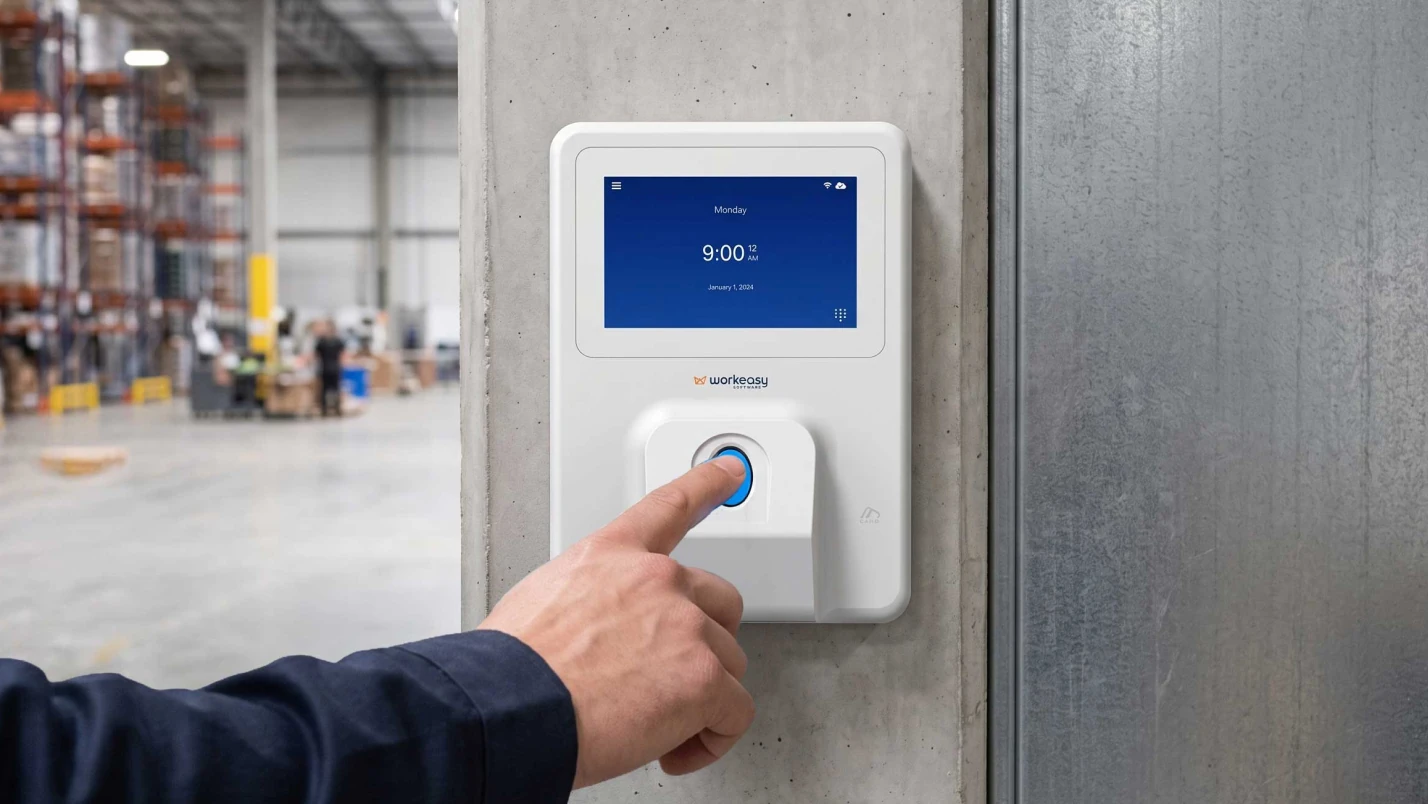
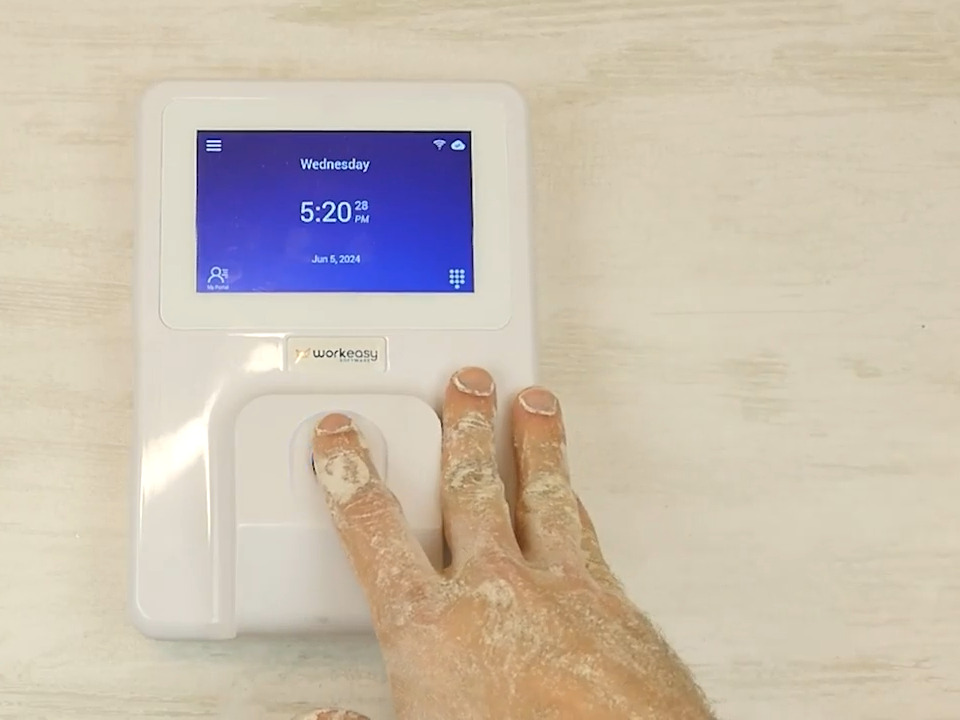
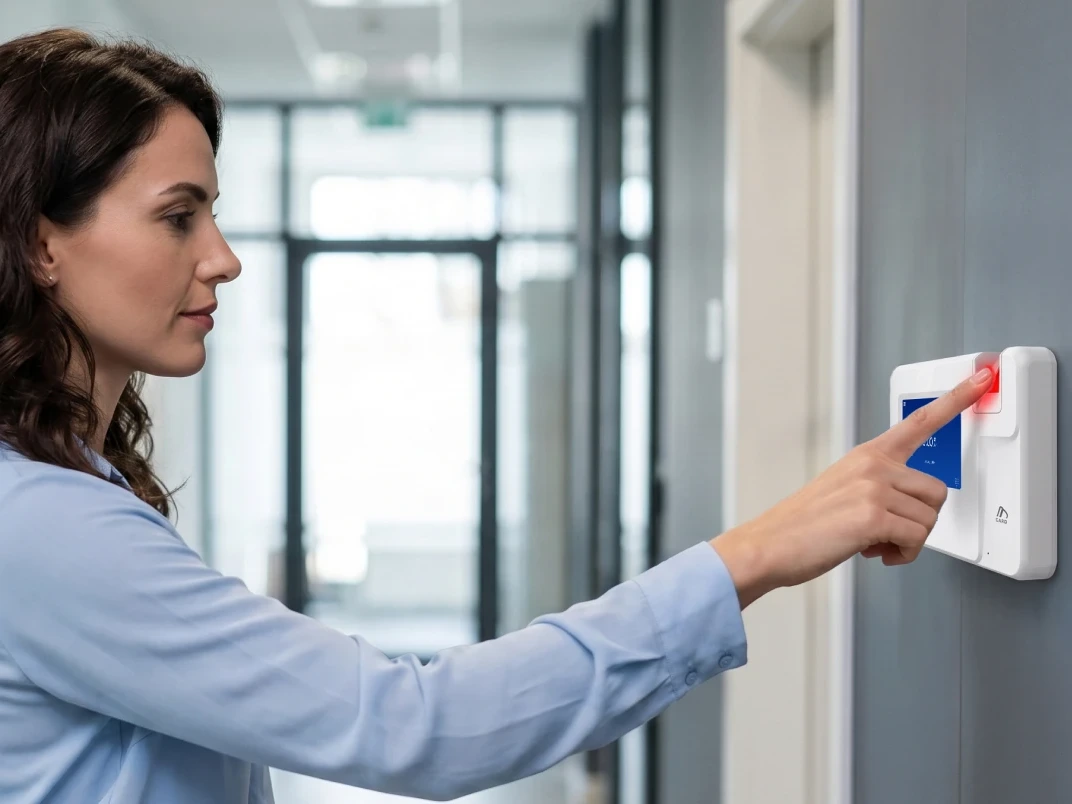
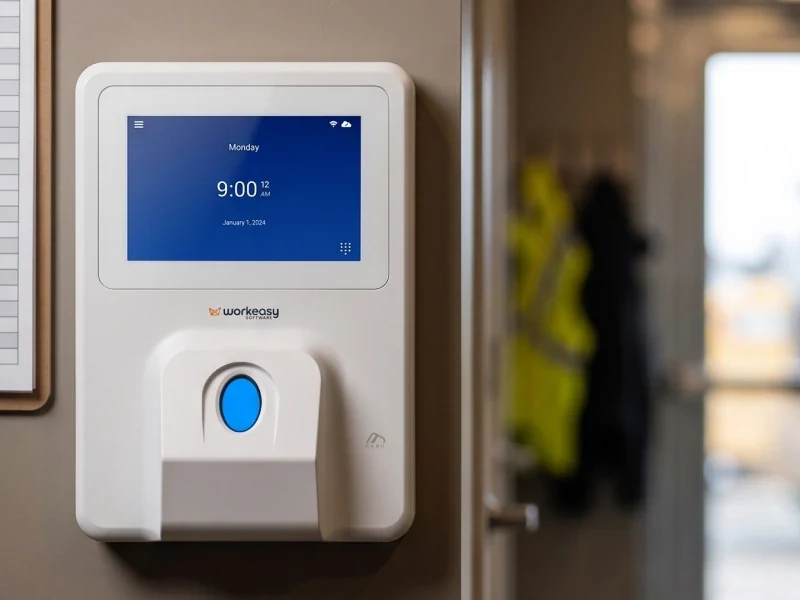
A biometric clock matches the person by fingerprint, face or palm, so each punch is tied to the worker who made it. The sensor decides where the clock works well. Optical fingerprint sensors suit clean, dry hands. Multispectral sensors are built for dirtier hands, up to grease and water on the industrial-grade clock. A facial read is touchless. Compare the biometric time clocks in the lineup, or read how biometric, badge or mobile time clocks fit different worksites.
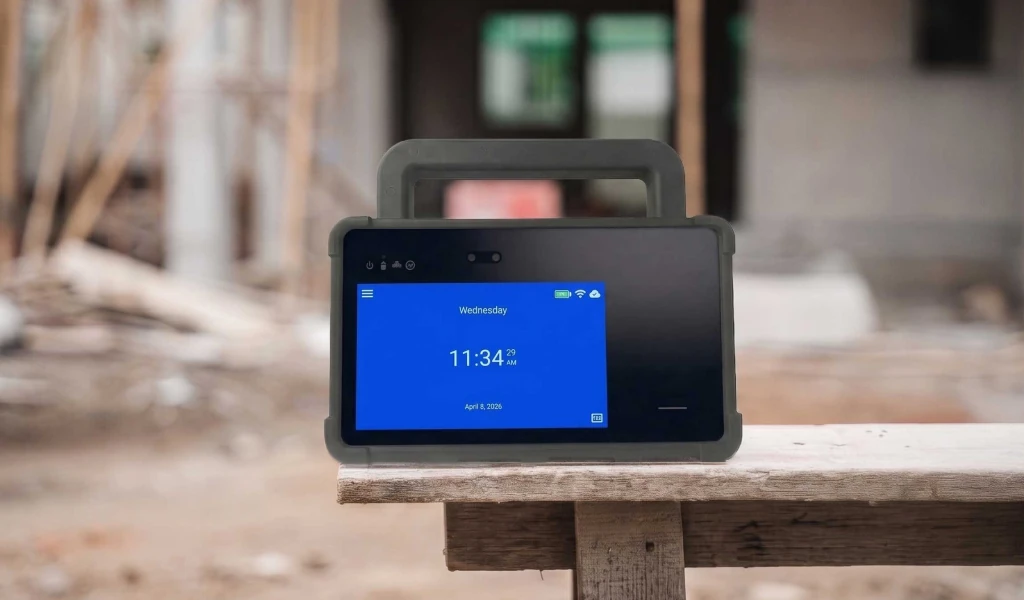
Crews that move between job sites need a clock that moves with them. The mobile time clock for job sites and the portable biometric time clock need no wall mount, run on battery with 4G LTE, and use GPS to verify where each punch happens. Both read faces, so hard hats and PPE can stay on.
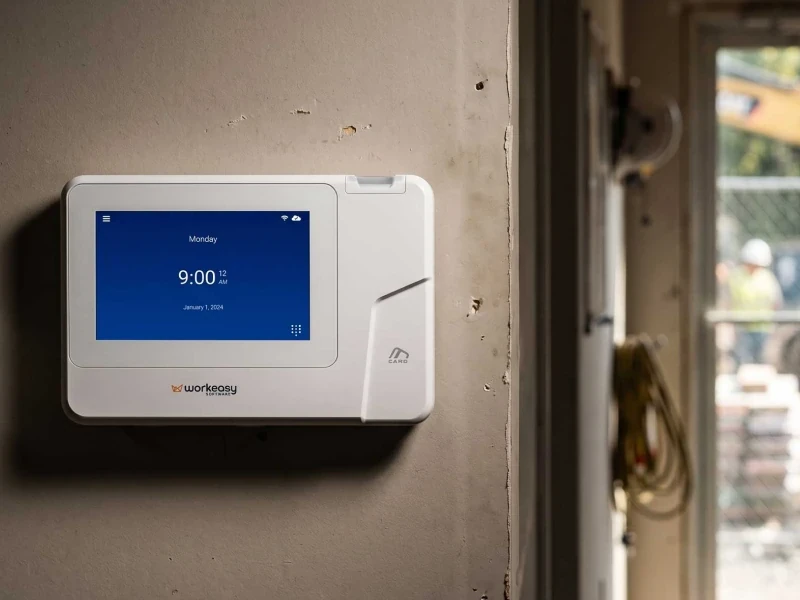
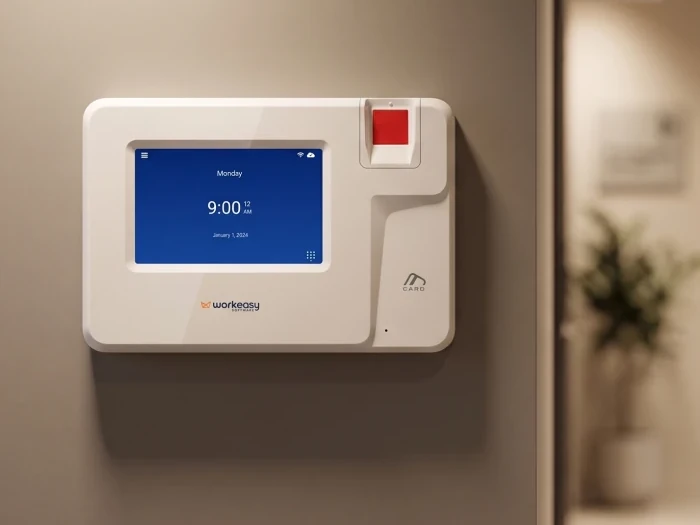
Every Xenio time clock connects to WorkEasy time and attendance software. Pick the one that fixes the problem your punch clock causes today.
| If your problem is... | Consider |
|---|---|
| You want the quickest switch from cards | Proximity smart card time clock, which is not biometric |
| You need to know who actually punched | Touchless facial recognition time clock, or the smart fingerprint time clock for clean, dry hands |
| Dirty, wet or worn hands | Industrial-grade fingerprint time clock for grease, water and damaged skin, or the advanced fingerprint time clock for dusty or oily hands |
| Crews work across job sites | Mobile time clock for job sites, or the portable biometric time clock |
See all seven clocks on one page when you compare Xenio time clocks.
Swap paper cards for a Xenio time clock that adds up the hours for you and sends them to your payroll system, and choose a biometric clock when you need to know who punched. More than 10,000 companies use WorkEasy, and 750,000 workers clock in every day. Request a Quote and tell us how many people clock in at each site.
Short answers to the questions that come up most often.
A punch clock stamps the time on a paper card that someone later reads and totals by hand. An electronic time clock records each punch digitally, by PIN, badge, fingerprint or face, and sends the hours to time and attendance software, where overtime and pay rules are applied automatically. That removes the manual adding up and re-keying. Xenio time clocks from WorkEasy are electronic time clocks that connect to WorkEasy time and attendance software.
For each shift, subtract the clock-in time from the clock-out time, take off any unpaid breaks, and convert the minutes to decimal hours by dividing by 60 (7 hours 45 minutes is 7.75 hours). Add the days together for the workweek and apply your overtime rules to the total. Some states also have their own overtime rules. Doing this by hand for every card is slow, and each step is a chance for a mistake. Electronic time clocks connected to software like WorkEasy total hours, breaks and overtime automatically.
Under 29 CFR 785.48, the federal rule on time clocks, rounding punches to the nearest 5 minutes, or the nearest tenth or quarter of an hour, is accepted for enforcement purposes as long as, over time, it doesn't leave employees unpaid for time they actually worked. State rules can be stricter, so check yours. With punch cards, rounding depends on whoever totals the cards. WorkEasy software applies the rounding rule you set the same way every time.
Yes, under federal law. The Department of Labor says employers may use any timekeeping method they choose, as long as it is complete and accurate, and time clocks are not required. Time cards should be kept for two years and payroll records for at least three, so keep the old cards after you switch, and check your state's rules too. The risk is accuracy. A lost or unreadable card is a gap in the record of hours worked. This is general information, not legal advice.
If an employer's records are inaccurate or inadequate, an employee who shows they did unpaid work can prove the amount by reasonable inference, and the burden shifts to the employer to show the actual hours, or that the estimate is unreasonable. That comes from the Supreme Court's 1946 decision in Anderson v. Mt. Clemens Pottery Co. A federal claim for unpaid minimum wage or overtime under the FLSA can be brought within two years, or three if the violation was willful, and courts can add an equal amount in liquidated damages on top of the unpaid minimum wages or overtime. This is general information, not legal advice.
WorkEasy Software in the news
Learn what the news media is saying about WorkEasy Software products and service.
WorkEasy Software recognized as a Top 25 Global Work Tech Vendor. Work Tech Awards honor best-in-class vendors.

WorkEasy Software powers game-changing teams with surprisingly easy technology in mission-critical areas.

Work Tech Awards honor top vendors worldwide whose efforts exemplify what Inspiring Workplaces calls “real impact.”

WorkEasy Software recognized as a Top 25 Global Work Tech Vendor. Work Tech Awards honor best-in-class vendors.

Work Tech Awards honor top vendors worldwide whose efforts exemplify what Inspiring Workplaces calls “real impact.”

WorkEasy Software powers game-changing teams with surprisingly easy technology in mission-critical areas.

WorkEasy Software powers game-changing teams with surprisingly easy technology in mission-critical areas.


