





FOX
WorkEasy Software recognized as a Top 25 Global Work Tech Vendor. Work Tech Awards honor best-in-class vendors.
The pros and cons of syncing time and attendance with payroll, when to keep them separate, and how WorkEasy works with ADP, Paychex, QuickBooks and others.

It's Monday, payroll closes at 2, and someone is retyping 140 people's hours from printed timesheets into the payroll screen. Halfway through, they find a missed punch, a manager who approved hours from memory on Friday, and an overtime shift that was entered as regular time. Connecting time and attendance to payroll is meant to make that morning disappear. But it isn't free, it isn't always the right call, and the way the two systems connect matters as much as whether they do.
The short answer is that for most businesses that pay hourly employees, syncing is worth it, because it removes the retyping and catches overtime and missed punches before payroll runs. Keeping the systems separate can still be the better call for a small, mostly salaried team at one location. The rest of this article covers both sides.
There are four common setups, and most businesses have used at least two of them.
| Setup | How hours get to payroll | Typical fit |
|---|---|---|
| Separate systems | Someone reads timesheets or a report and types hours into payroll | Very small teams, and anyone still on paper |
| Export file | Time and attendance creates a file (CSV, IIF or a provider's own format) that's uploaded to payroll | Any payroll system that imports files |
| Live integration | Approved hours go straight into your payroll system through a connector, and employee records stay matched | Teams on a payroll provider with a supported connector |
| All-in-one | Time tracking is a module inside the payroll or HR suite | Simple time tracking needs and mostly salaried teams |
Still retyping hours every pay period? Request a quote and tell us which payroll provider you use. We'll confirm how your approved hours would get there.
Already on ADP, Paychex or QuickBooks? See every payroll system WorkEasy works with, check the provider table below, or request a quote for your team.
Outside those cases, the retyping, the after-the-fact corrections and the overtime surprises usually cost more than the setup. See how to judge time and attendance software for the options in more detail.
| Separate systems | Export file | Live integration | All-in-one suite | |
|---|---|---|---|---|
| Retyping hours | Every pay period | None (one upload) | None | None |
| Setup effort | None | Low to medium | Medium | Low if you already use the suite |
| Time clocks and biometrics | Any | Depends on the time system | Depends on the time system | Often limited |
| Complex overtime and break rules | Calculated by hand | Handled before export | Handled before sending | Varies |
| Switching payroll later | Easy | Easy (change the file) | Re-map the connector | Switch everything |
| Who to call when it breaks | Nobody, it's manual | Usually the time vendor | Either vendor | One vendor |
Many time and attendance systems integrate with ADP, Paychex and QuickBooks, but the way they connect differs, and that difference decides how much retyping is left. A live integration sends approved hours straight into the payroll system. An export creates a file that someone uploads. Some tools only work with one payroll provider. Check how hours are split (regular, overtime, time off), whether employee records stay matched, and what happens if hours change after they've been sent. WorkEasy has live connectors for ADP Workforce Now, RUN Powered by ADP and QuickBooks Online Payroll, a ready-made Paychex Flex export, and an IIF export for QuickBooks Desktop. WorkEasy prepares payroll-ready hours and sends them to your payroll system. It doesn't process paychecks, taxes, deductions or direct deposit.
| Payroll provider | Connection | What WorkEasy sends | You'll need |
|---|---|---|---|
| ADP Workforce Now | Live connector (ADP Marketplace) | Hours and paid time off, with employee records kept linked | The WorkEasy connector from the ADP Marketplace, with pay schedules and time-off types matched |
| RUN Powered by ADP | Live connector (ADP Marketplace) | Hours mapped to RUN, with employee records synced | The WorkEasy connector from the ADP Marketplace |
| Paychex Flex | Ready-made export file | Approved hours | Earning codes matched to Paychex Flex |
| QuickBooks Online Payroll | Live connection | Regular, overtime, vacation, sick and holiday hours | QuickBooks Online Essentials, Plus or Advanced, plus a Payroll plan |
| QuickBooks Desktop | IIF export file | Hours by employee, job and payroll item | Time tracking turned on, and employee names that match exactly |
| Gusto | Ready-made export file | Approved hours | Setup steps from WorkEasy support |
| Sage 50 and EasyPay | Ready-made export files | Approved hours | Setup steps from WorkEasy support |
| Paylocity, Workday, SAP SuccessFactors, Oracle NetSuite, QuickPay, BambooHR and Rosnet | Live connections | Varies by provider | Setup steps from WorkEasy support |
| Any payroll system that imports files | Custom export | The columns you choose | Build it once, then download, email, FTP or schedule it |
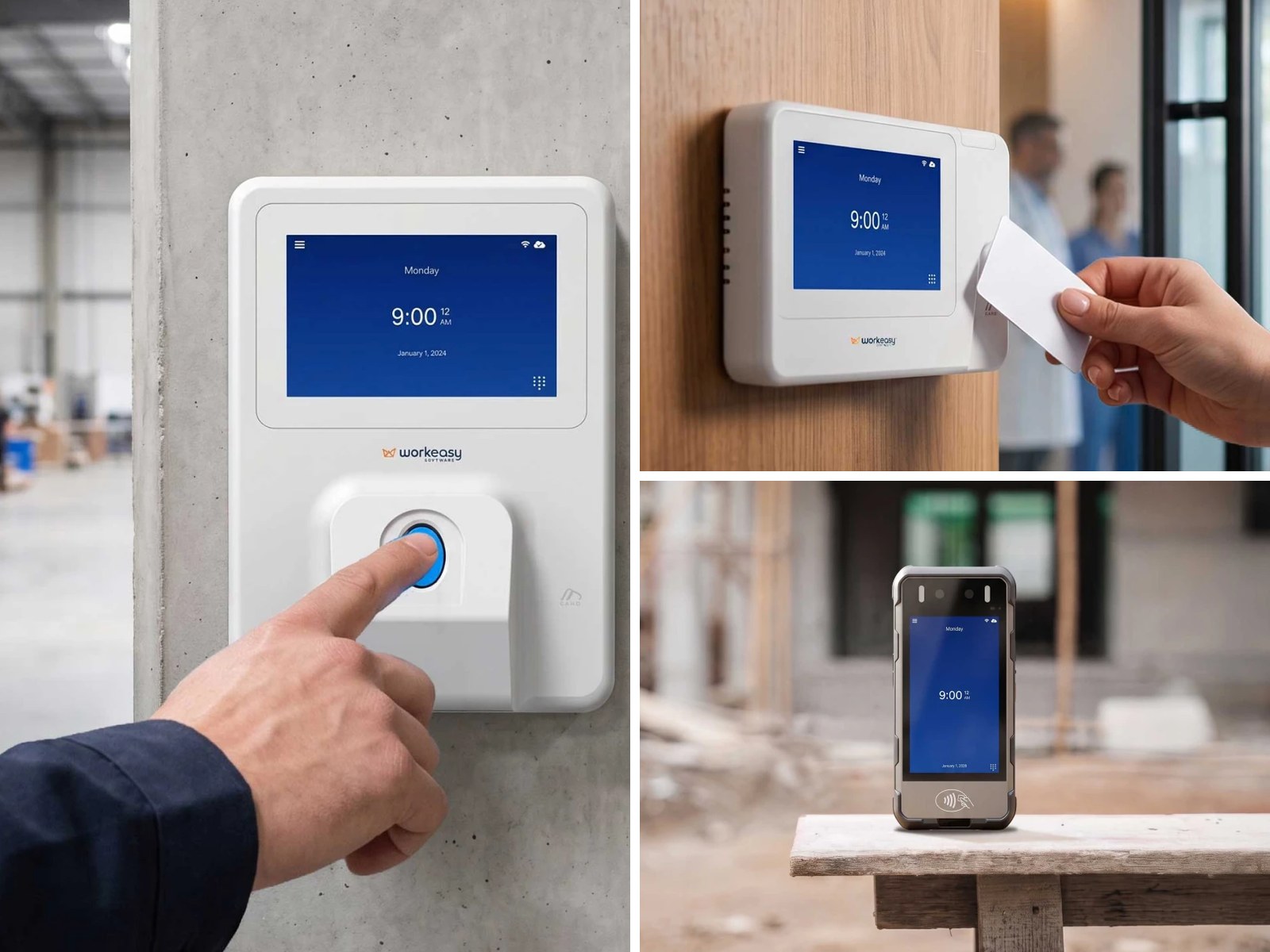
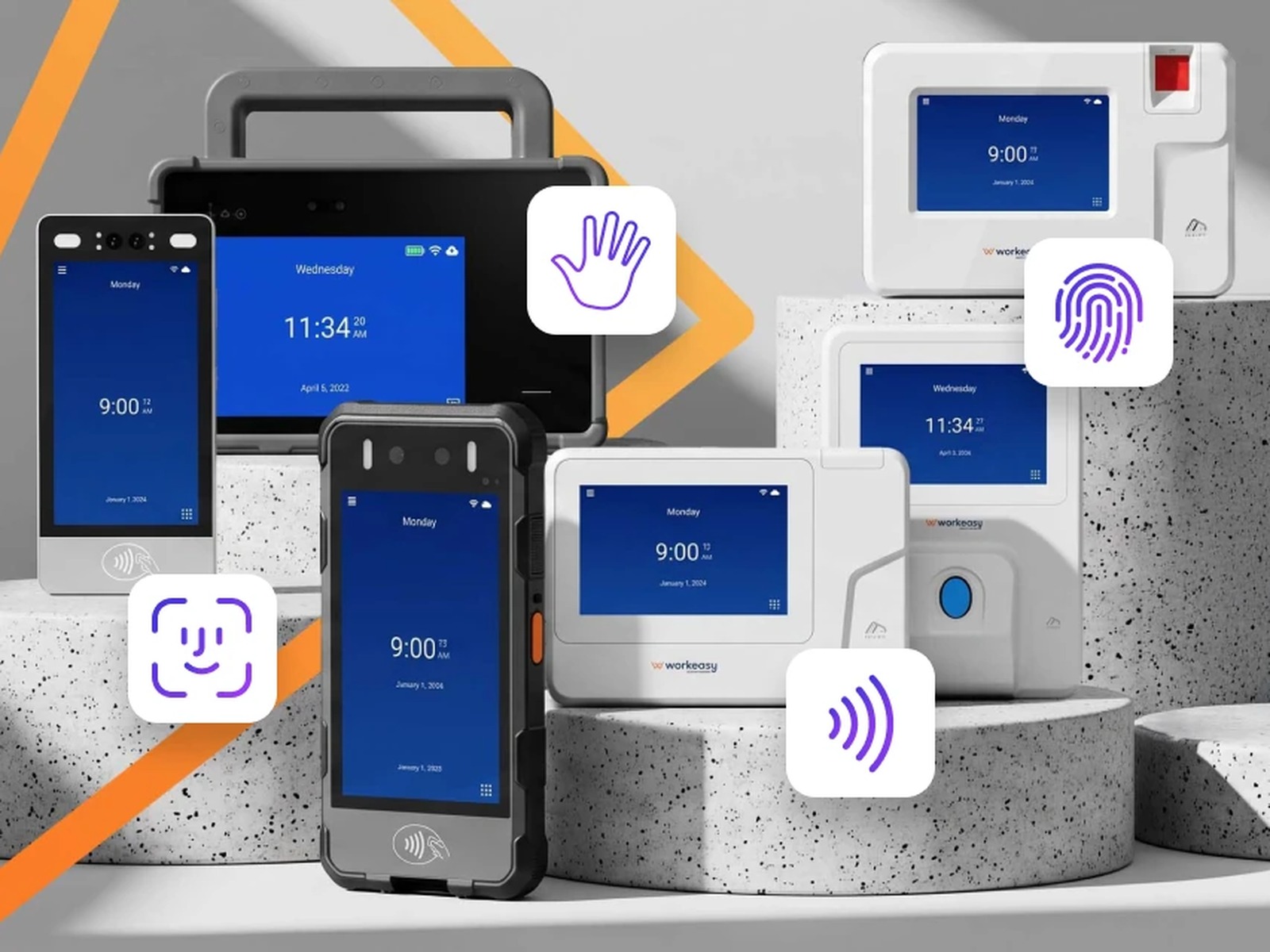
Every option sends approved hours from Xenio time clocks, the mobile app and web timesheets. WorkEasy never runs payroll. Your provider still calculates taxes and deductions and pays your people, and the hours it pays from are the ones your managers approved.
Want to see it with your own payroll provider? Request a quote and tell us your payroll provider. We'll confirm how your approved hours would get there.
Know your answers? Request a quote with your headcount, your sites and your payroll provider, and get a price for time clocks and software that send approved hours to the payroll system you already run.
Short answers to the questions that come up most often.
It can be enough if most of your team is salaried, works at one location and clocks in on a phone or computer. A payroll provider's own time module is often simpler, sometimes bundled with your plan, and already connected. They tend to fall short when you need shared time clocks with biometric verification, several locations, complex overtime or break rules, scheduling, or managers approving exceptions before payroll. In that case a separate time and attendance system that syncs to the same payroll usually works better. WorkEasy is that kind of system. It handles the clocks, rules and approvals and sends the hours to the payroll system you already run.
Look for one with a connector on the ADP Marketplace for your ADP product, and check that it matches the product you use, since ADP Workforce Now and RUN Powered by ADP are separate products. The connector should keep employee records matched and send hours and paid time off into the right pay codes, so nobody retypes them. Many time clocks only produce a file you upload to ADP, which works but adds a step. WorkEasy has Marketplace connectors for both ADP Workforce Now and RUN, and Xenio time clocks feed the same timesheets.
Yes. Paychex Flex can take hours from outside time and attendance systems as an import file built for Paychex. Ask any time clock vendor whether its file matches the Paychex Flex import format, how earning codes are mapped, and whether overtime is already calculated in the file. WorkEasy has a ready-made Paychex Flex export, so approved hours can be uploaded without retyping.
A payroll integration connects the two systems, so approved hours, and often employee records, go straight from time and attendance into your payroll system. An export creates a file, such as a CSV or IIF, that someone downloads and uploads to payroll. Integrations save a step and keep employee records matched. Exports work with almost any payroll system that imports files and can be scheduled to email or FTP. WorkEasy offers both, plus a custom export builder for providers without a ready-made option.
It depends on the system. In most cases you correct the timesheet and send or export the hours again, and the new data replaces what was sent. That only works until payroll has been processed, so the safest routine is to approve every timesheet before sending and lock the pay period after payroll runs. In WorkEasy, with a live connection, sending again replaces the hours in the connected payroll account, and closing a pay period blocks further edits.
WorkEasy Software in the news
Learn what the news media is saying about WorkEasy Software products and service.
WorkEasy Software recognized as a Top 25 Global Work Tech Vendor. Work Tech Awards honor best-in-class vendors.
WorkEasy Software powers game-changing teams with surprisingly easy technology in mission-critical areas.

Work Tech Awards honor top vendors worldwide whose efforts exemplify what Inspiring Workplaces calls “real impact.”

WorkEasy Software recognized as a Top 25 Global Work Tech Vendor. Work Tech Awards honor best-in-class vendors.

Work Tech Awards honor top vendors worldwide whose efforts exemplify what Inspiring Workplaces calls “real impact.”

WorkEasy Software powers game-changing teams with surprisingly easy technology in mission-critical areas.

WorkEasy Software powers game-changing teams with surprisingly easy technology in mission-critical areas.


