





FOX
WorkEasy Software recognized as a Top 25 Global Work Tech Vendor. Work Tech Awards honor best-in-class vendors.
Six kinds of scheduling tool for shift-based and small teams, judged on what happens after you publish the schedule, including where WorkEasy falls short.
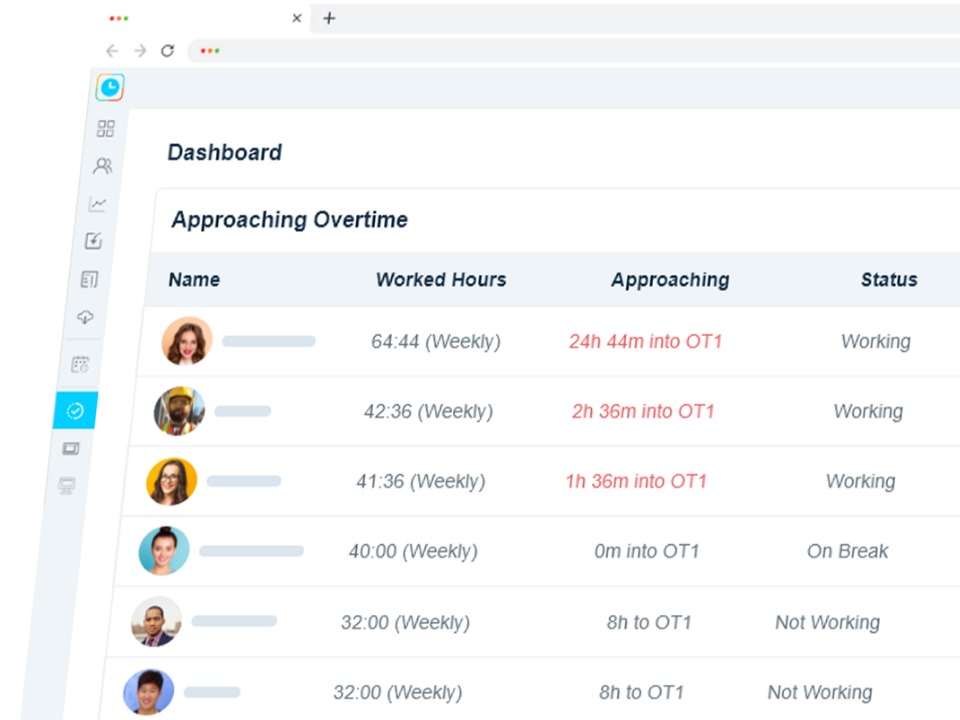
It's 9 p.m. on Sunday. The schedule for next week is a photo of a whiteboard in the team group chat, and 40 messages later three people have agreed to cover Saturday, one of them has also agreed to cover Sunday, and nobody told the supervisor. On Monday the cook clocks in 25 minutes early, like every day, and by Thursday two people are already into overtime. The schedule existed. It just didn't control anything.
This guide compares six kinds of scheduling software for shift-based and small teams, from free apps to scheduling connected to time clocks. Every entry, ours included, covers what it is, who it suits, where it falls short, how it's priced and the setup effort. It compares types of tool, not named products, so test any product you're considering with the questions further down.
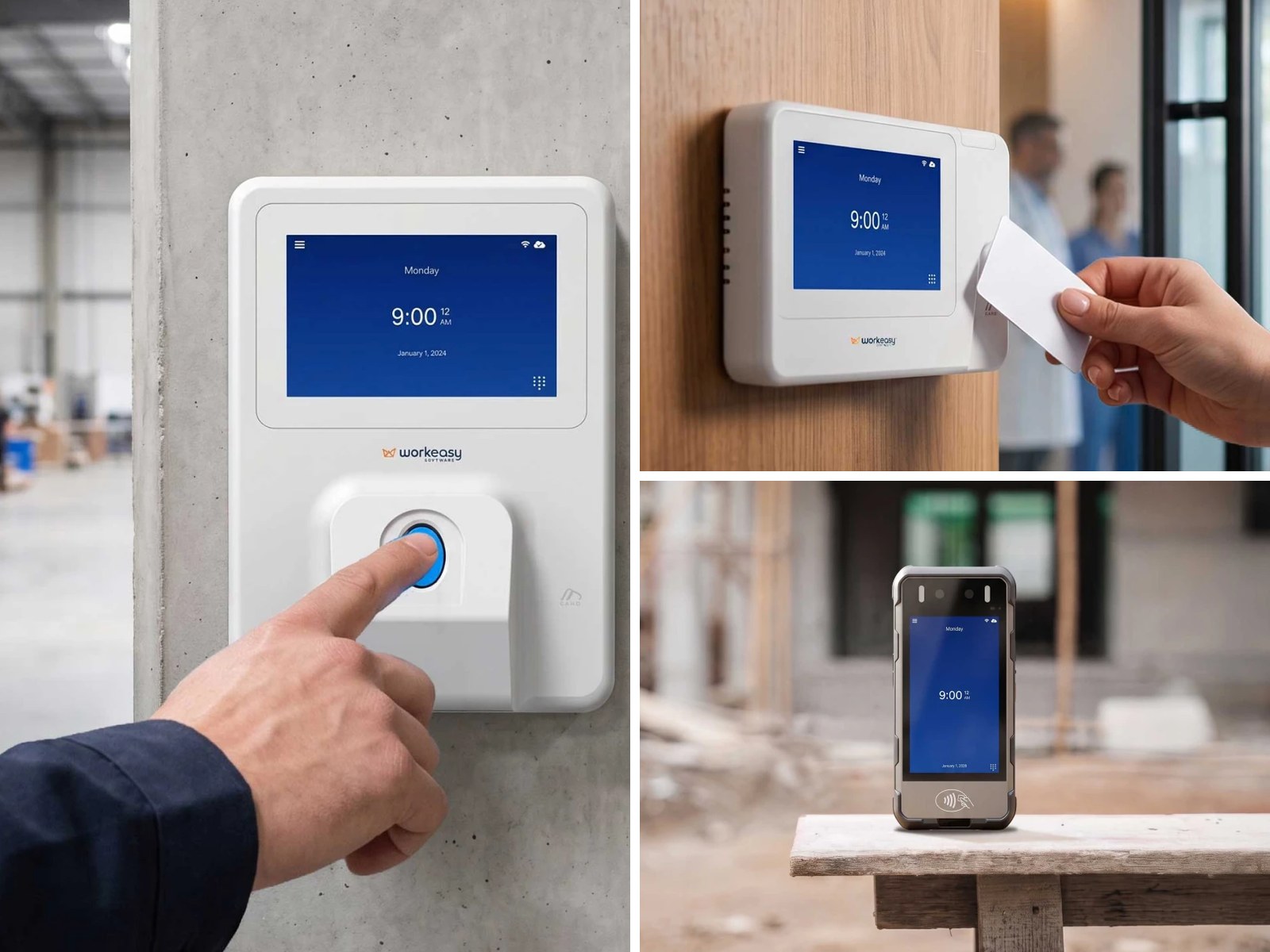
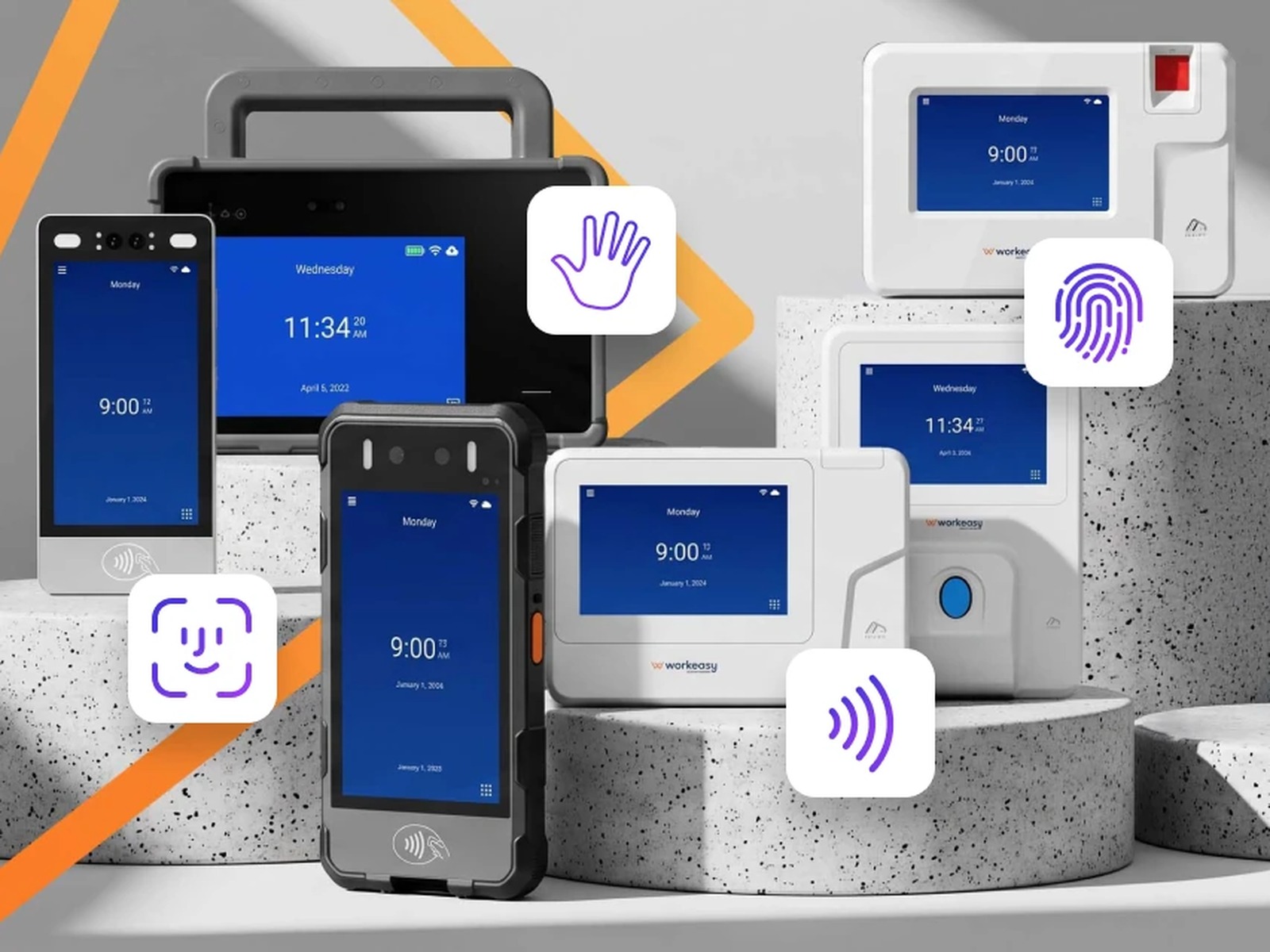
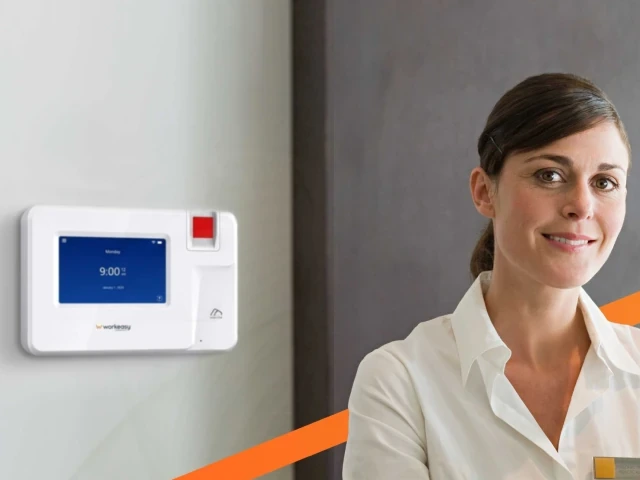
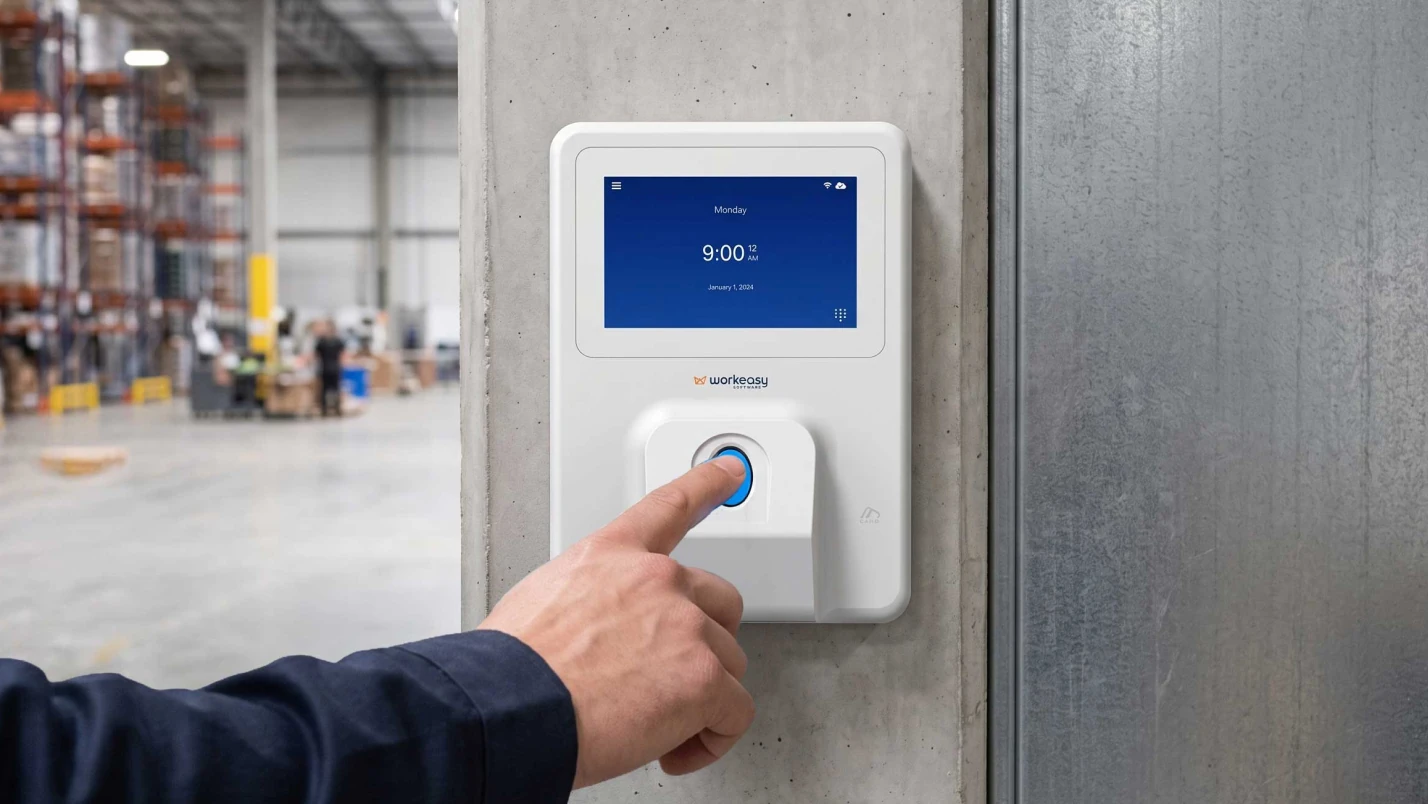
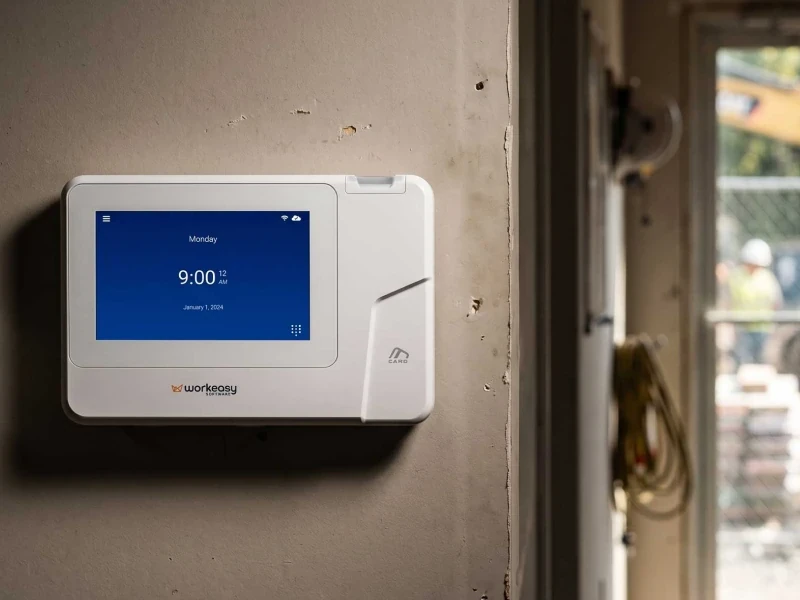
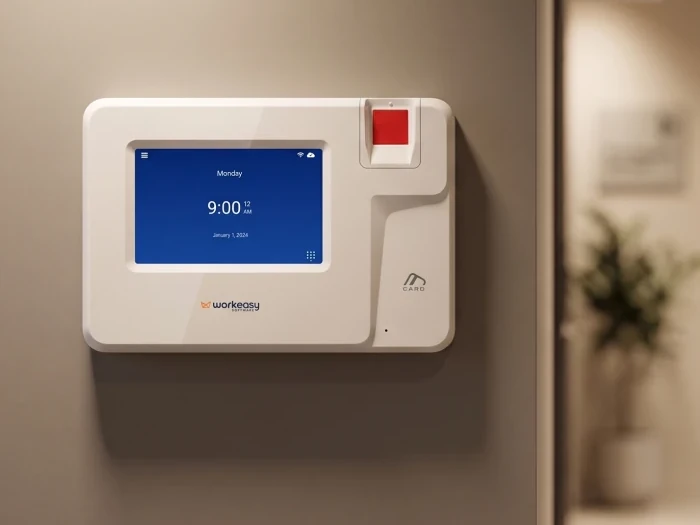
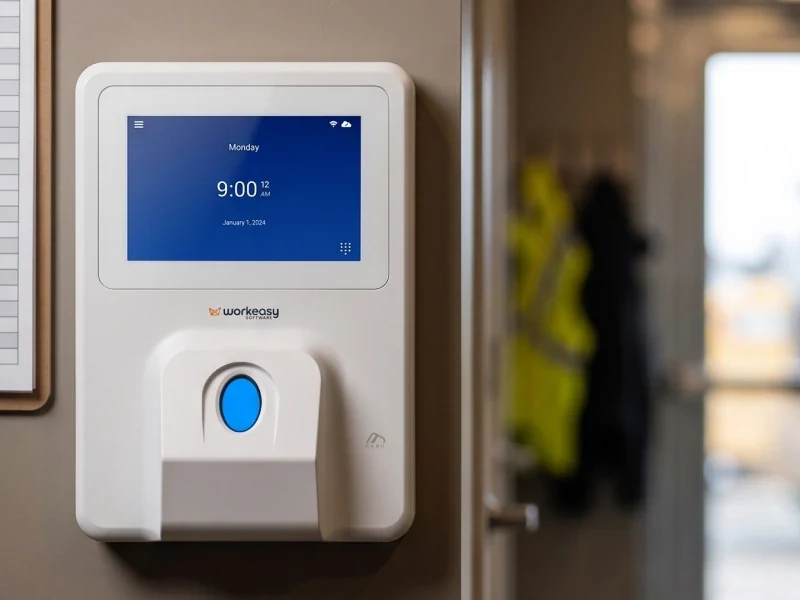
The best employee scheduling tool for a small team is the one that matches how your people clock in. If everyone has a phone and works at one location, a scheduling app with a free or low-cost plan is often enough: you build the week, publish it to phones and let people swap shifts. If your team shares a time clock, works fixed shifts at a site, or you need to stop early clock-ins and catch overtime before payday, choose scheduling that is connected to your time clocks and time and attendance, so the schedule controls the punch. Bigger suites with demand forecasting are usually more than a small team needs. WorkEasy Scheduling is the connected kind: shifts, open shifts and swaps on the same system as Xenio time clocks, punch rules and payroll sync.
Already know you need the schedule to control the clock? See WorkEasy Scheduling with your own shifts.
Every scheduling tool can put a shift on a calendar. The differences show up after that. Follow one shift through six steps.
Most apps do steps one to three well. Steps four to six are where shift-based teams lose money.
Scheduling connected to time clocks comes first because it's WorkEasy's recommendation for shift-based teams. The others aren't ranked. The right one depends on your team.
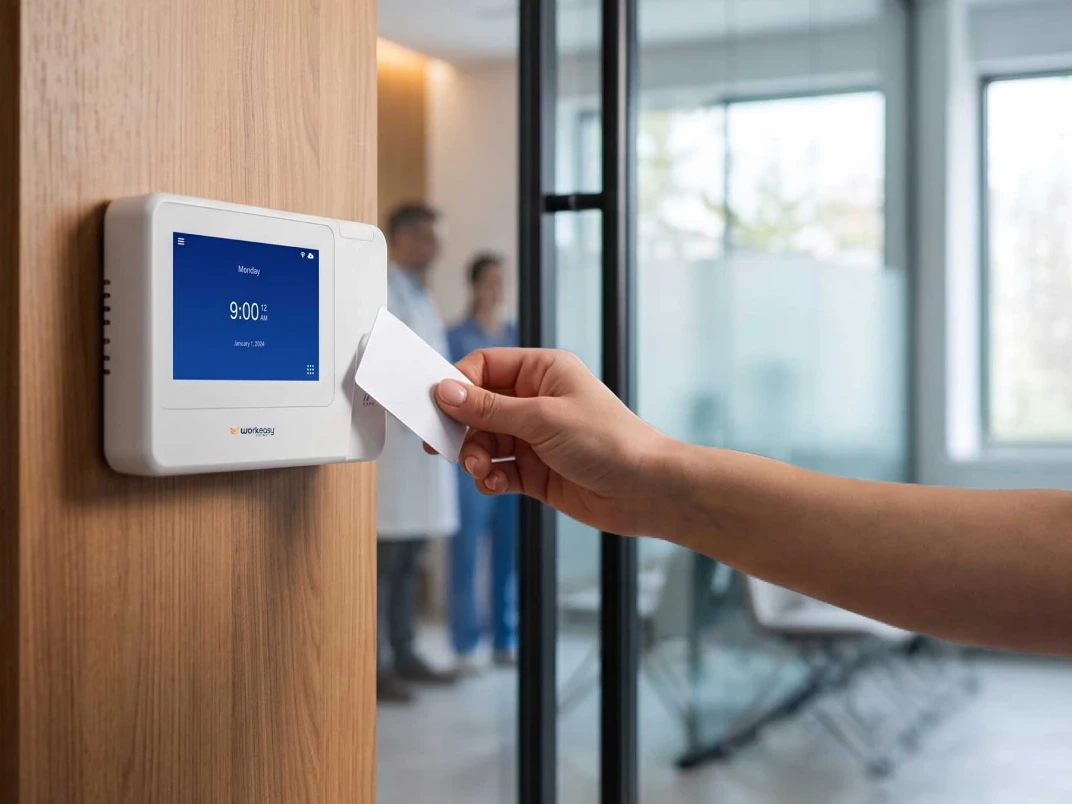
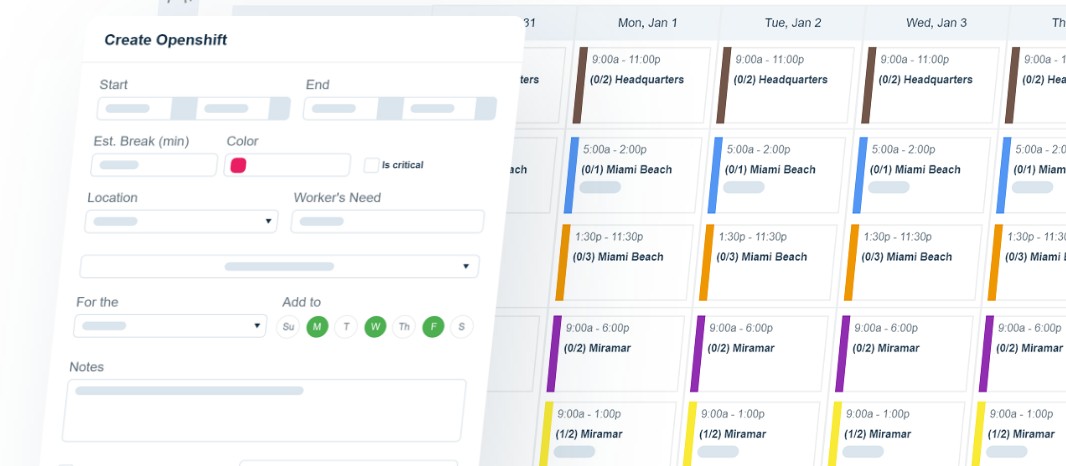
What it is. Scheduling that lives in the same system as your time clocks, pay rules and payroll sync, so the schedule controls who can clock in and when. WorkEasy Scheduling runs alongside WorkEasy Time and Attendance and Xenio time clocks. Managers build shifts and recurring patterns, post open shifts for people to pick up, and set who can swap or drop shifts and who approves. Punch rules can stop clock-ins too far before or after a scheduled shift, and hours worked outside the schedule can be held for a manager to review. Scheduled and actual hours sit side by side, and approved hours sync to your payroll provider.
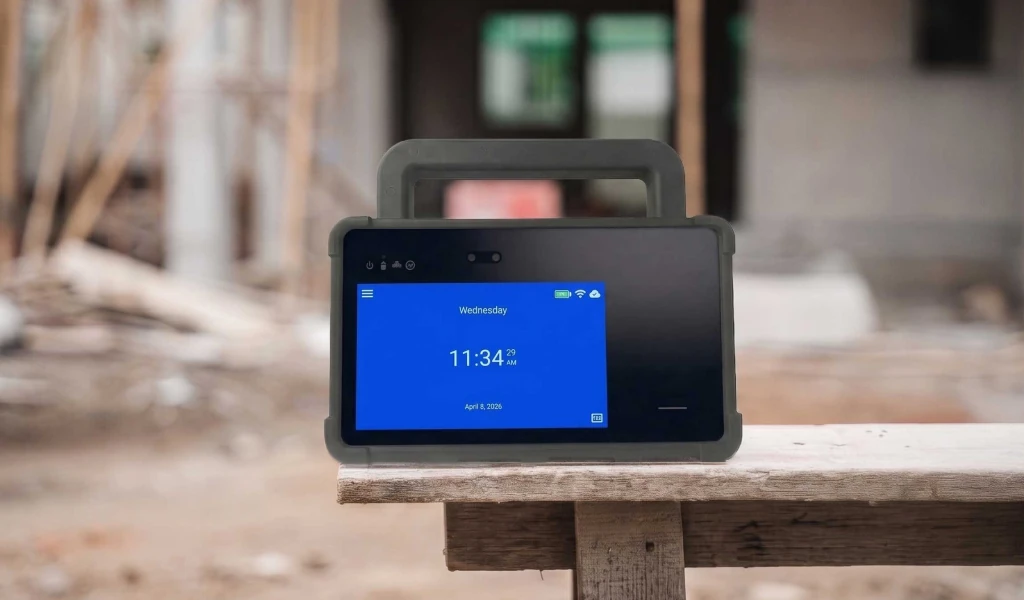
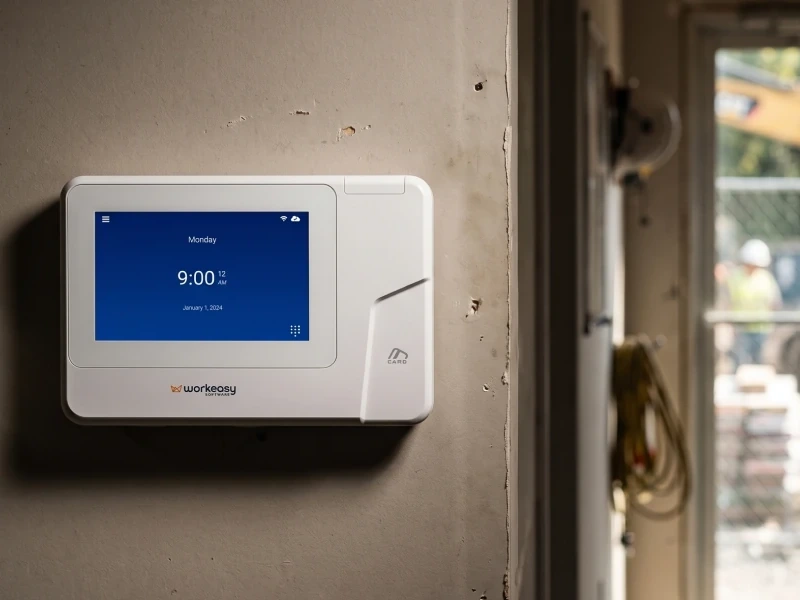
Best for. Shift-based teams that share a time clock or work at fixed sites, in manufacturing, warehousing, healthcare, hospitality, retail and construction, from one location to many.
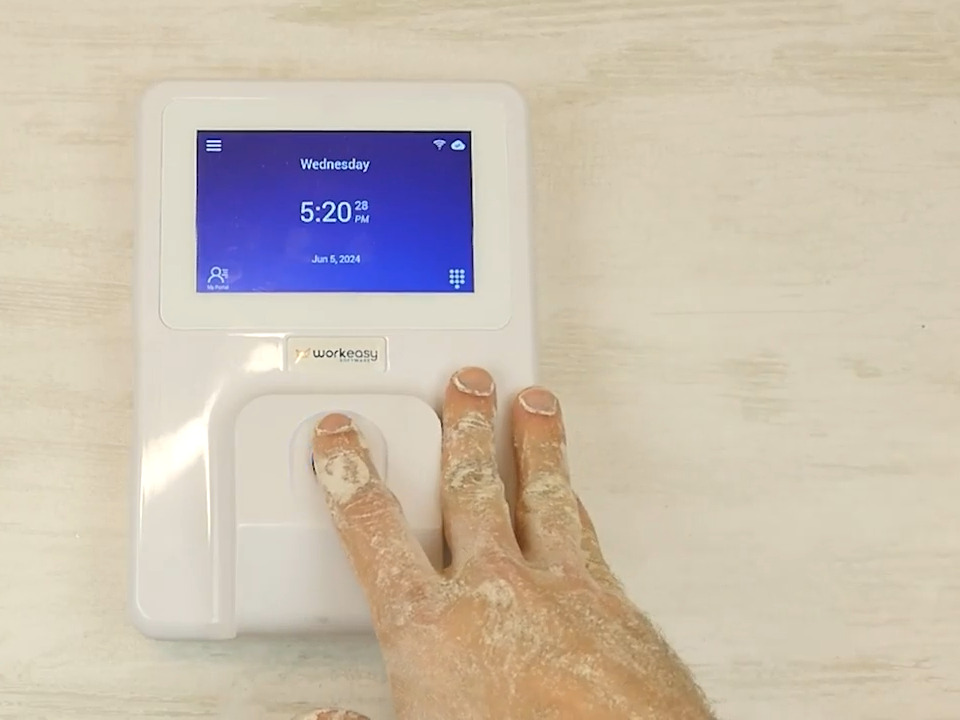
Where it falls short. More than a small team needs if everyone works from their phone and nobody shares a clock. There's no free plan. WorkEasy doesn't come with city or state scheduling rules built in. You set rules for advance notice, rest between shifts, split shifts and hour limits, and see warnings before you publish, so if you're under a predictive scheduling law, ask to see your city's rules set up. The full Scheduling module is separate from the basic scheduler that comes with Time and Attendance, so check which you're quoted for. And if some of your team clock in on the phone app or with a PIN, those punches carry the same limits as any phone or PIN punch, so put a shared biometric clock where proving who punched matters most.
How it's priced. Per employee per month, plus clock hardware bought outright or on a hardware subscription. Ask for a quote at your headcount.
Setup effort. WorkEasy's onboarding team configures schedules, rules and clocks with you. Your team adds employees and availability and mounts the clocks.
What it is. A phone app that bundles scheduling with team chat, a phone time clock, tasks and forms.
Best for. Small and mobile teams where everyone has a phone, especially if you also want chat and checklists in one app.
Where it falls short. The punch proves which phone account clocked in and from where, not who. If you want physical clocks, check whether the app offers them and who makes them. Scheduling depth (rules by group, approvals, labor cost) varies by plan.
How it's priced. Free plans for small teams, capped by users (often around 10), then per user per month or a base fee plus per user.
Setup effort. Quick to start. Invite your team and build a schedule. You still set rules and train managers.
What it is. Scheduling-first apps for building and publishing shifts, handling swaps and availability, sometimes with a phone or tablet clock-in added.
Best for. Restaurants, retail and service teams that mainly need a better schedule and are happy with phone or tablet clock-ins.
Where it falls short. Clock-in control, pay rules and payroll export are often add-ons or paid tiers. A tablet clock-in can be shared, and a PIN isn't proof of who punched.
How it's priced. Free or low-cost plans for one location, then paid plans per user or per location per month.
Setup effort. Low. Build templates, add availability and go.
What it is. A scheduling module from the company that already runs your payroll or HR.
Best for. Businesses that want one vendor for pay and scheduling and have simple shift patterns.
Where it falls short. Scheduling is often a lighter add-on in these suites, and the clock-in method depends on what the suite offers. Changing payroll later can mean changing scheduling too.
How it's priced. Usually an add-on per employee per month, sometimes with a base fee.
Setup effort. Your employees are already in the suite. You still build schedules and rules.
What it is. Large platforms with demand forecasting, labor budgeting and optimization across thousands of employees.
Best for. Large employers with many sites, forecasting needs and an IT team. WorkEasy doesn't aim to replace these.
Where it falls short. More cost, rollout time and complexity than a small or mid-sized team needs.
How it's priced. Custom quote plus implementation fees.
Setup effort. Months, with project teams on both sides.
What it is. A spreadsheet or a whiteboard photo shared in a group chat.
Best for. A handful of people with fixed shifts.
Where it falls short. Swaps happen in messages and never reach the schedule, nothing stops an early clock-in, and nobody sees overtime coming. Someone rebuilds the schedule every week.
How it's priced. Free, apart from the manager's Sunday night.
Setup effort. None, and the work comes back every week.
Not sure which of these fits your team? Tell us how you schedule today and we'll tell you on a call.
| Option | Build and publish | Swaps and open shifts | Schedule controls the clock | Scheduled vs actual | Hours to payroll |
|---|---|---|---|---|---|
| Connected to time clocks and time and attendance (WorkEasy) | Yes | Yes, with approvals | Yes | Yes | Yes |
| All-in-one team apps | Yes | Yes | Partly (phone clock) | Partly | Partly, by plan |
| Standalone scheduling apps | Yes | Yes | Partly | Partly | Partly, by plan |
| Payroll or HR suite modules | Yes | Partly | Partly | Partly | Yes, to that provider |
| Enterprise workforce management suites | Yes | Yes | Yes | Yes | Yes |
| Spreadsheets and chats | Partly | No | No | No | No |
Yes means the type is built to do it. Partly means it depends on the product or plan. These are WorkEasy's judgments about types of tool, not tests of any product, and WorkEasy sells the first row.
Still building next week's schedule in a group chat? Let's fix that on a quick call.
Short answers to the questions that come up most often.
For a small team at one location, a free plan from a scheduling or all-in-one team app is often enough to build a weekly schedule, publish it to phones and handle a few swaps. Free plans are usually capped by number of users or locations, and features like time clocks, overtime alerts, labor cost and payroll export often sit on paid plans, so check what happens at your 11th employee or second location. A free tool on its own also doesn't stop someone clocking in early. WorkEasy isn't a free tool. It's built for shift-based teams that need the schedule to control the clock.
Most scheduling software is priced per user per month, per location per month, or as a base fee plus a per-user charge, and the same tool can look cheap or expensive depending on your headcount and number of sites. Free plans exist for small teams. Scheduling inside a payroll or HR suite is often an add-on module, and enterprise workforce suites are sold by custom quote with implementation fees. Total the cost at your real headcount, including time clocks if you need them. WorkEasy prices per employee per month, with clock hardware bought outright or on a hardware subscription. Ask for a quote at your headcount.
Usually when the schedule stops being the truth. Signs include swaps agreed in a group chat that never reach the schedule, people turning up for shifts that were changed, someone spending Sunday night rebuilding next week, overtime discovered on payday, and no record of who agreed to what. Moving to scheduling software puts the schedule, changes and approvals in one place that everyone sees on their phone.
A scheduling app builds shifts, publishes them to phones and handles swaps and open shifts. Workforce management software covers scheduling plus the rest of the hourly cycle: time clocks, attendance, pay rules, time off, and sending approved hours to payroll, so the schedule and the hours worked live in one system. Enterprise workforce suites add demand forecasting and labor optimization for very large employers. For shift-based teams, the useful question is whether the schedule controls the clock and feeds payroll. WorkEasy is workforce management for hourly teams, with scheduling, time and attendance, time off and HR data on one platform.
As far ahead as you can, and at least as far ahead as local law requires. Several cities and one state have predictive scheduling (fair workweek) laws for some industries, including Oregon, New York City, Seattle, Chicago and San Francisco, which generally require schedules to be posted around 14 days in advance and may require premium pay for late changes. Where no law applies, posting one to two weeks ahead gives people time to plan and swap. Check the rules for each location with your counsel. WorkEasy doesn't come with city or state scheduling rules built in. You set rules for advance notice, rest between shifts, split shifts and hour limits, and see warnings before you publish.
WorkEasy Software in the news
Learn what the news media is saying about WorkEasy Software products and service.
WorkEasy Software recognized as a Top 25 Global Work Tech Vendor. Work Tech Awards honor best-in-class vendors.
WorkEasy Software powers game-changing teams with surprisingly easy technology in mission-critical areas.

Work Tech Awards honor top vendors worldwide whose efforts exemplify what Inspiring Workplaces calls “real impact.”

WorkEasy Software recognized as a Top 25 Global Work Tech Vendor. Work Tech Awards honor best-in-class vendors.

Work Tech Awards honor top vendors worldwide whose efforts exemplify what Inspiring Workplaces calls “real impact.”

WorkEasy Software powers game-changing teams with surprisingly easy technology in mission-critical areas.

WorkEasy Software powers game-changing teams with surprisingly easy technology in mission-critical areas.


