
FOX
WorkEasy Software recognized as a Top 25 Global Work Tech Vendor. Work Tech Awards honor best-in-class vendors.
Six options that come up when hourly teams shop for biometric clock-in, each judged on what confirms identity, where it falls short, how it's priced and the rollout effort.
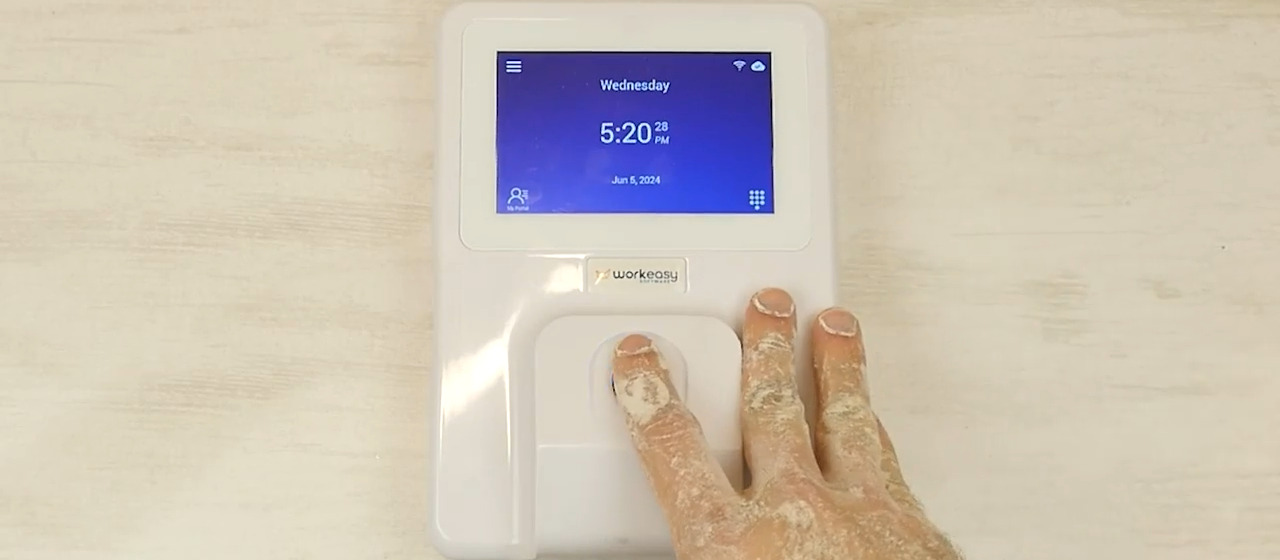
The best biometric time clock for an hourly team is the one that reads every worker reliably in your conditions. Those conditions might be dirty or worn fingers on a plant floor, gloves and hard hats that stay on at a job site, or no-touch entry on a food line or in a care facility. Six types of option come up when teams shop for biometric clock-in. They are biometric clocks connected to time and attendance software, standalone fingerprint clocks, facial recognition access terminals, tablet apps with face unlock, apps that take a photo at clock-in, and hand geometry and other legacy clocks.
For a mid-sized business with 50 to 250 hourly workers on shifts, a biometric clock connected to time and attendance software is the strongest choice, because each entrance can have the clock that suits it, on one path to your payroll provider. WorkEasy Software offers seven Xenio time clocks, six of them biometric, each built for a different work environment, and syncs approved hours to the provider you already use.
WorkEasy sells one of the six options, so every entry covers what it is, who it's best for, where it falls short, how it's priced and the rollout effort, ours included. This page compares types, not named products, and any clock sold with its own software should face the same tests. If you're still choosing between biometric, badge and mobile clocks, start with our biometric vs badge vs mobile time clock comparison.
A biometric time clock has to pass five tests at your own punch points.
The clock reads every worker in your conditions, not just in a clean office. Walk each punch point after a shift and note what's on people's hands, how wet or dusty it gets, and what PPE stays on. Then ask what happens when a read fails.
The clock confirms identity, rather than only taking a photo. A match compares the person at the clock with what that person enrolled. A photo kept for later review, a PIN or a login records something else. A punch tied to the person keeps that worker's hours right.
The clock keeps up at shift change without a line. Count who reaches each clock at shift change, and ask how long a read takes.
You can answer questions about biometric data. Get each vendor's answers on where it goes, in writing.
Approved hours sync to your payroll provider. Ask to watch approved hours move through your overtime and break rules into your provider.
WorkEasy's connected clocks come first because we recommend them for hourly, shift-based teams, and we sell them, so weigh that. The rest run by how firmly each ties a punch to a person on hardware made for matching. Standalone fingerprint clocks and facial terminals both match the person on dedicated hardware, though a terminal is built for doors first. A tablet can match a face, on general-purpose hardware. A photo kept for review isn't a match at the punch. Hand geometry clocks do match a person, and sit last because that entry is about a clock you may already own.
We read price lists only for the two app types, so the other three entries give the mechanism and what to ask the seller.
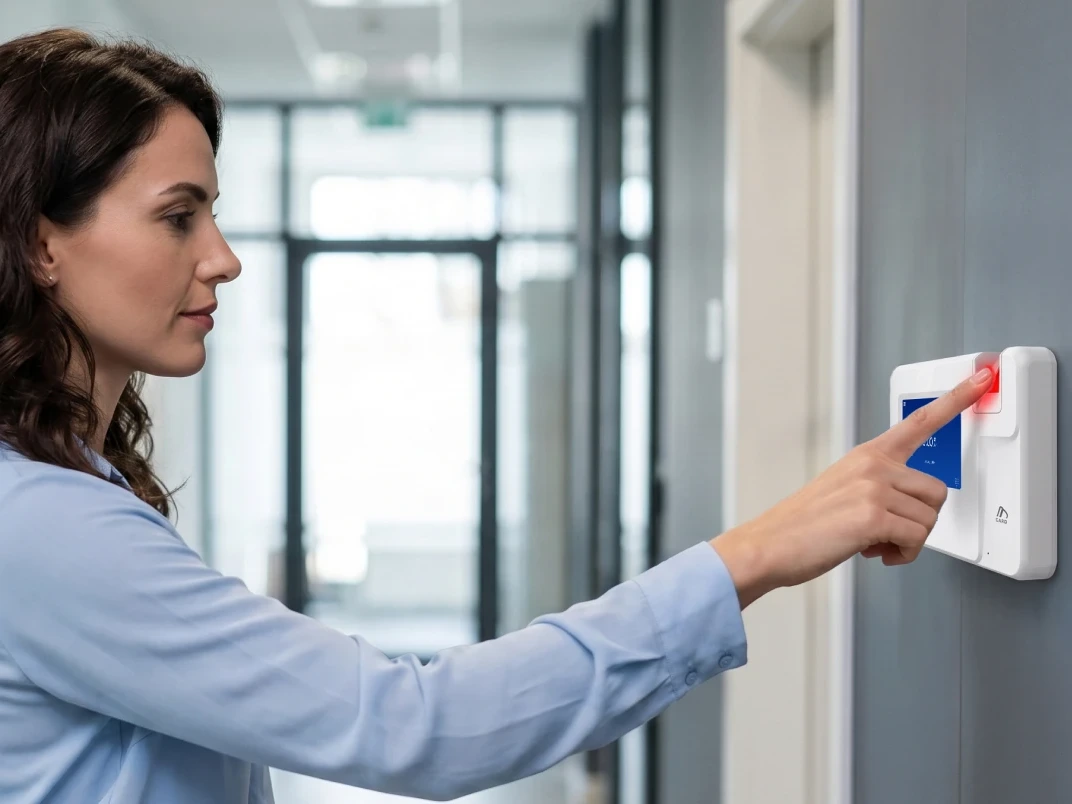
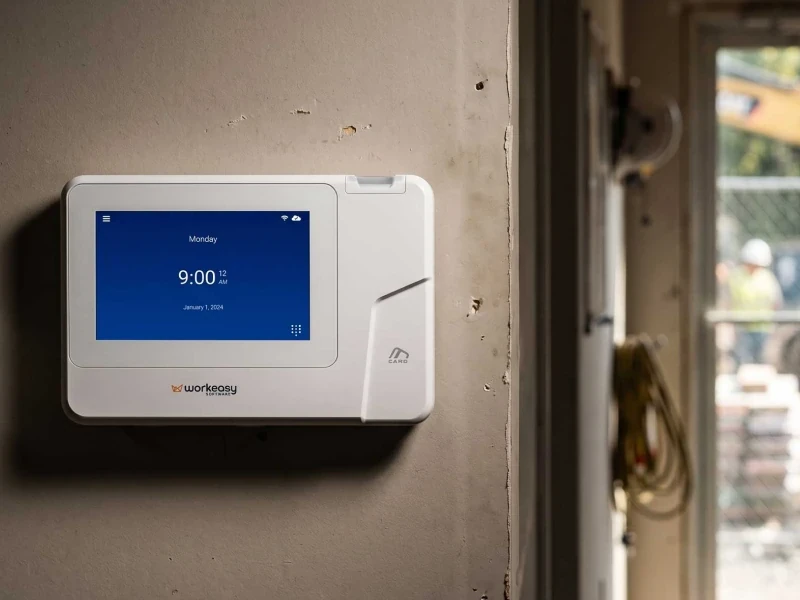
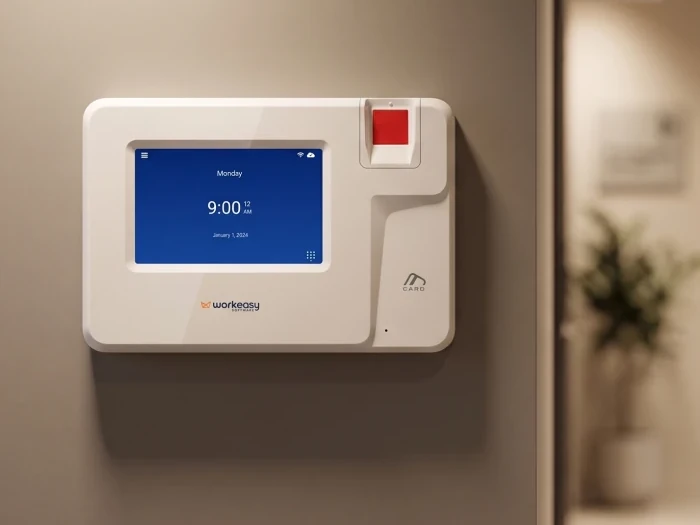
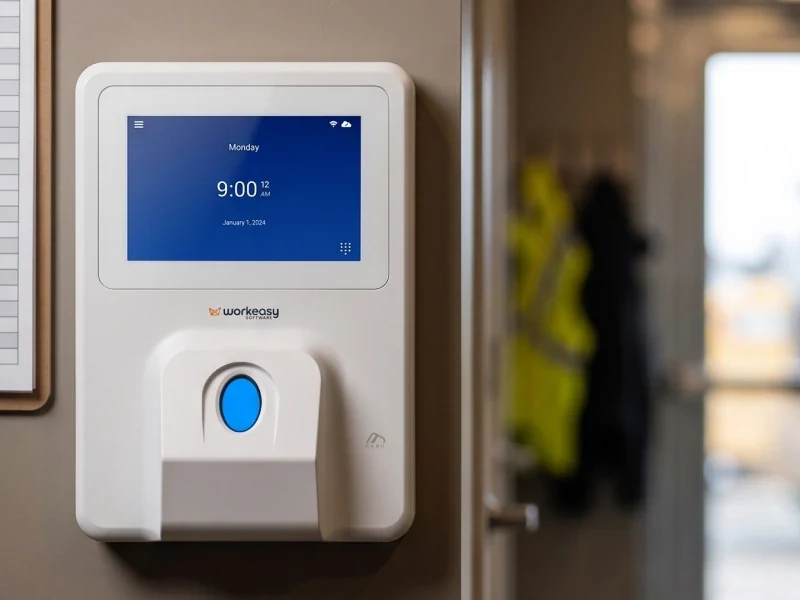
What it is. Xenio biometric time clocks and the time and attendance software behind them. You may also see the name EasyClocking by WorkEasy Software. EasyClocking and WorkEasy Software are one company.
Best for. Hourly teams in tough or busy conditions. See the full WorkEasy time clock catalog.
Six clocks, by where people work.
How it works. The clock confirms who is clocking in, with a card or PIN as the fallback on the clocks that take one. Every WorkEasy clock keeps recording punches with no internet on site, then uploads them when it's back. Hours land in Time and Attendance, where pay rules apply and supervisors approve them. Approved hours then sync to your payroll provider. WorkEasy connects to major payroll providers natively and in real time. The routes are native integrations, secure APIs or customized configurations. WorkEasy doesn't run payroll.
Where it falls short.
How it's priced. Per employee per month plus clock hardware, which you can buy or take on a flexible subscription. The structure is on the WorkEasy pricing page.
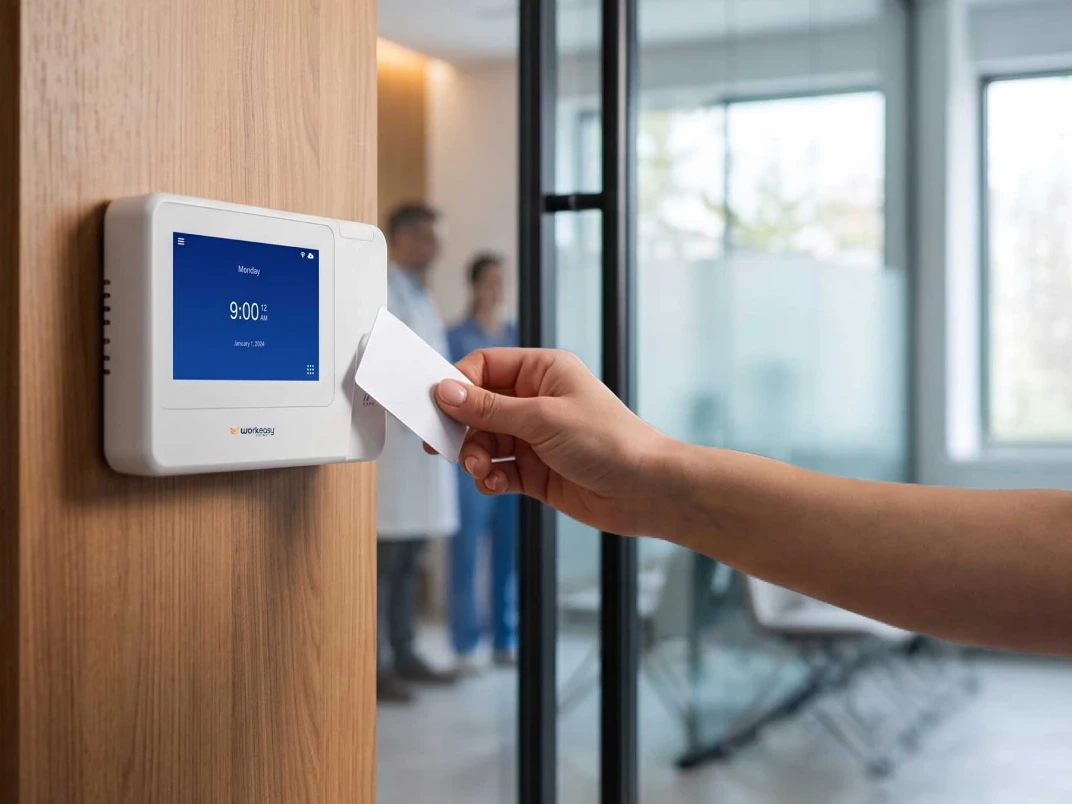
Rollout effort. The WorkEasy onboarding team runs four stages with you. It sets out what's required from your team, learns your business, guides set-up in real time, then walks you through the software. Read about the teams behind WorkEasy. Your team still owns the wall, power and network drop at each fixed clock. Your team also enrolls people across shifts and owns notice and consent, with its own counsel. A card is the non-biometric route on the clocks that take one, and it confirms the card, not the person.
Who stands behind it. WorkEasy serves more than 10,000 companies. 750,000+ workers clock in every day. Punches run to more than 360 million a year. Request a quote.
What it is. A fingerprint clock bought on its own, with its bundled software.
Best for. Small, clean, single sites where hands stay dry.
Where it falls short. Ask which sensor it uses. An optical sensor wants a clean, dry finger, so dirty or worn fingers can turn into failed reads and manual fixes. Then ask how it handles overtime rules and reaches your payroll provider.
How it's priced. A clock bought upfront. Ask whether a monthly software or cloud fee sits on top.
Rollout effort. Mount the clock, enroll each worker, then test the path to payroll.
What it is. A face reader built for doors and access control that can also produce time records.
Best for. Sites that need to control a door first, with time records second.
Where it falls short. Opening a door and recording paid hours are different jobs. If overtime and break rules aren't built in and payroll sync gets added later, ask who builds that link and who supports it.
How it's priced. We read no price list for this type. Ask for the terminal, any software license, installation and integration work as separate lines.
Rollout effort. A door install can bring in your security team before time rules and the payroll link.
What it is. A shared tablet app, unlocked by face to clock in. A tablet can match a face, and one of the two app price lists we checked in November 2026 sells a kiosk with face unlock as biometrics. WorkEasy's Time Kiosk App is a tablet setup too, so what this entry says about tablets holding up applies to it.
Best for. Teams on that app, with a dry, protected spot and reliable Wi-Fi.
Where it falls short. A wet, dirty or busy entrance is harder on a consumer tablet than on a clock built for it, and the tablet can be unplugged, moved or borrowed. If people fall back to a PIN, that isn't a biometric match.
How it's priced. That price list charges a monthly fee per user with a minimum monthly spend, and biometrics sit on a higher plan.
Rollout effort. Mount and power a tablet at each entrance, and enroll each worker.
What it is. An app that takes a photo at clock-in on a shared tablet or POS device. The second price list describes this as capturing team member photos. It comes up when teams shop for clock-in with an identity check.
Best for. Small teams that want a visual record.
Where it falls short. A photo kept for review isn't a match at the punch, so someone has to check the photos, and an error nobody catches reaches payroll.
How it's priced. That second list charges per location per month, with photo capture among advanced time tracking features on paid plans.
Rollout effort. Set up the app and decide who reviews the photos.
A disclosure from WorkEasy. Today, a WorkEasy clock reading a face takes a photo at the punch, compares it with the points saved at enrollment, and doesn't save the photo. The WorkEasy Time Kiosk App and mobile app can also be set to require a photo at clock-in, which then shows in the timesheet, so what this entry says about photos applies to that option too. WorkEasy also offers a phone punch, with GPS geofencing and real-time sync, for fully distributed staff. A phone app confirms a login and a location. A biometric clock confirms the person in front of it.
What it is. A clock that reads the shape of a hand. Other older clocks raise the same questions.
Best for. A site with one on the wall that can still be serviced.
Where it falls short. Hand shape does confirm a person, so identity isn't the limit. Ask who supplies parts, who supports the clock and how its hours reach your payroll provider today.
How it's priced. If you already own the clock, the hardware is a past cost. Set parts, support and software against a quote to replace it.
Rollout effort. Replacing it means enrolling every worker again and rebuilding the path to payroll.
| Option | What confirms identity | Where it falls short | How it's priced |
|---|---|---|---|
| Connected clocks and software (WorkEasy) | Fingerprint, face or palm, by clock | Fixed clocks need a wall, power and a network. Each sensor has limits. Payroll stays with your provider | Per employee per month plus clock hardware |
| Standalone fingerprint clocks | A fingerprint | Dirty or worn fingers on an optical sensor | A clock upfront, plus any monthly fee |
| Facial recognition access terminals | A face | Time rules and payroll sync may need adding | No list read. Ask for terminal, license, installation and integration costs |
| Tablet apps with face unlock | A face match, on plans that carry it | Wet, dirty or busy spots. Unplugged, moved or borrowed | Per user per month on one list |
| Apps with a photo at clock-in | A photo kept for review isn't a match | Someone has to check the photos | Per location per month on one list |
| Hand geometry and legacy clocks | Hand shape | Parts, support and the payroll link | Cost to keep against cost to replace |
Start with hands, traffic and mounting. Every clock is available for any site, and the table shows where each one fits.
| Where people work | Clock | How it confirms who is punching |
|---|---|---|
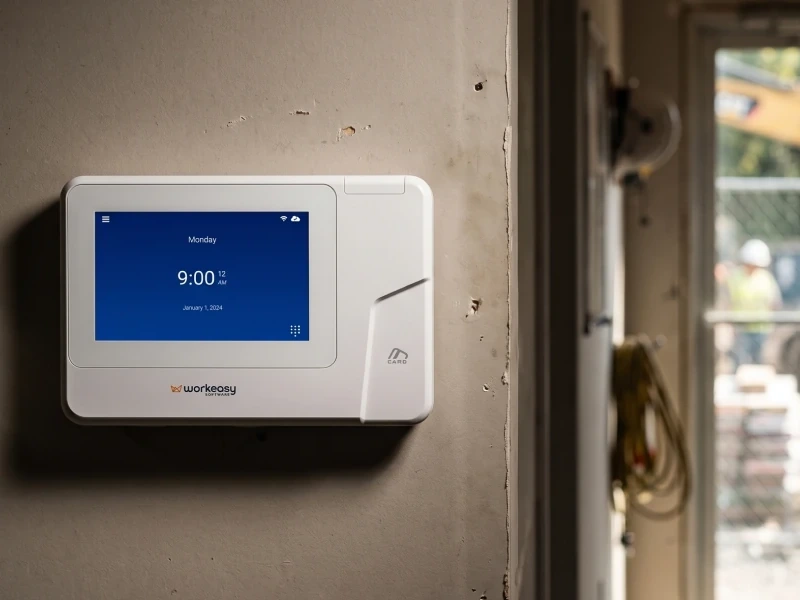
| Plant floors, warehouses, site offices | Industrial-grade fingerprint time clock | Multispectral fingerprint. Also takes a card |
| Healthcare, food production, busy entrances | Touchless facial recognition time clock | Facial recognition with liveness detection |
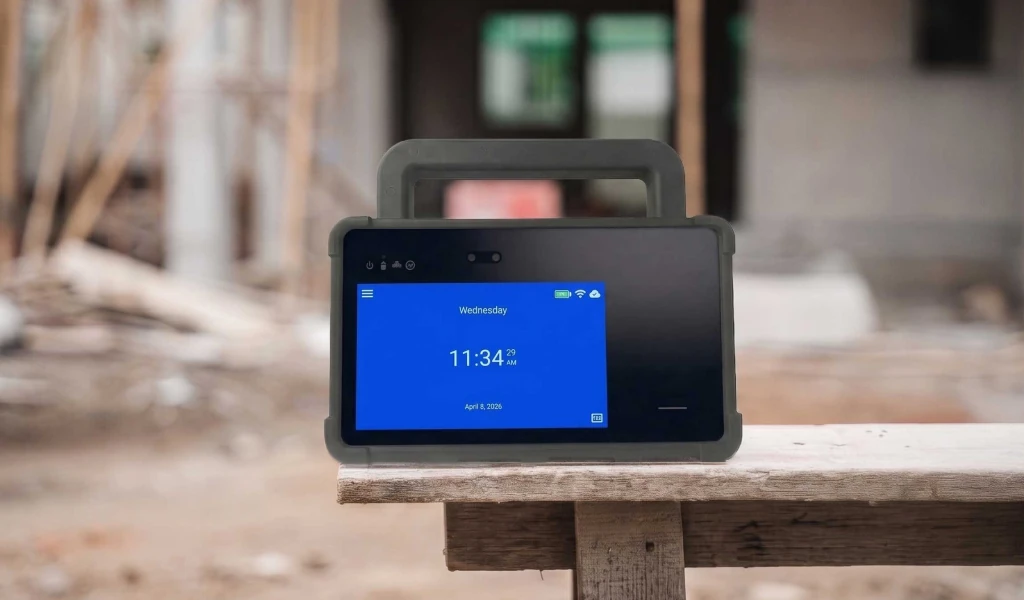
| Job sites, field teams, outdoor mounts | Portable biometric time clock | Face, palm or fingerprint. Also takes a PIN or card |
| Mobile crews, rotating sites, trailers with no wired power or network | Mobile time clock for job sites | Facial recognition with liveness detection |
| Restaurants, hospitality, busy mixed sites | Advanced fingerprint time clock | Multispectral fingerprint. Also takes a card or PIN |
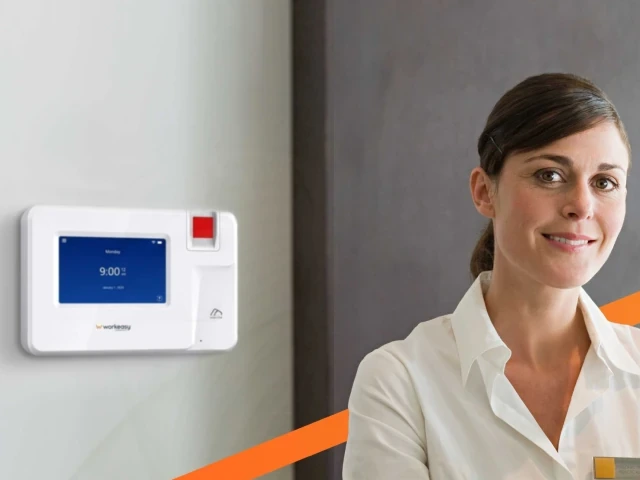
| Clean offices and clinics | Smart fingerprint time clock | Optical fingerprint. Also takes a card |
A multispectral sensor uses several wavelengths of light to read a print through grease and dirt.
Put the same three questions to every vendor, WorkEasy included, and get the answers in writing.
When a WorkEasy clock reads a face, it takes a photo at the punch and compares it with the points saved at enrollment, so the photo is the read, and it currently doesn't save that photo on the clock or in the software. The Time Kiosk App and mobile app can be set to require a photo at clock-in, which shows in the timesheet. At setup, a photo is taken and points on the face are saved. On customer data in general, the WorkEasy security page says each customer has its own database, encrypted at rest on the server, and data is encrypted over potentially insecure networks. WorkEasy Software is SOC 2 compliant, and that page offers a SOC 3 report to download. This page doesn't answer how fingerprint and palm reads are handled, or where data sits, so ask through the quote form and get those in writing.
Section 9 of WorkEasy's Terms & Conditions covers biometric data and sets out who carries notice and consent, which are the employer's to handle with its own counsel. For the people on the clock, a match is there to keep their own hours right.
On WorkEasy's connected system, the clock can change by entrance while the path from punch to payroll stays the same.
For whoever signs off, the cost lines are the monthly fee per employee and the clocks, bought or on subscription, plus any setup fee. Our onboarding team sets the system up with you, and your company carries the site work, notice and consent.
See how WorkEasy pricing is structured, then get a quote for your sites. The quote form is also where to ask to watch approved hours reach your provider.
Short answers to the questions that come up most often.
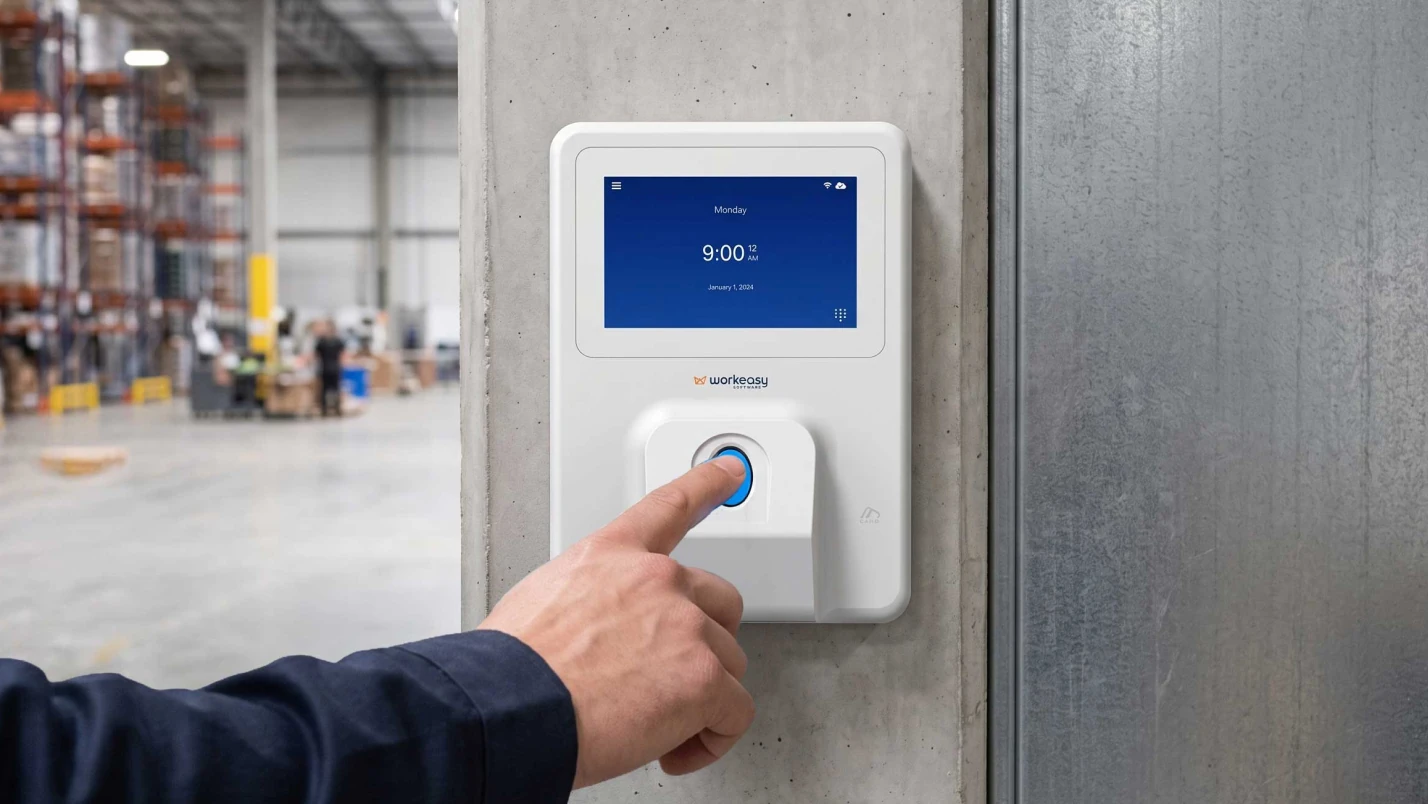
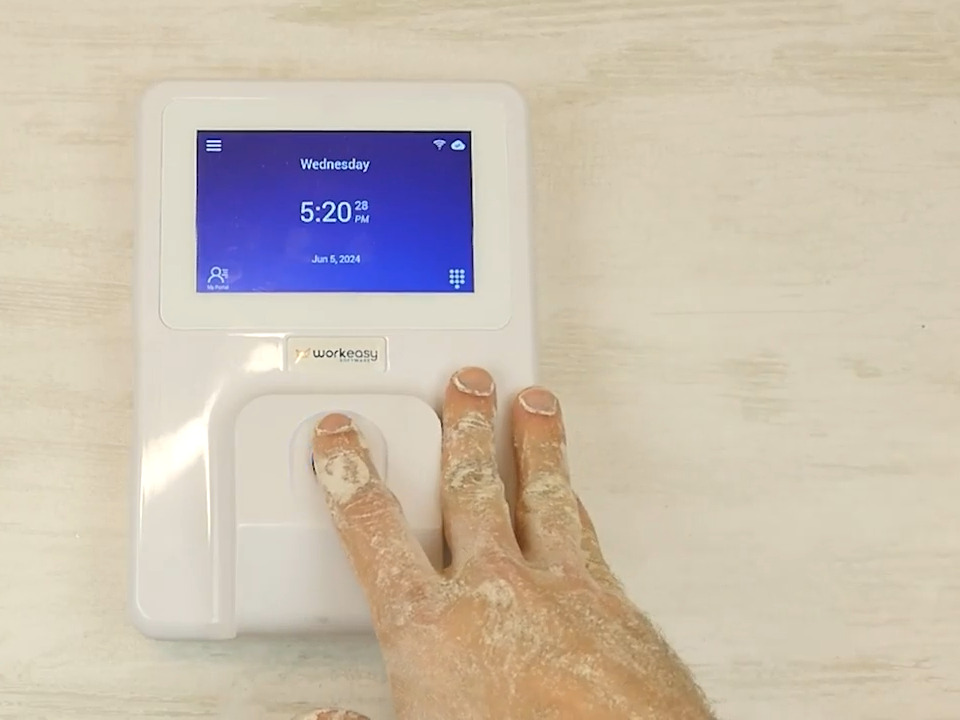
Look for a multispectral fingerprint sensor when fingers are dirty or worn. WorkEasy's industrial-grade fingerprint time clock reads dirty, oily, wet or damaged fingers.
Facial recognition is the touchless pick for a busy or hygiene-sensitive entrance. The industrial-grade and advanced fingerprint clocks also handle high traffic, and the smart fingerprint clock is for low traffic.
No, a photo kept for someone to review later isn't a biometric match. A biometric time clock matches a fingerprint, face or palm before it records the punch. A WorkEasy clock reading a face makes a biometric match. Today it takes a photo at the punch, compares it with the points saved at enrollment and doesn't save the photo. The WorkEasy Time Kiosk App and mobile app can also be set to require a photo at clock-in, which shows in the timesheet.
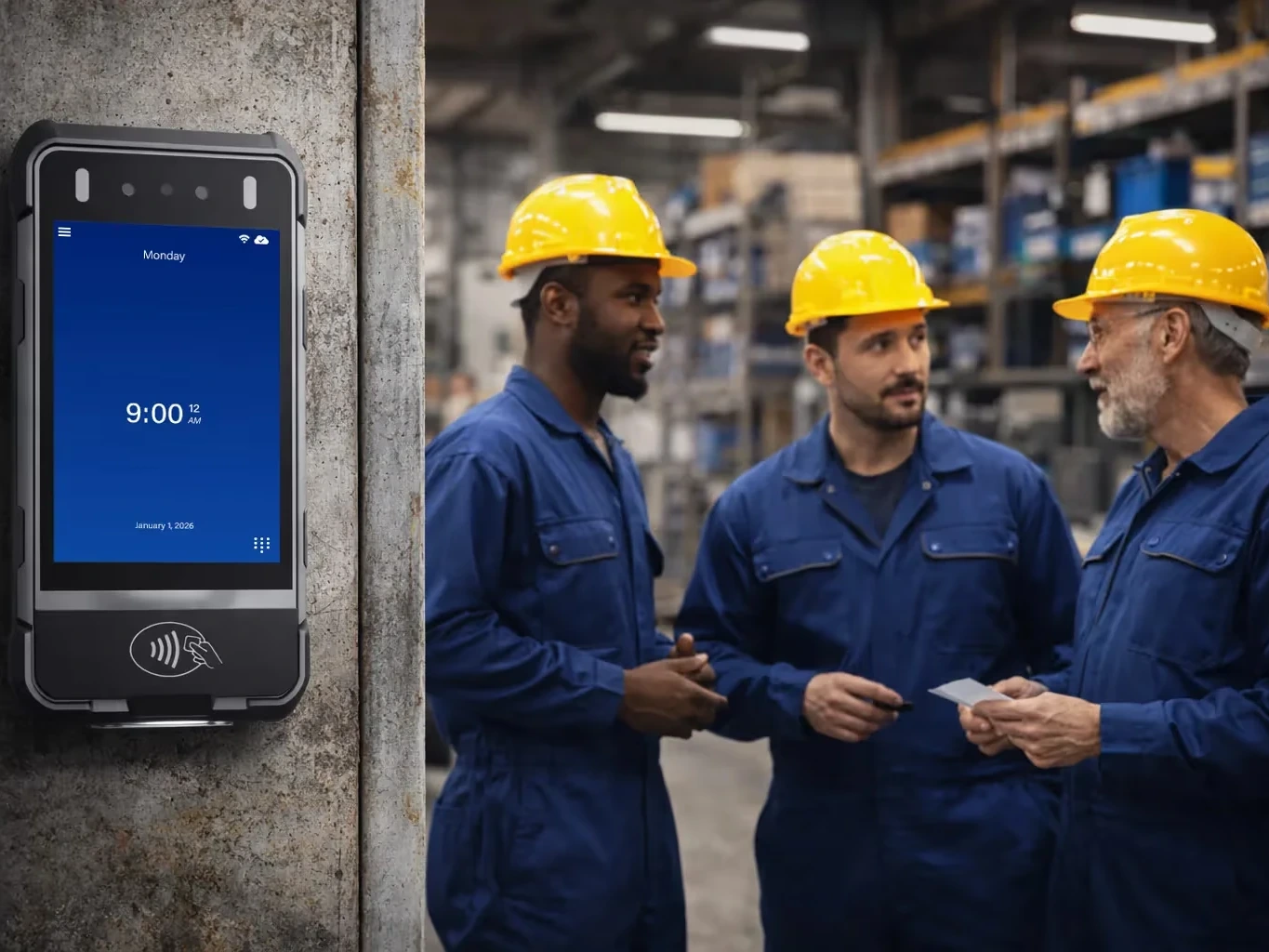
Thin gloves such as latex or nitrile can stay on at WorkEasy's industrial-grade fingerprint clock, and to a smaller extent at the advanced clock. No fingerprint sensor in the WorkEasy lineup reads through heavy work gloves. With a facial clock no gloves come off. The mobile and portable clocks read faces through hard hats, safety glasses, hearing-protection earmuffs and hi-vis vests, and a card tap works with gloves on.
Ask each vendor in writing what it stores, where and who can reach it. On customer data in general, the WorkEasy security page says each customer has its own database, encrypted at rest on the server, and data is encrypted over potentially insecure networks. At setup, a photo is taken and points on the face are saved. A WorkEasy clock reading a face compares a punch photo with those points and currently doesn't save it. Ask about fingerprint, palm and storage through the quote form. Section 9 of WorkEasy's Terms & Conditions covers biometric data and sets out who carries notice and consent, which are a separate question and the employer's to handle with its own counsel.
WorkEasy Software in the news
Learn what the news media is saying about WorkEasy Software products and service.
WorkEasy Software recognized as a Top 25 Global Work Tech Vendor. Work Tech Awards honor best-in-class vendors.
WorkEasy Software powers game-changing teams with surprisingly easy technology in mission-critical areas.

Work Tech Awards honor top vendors worldwide whose efforts exemplify what Inspiring Workplaces calls “real impact.”

WorkEasy Software recognized as a Top 25 Global Work Tech Vendor. Work Tech Awards honor best-in-class vendors.

Work Tech Awards honor top vendors worldwide whose efforts exemplify what Inspiring Workplaces calls “real impact.”

WorkEasy Software powers game-changing teams with surprisingly easy technology in mission-critical areas.

WorkEasy Software powers game-changing teams with surprisingly easy technology in mission-critical areas.


