

FOX
WorkEasy Software recognized as a Top 25 Global Work Tech Vendor. Work Tech Awards honor best-in-class vendors.
How a time and attendance system works from punch to payroll, 11 criteria and vendor questions for choosing one, and a table for picking a clock by where your people work.
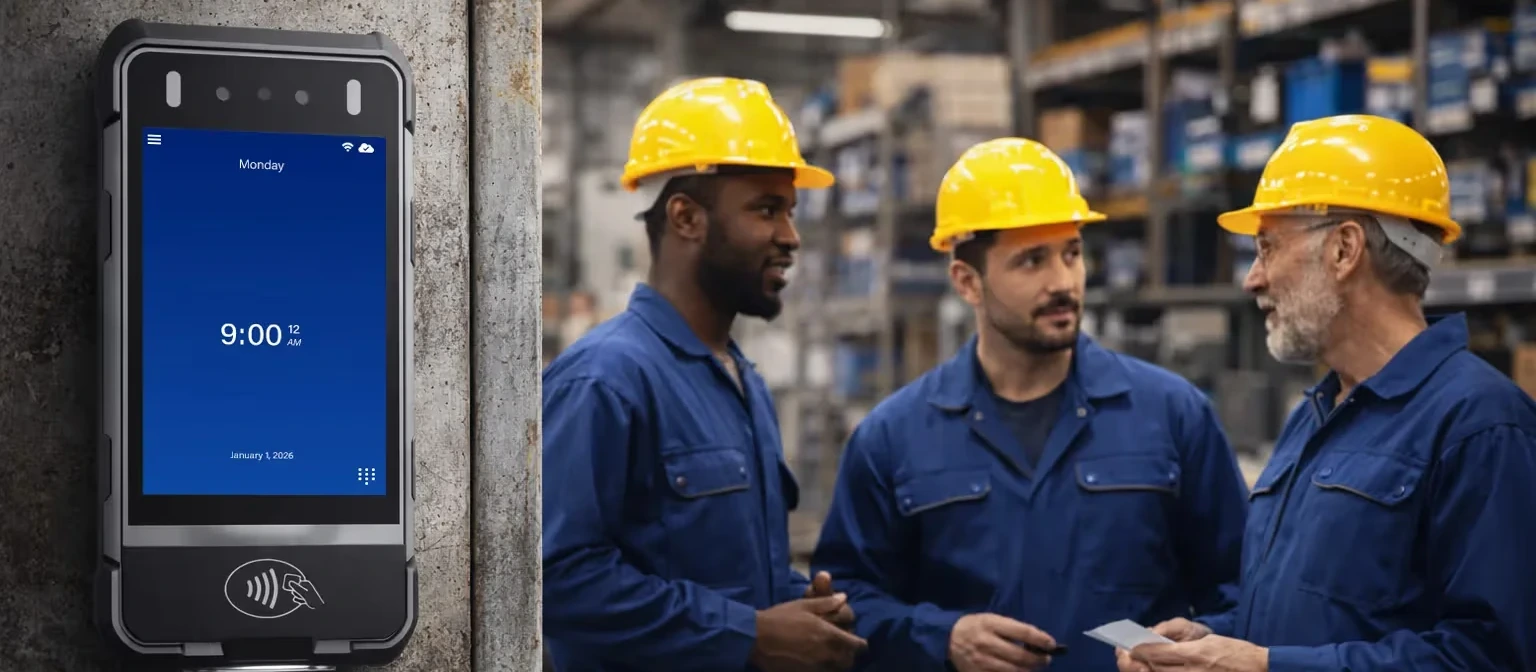
A time and attendance system records when hourly employees start and stop work, applies your pay rules for overtime, breaks and shift differentials, and sends approved hours to your payroll provider. It has three parts: a time clock that captures each punch, software that applies the rules, and a sync to payroll.
To choose one, start at the clock. Ask how it confirms who is punching, in the conditions your crews work in. Then check how approved hours reach your payroll provider. A time and attendance system is only as accurate as the punch it starts with.
This guide gives you 11 buying criteria, a question to ask a vendor on each one, and a table of WorkEasy Software's clocks by where your people work. The 11 criteria are built to take into any vendor call, including a call with WorkEasy Software.
A time and attendance system turns each punch into approved hours in three steps.
Each step works from the one before it. A wrong punch becomes a wrong input to your pay rules, then a wrong number for a supervisor to approve. Someone has to find and fix it before payroll runs, or the worker's pay comes out wrong. That correction is easier to prevent at the clock than to track down later.
For the detail behind each step, read how the clock and the software work together.
Start at the clock because every report, pay rule and payroll sync works from what the clock recorded. Two questions come first.
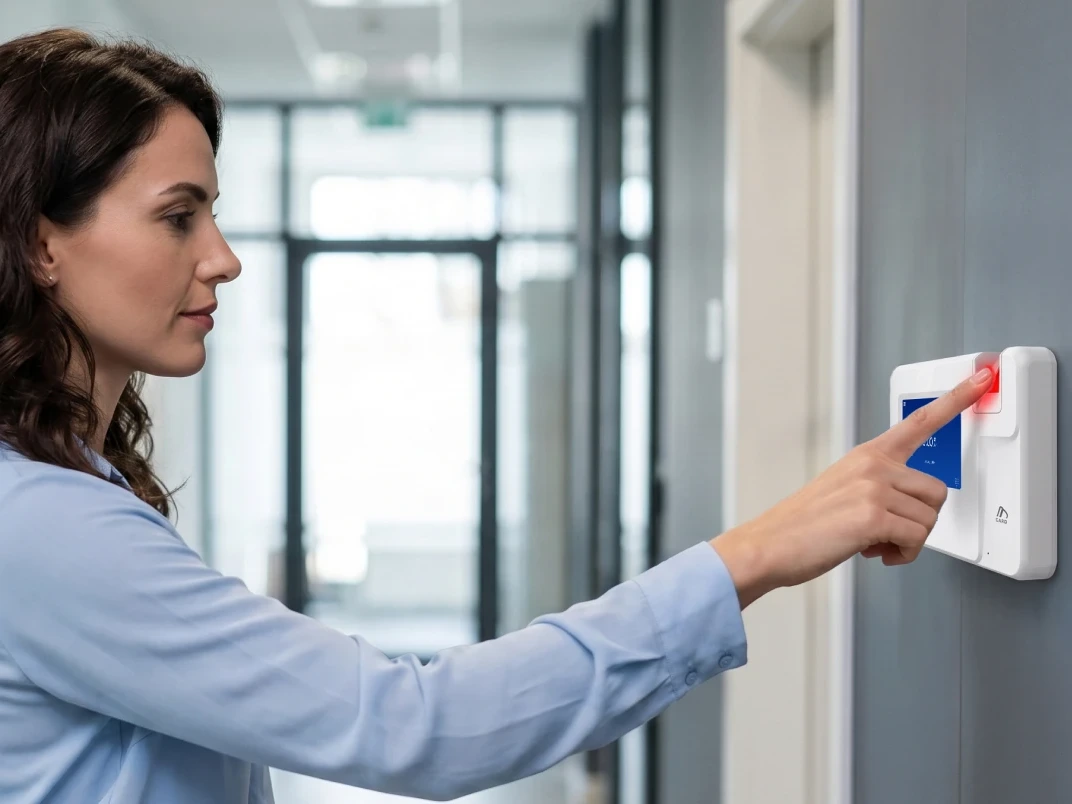
Does the clock confirm who is punching? Biometric verification ties each punch to the real worker, so the record shows who made it. A card clock confirms the card, not the person. A phone app confirms a login and a location. Each one can fit a site. What matters is knowing which one you are buying.
Does the clock work where your people punch? A clock that can't read someone's hand, or can't hold up where it's mounted, pushes that person toward a manual fix. A manual entry is one more place a wrong number can get in. So fit for your conditions comes before reports, dashboards and feature lists.
Judge any time and attendance system on these 11 criteria, in this order. The first four are about the punch. The next three are about what happens to the hours. The last four are about living with the system.
| Criterion | Question to ask a vendor | What good looks like |
|---|---|---|
| Verification at the punch | How does the system confirm who is clocking in? | Biometric verification at the clock, so each punch is tied to the real worker. A card clock confirms the card, not the person |
| Fit for your conditions | Will the clock read dirty, oily, wet or damaged hands, and hold up where it's mounted? | A clock chosen for each environment, not one model for every site |
| Location for field crews | How are punches confirmed on job sites? | A location recorded with each punch, by GPS on the clock or geofencing on a phone |
| Connectivity | Which clocks capture punches with no Wi-Fi or cell signal? | A clear answer per clock, including what happens to a punch until it syncs |
| Pay rules | Can it apply our overtime, shift differential and break rules automatically? | Rules applied as hours come in, with visibility before overtime hits |
| Payroll sync | Does it sync approved hours to the payroll provider we already use? | Hours reach your payroll provider without re-keying |
| Control across sites | Can we see every site in one place? | One view of hours and labor cost across locations |
| Ease for workers | How much training will our crews need? | Easy enough to use on day one, in the languages your crews use |
| Security and biometric data | How is biometric data stored and protected? | A current security certification such as SOC 2, and published terms that cover biometric data |
| Setup and support | Who configures the system with us? | A clear plan for who configures what, and what your team has to do |
| Room to grow | Can we add scheduling and time off later without moving to a new system? | Added modules use the same clocks, data and payroll sync, with no move to a new system |
The payroll sync question takes a follow-up. Name the payroll provider you already use and ask how the hours get there. A direct sync and a file someone exports each pay period are different amounts of work for your team.
Pick each clock by where your people work, not by your industry. A crew moving between job sites needs a different clock than the same company's site office, even though both are in construction.
Before you compare clocks, write down four things for each site.
Then match each site to a row. The table below shows WorkEasy Software's clocks.
| Where your people work | Clock | How it confirms who is punching |
|---|---|---|
| Outdoor or weather-exposed sites | Portable biometric time clock | Face or palm |
| Crews that move, with no wired power or network | Mobile time clock for job sites | Face |
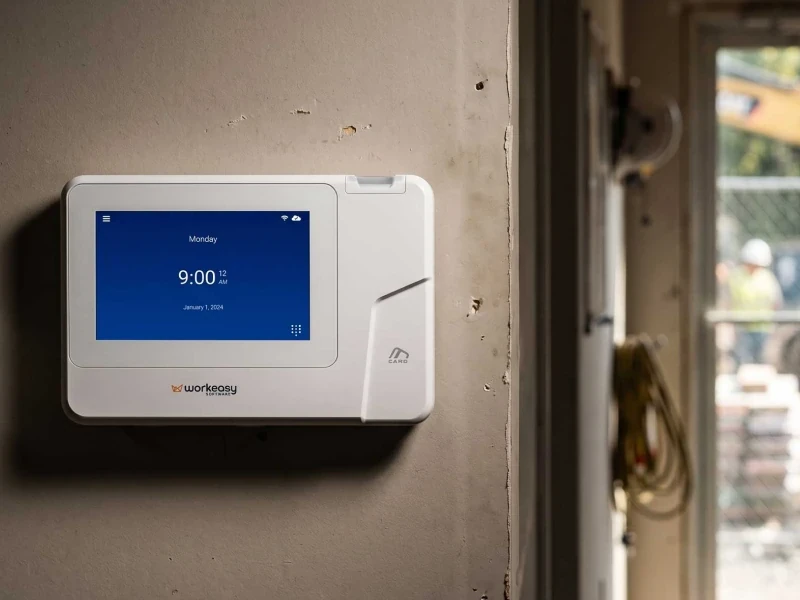
| Sheltered sites with dirty, oily or wet hands | Industrial-grade fingerprint time clock | Fingerprint |
| Hygiene-sensitive spaces, high traffic | Touchless facial recognition time clock | Face, with no touch |
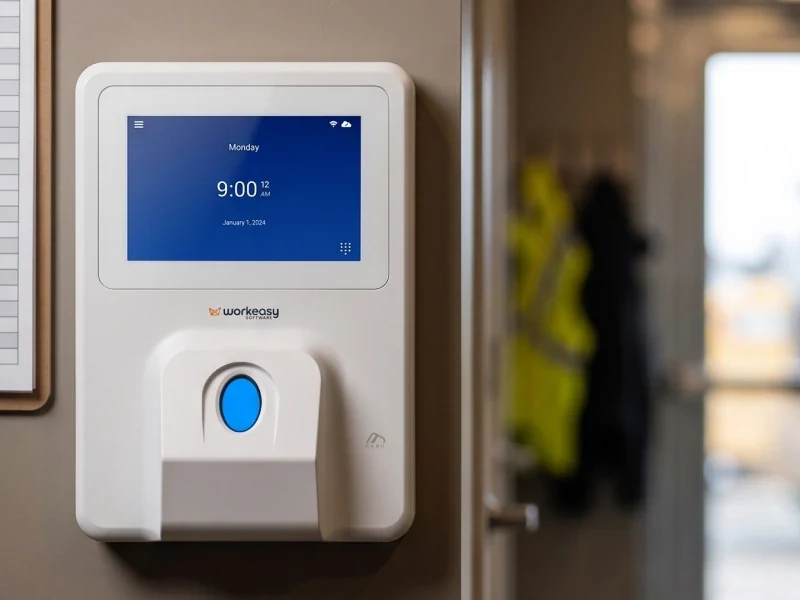
| Busy sites with dusty or oily hands | Advanced fingerprint time clock | Fingerprint |
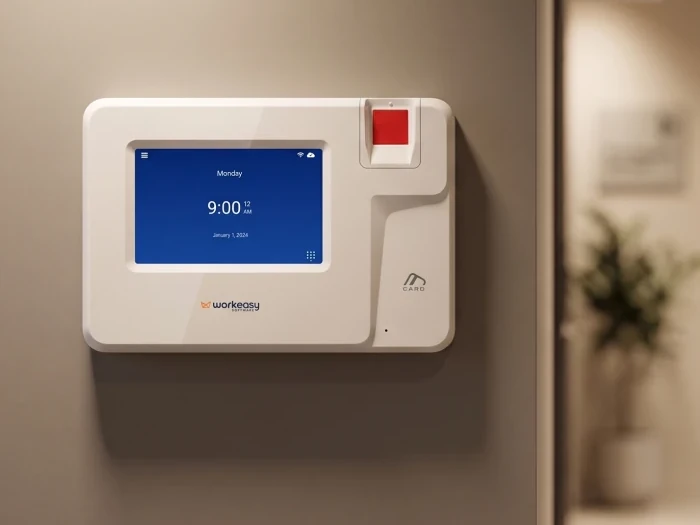
| Clean, dry hands, low traffic | Smart fingerprint time clock | Fingerprint |
| Any fixed site, as a backup | Proximity smart card time clock | Card. Not biometric |
Every one of these clocks is available to you. The table shows where to start, and the full time clock lineup links to a page for each clock.
If you are weighing a phone app against a clock, read who a phone app or a shared clock misses. Once you know which clocks you need, read preparing a site for time clocks.
Across several sites, standardize the rules and the view, and let the clock change with the site. You want one set of rules and one view across locations, with the right clock at each. For more on that split, read fixed and portable time clocks across multiple sites.
Each function will test that differently.
This guide covers how clocks and systems behave. It doesn't cover what wage-and-hour or biometric privacy law requires of you, so take those questions to your legal counsel.
If WorkEasy Software makes your shortlist, here is what to know about it.
WorkEasy's onboarding team configures the system with you, so there is no project team for you to staff. Setup follows a guided process with four stages.
You don't have to buy everything at once. Start with clocks and Time and Attendance, standardize across your sites, then add Scheduling, Time Off and HR Data Management on the same system when you need them. The Time and Attendance overview sheet has more on the software, in a PDF with no form to fill out.
The right time and attendance system shows up in ordinary ways. Hours come out right. People get paid right and on time. The clock is easy enough to use on day one.
Take the 11 criteria into your next vendor call. The WorkEasy pricing page shows the modules you can choose from. For figures, get a quote for your sites. If you run more than one location, tell us how many sites you run.
Short answers to the questions that come up most often.
Time and attendance means tracking when hourly employees start and stop work, then turning those records into approved hours for payroll. The term covers the time clock that captures each punch, the pay rules applied to those hours, and the sync to your payroll provider.
Time and attendance software takes punches from the time clock, applies your pay rules for overtime, breaks and shift differentials, and prepares hours for approval. Approved hours then sync to your payroll provider. The software can only work from what the clock recorded, so judge the two together.
Time and attendance sits between HR, operations and payroll. HR sets the policy, operations runs the shifts and the time clocks, and payroll uses the approved hours. That is why all three should have a say when you choose a system.
Supervisors capture and approve time, HR sets the policy, and payroll pays. If you run more than one site, name who owns each of those steps at each location, so a question about someone's hours has a clear place to go.
The best time and attendance system depends on where your people work. Judge it first on how it confirms who is clocking in, in the conditions your crews work in. Then check how approved hours reach your payroll provider. The 11 criteria in this guide give you the questions to ask any vendor, including WorkEasy Software.
Some time and attendance systems come bundled with payroll. WorkEasy Software's doesn't. It tracks hours and applies your pay rules, then syncs approved hours to your payroll provider, which runs payroll.
Sometimes. A phone app confirms a login and a location. A biometric clock confirms the person in front of it. A phone app fits fully distributed teams where a fixed clock isn't practical, and WorkEasy Software offers a phone punch for that case.
WorkEasy Software in the news
Learn what the news media is saying about WorkEasy Software products and service.
WorkEasy Software recognized as a Top 25 Global Work Tech Vendor. Work Tech Awards honor best-in-class vendors.

WorkEasy Software powers game-changing teams with surprisingly easy technology in mission-critical areas.

Work Tech Awards honor top vendors worldwide whose efforts exemplify what Inspiring Workplaces calls “real impact.”

WorkEasy Software recognized as a Top 25 Global Work Tech Vendor. Work Tech Awards honor best-in-class vendors.

Work Tech Awards honor top vendors worldwide whose efforts exemplify what Inspiring Workplaces calls “real impact.”

WorkEasy Software powers game-changing teams with surprisingly easy technology in mission-critical areas.

WorkEasy Software powers game-changing teams with surprisingly easy technology in mission-critical areas.


