
FOX
WorkEasy Software recognized as a Top 25 Global Work Tech Vendor. Work Tech Awards honor best-in-class vendors.
Five time clock options for small hourly teams, each judged on the same five questions, with a plain answer on when an app is enough and when a clock is worth it.
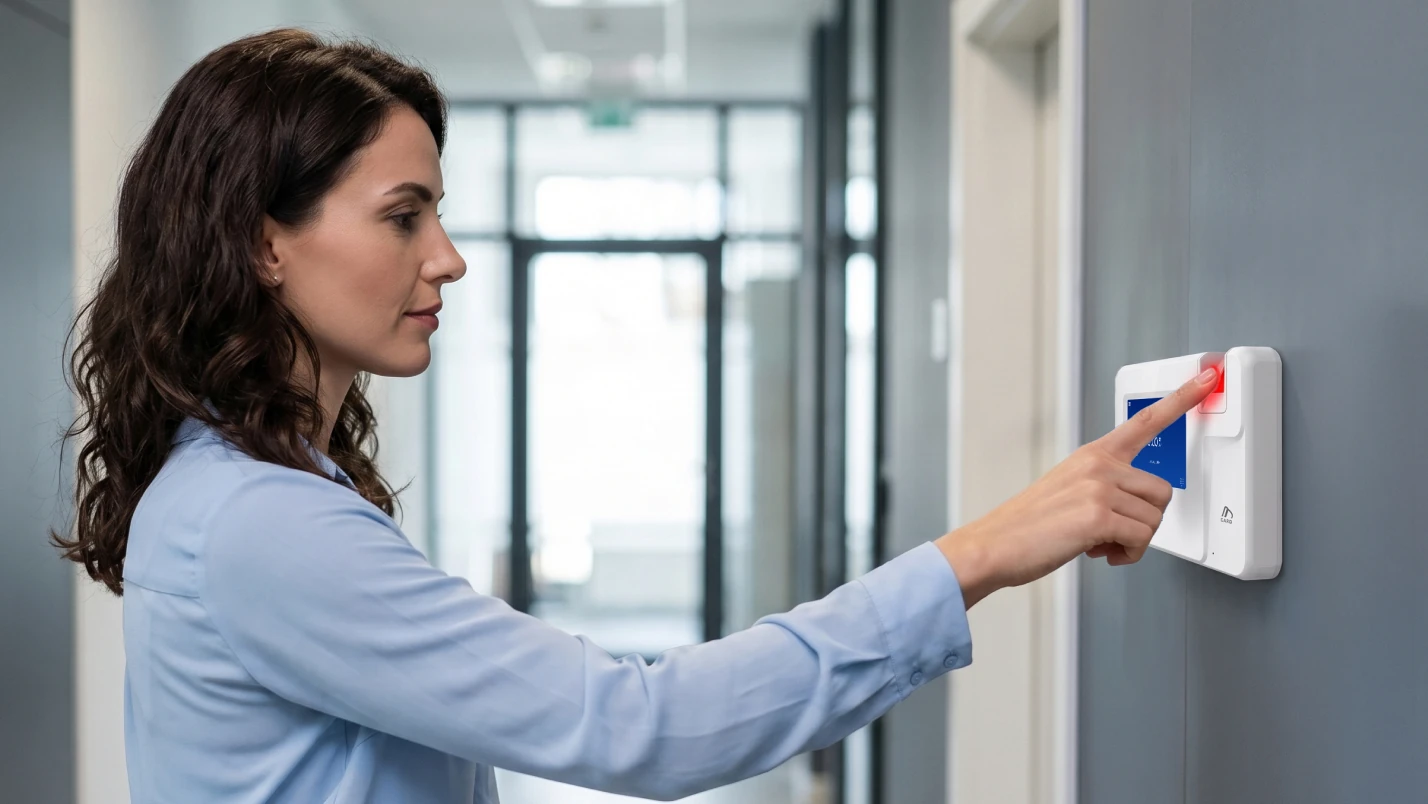
The best time clock for a small business is one your team can use on day one, that records who actually clocked in, and that sends approved hours to your payroll provider so you're not rebuilding timesheets before payday. The options are paper timesheets, a basic punch-card clock, a phone or tablet app, or a biometric clock connected to time tracking software.
If your team works by the hour and clocks in at a shop, kitchen, site or clinic, we recommend a biometric clock connected to software, because it ties each punch to the person and sends approved hours to payroll with no retyping. WorkEasy Software offers biometric time clocks and the time and attendance software behind them, with guided setup and hours that sync to your payroll provider. More than 10,000 companies use WorkEasy.
WorkEasy sells one of the five options below, so every entry answers the same five questions and says where it falls short, ours included. This guide stays with teams under 50. Running 50 or more people across sites raises different questions.
A phone app is enough when everyone carries a phone, works alone and has no shared place to clock in. A time clock is the better fit when people share an entrance, work shifts or have their hands full. The deciding question is where your people are when they clock in, not how many of them you have.
A phone app on its own records whoever holds the phone. A login, a photo or a location check helps, and none of those is a biometric match. Every punch also depends on that phone being charged, on hand and signed in, and some workplaces don't allow phones on the floor.
Gloves change the answer too. A phone is awkward to use with gloves on. At a time clock, a card tap works with any gloves, and the industrial-grade fingerprint clock reads through thin gloves. No fingerprint clock reads through heavy work gloves, so a crew in heavy gloves needs a card or a touchless read.
If you aren't sure who an app would leave out, check your roster name by name. WorkEasy has a phone punch too, with GPS geofencing and real-time sync, for staff who never share a place to clock in.
A small business should look for four things in a time clock: your team can use it on day one, it records who clocked in, hours sync to your payroll provider, and someone guides the setup. Those four decide whether the clock takes work off your plate or adds to it.
Your team can use it on day one. The clock has to make sense to a new hire at shift change. Look for a clock people can use with little training, then ask to see a punch from start to finish.
It records who clocked in, not just that someone did. A fingerprint match ties the punch to the person, so the hours belong to the right employee and people get paid for the time they worked. A card, a shared PIN or a paper sheet records the card, the PIN or the handwriting.
Hours sync to your payroll provider, so you stop retyping them. Retyping hours is where a clean week of punches picks up new mistakes. Ask any vendor, including us, how your payroll provider connects, because a direct sync and an export file are different amounts of work every pay period.
Setup is guided, so you're not configuring it alone at night. Pay rules, overtime and employee lists have to go in before the first payday. Ask who does that work with you, and what happens when you get stuck.
The five main options for a small business are a biometric clock connected to software, a free or low-cost app, a tablet app, a punch-card clock and paper timesheets. They appear here in the order we'd recommend them for a small hourly team that clocks in at one place.
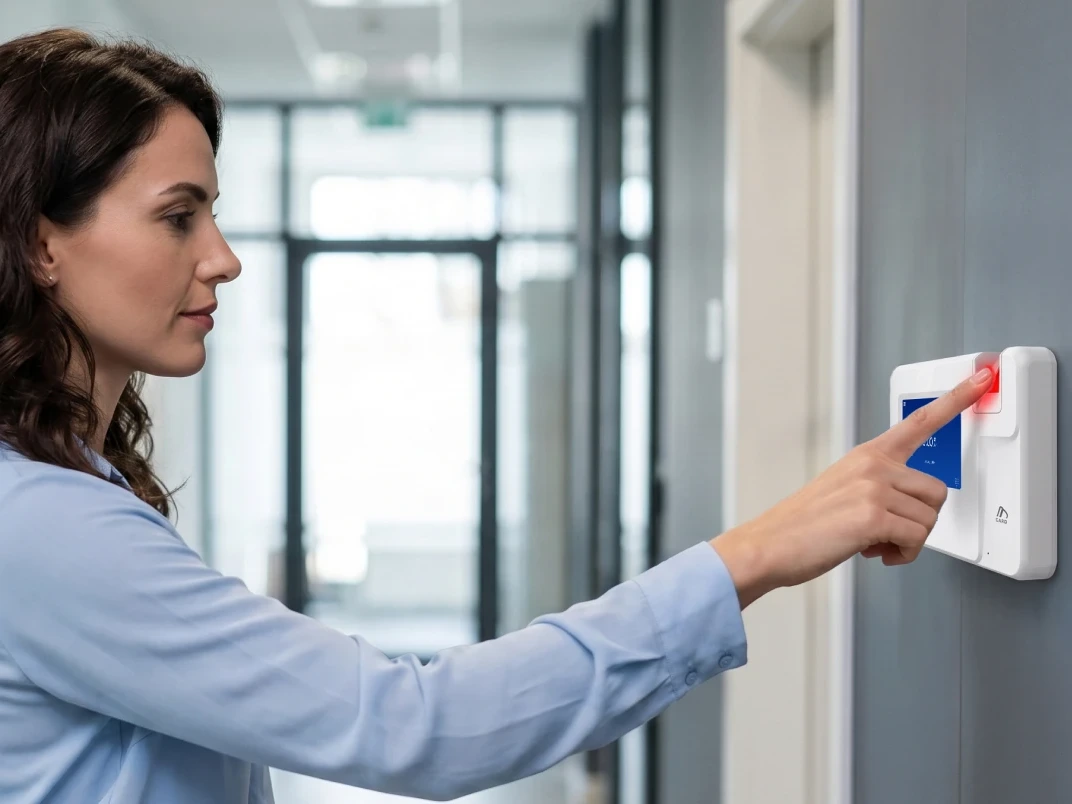
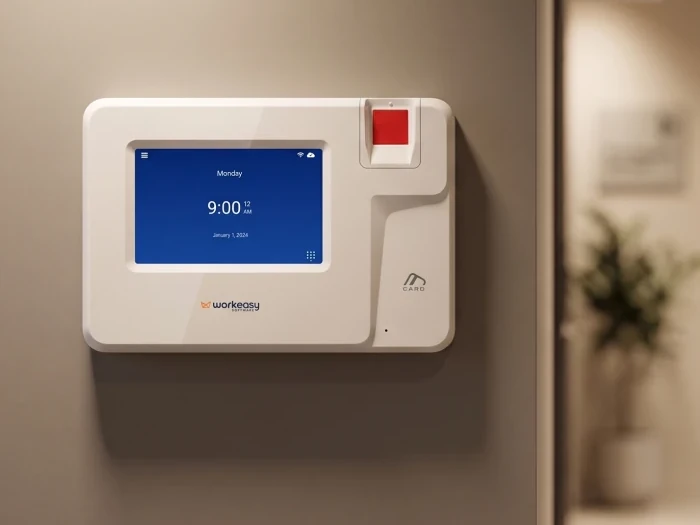
What it is. A biometric time clock confirms who is clocking in by reading a fingerprint, and on some clocks a face or palm. The time and attendance software behind the clock turns each punch into hours you can review. We recommend this option for small hourly teams.
Best for. Restaurants, small contractors, shops and small plants, clinics and cleaning crews, where people work by the hour and clock in at the same place.
What changes for you. Hours are captured at the clock. Missed punches get fixed in one place before payroll closes. Approved hours then sync to the payroll provider you already run, so there's nothing to rebuild before payday. WorkEasy doesn't run payroll. It sends approved hours to the system that does.
Setup effort. A fixed clock needs a wall, power and a network connection where people clock in, and each person's fingerprint gets enrolled before their first punch. The WorkEasy onboarding team sets up the system with you in a four-stage guided process, which covers what you need, how your business works, setup with you in real time, and a walkthrough of how everything works. Most customers are live in a few days. That is a typical case, not a promise. Every customer gets support when and as they need it.
Room to grow. Start with the clock and Time and Attendance. Scheduling and Time Off are on the same platform when you need them.
Where it falls short. A biometric clock is more than a solo owner, a two-person crew or an office-only team that doesn't clock in needs. Because the clock works from a person's fingerprint, face or palm, read the WorkEasy biometric data privacy policy as part of your review.
How it's priced. You pay for the clock hardware and a software subscription, and clocks are available on a flexible subscription as well as purchase. What drives your cost is which clock you choose, how many you need and which software you add.
Who stands behind it. More than 10,000 companies use WorkEasy. WorkEasy has more than a decade in market and is SOC 2 compliant. See the WorkEasy pricing page, or request a quote for your team.
What it is. An app on each person's own phone, with a web page or dashboard for you to review hours.
Best for. Teams of under 10 who each carry a phone and work apart from each other.
Where it falls short. An app on its own records whoever holds the phone, and a shared phone leaves you with no clear record of who punched. Free plans also cap users and features, so check what the plan costs at your next hire, not just today.
How it's priced. Two of the four app price lists we checked in November 2026 offer a free plan, and both cap it at 10 people. One of those two also limits the free plan to one location. Paid plans on those four lists charge per user a month, per location a month, or a flat monthly fee for a block of users, and one adds a monthly base fee.
Setup effort. There's no hardware to install. You add your team, set your pay rules and get everyone signed in on their own phones, so ask whether anyone helps you with that.
What it is. A tablet at the door running a time clock app, shared by everyone who clocks in there. WorkEasy has a Time Kiosk App for this setup, so the limits below apply to ours as well.
Best for. One location with clean hands, a protected spot for the tablet and a steady connection.
Where it falls short. A touchscreen is harder to use with wet, dirty or gloved hands, so it's a weaker fit for kitchens, shops and sites where hands get wet or dirty. A PIN shows that someone knew the PIN, and a photo is something to review later. Neither is a biometric match. A tablet can also get unplugged, moved or borrowed for something else.
How it's priced. Tablet clock-in comes inside some app plans. On the four price lists we checked in November 2026, one includes it in every plan and another only in its higher plans.
Setup effort. You buy the tablet, mount it, keep it powered and connected, and set up the app on top.
What it is. A wall clock that stamps the time on a paper card for each person.
Best for. Very small teams already used to paper, with one place to clock in.
Where it falls short. Someone still adds up the cards and types the hours into payroll. A stamped card also records the card, not the person, and a missed punch shows up as a blank you have to chase before payday.
How it's priced. You buy the clock once, then keep buying cards. The bigger cost is the time spent totaling cards every pay period.
Setup effort. Very little. Mount the clock, hang a card rack and show people where to put their cards.
What it is. A sheet where each person writes down their hours, which someone then collects and totals.
Best for. Two or three people who work together and have simple hours.
Where it falls short. Handwritten corrections, missing hours and the Friday night rebuild all land on whoever does payroll. The sheet shows what someone wrote down later, not when they clocked in.
How it's priced. There's no cost upfront. You pay in admin time every pay period, and that cost grows with each hire.
Setup effort. None. That's the appeal, and the reason paper can stay long after it stops working for you.
The main difference between these five options is what the punch proves and how much work remains before payroll. A biometric clock connected to software matches the person and sends approved hours on.
| Option | Best for | Where it falls short for a small team | How it's priced |
|---|---|---|---|
| Biometric clock connected to software (WorkEasy) | Small hourly teams at a shop, kitchen, site or clinic | More than a solo owner or office-only team needs | Clock hardware plus a software subscription. See WorkEasy pricing |
| Free and low-cost apps | Teams of under 10 who each carry a phone | Free plans cap users and features, and an app on its own records whoever holds the phone | Free plans on two of four price lists we checked, capped at 10 people, then paid monthly plans |
| Tablet apps | One location with a tablet at the door | Wet, dirty or gloved hands, and a PIN or photo is not a biometric match | Inside some app plans, depending on the plan |
| Basic punch-card clocks | Very small teams used to paper | Someone still totals cards and types hours into payroll | One-time clock purchase plus cards |
| Paper timesheets | Two or three people | Handwritten corrections, missing hours, the Friday night rebuild | No upfront cost, ongoing admin time |
The WorkEasy clock that fits your business depends on the hands, the traffic and the mounting where people clock in, not on your industry. Every clock is available for any site, so this table shows where each one fits, not where it's allowed.
| Where your team clocks in | WorkEasy clock | What it offers |
|---|---|---|
| Front office or clinic with low traffic | Smart fingerprint time clock | A cost-effective fingerprint clock for clean, dry hands |
| Restaurant with a busy shift change | Advanced fingerprint time clock | Handles dusty or oily hands at high volume |
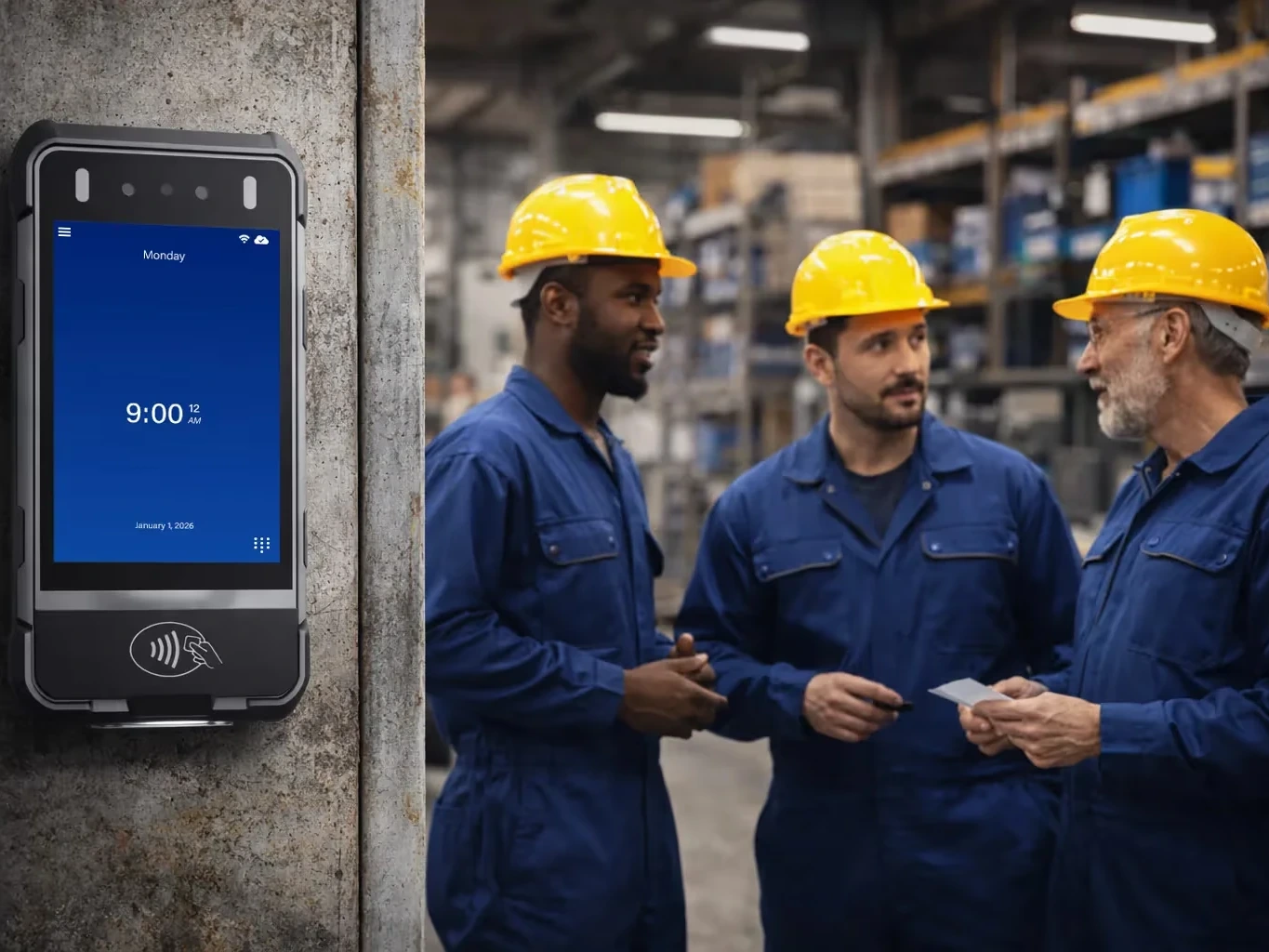
| Small shop or plant floor | Industrial-grade fingerprint time clock | Reads dirty, oily, wet or damaged fingers, and through thin gloves |
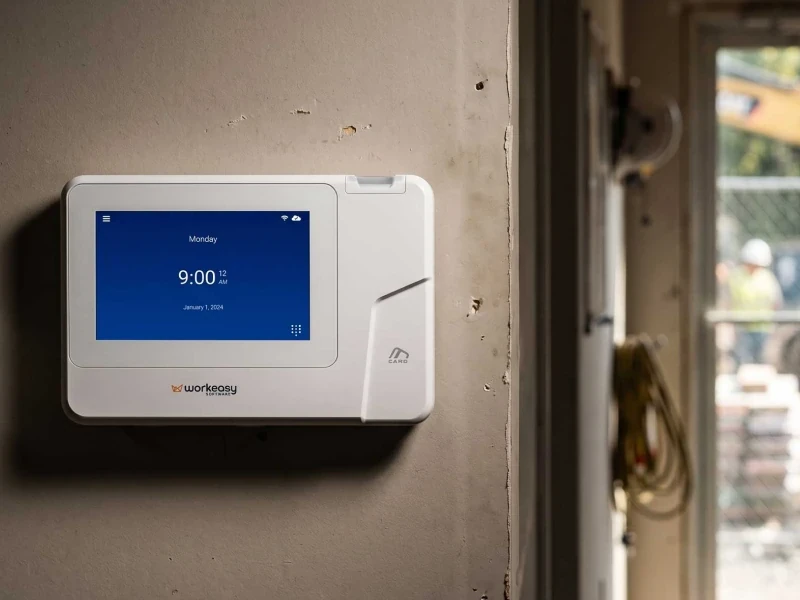
| Small contractor crew on a job site | Portable biometric time clock | Rugged, with 4G LTE, battery and GPS. Dustproof and water resistant |
| Simplest tap and go, or a backup | Smart proximity card time clock | Fastest tap and go. Not biometric |
Three details are worth checking before you choose.
The card clock confirms the card, not the person, so decide up front whether that's enough for your site. It also works with any hands, which makes it a useful backup beside a biometric clock.
See every model in the WorkEasy time clock catalog. Once you've chosen, what to have ready before your time clocks arrive covers the next step.
Small teams choose WorkEasy Software for three outcomes.
A typical first call runs 15 to 30 minutes, and you can get an estimate on that call. Have your headcount, where people clock in and your payroll provider handy. Start with the WorkEasy pricing page, or request a quote.
Short answers to the questions that come up most often.
Yes, if your team works by the hour and clocks in at a shared location. A biometric clock connected to software records who clocked in and when, and sends approved hours to your payroll provider, so you stop rebuilding timesheets before payday. If two or three people work apart from each other, paper or a phone app may be enough.
A phone app works when each person works alone and carries a phone. On its own, a phone app records whoever holds the phone, and each punch depends on that phone being charged and signed in. A biometric time clock at the door matches the person at every punch.
With WorkEasy Software, our onboarding team sets up the system with you in a four-stage guided process. Most customers are live in a few days, which is a typical case and not a promise. Your team can use the clock on day one with little training.
WorkEasy Software syncs approved hours to the payroll provider you already use, so you don't retype hours. WorkEasy doesn't run payroll. It sends approved hours to the system that does. Ask us how your provider connects when you request a quote.
A fingerprint time clock uses a fingerprint to confirm who is clocking in. WorkEasy Software is SOC 2 compliant, and its biometric data privacy policy explains how fingerprint data is handled. Notice and consent for your employees are yours to handle, so check with your own counsel on what applies where you operate.
WorkEasy Software in the news
Learn what the news media is saying about WorkEasy Software products and service.
WorkEasy Software recognized as a Top 25 Global Work Tech Vendor. Work Tech Awards honor best-in-class vendors.

WorkEasy Software powers game-changing teams with surprisingly easy technology in mission-critical areas.

Work Tech Awards honor top vendors worldwide whose efforts exemplify what Inspiring Workplaces calls “real impact.”

WorkEasy Software recognized as a Top 25 Global Work Tech Vendor. Work Tech Awards honor best-in-class vendors.

Work Tech Awards honor top vendors worldwide whose efforts exemplify what Inspiring Workplaces calls “real impact.”

WorkEasy Software powers game-changing teams with surprisingly easy technology in mission-critical areas.

WorkEasy Software powers game-changing teams with surprisingly easy technology in mission-critical areas.


