






FOX
WorkEasy Software recognized as a Top 25 Global Work Tech Vendor. Work Tech Awards honor best-in-class vendors.
A payroll-safe order for switching time and attendance systems, from the go-live date and eight things to finish first to one parallel pay period, cutover and the first 30 days.

The plan said January 1. The new clocks arrived the week before Christmas, half the night shift never got enrolled, and the first export put everybody's overtime into the regular pay code. At 11 p.m. on the Monday payroll was due, the payroll manager was typing hours from the old system's reports into the payroll screen by hand. Nothing was wrong with the new system. The switch was planned backwards.
This is the order that keeps payroll running while you move: what to do before go-live, how to run one pay period in parallel, cutover day and the first 30 days.
The problems a new time system turns up are the same problems hourly time tracking has everywhere, just found all at once.
For the bigger picture on choosing a system, see what a time and attendance system does, and how to choose one.
Already have a date in mind? Tell us your pay calendar and we'll plan backwards from it with you.
Go live on the first day of a pay period. Avoid the last period of the year, holiday weeks, your busiest season and any week when your payroll provider or a bank holiday moves the pay date. Then count back. You need one full pay period before go-live to run both systems side by side, and time before that to set up, import, mount clocks and enroll.
| When | What happens |
|---|---|
| Before setup | Write down pay rules, sites, pay schedules and who approves what. Clean the employee list. |
| Setup | Configure rules, import employees, map payroll pay codes, prepare each site for clocks. |
| Before the parallel period | Mount clocks, enroll every shift, train supervisors, tell employees. |
| Parallel pay period | Everyone clocks in on the new system while the old one keeps running. Compare hours before payroll. |
| Go-live | First pay period paid on hours from the new system. Old system locked for new punches. |
| First 30 days | Daily exception checks, first payroll review, rules tightened, old clocks retired. |
Overtime (weekly, daily, double time), the day your overtime week starts, rounding, breaks and automatic deductions, shift differentials, holidays and holiday pay, and any rule that's different for one site, department or union. Ask each site manager what they "just fix" on timesheets every week. Those fixes are rules.
One list, with employee IDs that match your payroll provider, plus location, department, pay schedule, pay type and manager for each person. Remove people who left. Import it once from a spreadsheet rather than typing people in.
Match each kind of hour (regular, overtime, double time, each type of time off, holiday) to a pay code in your payroll provider, match pay schedules, and send a test before the parallel period. See how syncing with payroll works.
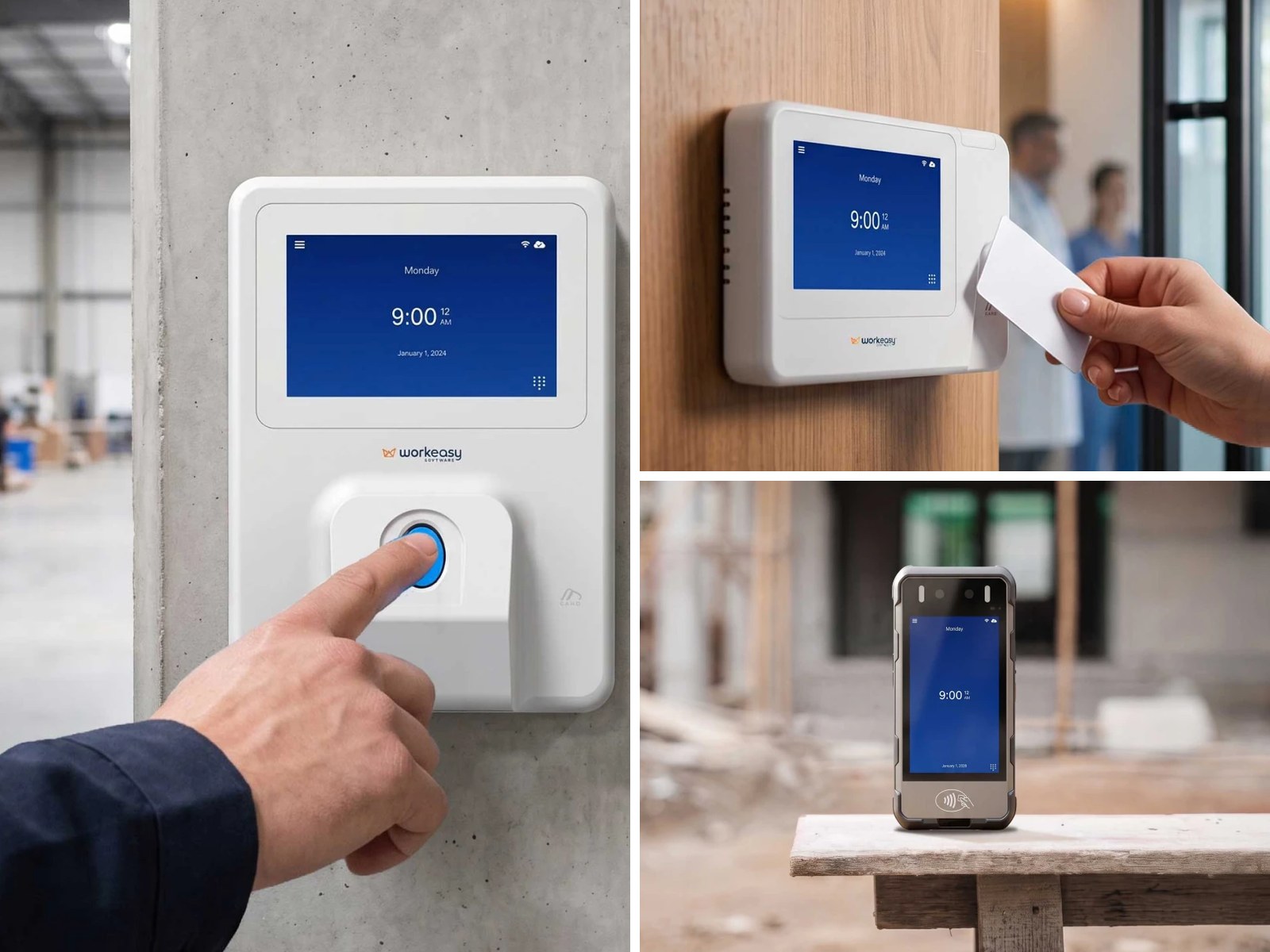
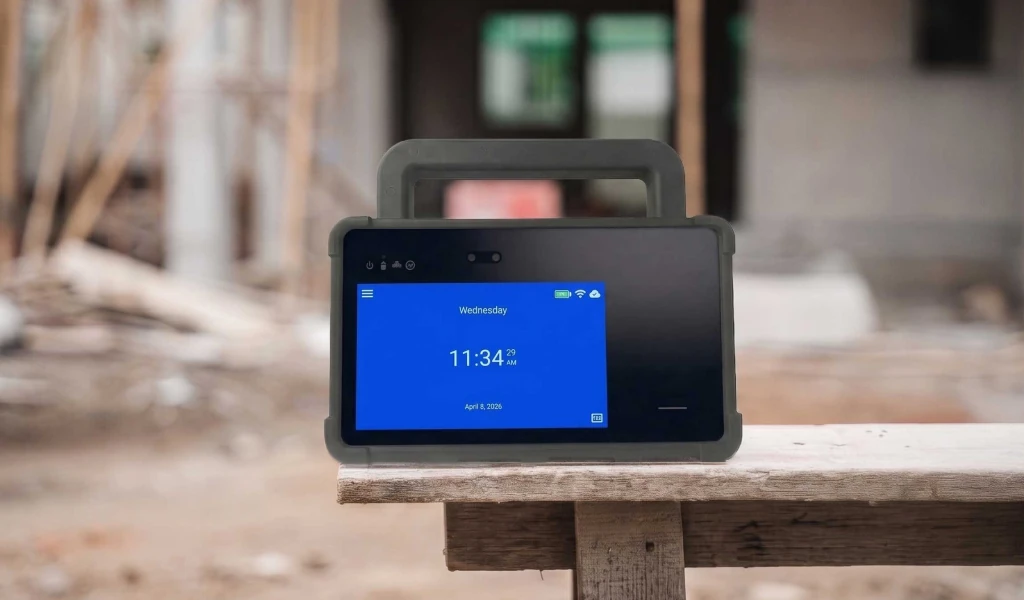
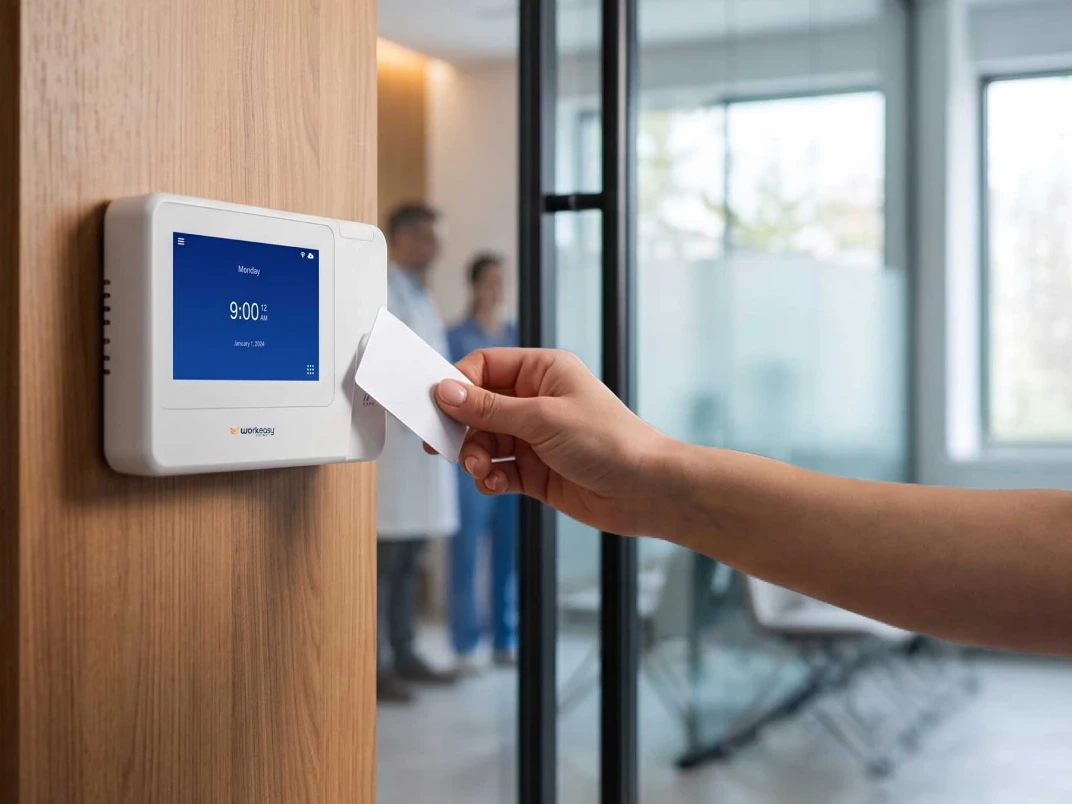
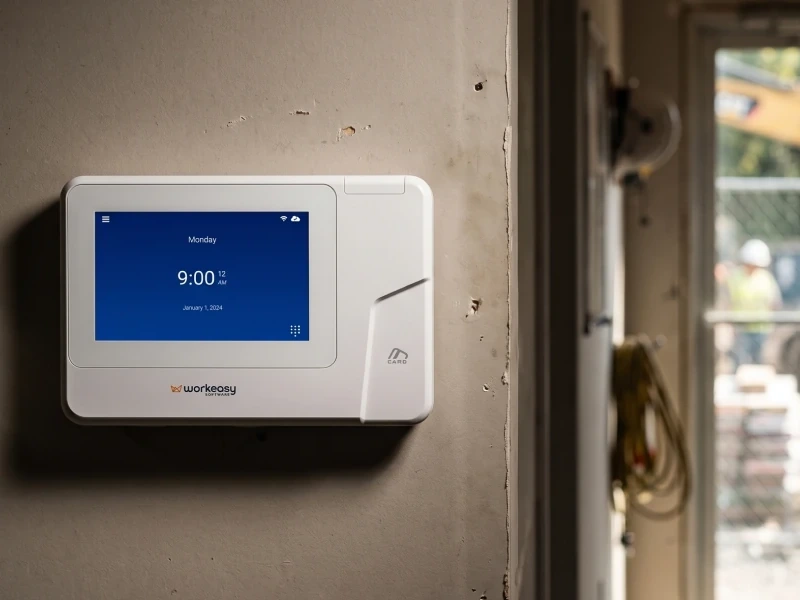
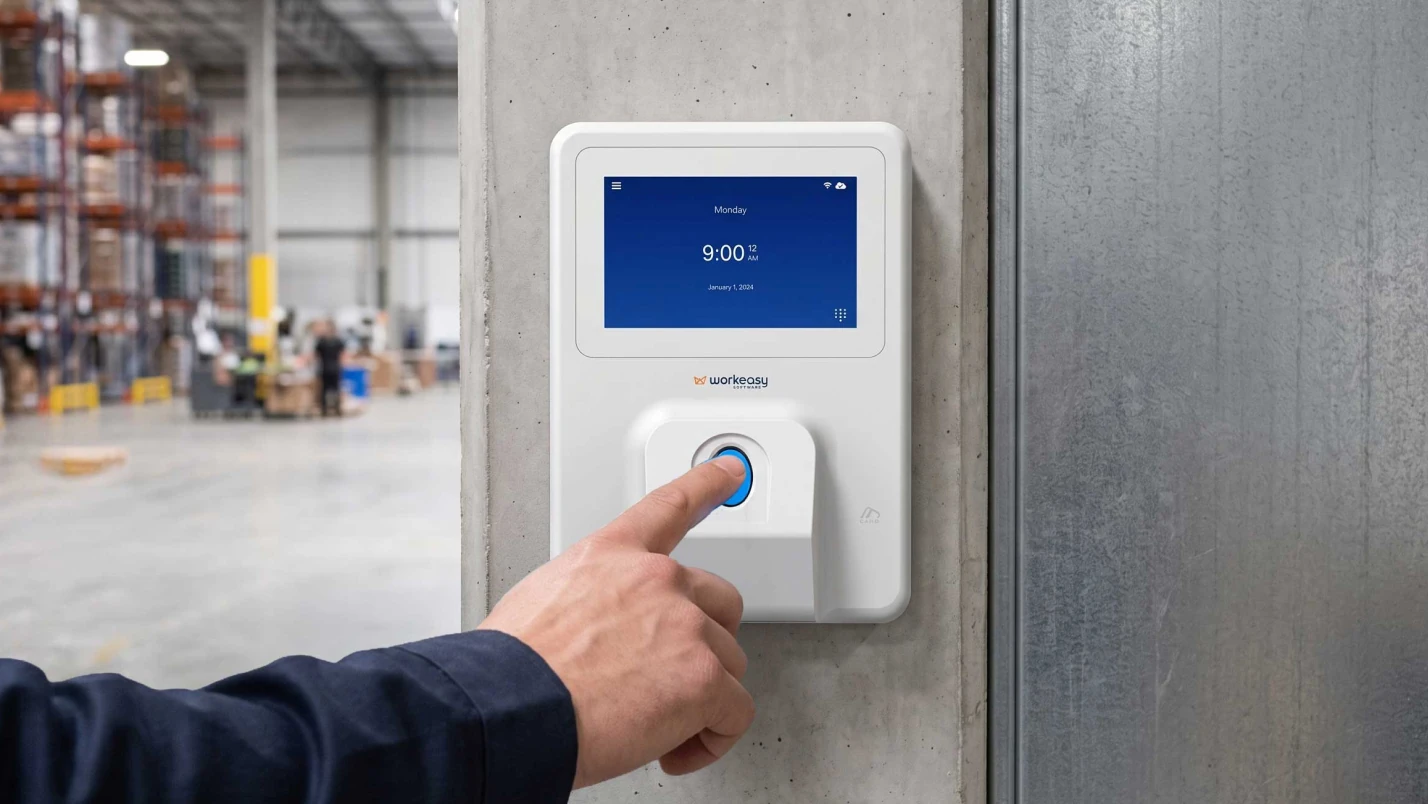
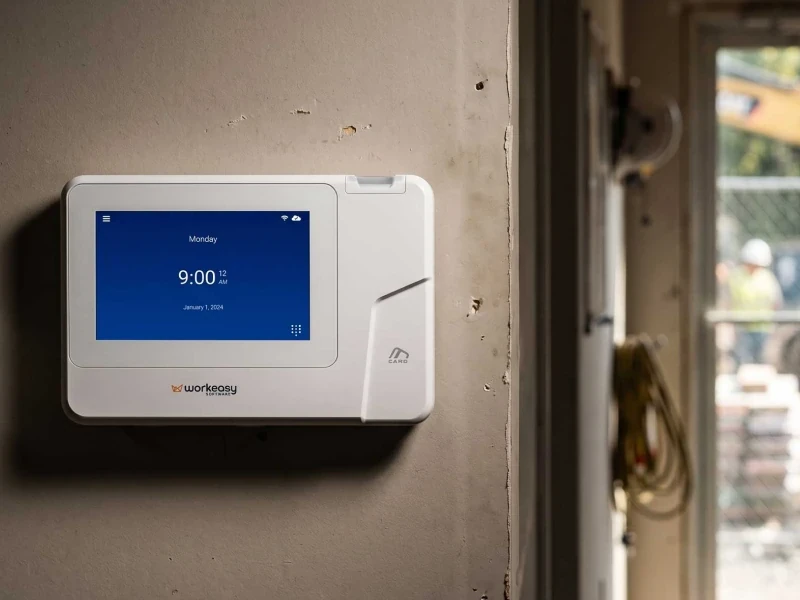
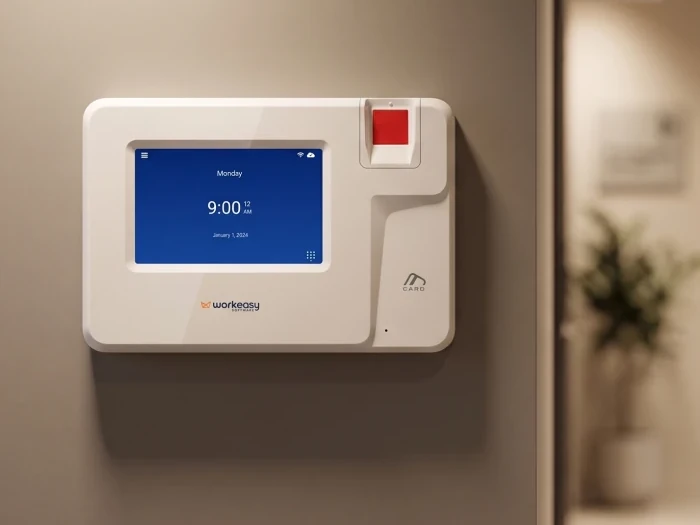
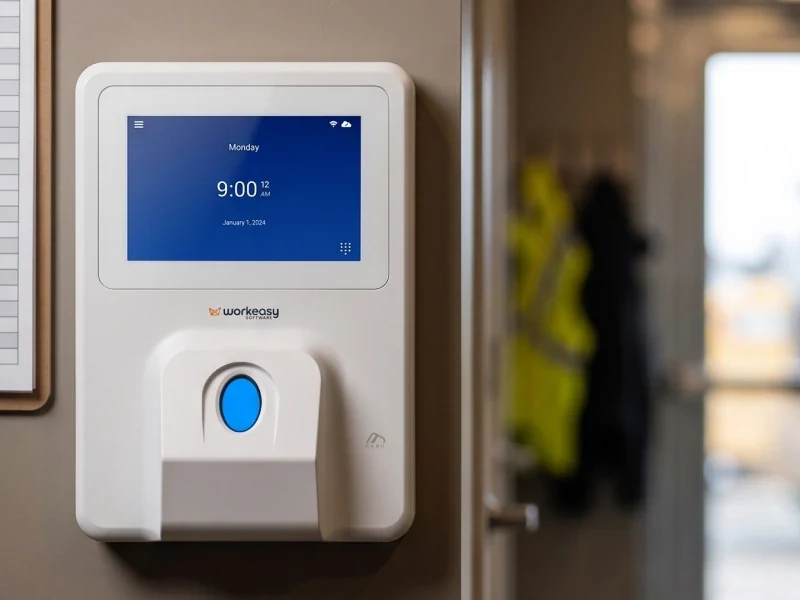
For each clock you need a wall near where people start work, power, and a network drop or Wi-Fi that reaches it. Check which Wi-Fi bands your clocks support before go-live week, and mount clocks out of the path of forklifts and dock doors. Register each clock to its location so it uses the right time zone.
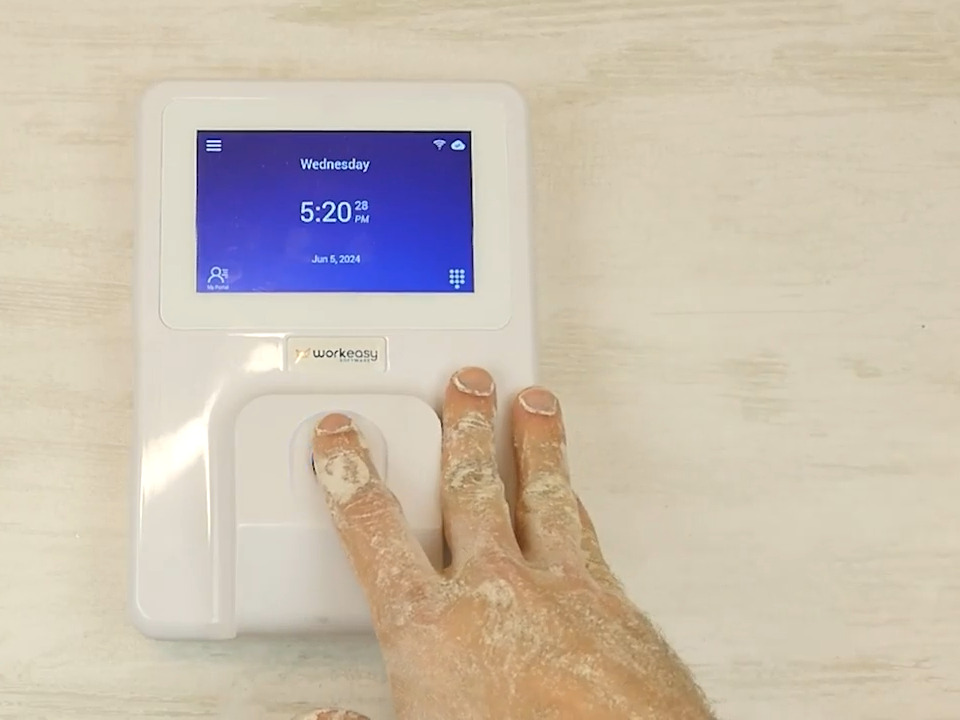
Enroll at shift meetings, not at the clock during a shift change, and schedule sessions for nights and weekends. Fingerprint and face clocks collect biometric data, and the rules differ by state. Notice and consent are yours to handle with your own counsel. WorkEasy clocks ask each employee to accept a biometric consent before a fingerprint or face is enrolled. Give anyone who can't enroll a PIN or card. Keep a list and follow up with anyone not yet enrolled, by name.
Decide who approves which timesheets and by when, then walk each supervisor through fixing a missed punch and approving a week. Fifteen minutes with each one beats a training video nobody watches.
Choose a cutover date, freeze requests that straddle it, export each person's balance as of that date and have payroll check it before loading it into the new system.
Export timesheets, punches, edits and approvals in a format you can open without the old system, or confirm read-only access for as long as you must keep records. Check your contract's notice period so you don't pay for a month you don't need, or lose access a month too early.
Not sure how your current rules will carry over? Walk us through them on a call.
For one full pay period, everyone clocks in on the new system while the old one keeps running. Before payroll, compare total hours, overtime and time off per employee. Look at every difference over a few minutes. These are the causes to check first.
| Difference | Cause to check first |
|---|---|
| A few minutes per shift | Rounding rule or grace period set differently |
| 30 minutes per shift | Automatic meal deduction on in one system, off in the other |
| Overtime in the wrong week | Workweek starts on a different day |
| Overnight shifts on the wrong day | Time zone or day-split setting |
| Hours in the wrong department | Transfers or job changes not captured at the clock |
| Hours missing entirely | Employee not enrolled, or punching at a clock not yet connected |
Pay the parallel period on the old system's hours. Fix every cause in the new one before go-live. If you have several sites, run the parallel period at one pilot site first.
| When | What to do |
|---|---|
| Every day, first two weeks | Review missed punches and exceptions with supervisors the same day. Enroll anyone still on a PIN who wants a fingerprint or face. |
| Before the first payroll | Compare totals with the last pay period from the old system. Spot-check your top overtime earners and anyone who transferred. |
| After the first payroll | Ask payroll what they fixed by hand, and turn each fix into a setting. |
| Weeks three and four | Tighten your rules once people are used to the new clocks. |
| Day 30 | Retire the old clocks, end the old contract on time, and agree what you'll review at 90 days. |
The person who has punched the same card for 19 years doesn't care about pay codes. Tell people in plain words, and in the languages your crews use. Cover what's changing and on what date, how to clock in (and what to do if the clock doesn't read them), how to see their hours, who to ask, and what happens to a missed punch. If you're using fingerprint or face clocks, explain what's stored and why, before anyone enrolls. Put a one-page notice by every clock the week before.
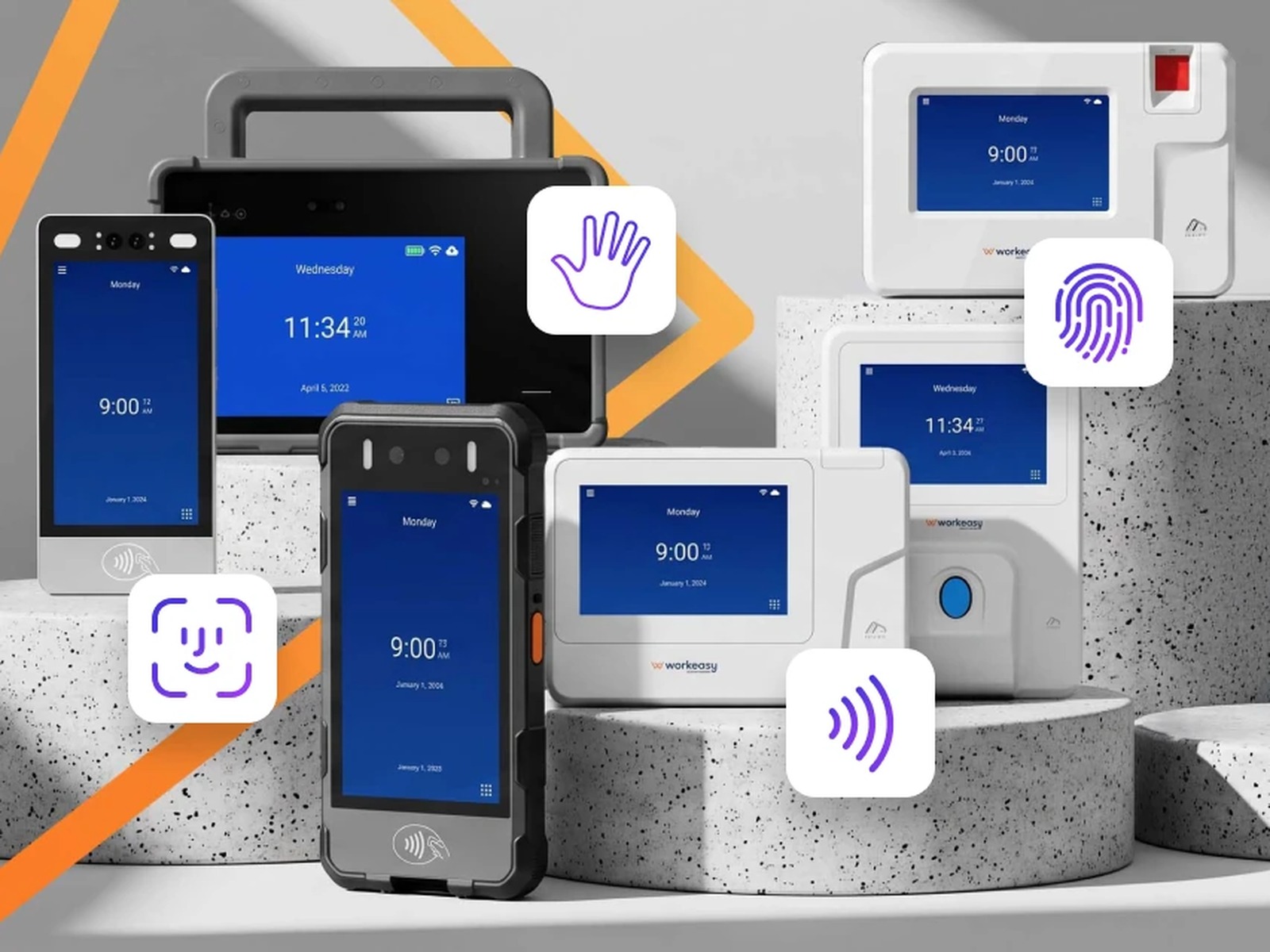
WorkEasy's onboarding team configures the system with you in four stages. We learn what you need from onboarding, learn how your business runs from the floor up, set it up with you in real time, and walk you through everything. Setup covers your company structure, locations and time zones, pay periods and approval deadlines, pay rules, mapping hours to the payroll provider you already use, scheduling and time off. Employees come in from one CSV file. Each Xenio time clock is registered to its location, and a clock that loses its internet connection keeps recording punches and uploads them when the connection is back. Time off balances can be imported in bulk. Your team owns the wall space, power and network for each clock, enrollment, and biometric consent. We'll plan the timeline with you around your pay calendar.
Ready to switch but worried about payday? Let's plan it on a quick call.
Short answers to the questions that come up most often.
It depends less on headcount than on how many pay rules you have, how many sites need clocks, and how clean your employee list is. Plan for at least one full pay period of running the old and new systems side by side before you rely on the new one, plus time beforehand to set up rules, import employees, mount clocks and enroll everyone. Multi-site rollouts can go one site or region at a time. WorkEasy's onboarding team plans the timeline with you around your pay calendar.
At the start of a pay period, in a quiet stretch of the year. Avoid the last pay period of the calendar year, holiday weeks, your peak season and any week with a payroll provider change. Starting on a pay period boundary means every hour in a period comes from one system, which keeps overtime and corrections simple. Leave enough time before the date to run one pay period in parallel.
For one pay period, yes, if you can. Running the old and new systems side by side, then comparing hours employee by employee, shows you configuration differences (rounding, break deductions, the overtime week, time zones) before they reach anyone's paycheck. It's extra work for one cycle and far less work than correcting a payroll. If you can't run both everywhere, run one pilot site in parallel.
You still need them. Under the federal Fair Labor Standards Act, employers keep payroll records for at least three years and the time cards and schedules used to calculate pay for at least two. Check your state's rules as well. Before your old contract ends, export timesheets, punches, edits and approvals in a format you can open without the old system, or confirm read-only access for the retention period. Plan for the new system to start with your first live pay period, and keep the old records as exports.
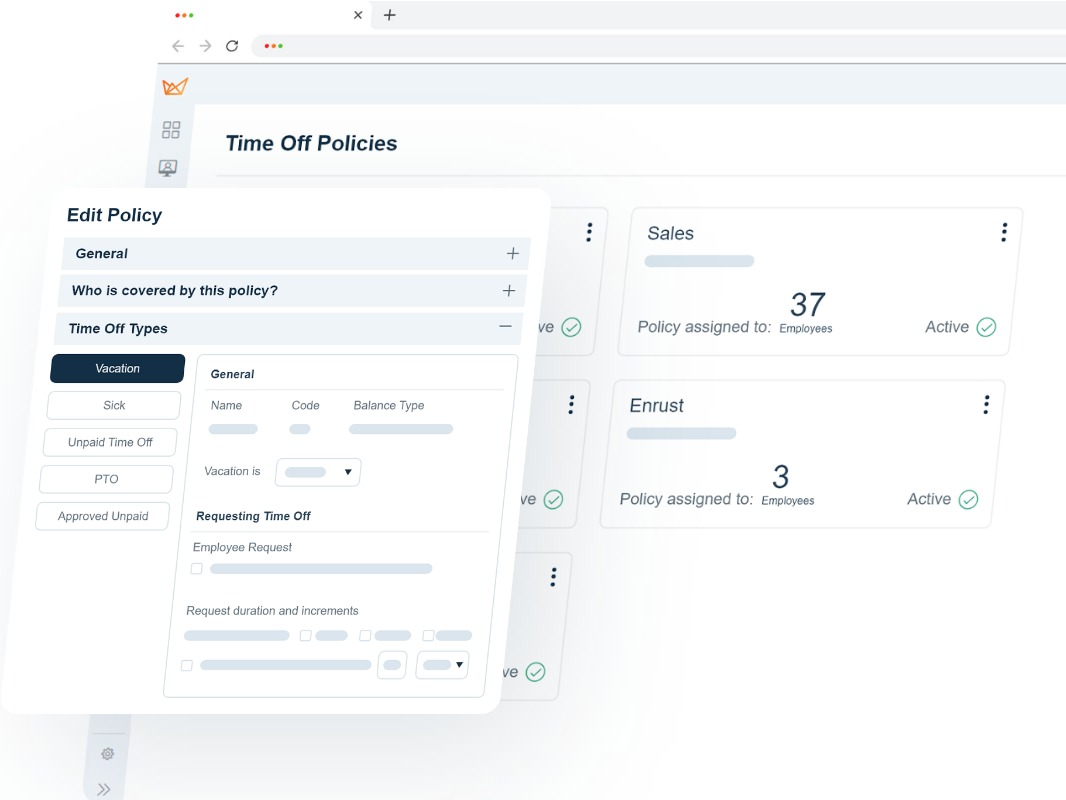
Pick a cutover date, such as the last day of the final pay period in the old system. Freeze time off requests that would straddle it, export each employee's balance as of that date, check it with payroll, then load it into the new system before the first live period. Set up accrual policies first so balances land on the right policy. In WorkEasy, time off balances can be imported for many employees at once from a CSV file, in hours, and adjusted individually afterward.
WorkEasy Software in the news
Learn what the news media is saying about WorkEasy Software products and service.
WorkEasy Software recognized as a Top 25 Global Work Tech Vendor. Work Tech Awards honor best-in-class vendors.

WorkEasy Software powers game-changing teams with surprisingly easy technology in mission-critical areas.

Work Tech Awards honor top vendors worldwide whose efforts exemplify what Inspiring Workplaces calls “real impact.”

WorkEasy Software recognized as a Top 25 Global Work Tech Vendor. Work Tech Awards honor best-in-class vendors.

Work Tech Awards honor top vendors worldwide whose efforts exemplify what Inspiring Workplaces calls “real impact.”

WorkEasy Software powers game-changing teams with surprisingly easy technology in mission-critical areas.

WorkEasy Software powers game-changing teams with surprisingly easy technology in mission-critical areas.


