
FOX
WorkEasy Software recognized as a Top 25 Global Work Tech Vendor. Work Tech Awards honor best-in-class vendors.
Five types of time clock app for hourly teams, then a six-point site test for when a physical clock does the job better.
The best time clock app for an hourly team has GPS or geofencing, approvals before payroll, and a kiosk mode for shared devices. A time clock app works best when every worker carries a phone and works away from a fixed entrance. The five main types are phone apps with GPS, geofencing apps, tablet kiosk apps, free and starter apps, and apps built into a payroll provider.
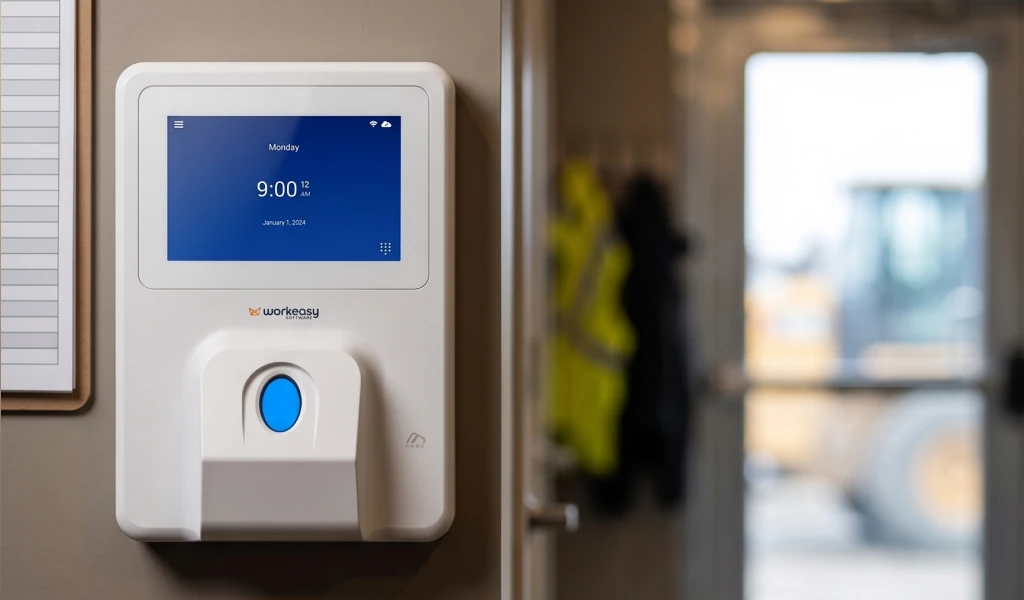
A time clock app starts to fall short when workers line up at one entrance, can't use phones on the floor, have dirty or wet hands, or clock in where there's no Wi-Fi or wired network and phones can't be counted on. When two or more of those apply, start with a physical time clock that confirms who is clocking in. WorkEasy Software offers biometric time clocks for those conditions, including 4G LTE field clocks for sites with no wired network, and syncs approved hours to your payroll provider.
WorkEasy sells time clocks and has app products of its own, so every type below answers the same five questions, and the entries say where a limit applies to ours. This page compares types of app, not products.
A time clock app has to do five jobs for an hourly team. Check each one on the plan you would buy, because on the five app price lists we checked in November 2026, geofencing, kiosk and offline features each sit on a higher plan on at least one list.
GPS or geofencing. GPS records where a phone was at the punch. A geofence compares that spot with a boundary you set around a site. Ask whether a punch outside the boundary gets blocked or flagged for review.
Kiosk mode for shared devices. A worker without a phone needs somewhere else to punch. Kiosk mode lets several people use one device, so ask how each person identifies themselves at it and what that proves.
Approvals and missed-punch fixes before payroll. A missed punch has to get fixed somewhere, and the right place is before hours leave for payroll. Ask who gets told about a missed punch, who corrects it and who signs off. A clear path there is what gets people paid for the hours they worked.
Payroll sync. Name your payroll provider and ask to watch approved hours arrive in it. Ask which plan includes the sync, and whether it is a live connection or a file someone moves by hand.
Cost at your headcount. Those five lists use four pricing structures, which are per user, per user plus a base fee, a flat fee for a block of users, and per location. One also sets a minimum monthly spend. Work out what each plan costs at today's headcount and at the size you expect next year. Put WorkEasy through the same sum.
The five types below aren't ranked. The one that fits depends on where your people work and what they carry.
What it is. An employee time clock app, sometimes called a clock in clock out app, on each worker's phone. Workers clock in and out on it, and each punch carries the phone's GPS location.
Best for. Field service techs and small construction crews who each carry a phone and rarely share a site.
Where it falls short. The app needs a working phone in every pocket and a worker willing to keep a work app on it. The record shows a login and a place, so any question about who made a punch gets settled later. One of those five lists offers sign-in with the phone's face unlock, which is a sign-in on that phone, so ask what it proves at the punch. Ask how the app handles a site with no signal.
How it's priced. On the five price lists we checked, two show GPS on the entry or basic plan. Three of the five charge per user a month, and one of those adds a monthly base fee. The other two charge per location, or a flat fee for a first block of users and then a fee per extra user.
Setup effort. There is no device to buy. You add your people, set your pay rules and get each worker installed and signed in.
What it is. A phone app with location-based controls, which checks each punch against a boundary you set around a site. Four of those five lists name GPS or geofencing as a feature, and two describe geofencing as restricting or preventing a punch. WorkEasy has a phone punch for fully distributed staff, with GPS geofencing and real-time sync, in the same system as the clocks. The limits in this entry apply to it too.
Best for. Crews moving between known sites, such as field service routes or small construction jobs, where you can set each boundary ahead of time.
Where it falls short. A geofence shows the phone was inside the boundary and leaves open who made the punch. A flag needs someone to review it before those hours move. A block raises a different question, which is what a worker does when the location reads wrong, so ask each vendor which one it does.
How it's priced. On the five price lists we checked, two put geofencing on a higher plan than GPS alone. One of the two allows up to 10 geofence sites on one plan and lifts that cap on its top self-serve plan, so count your sites before you compare.
Setup effort. You do the phone setup, then add a boundary for every site. Someone has to keep that list current as jobs start and end.
What it is. One shared tablet at an entrance, running a time clock app that several people punch on. WorkEasy's product pages describe the Time Kiosk App as a shared setup on a tablet with an internet connection, with clock-in by PIN, badge or other methods. The limits in this entry apply to it too.
Best for. One entrance in a clean, low-traffic spot, with a safe place for the tablet and a steady connection.
Where it falls short. Wet, dirty or busy spots are hard on a shared touchscreen, and a tablet can get moved or broken. A PIN proves someone knew the code, and a photo leaves a manager something to look through later. Both fall short of a biometric match. One of those five lists describes a kiosk with face-unlock, so ask whether any face match is included, on which plan, and how a tablet holds up in that spot.
How it's priced. On the five price lists we checked, one has a shared kiosk on every tier and another only on its higher plans. A third charges per location and shows tablet clock-in on its Basic plan.
Setup effort. The tablet is yours to buy and secure. That spot also needs power and a connection, and every worker needs a PIN or enrollment before the first punch.
What it is. Free time clock software, meaning the free or entry plan of a time clock app, with a cap on how many people it covers.
Best for. Teams under about 10 people, each with a phone.
Where it falls short. The cap is the first limit. Ask what else the free plan leaves out, such as how far back timesheets go and whether payroll sync is included.
How it's priced. Two of the five app price lists we checked in November 2026 have a free plan, each capped at 10 (users on one, employees at one location on the other). Work out what hire number 11 costs on the paid plan you would move to.
Setup effort. There is no device to buy. Ask how your people and past hours move if you outgrow the plan.
What it is. A clock-in feature sold by the company that runs your payroll, so hours and pay sit with one vendor.
Best for. Businesses whose payroll already runs with that provider.
Where it falls short. Time tracking is tied to that one payroll system, so changing payroll can mean changing how people clock in. Ask whether the option includes a clock built for your floor, or only an app.
How it's priced. Research for this guide found a monthly fee for each user plus a base fee. This option isn't among those five lists, so get a current figure at your headcount.
Setup effort. Your employee list may already be in the payroll system. You still set up pay rules, and each worker still needs a way to clock in.
The five app types differ on who they suit and what they leave open. The table compares types, so no company's product appears in it, ours included.
| App type | Best for | Where it falls short | How it's priced |
|---|---|---|---|
| Phone apps with GPS | Field crews who each carry a phone | Relies on each worker's phone. Shows a login and a place | Differs by list, from per user to per location to a flat fee for a block of users |
| Geofencing apps | Crews moving between known sites | Shows the phone was inside the boundary. A flag needs review | A higher plan than GPS alone on two lists |
| Tablet kiosk apps | One clean, low-traffic entrance | Harder in wet, dirty or busy spots. A PIN or photo stops short of a match | Every tier on one list, higher plans on another, per location on a third |
| Free and starter apps | Teams under about 10 | A cap of 10 on both free plans we found. Ask what else is left out | Free up to the cap, then paid |
| Payroll provider time tracking | Businesses already on that payroll system | Tied to one payroll system. Ask whether a clock comes with it | A monthly fee for each user plus a base fee, in the research for this guide |
Plan details come from the five app price lists we checked in November 2026, so check them again before you decide.
You need a real time clock when two or more of these six points describe your site. Two is our rule of thumb, not a measured threshold.
The problem on those sites isn't your people. A record nobody can confirm means hours get fixed later, and the worker is the one waiting for the pay to come out right.
If none or one of those points applies, an app is a fair choice. An app is the better fit for small teams that each carry a phone and rarely share a site, and for fully remote crews with no fixed entrance. Before you commit, run the coverage check on your own roster.
A clean site with one door, low traffic and none of these points can run on an app or a tablet. If you want a clock there, the smart fingerprint time clock is the fit for clean, dry hands and low traffic. For teams under 50, read the best time clocks for small businesses.
For hourly, shift-based teams, WorkEasy Software pairs biometric time clocks with its own time and attendance software. We recommend a WorkEasy clock for sites that meet the test above. Every WorkEasy clock is available for any site, so this table shows where each one fits and the point where it stops.
| If this applies | Clock | What it offers | Where it stops |
|---|---|---|---|
| Busy shared entrance, hygiene rules, no phones on the floor | Touchless facial recognition time clock | 99.9% recognition accuracy, touchless, with self-enrollment by selfie | Stays in a fixed spot, with no 4G or battery |
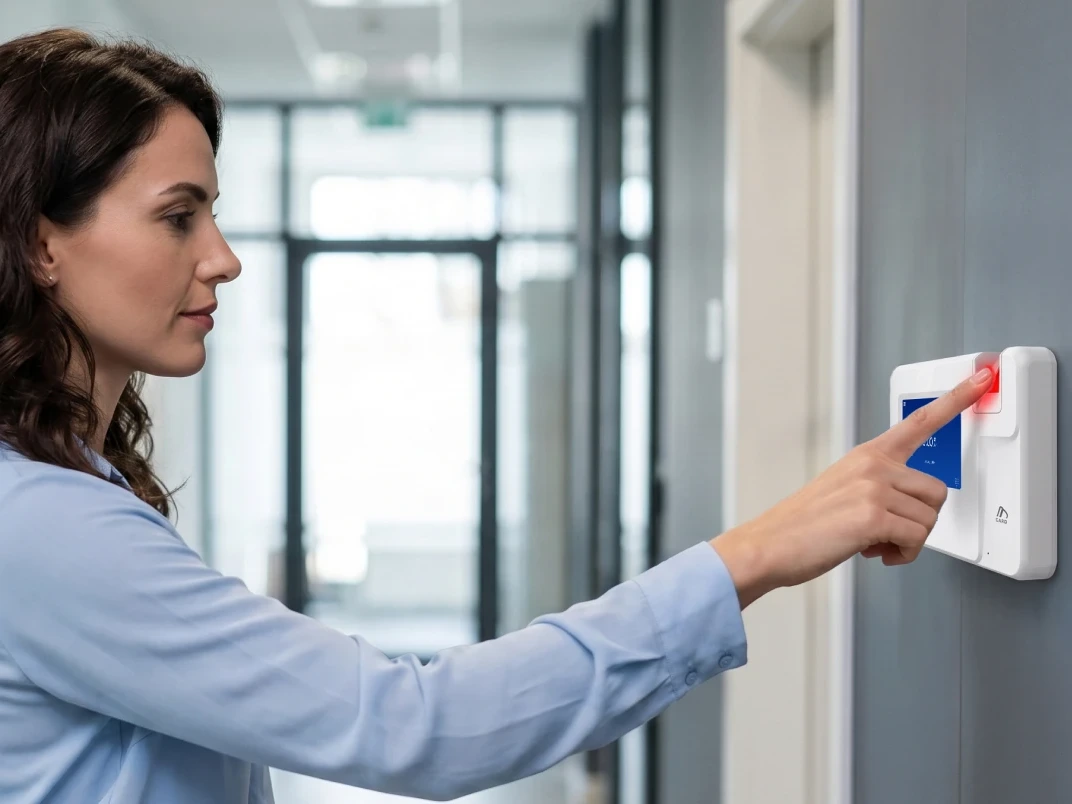
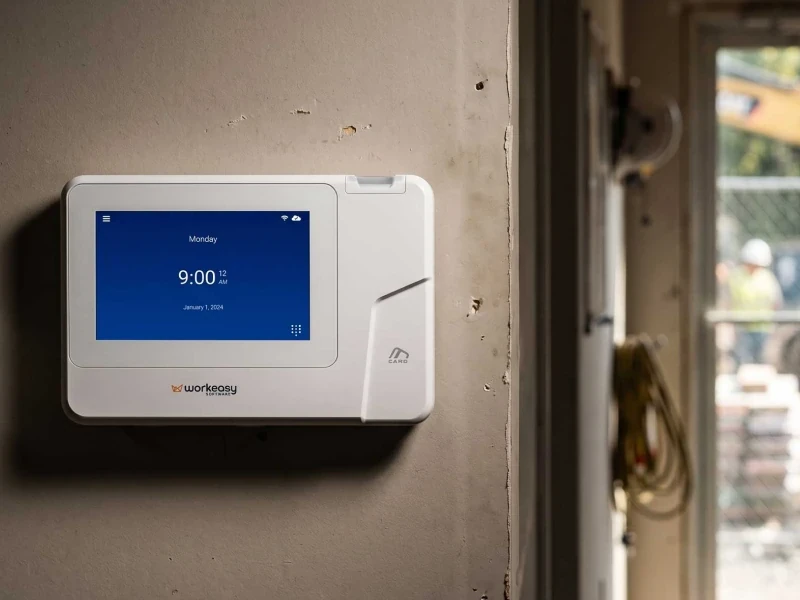
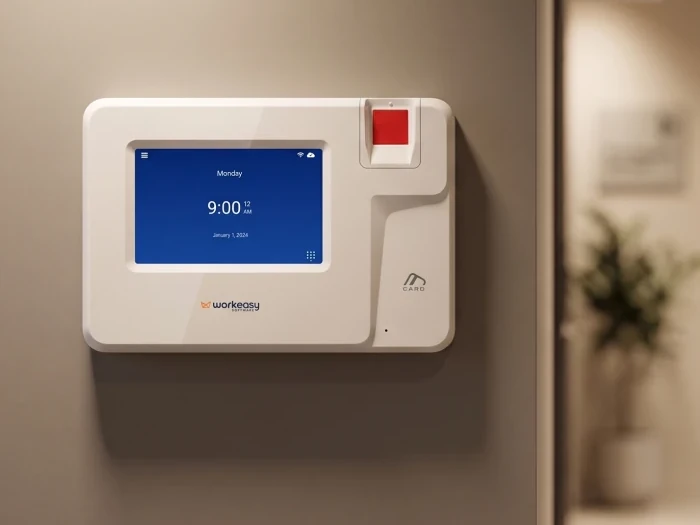
| Dirty, oily, wet or damaged fingers | Industrial-grade fingerprint time clock | Reads dirty, oily, wet or damaged fingers | Needs a wall, power and a network drop, in a sheltered spot |
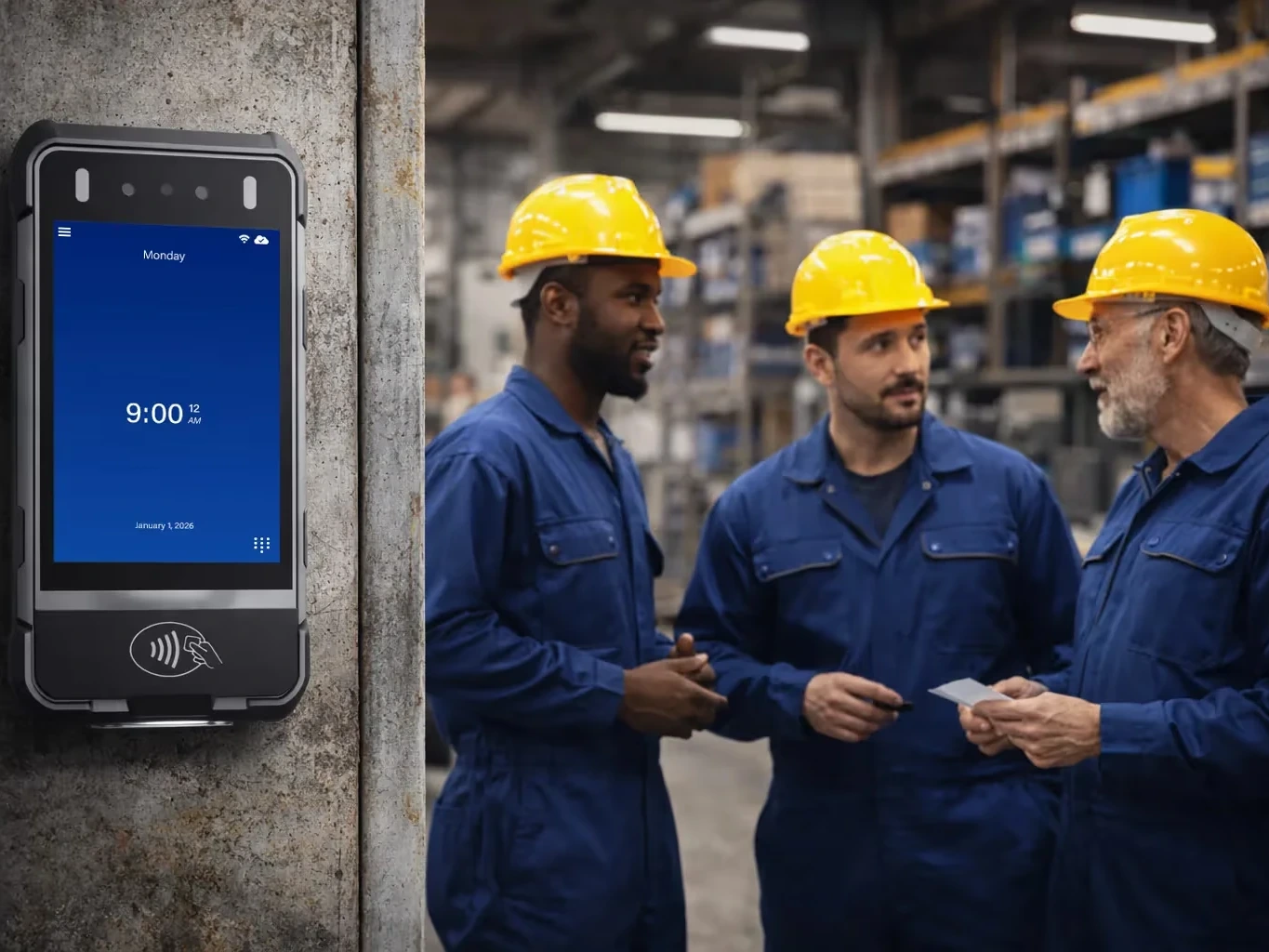
| Hard hats and PPE, crews moving between sites | Mobile time clock for job sites | Needs no wall mount. 4G LTE and GPS. Dustproof and water resistant. Facial recognition reads through hard hats and PPE | Reads faces only, with no Ethernet |
| No wired network or power, outdoor sites | Portable biometric time clock | Rugged and shock-resistant, with 4G LTE, battery and GPS. Dustproof and water resistant | Clean hands only on its fingerprint read. Face or palm on a dirty site |
| Workers without smartphones, a quick tap needed | Proximity smart card time clock | Tap-and-go | Not biometric, so a tap shows the card and not who held it |
Four of those five clocks are biometric, so they answer the point about knowing who clocked in. The card clock doesn't.
On gloves, a card tap works with any pair and a face clock needs no hands. Heavy work gloves are beyond every fingerprint clock.
The portable and mobile clocks have 4G LTE and a battery, so neither needs a wired network or power at the punch point. That doesn't settle what happens to a punch with no signal at all, so ask us how each clock or app handles it. Raise underground work, deep cold storage or long stretches with no signal early, because those are hard cases.
How it works. With a biometric read, the punch ties to the person when it is made. You or your supervisors approve hours in Time and Attendance, with missed punches fixed before payroll. Approved hours then go to the payroll provider you already use, because WorkEasy syncs to payroll and never runs it.
How it's priced. WorkEasy prices per employee per month, with clocks bought or on a flexible subscription. Ask for our number at your headcount.
Setup effort. Our onboarding team runs four-stage guided onboarding. Workers on a biometric clock enroll before their first punch. Fixed clocks need the wall, power and network in the table, and the field clocks don't.
If you choose a biometric clock, notice and consent are the employer's to handle with their own counsel, and Section 9 of WorkEasy's Terms & Conditions covers biometric data.
Yes. A company can run clocks at its fixed sites and phones for staff with no fixed entrance, with every punch in one time and attendance system. The WorkEasy phone punch sits in the same system as the clocks, with GPS geofencing and real-time sync, for fully distributed staff.
As an illustration, not a customer, picture a contractor with a fabrication shop and a team of field techs. The shop runs the industrial-grade fingerprint clock at its door. The techs share no entrance, so they punch by phone. Both sets of hours land in Time and Attendance for approval.
If your app and your clock would come from different vendors, ask how both reach one set of records, because two systems mean hours to reconcile before payroll. Crews that move together have a third route, and mobile time tracking for remote teams weighs a device against an app.
WorkEasy serves more than 10,000 companies, where 750,000+ workers clock in every day. See every WorkEasy time clock, or read how WorkEasy pricing works, which explains the structure and doesn't give a number. To get a number, request a quote for your site, which starts a first call, typically 15 to 30 minutes, with an estimate on the call and a written proposal after.
Short answers to the questions that come up most often.
For hourly employees who each carry a phone and work away from a fixed entrance, look for GPS or geofencing, approvals before payroll and a sync to your payroll provider. If two or more of this guide's six points describe your site, such as a line at one entrance or no phones on the floor, start with a physical time clock instead.
An app can carry the job for crews on the move who each have a phone. Our rule of thumb is a physical time clock when two or more of the six points in this guide apply, such as a line at shift change, no phones on the floor, or gloves and PPE. WorkEasy's industrial-grade fingerprint clock reads through thin gloves such as latex or nitrile, and heavy work gloves are beyond every fingerprint clock.
On its own, a time clock app confirms an account and, with GPS, a place, and a photo only adds something to look at afterward. One of the five app price lists we checked in November 2026 describes a kiosk with face-unlock, so ask whether a face match is included and on which plan. A biometric time clock checks a face, fingerprint or palm at the punch itself.
That depends on the app and the plan. One of the five app price lists we checked in November 2026 sells an offline mode on its higher plans, and a punch syncs once the phone is back online. Ask every vendor how a punch gets handled with no signal, including WorkEasy for its 4G LTE portable and mobile clocks.
A free plan can suit a team below its cap, and two of the five app price lists we checked in November 2026 have one, each capped at 10. Past the cap, compare the full cost at your headcount against a time clock system that syncs approved hours to your payroll provider.
WorkEasy Software in the news
Learn what the news media is saying about WorkEasy Software products and service.
WorkEasy Software recognized as a Top 25 Global Work Tech Vendor. Work Tech Awards honor best-in-class vendors.
WorkEasy Software powers game-changing teams with surprisingly easy technology in mission-critical areas.

Work Tech Awards honor top vendors worldwide whose efforts exemplify what Inspiring Workplaces calls “real impact.”

WorkEasy Software recognized as a Top 25 Global Work Tech Vendor. Work Tech Awards honor best-in-class vendors.

Work Tech Awards honor top vendors worldwide whose efforts exemplify what Inspiring Workplaces calls “real impact.”

WorkEasy Software powers game-changing teams with surprisingly easy technology in mission-critical areas.

WorkEasy Software powers game-changing teams with surprisingly easy technology in mission-critical areas.


