What is a time station?
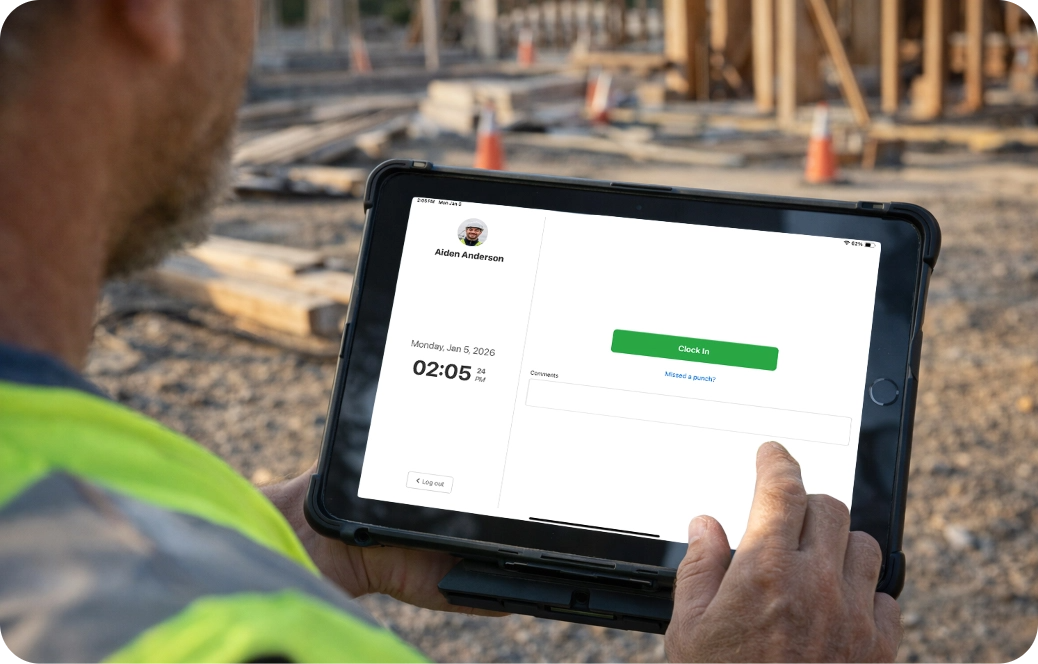
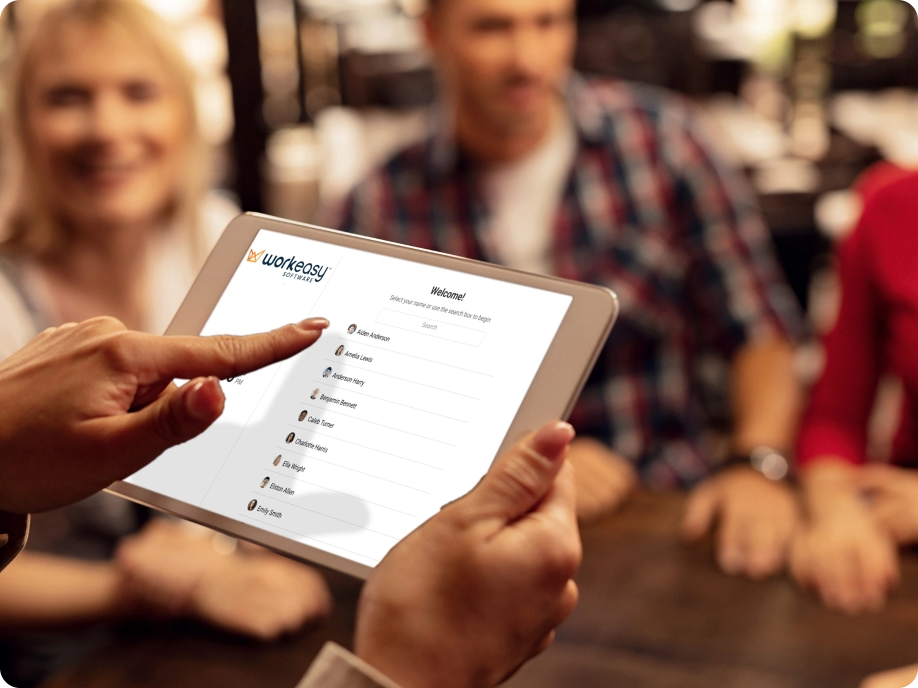
A time station is a shared device where employees clock in and out during their workday. With WorkEasy, a time station is typically a tablet running the Time Kiosk App, allowing multiple employees to securely record time from one central location.
Is a time station the same as a time kiosk?
Yes. A time station and a time kiosk serve the same purpose. Both refer to a shared time clock used by employees to track hours. The WorkEasy Time Kiosk App functions as a modern, tablet-based time station without requiring dedicated hardware.
How does a tablet time station work?
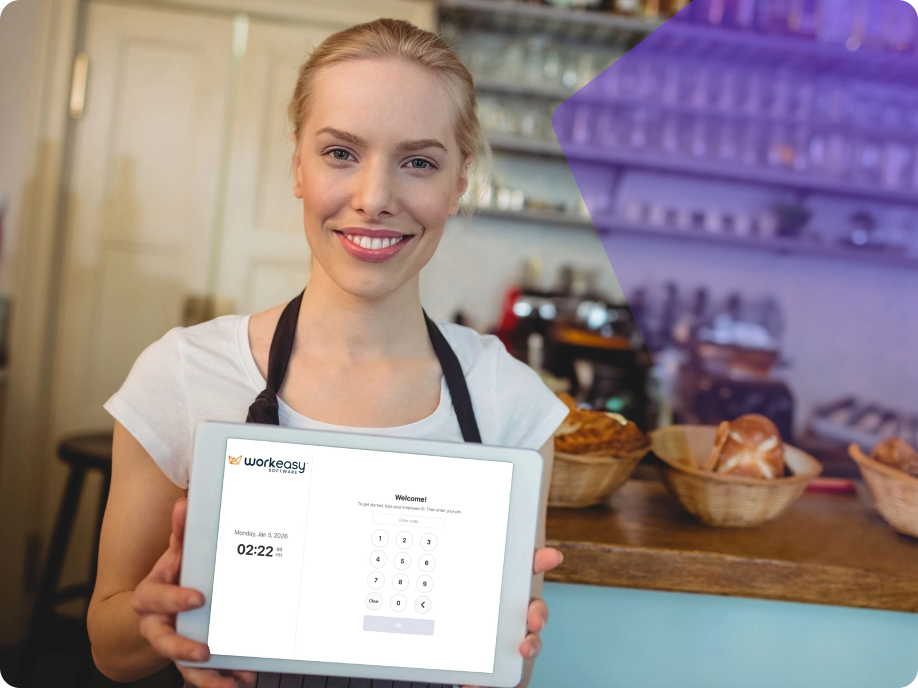
A tablet time station uses an iPad or Android tablet with the WorkEasy Time Kiosk App installed. Employees clock in using secure PINs, take breaks, switch jobs, and clock out. All punches sync instantly to WorkEasy Software for accurate payroll and reporting.
How does the time kiosk app help my business save time and money?
Our time kiosk app saves businesses time and money by reducing manual time tracking, eliminating paper timesheets, and preventing common issues like buddy punching and payroll errors. With a shared tablet-based time station, employees clock in and out in seconds, managers avoid manual corrections, and payroll data syncs automatically to WorkEasy Software. This leads to faster payroll processing, fewer disputes, improved compliance, and more accurate labor costs.
Is a time station secure for shared use?
Yes. WorkEasy time stations include PIN authentication, optional photo capture, device registration, and location validation. These controls help prevent buddy punching and ensure only authorized employees use the time station.
Can I use multiple time stations across job sites or locations?
Absolutely. Businesses can deploy multiple kiosks or time stations across job sites, offices, or facilities. All devices are centrally managed through WorkEasy Software, ensuring consistent rules and reporting across locations.
Does a time station require internet access?
Yes. A time station works with Wi-Fi or mobile data and requires internet access. How many employees can use one time station? Each WorkEasy time station can support anywhere from 1 to 1,000 employees on a single device, making it ideal for small teams, high-traffic environments, and large shift-based operations.
Which industries use time stations most effectively?
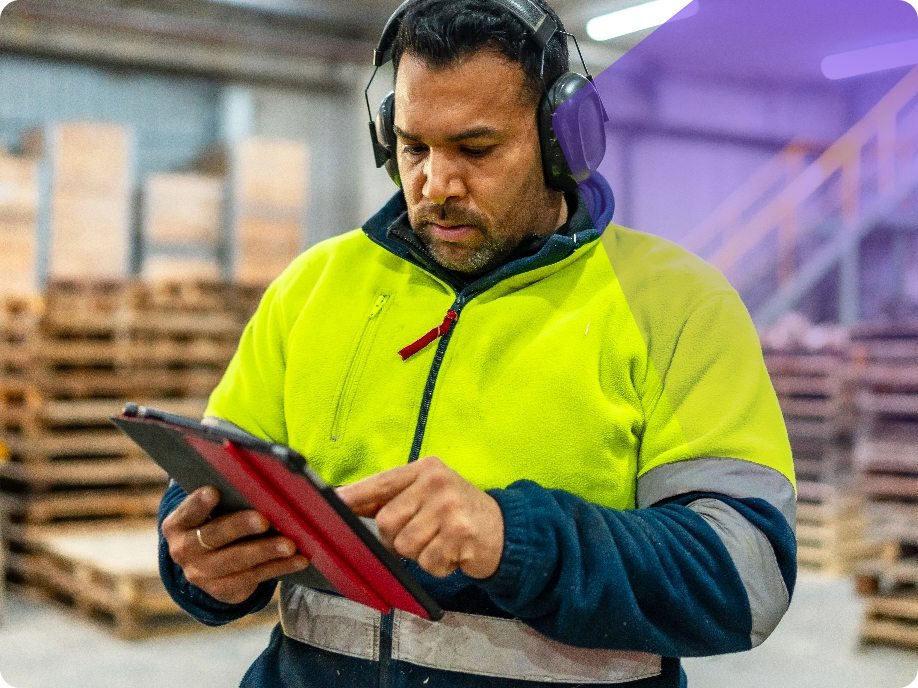
Time stations are commonly used in construction, manufacturing, warehouses, healthcare, retail, restaurants, and hospitality environments where teams share devices and need fast, reliable clock-ins.